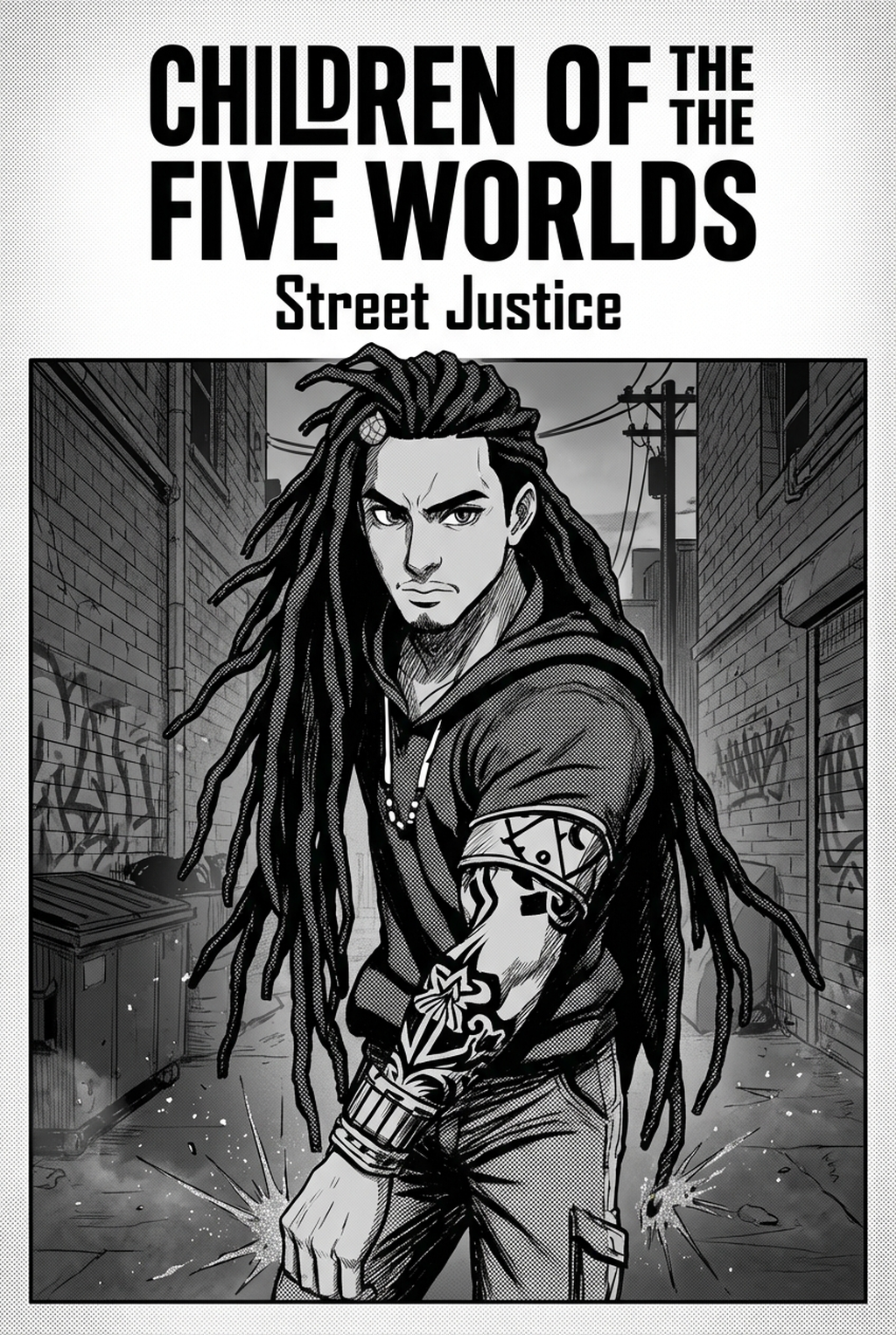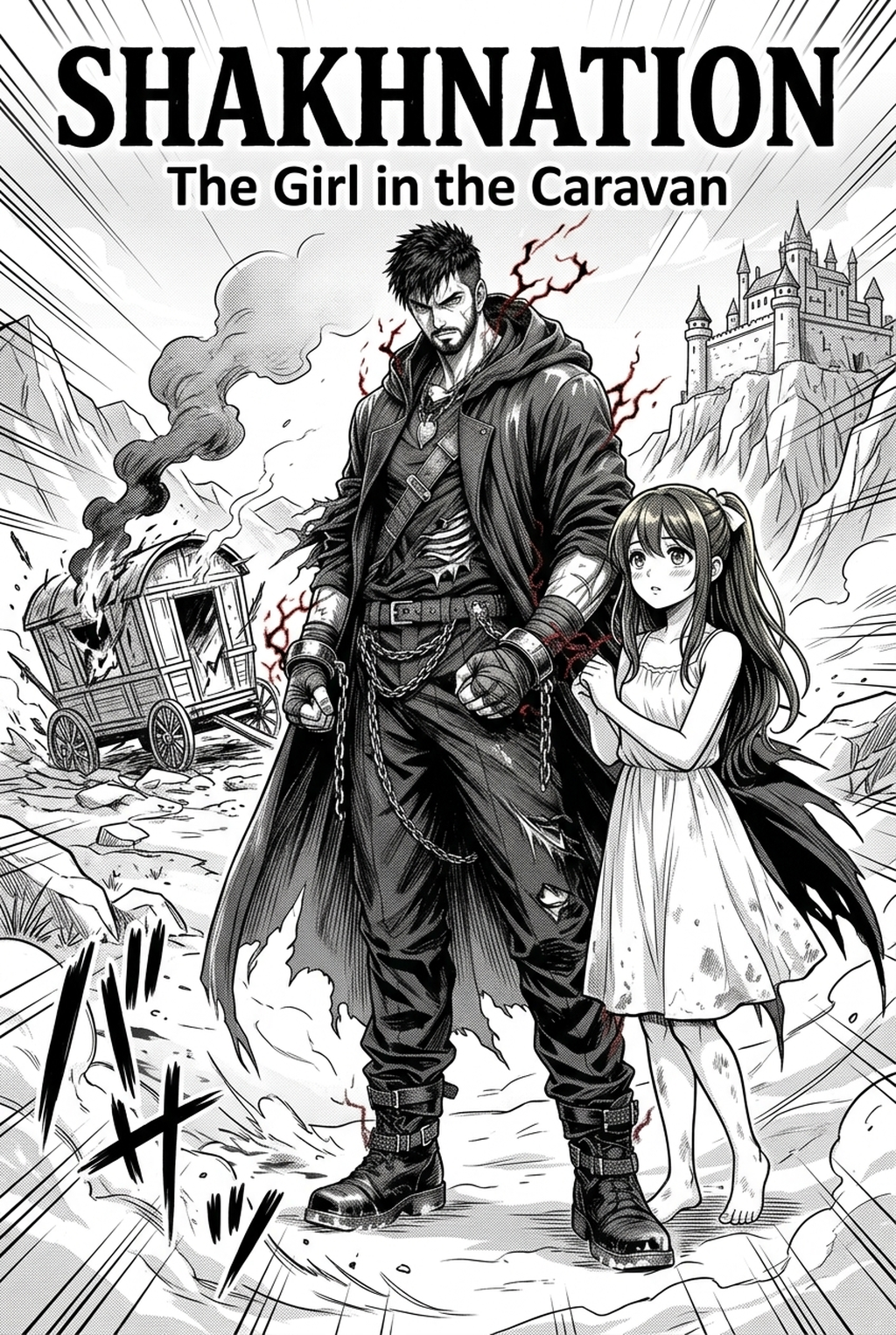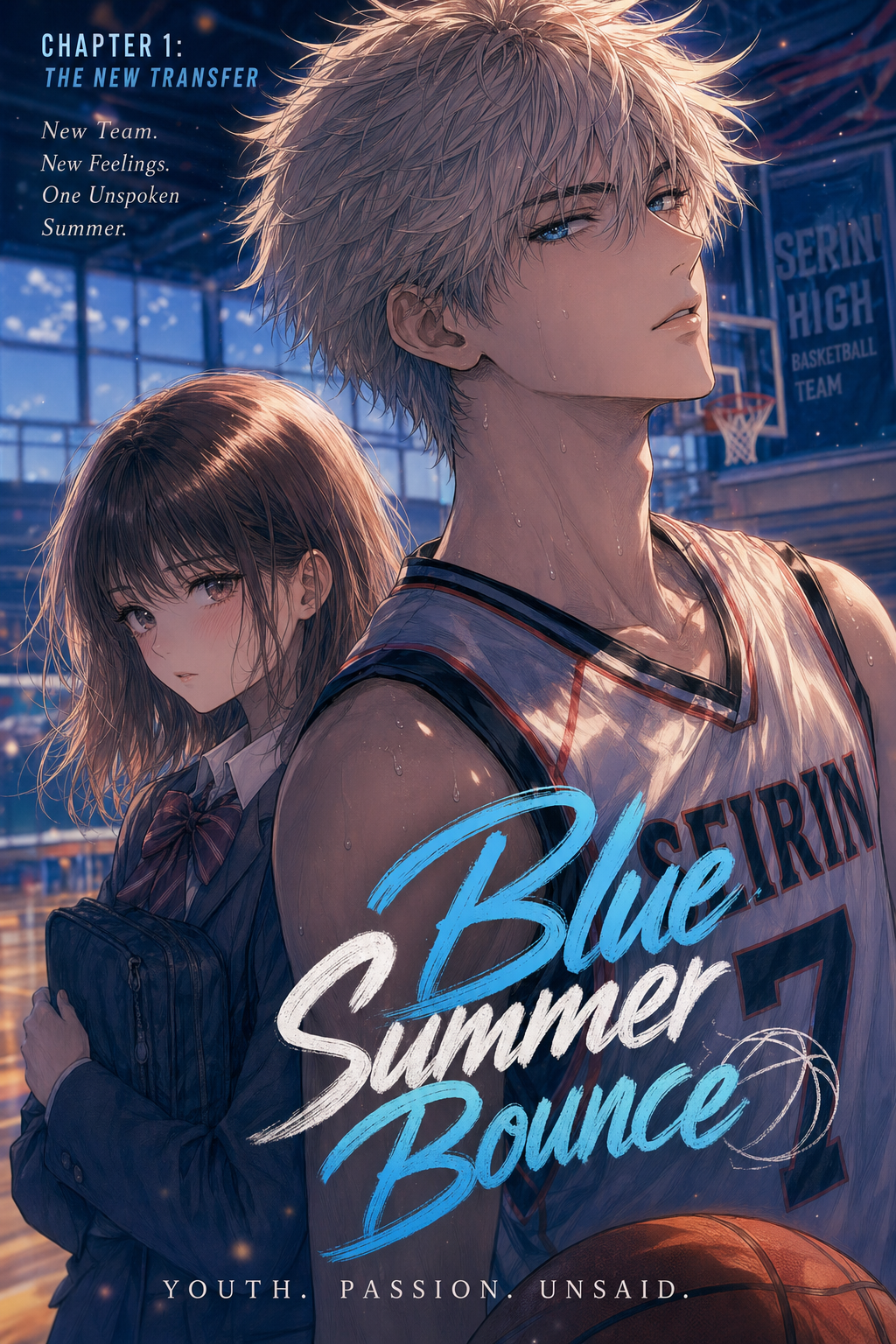
What Is AI Manga Style Transfer for Isekai Manga?
The Anime News Network feature on how manga is made describes manga as staged work from rough draft to finished page. That production context matters for Isekai creators because AI assistance is useful only when the sketch, inking pass, and final page review stay connected.
A useful manga workflow ties setup, review responsibility, and export conditions to the page a creator needs to finish. That keeps the decision focused on sketch cleanup, character intent, panel readability, and the publishing handoff. You can think of this process as a high-speed digital assistant that interprets your raw composition and re-renders it in a professional manga aesthetic.
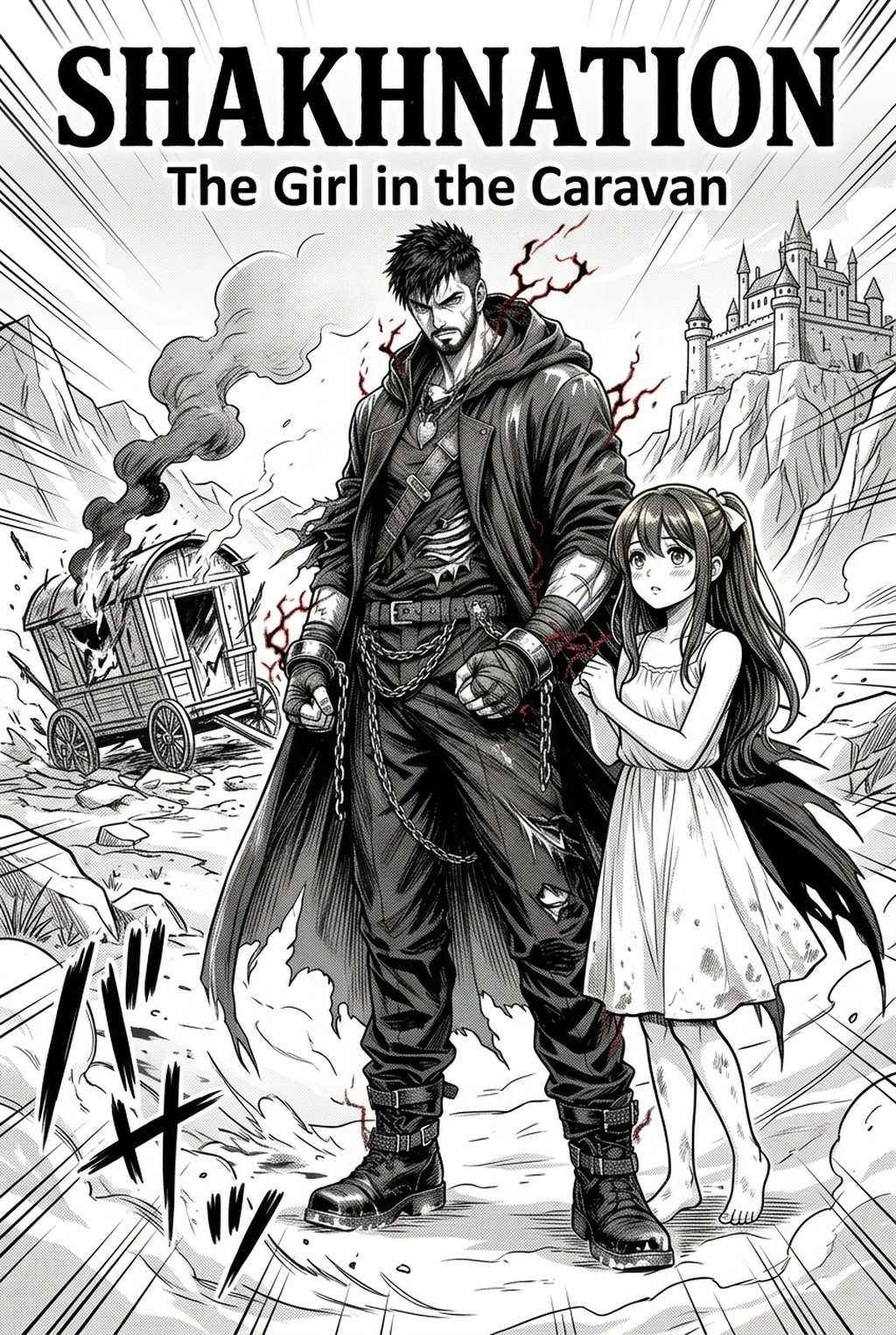
It identifies key elements like character anatomy, architectural lines, and dynamic motion effects, applying specific stylistic shaders and lighting models to transform pencil sketches into finished panels. * Adaptive Line Weighting: Automatically refines shaky sketches into clean, confident digital ink lines. * Dynamic Color Application: intelligently separates backgrounds and characters to apply vibrant, genre-appropriate palettes typical of high-fantasy settings.
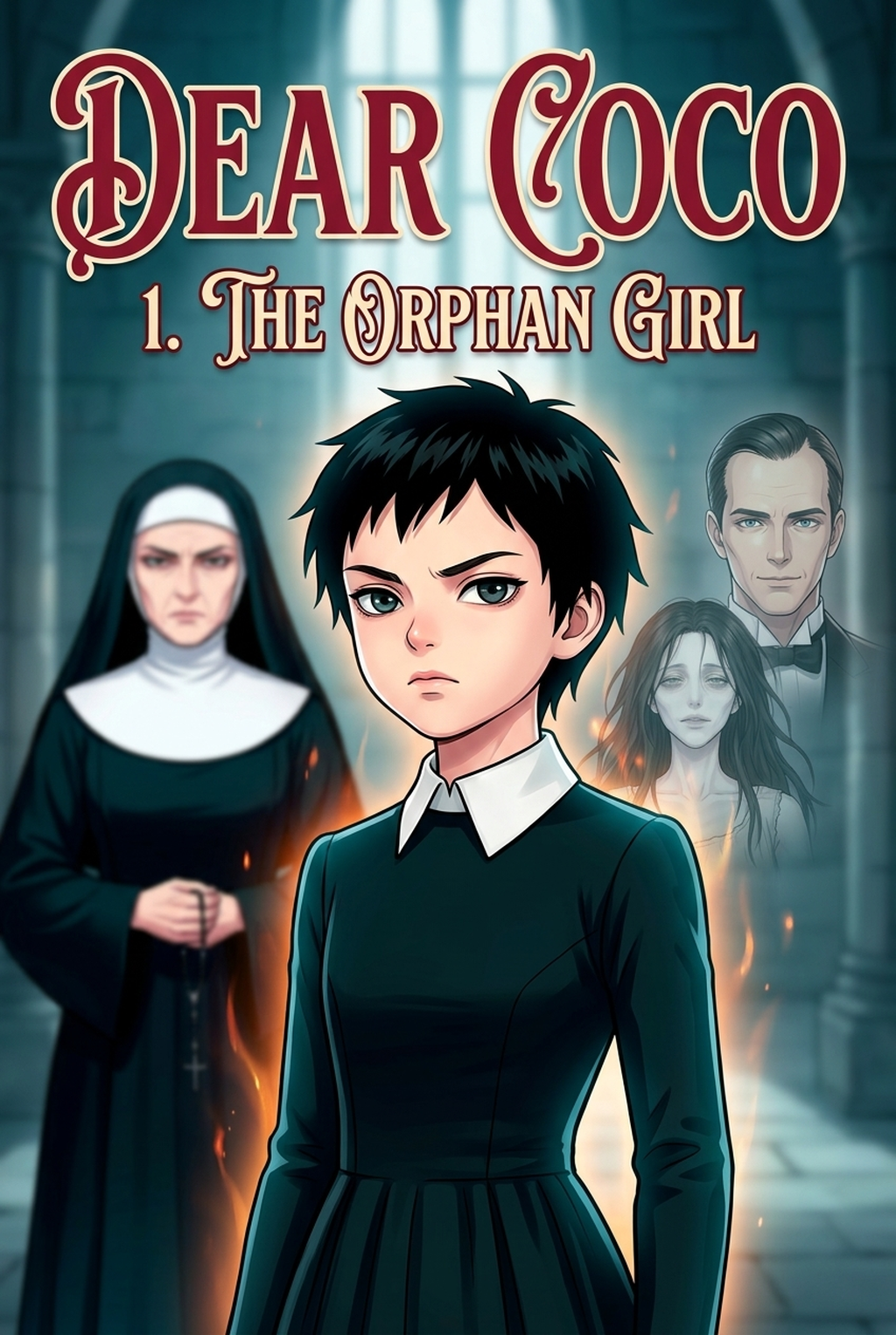
- Artistic Consistency: Ensures that your protagonist's design remains uniform across multiple panels, even when they transition between different worlds or magical states.
Why AI Manga Style Transfer Matters for Isekai in 2026
How AI Manga Style Transfer Works for Isekai in Dynamic Color Panels
Creators can test Isekai manga inking workflow with Mangaka with one rough sketch, one page goal, and one export target before they commit a full chapter. That keeps the product link tied to the real review path instead of a generic call to action.
You start by defining your visual language, ensuring the system understands the specific "flavor" of your fantasy world. Once you provide your raw sketches, the process focuses on enhancing the clarity of your panels to ensure they remain legible even with intense color overlays.
- Sketch Preparation: Upload your draft, keeping the outlines clear and distinct so the AI can easily detect character forms and environmental perspective. * Style Selection: Choose a target artistic profile that matches the high-fantasy, dynamic aesthetic of current top-tier webcomics. * Final Touch-up: Review the generated output, adding small manual adjustments to the eyes or specific magical artifacts to inject your personal touch.
Maintaining visual continuity in an Isekai series is notoriously difficult due to the constant change in environments. To keep your work consistent, apply the same base art style settings to all panels within a single sequence. According to industry standards for digital illustration workflows , focusing on strong contrast and clear silhouettes is essential, as these elements help the AI interpret your depth and perspective accurately.
Use Cases for AI Manga Style Transfer
Use cases are strongest when the story goal, genre expectation, visual risk, and final export format are clear. A useful example names the page detail a creator checks before the page moves into lettering, coloring, or publishing. You can apply this technology to specific production bottlenecks that traditionally stall the momentum of your chapters.
- Rapid World-Building: Instead of hand-drawing complex medieval marketplaces or alien architectures, sketch the basic blockout and let the AI fill in the atmospheric detail and color grading. * Costume Continuity: Maintain the intricate details of a hero's hero gear across dozens of pages by using a consistent style reference to re-render your base designs. * Magical Effect Overlays: Transform simple particle sketches into vibrant, glowing magical spells, saving you the tedious task of manually drawing hundreds of energy shards.
Step-By-Step Guide to Start with Mangaka
Line Quality Through Revision. Workflow Fit for Creator Output.
Workflow Fit for Creator Output
Start by preparing the creative brief, reference notes, character constraints, and export target before generation. The setup matters because a clearer brief gives the review pass something specific to judge: silhouette, expression, panel readability, and file readiness.
- Sign Up: Create your account to access the generation dashboard. 2. Upload: Input your rough sketch or line draft directly into the interface. 3. Generate: Apply your chosen style, preview the result, and download the finished, high-resolution panel.
Release cadence belongs in the production context for manga tools. For creators, the useful product question is whether pages stay readable when schedule pressure rises. For setup, creators should define the scene goal, character references, page count, reading direction, and target Dynamic color panels. That gives AI Manga Style Transfer enough context to support the story instead of producing disconnected panels.
Creators should check line weight, facial expression, pose clarity, panel order, and space for dialogue before export. Those checks matter more for Isekai pages because action beats and emotional pauses need to read quickly. For comparison, a useful tool should save time without flattening the creator's style.
The best choice keeps the first pass editable, makes revisions visible, and leaves final judgment with the artist. Creators can use each revision decision to clarify panel readability, character consistency, and export quality before publishing or sharing. For production, creators should keep a small reference sheet for recurring characters, outfits, props, and backgrounds.
Review Controls Before Export
That makes it easier to compare generated pages and decide which panel needs a redraw. For export, creators should confirm the final PNG, PDF, or editable file can move into lettering, coloring, or layout cleanup without rebuilding the page. A clear export routine keeps the next chapter faster.
The practical value comes from reducing redraw loops before the artwork reaches a reader-facing page or reusable asset. For team review, creators should separate story feedback from art feedback. One pass can focus on pacing, another on panel readability, and a final pass on file quality before publishing or sharing.
- Reader expectations. MyAnimeList manga news keeps genre expectations visible for readers who scan action, character acting, and page rhythm quickly. Shonen inking should preserve panel clarity, not just cleaner lines.
- Drawing practice. Wacom's comic and manga creation guide ties tool choice to brush control, cleanup effort, and export readiness. That keeps review grounded in creator workflow.
Apply Fantasy Aesthetics and Luminous Magic Shading with Mangaka.app
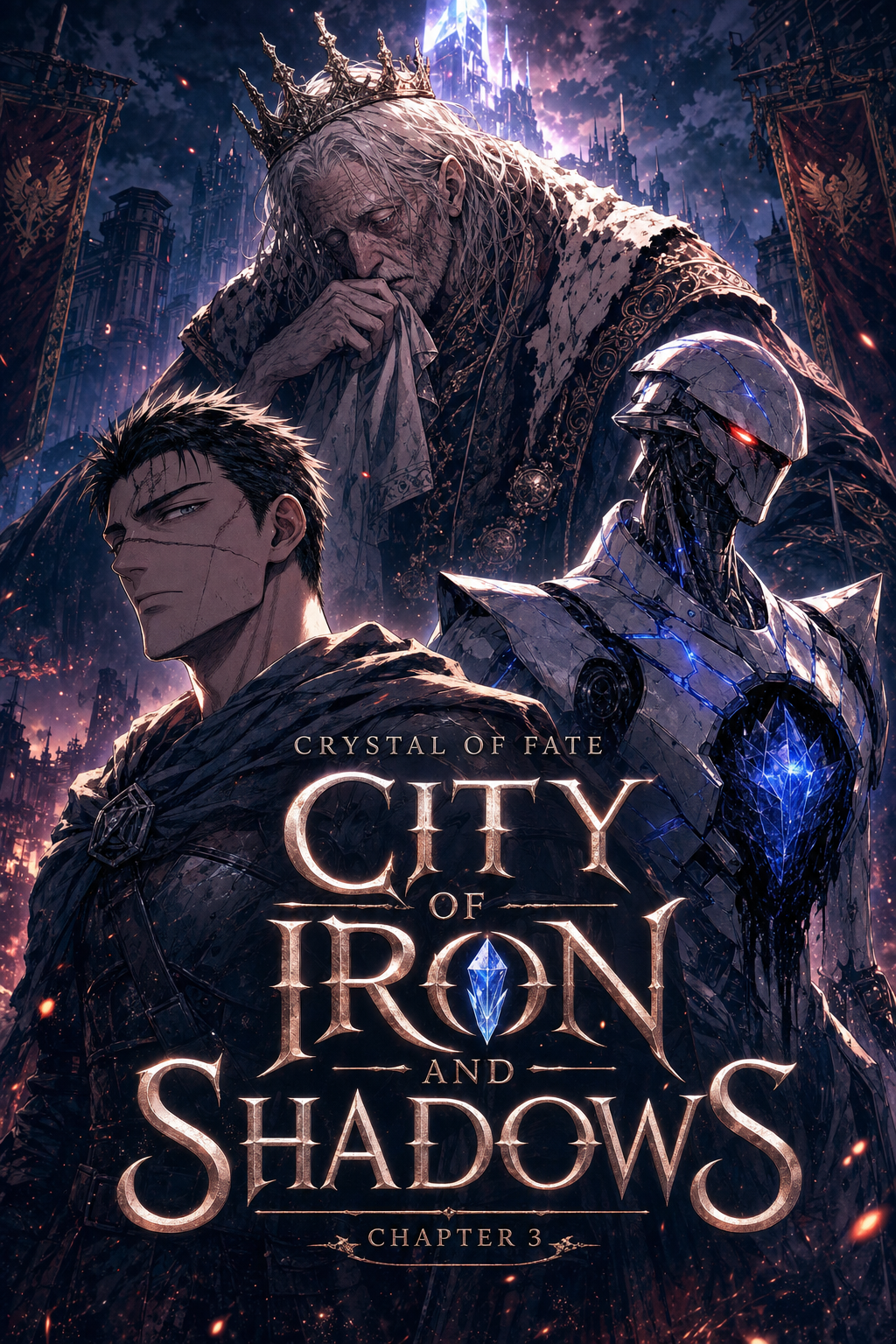
Isekai manga style transfer requires luminous magical aura gradients, intricate armor specular reflections, and polished fantasy comic aesthetics. Mangaka.app provides the dedicated sequential production engine built specifically for isekai manga and comic creators:
- Enchanted Fantasy Shading & Specular Highlights: Apply crisp metallic reflections to medieval armor and iridescent glow shaders to magical spells.
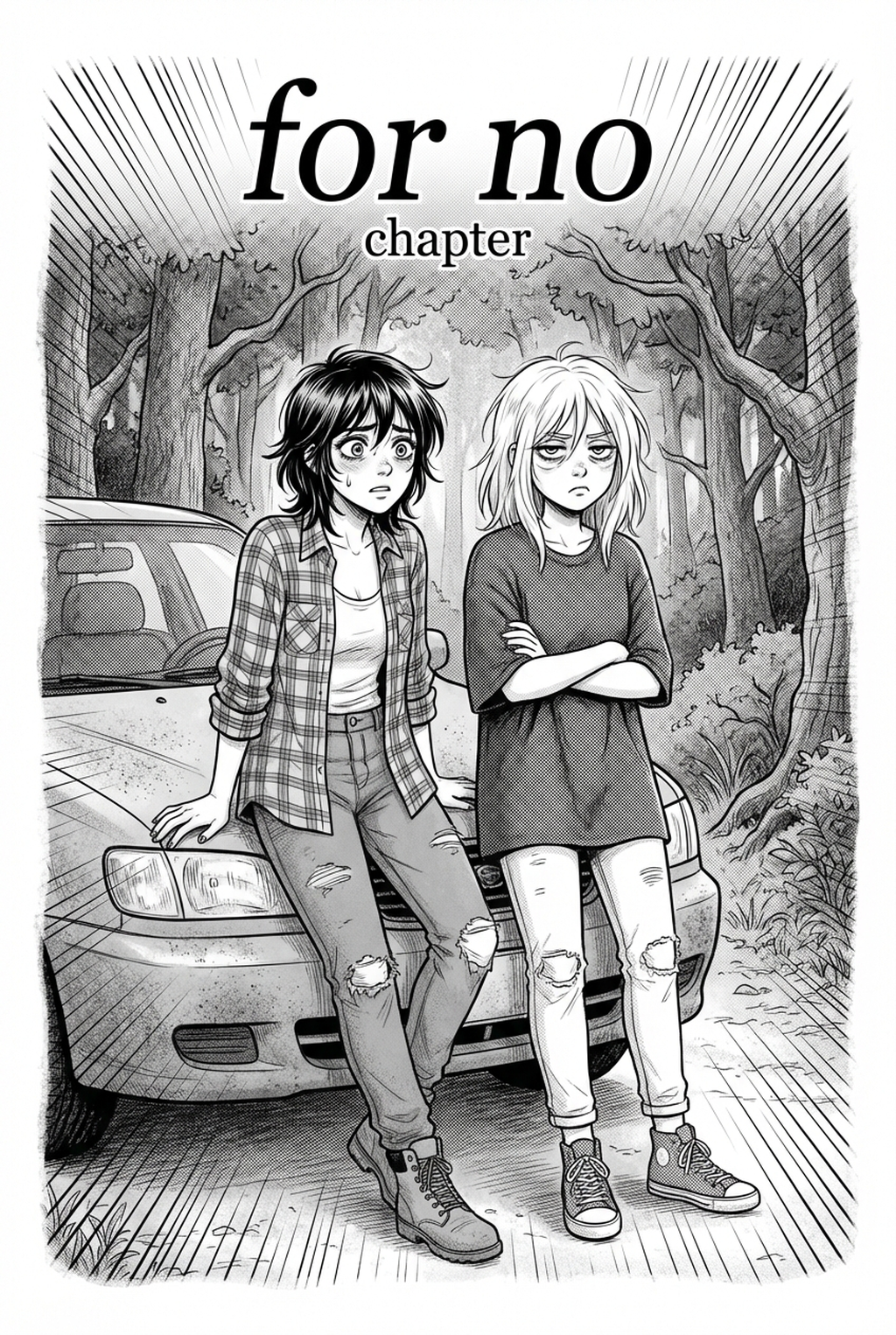
- Dual Light Novel & Webtoon Art Presets: Seamlessly toggle between screentone-rich black-and-white print styles and vibrant digital full-color manhwa aesthetics.
- Character Outfit & Aura Continuity: Keep runic glyphs, enchanted staves, and magical energy glows consistent across every action scene.
- High-Yield Batch Asset Processing: Stylize multi-page dungeon raid sequences simultaneously without losing fine pencil draftsmanship.
The Bottom Line
A useful creator workflow keeps the story goal, visual style, and review step clear before export. AI Manga Style Transfer gives creators a faster first pass without removing the final human review. Creators can use each revision decision to clarify panel readability, character consistency, and export quality before publishing or sharing. Start creating with AI Manga Style Transfer for Isekai manga when you are ready to turn the reviewed idea into finished manga pages. Test it with one real page goal, one reference boundary, and one export requirement so the decision stays tied to production quality.