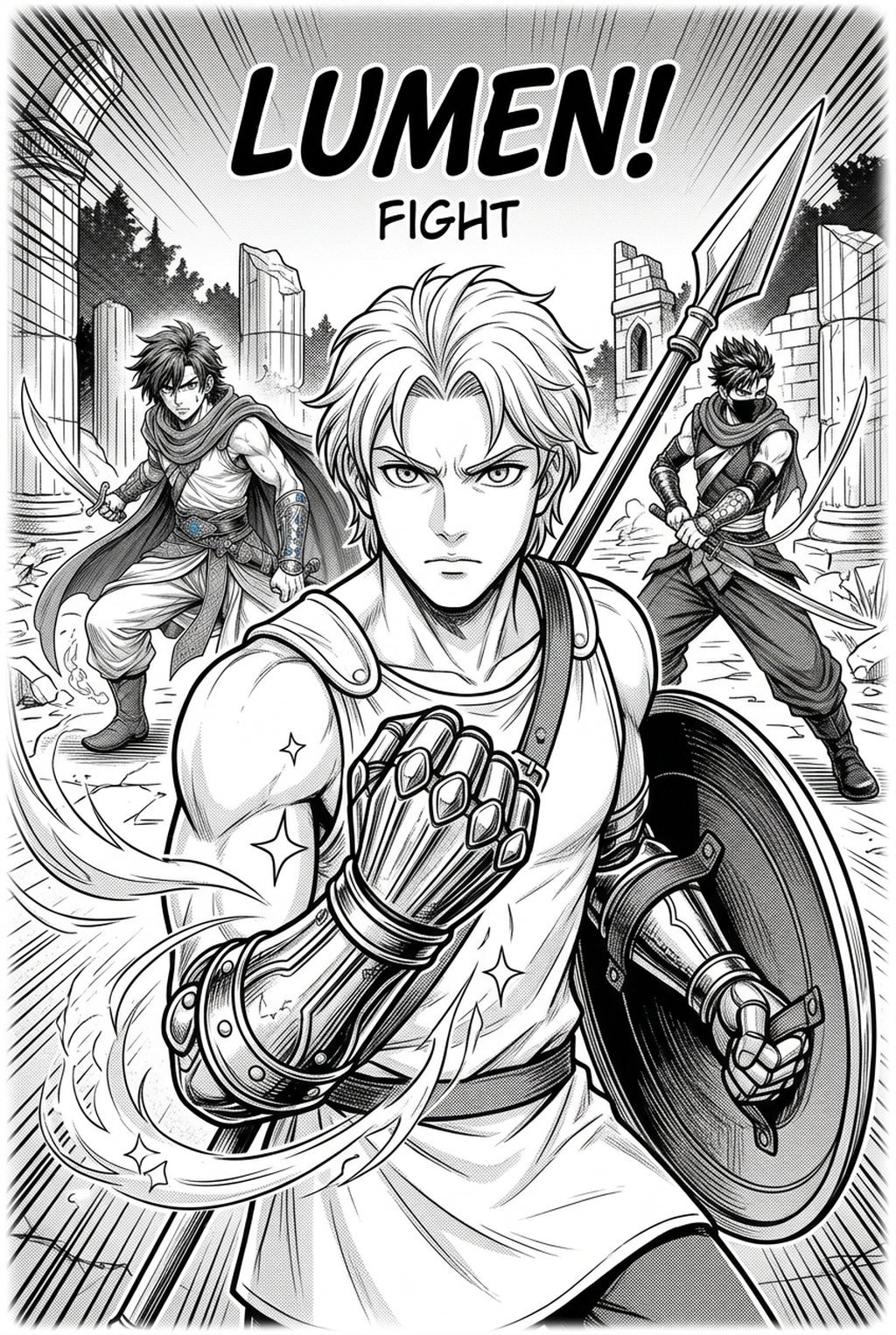
Visual Rhythm and Transformation Dynamics
A successful magical girl manga storyboard emphasizes visual rhythm, especially during complex transformation scenes and emotional breakthroughs. Creators often make the mistake of over-allocating space to static character poses, which drains the kinetic energy required for a believable magical activation.
To maintain momentum, your layout must balance dense action panels with "breather" shots that focus on the character's internal transformation or subtle facial expressions. Use panel clusters to mimic the "burst" of magical energy, a specific narrative requirement for the genre that separates high-stakes battles from everyday school-life dialogue.
- The Burst Effect: Use overlapping, jagged-edged panels for the final stage of transformation to signal a surge of raw power. * The Breather Shot: Follow high-energy attacks with a large, single-column panel showing the protagonist’s exhaustion or determination. * Energy Flow: Arrange panels in a Z" path that encourages the eye to move rapidly through the sequence without getting caught in heavy black-ink areas.
Why Storyboarding Matters for Pacing
Transformation sequences require a unique delivery format where the pacing accelerates through shorter, sequential panels. By focusing on the "action-reaction" loop, creators ensure the magic feels earned rather than static, preventing the "deus ex machina" sensation that plagues poorly planned magical encounters.
Incorporate "floating" panel arrangements to suggest a magical girl's detachment from reality during combat. When a character enters their powered state, the conventional grid should break, mirroring the chaos of their supernatural environment compared to the rigid, rule-bound structures of their school-life identity.
- Reaction Loops: Pair a dynamic magic-use panel with an immediate reaction shot from the villain or an ally to ground the action. * Border Variance: Utilize thin, light borders for civilian moments and thick, dark, or borderless panels for high-intensity magical strikes.
Check character consistency, panel readability, line quality, and export readiness before publishing. Creators should also record why the page passed review, which panel details still need manual cleanup, and which export format the next collaborator will use. That makes the subsection useful instead of leaving a short checklist under a large heading.
Automated Panel Flow with Mangaka
AI storyboard builders automate the tedious task of sizing and placing panels to match your intended narrative tempo. Instead of spending hours adjusting frame counts for a five-page transformation sequence, you can input your script and let the system determine the ideal layout for maximum impact.
These tools allow creators to iterate on panel flow in real-time, ensuring that key visual motifs—such as a character’s magical emblem or signature weapon—remain prominent throughout the page. By automating the arrangement, you prevent line-weight drift and misaligned speech bubbles that usually occur when manually resizing canvases.
- Automated Spacing: The system ensures your transformation sequences maintain a consistent "frame count" per action beat, preventing the visual clutter that often obscures key character movements.
- Visual Continuity: The Magical girl manga storyboard with Mangaka locks your character proportions, so even when the AI adjusts the panel size to accommodate a wide-angle action shot, the character remains consistent with your original concept.
- Export Integrity: Once the storyboard layout is finalized, the system preserves the grid for your export, allowing you to transition directly from the layout phase into the inking and tone-application stage without layout errors.
Avoiding Cluttered Transformation Pages
Avoid overcrowding pages, which can obscure the clarity of movement during magical combat. A common failure mode for beginners is attempting to cram an entire transformation, a villain monologue, and a counter-attack into a single spread; this results in "busy" pages that confuse the reader's eye path.
Neglecting white space in a storyboard often leads to a page that feels suffocating, causing the reader to skip ahead. Ensure the transition between school-life scenes and magical-battle scenes is visually distinct through panel border thickness or shape, signaling to the reader that the "normal" world has been left behind.
- The Clarity Test: If you cannot identify the primary subject of a panel within two seconds, simplify the background or enlarge the primary figure. * Identity Transitions: Use distinct circular or star-burst panel shapes to denote the shift between the character's mundane life and their magical persona. * Bleed Usage: Reserve full-page bleeds for the most significant transformation beats to denote the scale of the character's power.
Getting Started with Automated Layouts
Building a professional-grade storyboard no longer requires years of experience in traditional composition. By using automated tools, you can focus on the emotional nuance of your story—such as the specific glint in a character’s eyes or the fluid motion of their costume—while the software handles the structural heavy lifting.
If you are currently managing a project with 20+ pages, focus on establishing a template where your transformation sequences occur on pages 3, 12, and 22. This keeps the pacing predictable for your reader and allows you to test different panel densities without re-inking every page.
- Dual Identities: The most effective way to transition between identities is to contrast the rigid, square-panel layout of school life with the fluid, unconventional shapes used during transformation sequences. * Technical Literacy: You do not need to be an expert in composition to build a professional storyboard, as the AI handles the structural arrangement and ensures your panels follow logical reading paths.
The Bottom Line
A well-structured storyboard is the most critical step in moving from a raw script to finished manga pages. By leveraging modern AI tools to handle the arrangement, artists can dedicate more energy to the emotional nuance that defines the magical girl genre, ensuring that each transformation feels like a landmark moment in the reader's experience. Start your journey by refining your narrative flow with the Magical girl manga storyboard today.
Related articles
Mastering the Shonen Manga Combat Storyboard: A 2026 Guide
Mastering Action Manga Storyboard Flow for Dynamic Scenes
Mastering 4-Koma Gag Manga Pacing for Viral Webcomics 2026