AI Manga Background Artist: Challenges in Manual Environment Rendering
Manual drafting of perspective-heavy backgrounds creates a significant bottleneck that frequently leads to creator burnout. When you must pivot from expressive character inking to the rigid, technical requirements of architectural rendering, the mental cost of switching tasks can break your production rhythm for an entire day.
Maintaining aesthetic uniformity across a multi-chapter volume is arguably the most difficult aspect of background artistry. When your environment lines feel disjointed from your character line-weight, the final page looks disjointed and amateurish. Independence in your production workflow is often hindered by the steep technical requirements of depth-of-field and intricate textural work. Many artists find that they spend 70% of their production time on the background, leaving only 30% for the actual character performance, which should be the emotional core of every panel.
Streamlining Workflows with Mangaka
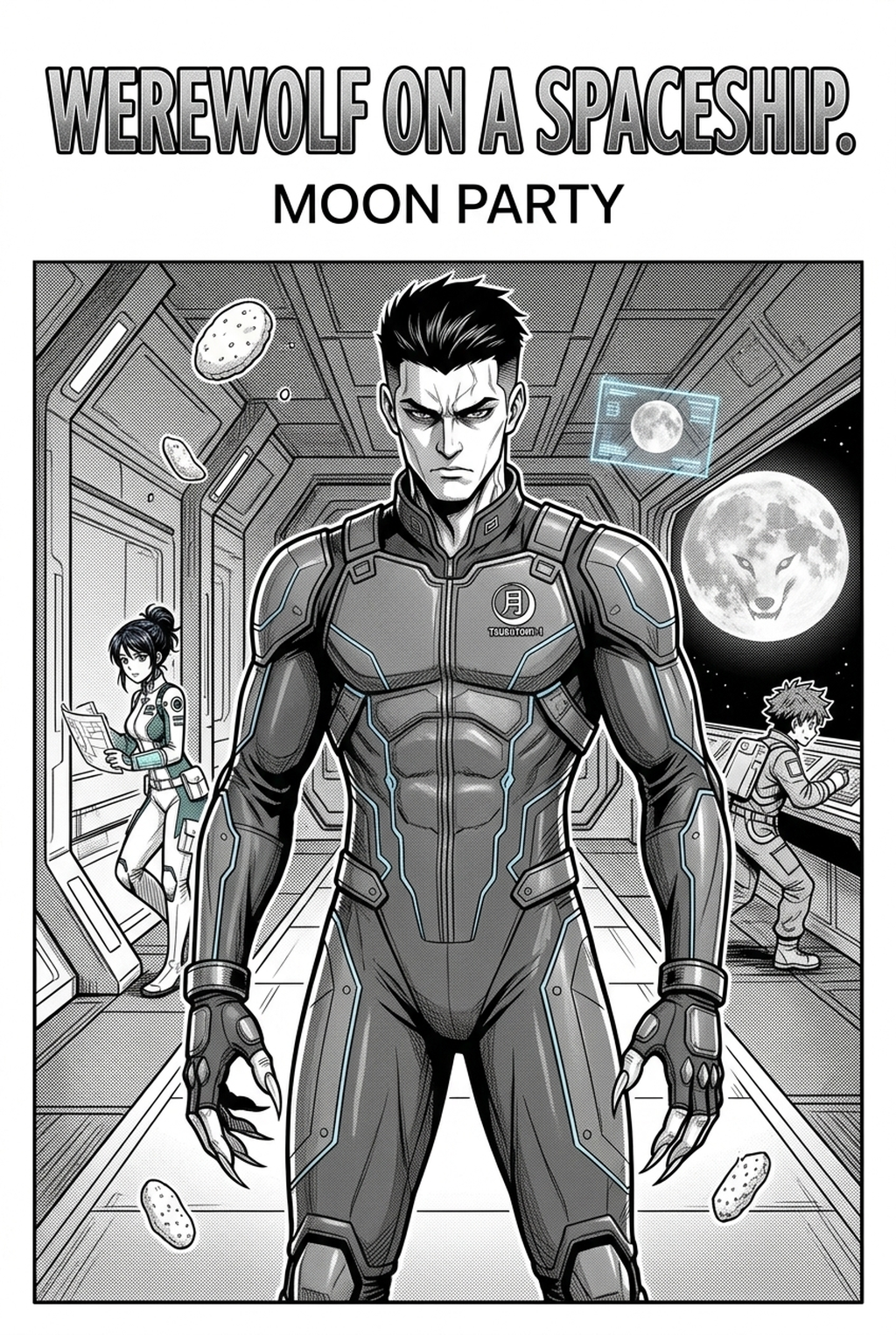
Mangaka eliminates the technical barrier of perspective drawing by allowing creators to generate professional-grade scenery based on specific scene descriptions. By inputting your vision, you receive an image that preserves the line-weight density required to sit seamlessly behind your inked characters.
These tools integrate directly into your established production sequence, providing a delivery format that supports clean separation between line art and base tones. This compatibility is crucial for artists who need to drop high-quality backgrounds into their existing software without performing invasive cleanup on pixelated outputs.
You must review every generated output to ensure the line intensity matches your specific house style, particularly for dense areas like building shadows or forest textures. If the AI output uses a different stroke width than your manual character inking, the scene will look like a pasted-in asset rather than a cohesive page element.
Advanced control settings allow you to manipulate weather, lighting, and time-of-day variables, which directly influences the mood of your scene. Adjusting the contrast ratio ensures that your background serves as an effective backdrop for your characters, rather than fighting for the reader’s focus.
Check character consistency, panel readability, line quality, and export readiness before publishing. Creators should also record why the page passed review, which panel details still need manual cleanup, and which export format the next collaborator will use. That makes the subsection useful instead of leaving a short checklist under a large heading.
Leveraging the platform early in your workflow allows you to generate storyboard proxies that define your composition before you finalize your character placement. By setting up the perspective and environmental layout in the initial sketching phase, you avoid the common risk of misaligned speech bubbles or poor panel balance later on.
Typical Implementation Use Cases
To illustrate the efficiency of this approach, consider a 20-page chapter. By using a tool like manga background with Mangaka This keeps the review focused on story intent, line weight, panel readability, and the export quality behind the final AI AI AI Manga Background Artist workflow Artist workflow Artist output.
- Establishing Shots: Generate sweeping wide shots of city streets or fantasy castles that would otherwise require days of manual perspective construction. * Atmospheric Detail: Rapidly create high-density elements like rain, mist, or debris that add grit and realism to intense combat scenes. * Consistent Interiors: Use descriptive creative briefs to maintain the exact architecture of a protagonist’s home across multiple chapters, ensuring that furniture placement and window views remain identical.
Getting Started with Professional Scenery
Creators often wonder how these tools handle the specific visual requirements of various manga genres. The following questions address common concerns regarding style, control, and technical compatibility. Creators can use each revision decision to clarify panel readability, character consistency, and export quality before publishing or sharing.
- Shonen and Seinen adaptability: Yes, you can dictate the line complexity and screen tone density by adjusting your creative brief parameters to suit your specific genre aesthetic. * Perspective control: The platform allows you to input specific camera angles—such as high-angle bird's-eye views or low-angle dramatic shots—to ensure the geometry matches your storyboard. * Coloring workflow compatibility: The output is designed for clear layer separation, allowing you to easily isolate the lines from the grayscale or base color tones for professional post-processing. * Resolution and format: The tool outputs files at high resolutions, ensuring that your backgrounds are ready for print or digital vertical comic platforms publication without loss of fidelity.
Creators should compare the generated line art with the original sketch and confirm that facial expressions, props, speed lines, and speech-bubble space still support the scene. A repeatable review pass should cover character consistency, panel readability, background clarity, and whether the final file is ready for coloring, lettering, or editor feedback. For longer projects, creators should save approved examples of line weight, face detail, clothing folds, and background density. Those references keep later chapters closer to the intended style.
Creators can evaluate manga background mid-workflow when they need the product path tied directly to review, refinement, and export. A real test should use the same sketch, character goal, or panel sequence that would otherwise need manual cleanup after generation.
The Bottom Line
Automating your background generation is a vital strategy for artists looking to maintain high-quality art over a long-running series without sacrificing their health or creative stamina. By removing the technical burden of perspective drawing, you gain the freedom to prioritize the emotional nuances of your characters. Ready to see your world come to life? Visit manga background and experience the shift in your production efficiency.
Related articles
Mastering 4-Koma Comedy Strips: A Creator's Guide in 2026
Decoding the Apothecary Diaries Art Style: A 2026 Guide
Mastering Foodie Manga Background Art: A Creator’s Guide