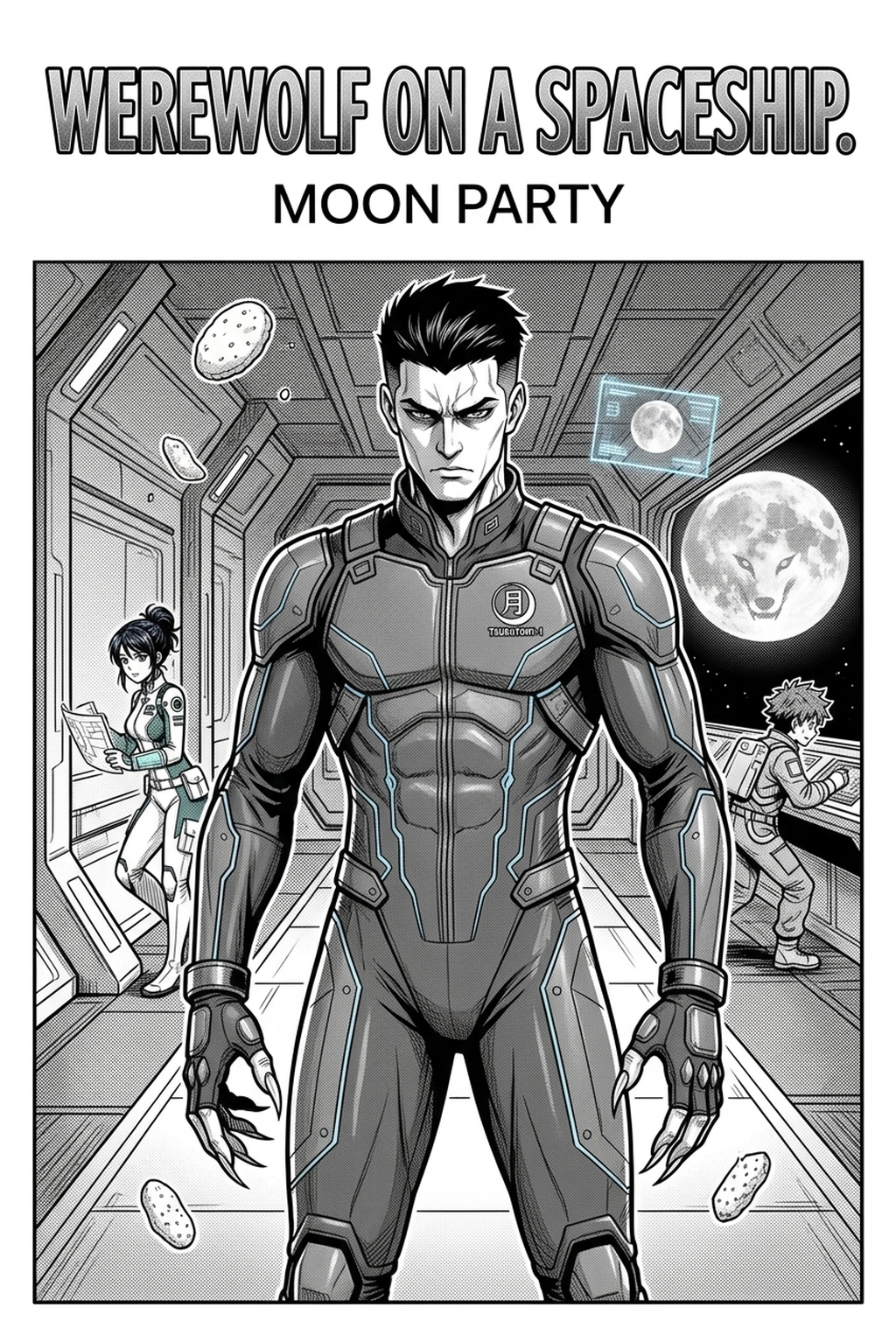
AI Manga Storyboard Builder: Why Structural Planning Improves Production
Planning your page layout prevents the most common production failure: the need to redraw entire sequences due to poor spatial management or cramped panel gutters. By committing to a composition early, you save hundreds of hours of labor, ensuring you never reach the inking stage only to realize your character’s anatomy is misaligned with the background perspective.
Effective layout planning also serves as an essential communication tool during the editorial review phase. When you present a clear storyboard to an editor, they can critique the narrative arc and emotional pacing without being distracted by incomplete art or smudged pencil lines.
- Production Velocity: Minimizes the time spent on corrective redrawing during the final inking pass. * Narrative Clarity: Allows for adjustments to the 'koma-wari' before the time-intensive application of screen tones. * Editorial Synergy: Enables rapid feedback loops on the story flow, independent of artistic flourishes.
How Mangaka Facilitates Layout Automation
Modern AI builders modernize the drafting process by automating the technical arrangement of panels, converting your natural language inputs into precise, narrative-ready grids. The Mangaka AI Manga Storyboard Builder solves the pain of manual panel alignment by ensuring that the geometric grid supports your shot composition, distance, and angle requirements automatically.
Instead of manually drafting and erasing to find the right perspective, you can focus on the artistic intent—determining where the focal point resides in each panel—while the software maintains correct anatomical scaling. This approach effectively replaces the rigid, time-consuming manual sketching phase with a dynamic, iterative process.
- Layout Swapping: Test multiple visual interpretations of the same action beat in seconds without erasing a single line. * Anatomical Stability: Ensures consistent character sizing relative to the frame, preventing the dreaded drift that ruins visual continuity. * Technical Precision: Eliminates errors in gutter spacing or speech-bubble clearance before you ever move to your professional illustration software.
Applying Structural Cues to Page Design
Successful pages rely on 'Mihiraki'—the two-page spread—to create an immersive experience that forces the reader’s eye across the central gutter. When you plan this spread early, you dictate where the reader’s gaze lingers, ensuring that key plot reveals occur on the right-hand side, where the eye naturally lands after a page turn.
Incorporate visual 'cues and vectors' by using background perspective lines or specific body language to pull the reader toward the next panel. Maintaining stable framing across these transitions is vital; if a character’s orientation flips inconsistently, the reader loses their sense of space within the scene.
| Metric | Manual Sketching | AI-Assisted Planning |
|---|---|---|
| Panel Grid Time | 45-60 Minutes | 2-5 Minutes |
| Proportion Errors | Frequent / Manual Fix | Zero / Automatic Scaled |
| Iterative Speed | Low / High Labor | Instant / High Fluidity |
Implementing the AI-Driven Workflow
You can initiate this workflow by defining the core beats of your page and allowing the tool to populate the grid. This process avoids the common bottleneck where a creator gets stuck on the 'mechanical' drafting phase of page creation. By offloading the technical grid creation, you preserve your creative mental energy for character nuance, facial expressions, and the specific energy of your fight sequences.
Creative Brief and Source Input
Creative Brief and Source Input. Unlike rigid templates, this approach allows for creative deviation. If you feel a panel doesn't quite capture the emotional weight of your character's dialogue, you can swap the shot type—from close-up to wide-angle—without having to redesign the entire page layout from scratch.
- Before Export. Creators should compare the generated line art with the original sketch and confirm that facial expressions, props, speed lines, and speech-bubble space still support the scene. A repeatable review pass should cover character consistency, panel readability, background clarity, and whether the final file is ready for coloring, lettering, or editor feedback. - For Longer Projects. Creators should save approved examples of line weight, face detail, clothing folds, and background density. Those references keep later chapters closer to the intended style. For collaboration, creators should mark which panels are final and which panels still need redraws. Clear status labels prevent an assistant, editor, or colorist from polishing the wrong version. - For Publishing. Creators should review the page at the actual reading size before export. Small screens expose crowded dialogue, weak silhouettes, and line details that looked fine while zoomed in. This keeps the review focused on story intent, line weight, panel readability, and the export quality behind the final AI AI AI Manga Storyboard Builder workflow Builder workflow Builder output.
Generation Review and Export
Creators should compare the generated line art with the original sketch and confirm that facial expressions, props, speed lines, and speech-bubble space still support the scene. This keeps the review focused on story intent, line weight, panel readability, and the export quality behind the final AI Manga Storyboard Builder output.
A repeatable review pass should cover character consistency, panel readability, background clarity, and whether the final file is ready for coloring, lettering, or editor feedback. For longer projects, creators should save approved examples of line weight, face detail, clothing folds, and background density. Those references keep later chapters closer to the intended style. For collaboration, creators should mark which panels are final and which panels still need redraws. Clear status labels prevent an assistant, editor, or colorist from polishing the wrong version.
The Bottom Line
The AI workflow remains the single most critical stage for defining the pace, emotional weight, and overall readability of your finished chapter. By leveraging tools like the Mangaka AI Builder, you can automate the repetitive structure of panel layouts and focus your energy on the artistic details that make your work stand out. Start your next chapter by prioritizing narrative flow with the Mangaka storyboarding tool and see how much easier the rest of your production process becomes.
Related articles
How to Create a Manga Storyboard That Hooks Readers Fast
Build Your Sci-Fi Manga Storyboard Instantly with AI in 2026
Create Your Historical Romance Manga Storyboard Today 2026