AI Manga Colorist: Prerequisites for AI Manga Colorist in Slice of Life
Reader expectations should shape how creators review pacing, expression, and genre clarity after generation. MyAnimeList manga news keeps that audience context visible, so Slice of Life pages should be judged by whether readers can follow the action, character role, and visual rhythm.
The Anime News Network feature on how manga is made describes manga as staged work from rough draft to finished page. That production context matters for Slice of Life creators because AI assistance is useful only when the sketch, inking pass, and final page review stay connected.
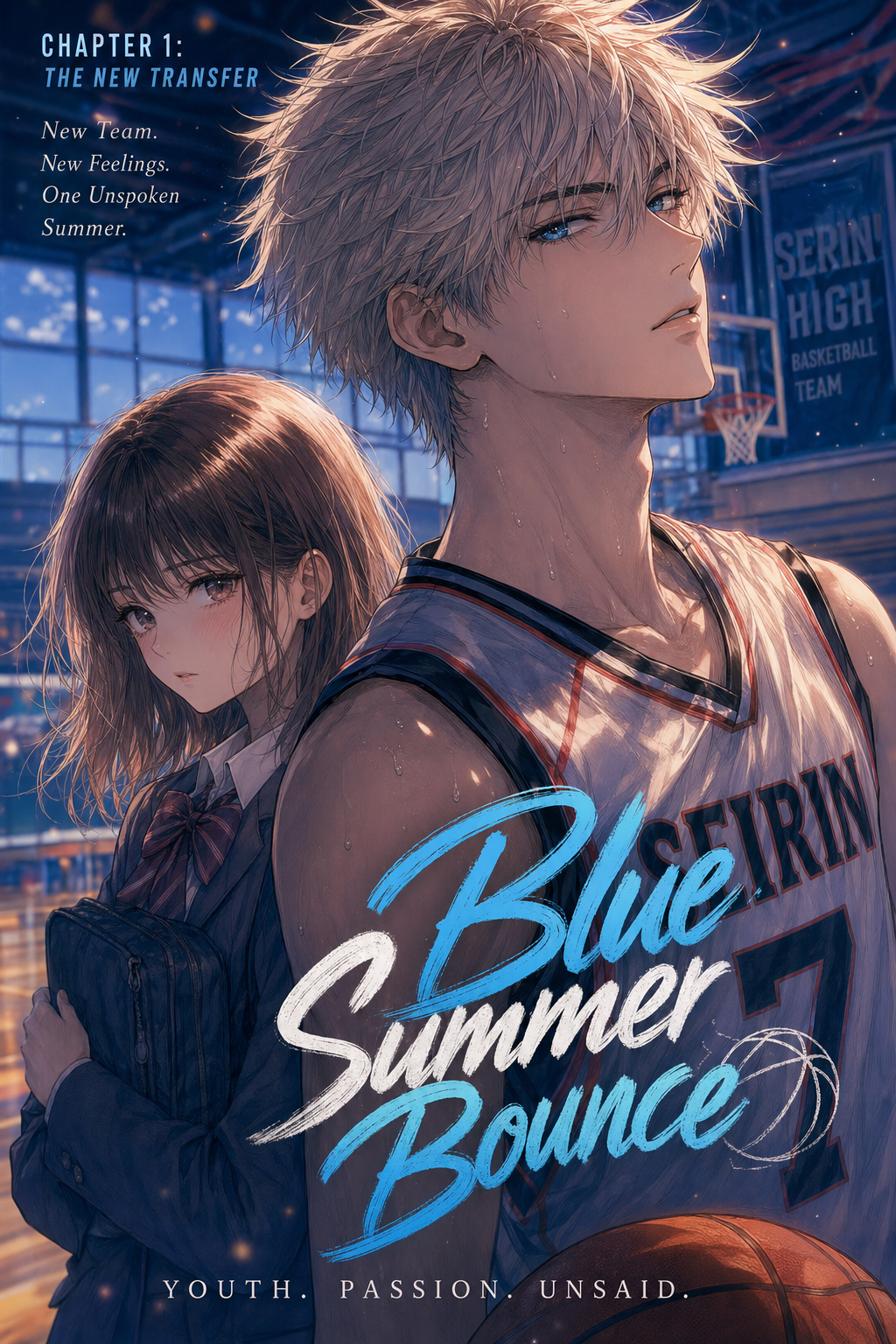
AI Manga Colorist for Slice of Life manga helps creators choose the right Mangaka workflow for cleaner pages, steadier style, and review-ready output. The comparison starts with production speed, manual control, line quality, and export readiness because those factors shape whether a page can move into final review. You need to ensure your source material is prepared correctly so that the AI can interpret your vision accurately. When your pages are cluttered or lack clarity, the final output suffers; however, taking a few minutes to organize your files before processing ensures that the color distribution aligns with your intended mood.
Creative Decisions and Export Quality
Your work in the Slice of Life genre likely emphasizes character expressions and environmental background details. If you are struggling with the repetitive nature of base colors or the technical fatigue of managing shadow gradients for everyday settings, AI coloring serves as your primary assistant. It is most effective for creators who have solid, high-resolution line art but find that the production time for colorizing hundreds of panels per volume is delaying their release schedule.
Quality Checks Before Export
Check your line art for "leaks"—areas where your borders are not closed. AI colorists rely on these boundaries to distinguish between skin, clothing, and background. Additionally, ensure your scan or digital export is at least 300 DPI. A clean, high-contrast black-and-white image provides the best baseline for the software to anchor its color layers without washing out your delicate strokes.
Step 1: Sign Up at Mangaka
Hands-on drawing control still matters after an AI first pass because creators may need to adjust line weight, cleanup, and export settings. The Wacom comic and manga creation guide anchors that review in practical art production rather than broad AI-image claims.
Start by preparing the creative brief, reference notes, character constraints, and export target before generation. The setup matters because a clearer brief gives the review pass something specific to judge: silhouette, expression, panel readability, and file readiness. Getting started is straightforward for any creator looking to maintain their unique style.
You simply need to navigate to the official platform to create an account, which acts as your secure hub for all your artistic projects. Visit AI Manga Colorist for Slice of Life manga with Mangaka to begin the process. By creating an account, you ensure that your artistic progress is saved and that you have a dedicated space to iterate on your panels until they match your specific color palette.
Step 2: Paste or Upload Your Slice of Life Script
Step 3: Generate and Download Soft B&W Panels Panels
Tips for Best Results in Slice of Life Manga
You can significantly improve your outcomes by focusing on how you structure your lines. The goal is to keep the Slice of Life" feel natural, avoiding overly synthetic or neon color schemes that clash with the grounded reality of the genre.
Workflow Fit and Review Needs
To keep your manga looking authentic, focus on "local color"—the actual color of an object under neutral light. When you provide the tool with clear, uncluttered panels, the AI can distinguish between hair, skin, and interior decor with much higher accuracy. If you find the colors are too bright, utilize the tool’s adjustment features to lower the saturation, keeping the palette muted and nostalgic.
Reader Impact Before Publishing
Check your finished panels against your original sketches to verify that your linework wasn't softened or blurred during the process. Maintaining a crisp separation between the line and the color fill is crucial for readability. If you see any bleeding, it is usually a result of line weight inconsistency, which you can easily address by thickening your lines in your primary art software before re-uploading. Release cadence belongs in the production context for manga tools. The useful product question is whether pages stay readable when schedule pressure rises.
The Bottom Line
A useful coloring pass keeps the story goal, visual style, and review step clear before export. AI Manga Colorist gives creators a faster first pass without removing the final human review. Start creating with AI Manga Colorist for Slice of Life manga when you are ready to turn the reviewed idea into finished manga pages. Test it with one real page goal, one reference boundary, and one export requirement so the decision stays tied to production quality.