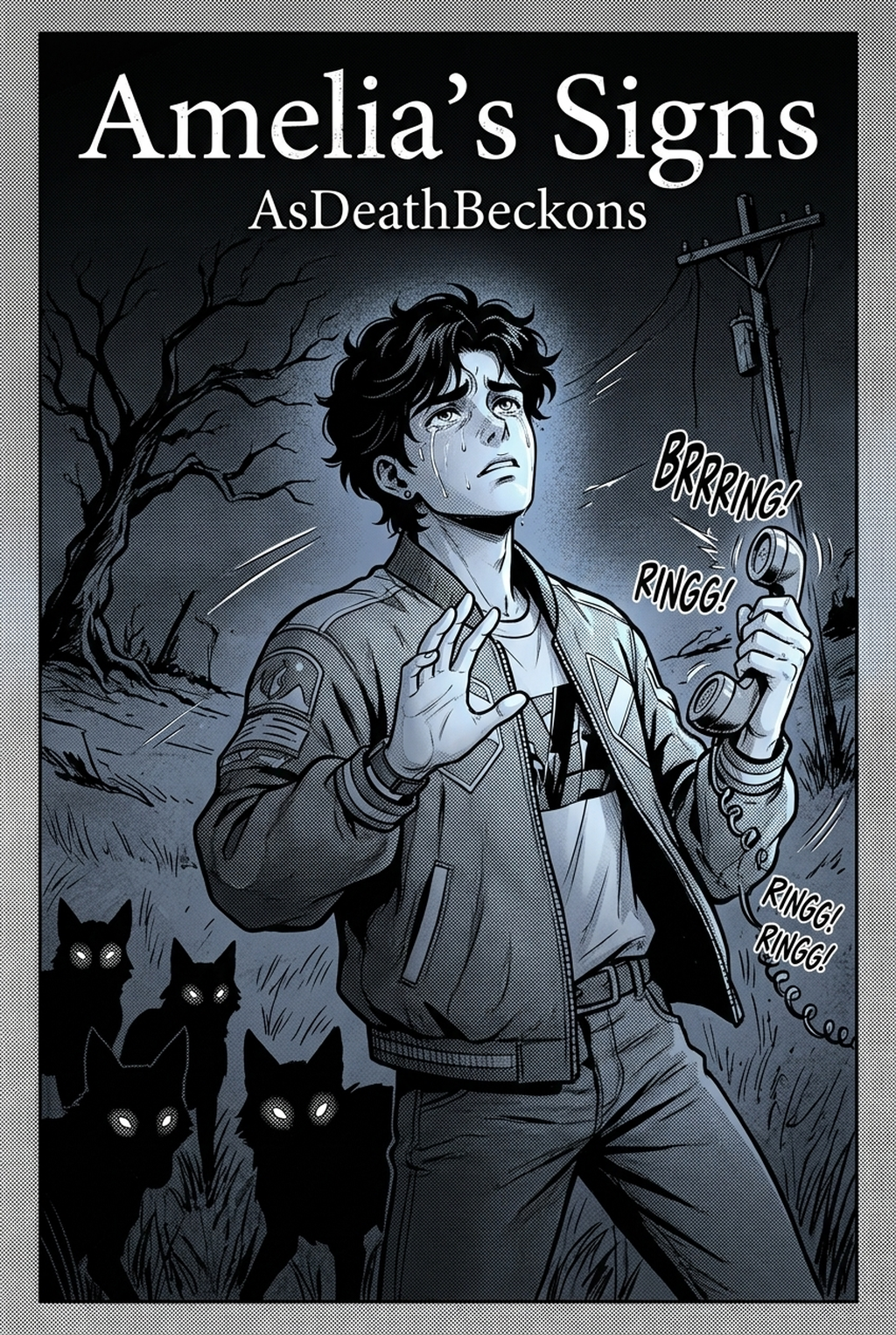
Defining the Craft of AI Manga Character Designer
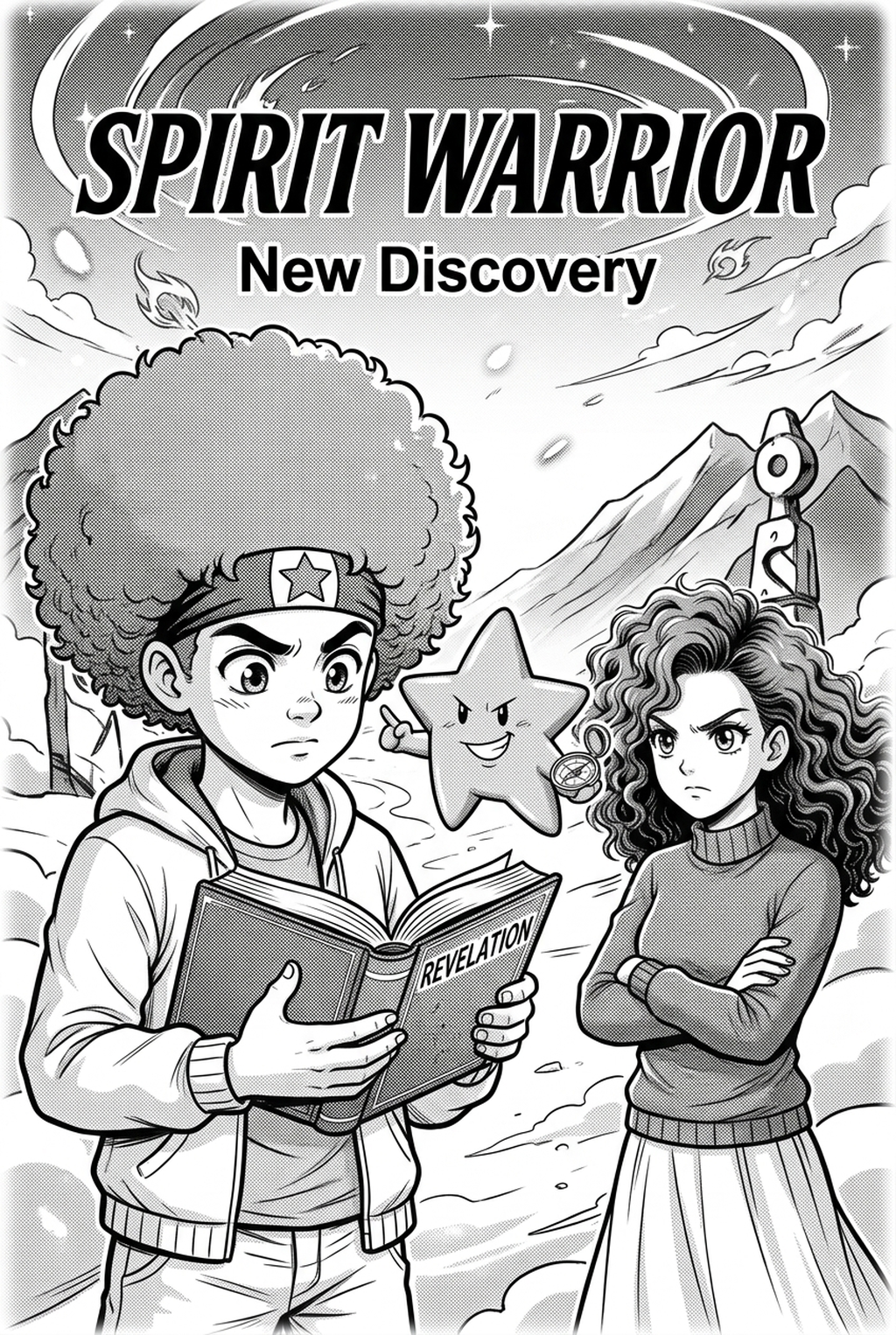
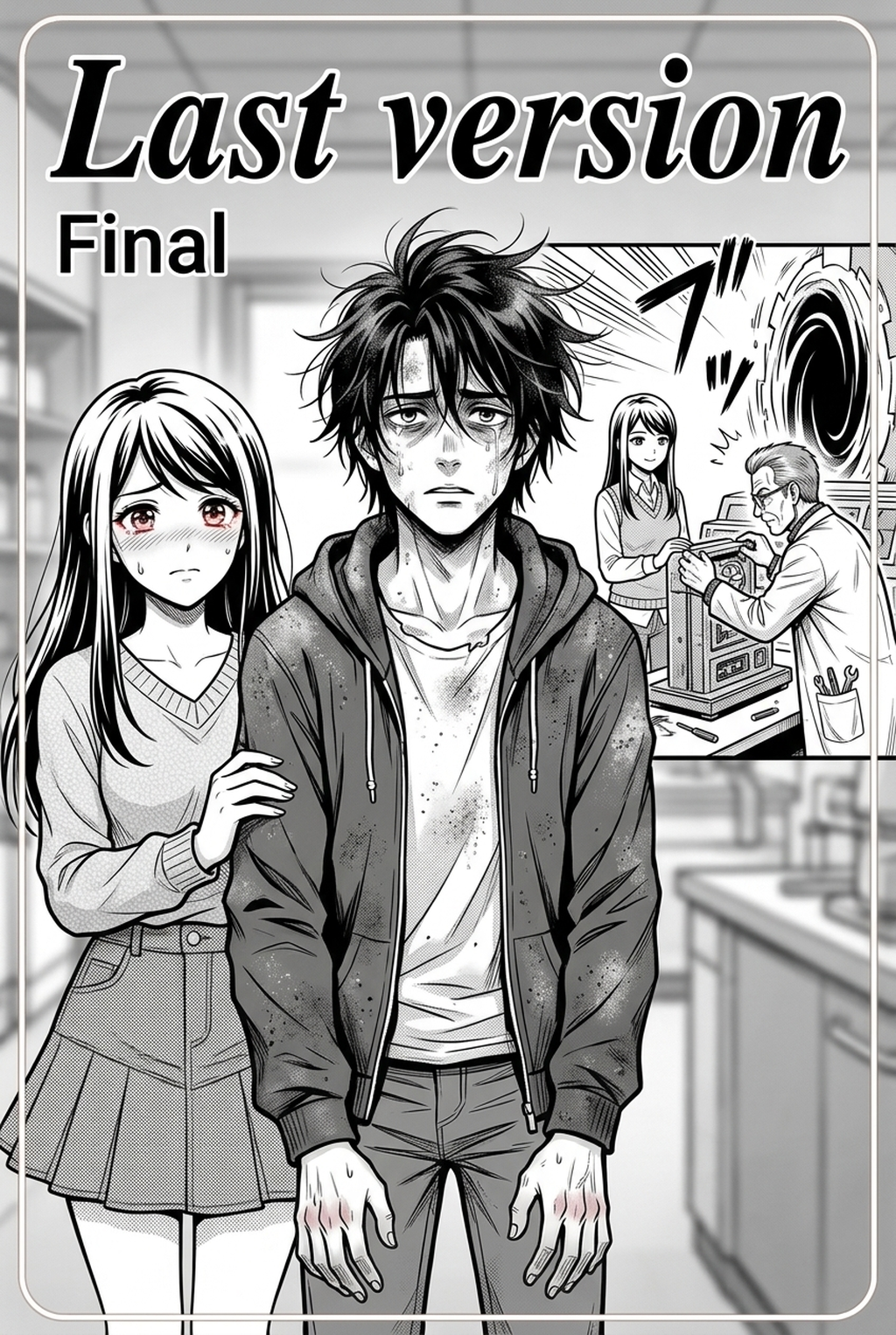
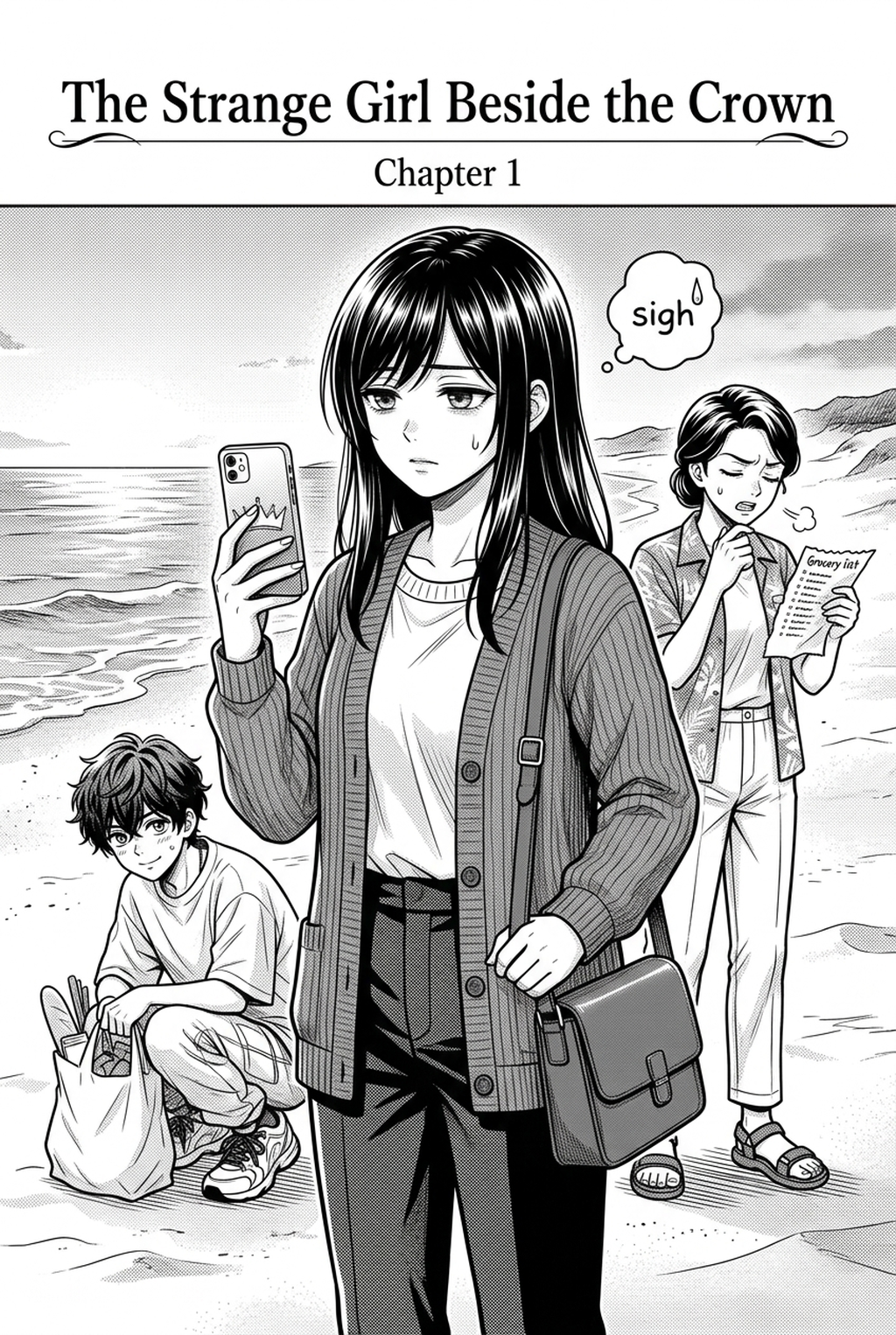
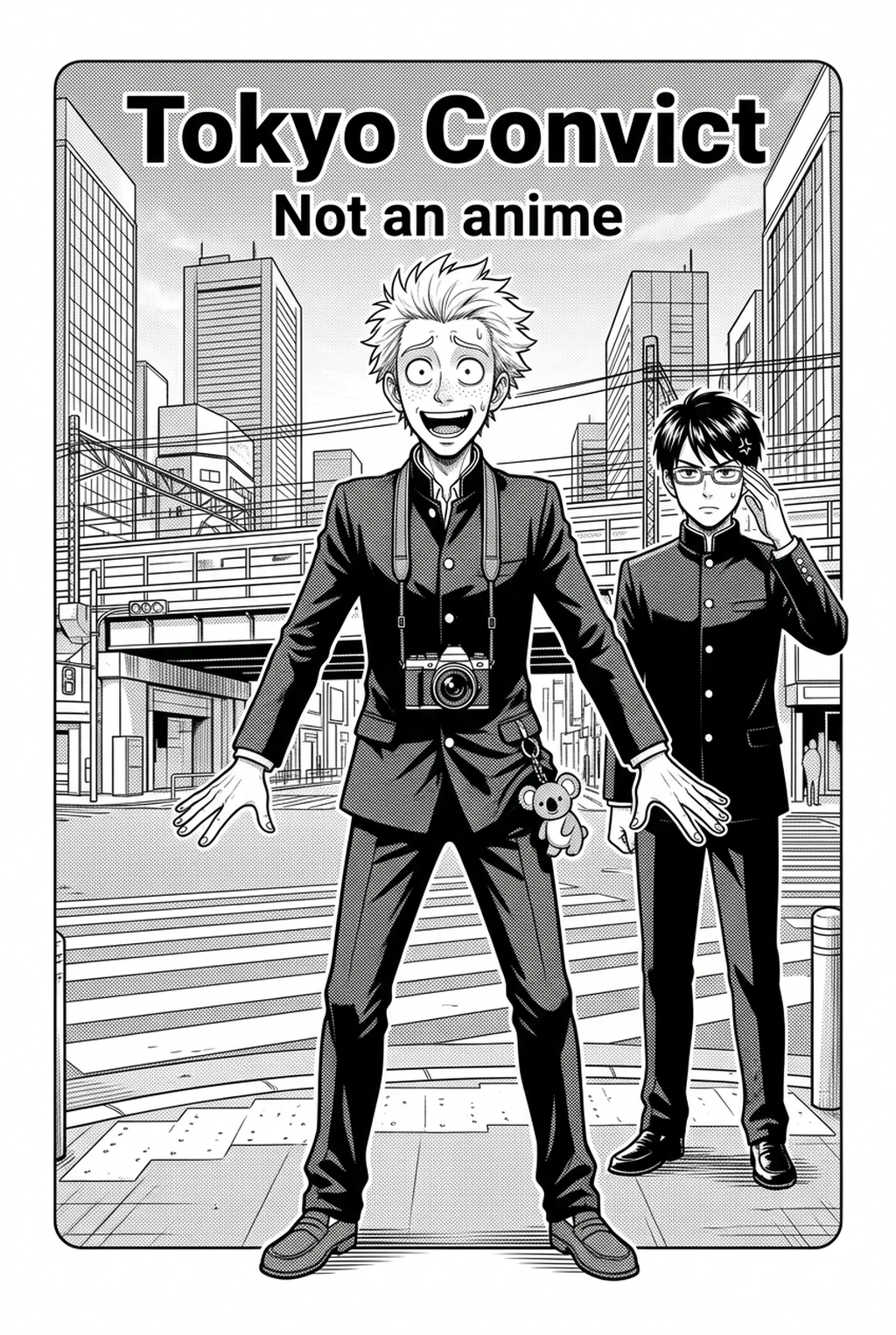
Effective design relies on an identifiable silhouette that remains recognizable regardless of the action or angle, ensuring that even a shadowed outline communicates the character’s identity instantly. A failure to prioritize this structural baseline leads to the "generic manga face" problem, where secondary characters lose their distinct status in crowded action sequences.
Audience insight suggests incorporating visual anchors—such as specific accessory geometry, recurring bandage patterns, or unique hairstyle quirks—that remain constant regardless of lighting changes. These details act as cognitive shorthand for the reader, preventing confusion when you transition from wide-angle establishing shots to tight, expressive close-ups.
Utilizing color palette anchoring ensures that your clothing and skin base tones stay within a locked gamut, preventing the jarring color shifts that often ruin immersion in full-color or web-formatted manga. By constraining your color library during the initial phase, you eliminate the risk of "palette creep," where character outfits appear to change hue simply due to shifts in ambient panel lighting.
Why AI Manga Character Designer Matters for Creators
Maintaining character identity across hundreds of panels is a massive technical hurdle that often leads to visual drift, where minor variations in drawing style accrue into a total loss of character recognition by the end of a chapter. This phenomenon is particularly punishing in Shonen and Seinen genres, where creators must juggle intricate armor, weapon props, or elaborate school uniforms in high-motion dynamic scenes without losing key details.
Implementing style sheets or reference metadata as a source context acts as the primary defense against style fragmentation. By defining your characters through a set of core parameters, you create a source of truth that every new panel must respect, effectively insulating your workflow from the time-draining process of manual continuity reviews.
How Manga Character Design Works with Mangaka
Modern AI tools streamline the design process by turning descriptive text descriptions into static, referenceable character sheets, effectively bridging the gap between raw concept and finished art. By using a unified AI engine, creators ensure the same anatomical terminology and gear configuration are applied throughout the entire creative process, from initial thumbnailing to final high-resolution export.
Eliminating Manual Consistency Checks. The delivery format of these AI tools allows for quick adjustments, enabling creators to pivot design elements without restarting their entire project from scratch. Instead of spending hours re-inking base character layers, you can simply update the descriptive metadata for a specific character’s gear or hairstyle, and the system propagates those changes while maintaining the original proportions. You can visit AI Manga Character Designer workflow with Mangaka to see how these reference sheets integrate directly into a standard panel creation workflow.
Use Cases for AI Manga Character Designer
Mangaka acts as a centralized design hub, allowing creators to generate and lock in character traits before moving to page layout. This architecture removes the common bottleneck of external asset management, where artists find themselves flipping through folders of disparate images to find a reference for a character’s specific power-up form or secondary costume.
Users can input specific character descriptions—including style, personality, and physical quirks—to generate consistent iterations that account for different age ranges or injury states. Integrating these design tools directly into your page layout phase means you never have to move assets out of your environment for cleanup, keeping your line art and tone work contained within one unified file structure.
How to Get Started with Mangaka
Transitioning your creative process to an AI-assisted model requires shifting your focus from manual drawing to managing high-level stylistic instructions. This keeps the review focused on story intent, line weight, panel readability, and the export quality behind the final AI Manga Character Designer output.
To maintain detail across different AI-generated chapters, you must treat your character metadata as a living document, updating the specific terminology as your narrative unfolds. Ensure that you keep your primary reference sheets in a dedicated folder or panel, allowing you to re-ingest them whenever the AI requires a reminder of the established anatomical proportions or costume details.
Yes, you can utilize the same design language to generate custom weapons or props alongside your characters by linking the prop's descriptive parameters to the character's active hold-state. This ensures that a character’s unique katana or magical staff remains the same size, weight, and ornamentation level relative to their hand size throughout all scenes.
The best way to move from concept to full panel is to first generate a turn-around character sheet in your established style. Once you have this, use the extracted character reference to generate specific panels in 300 DPI resolution, followed by a final export in PSD format, which allows for manual inking adjustments or speech bubble placement in your preferred software.
Creators should compare the generated line art with the original sketch and confirm that facial expressions, props, speed lines, and speech-bubble space still support the scene. A repeatable review pass should cover character consistency, panel readability, background clarity, and whether the final file is ready for coloring, lettering, or editor feedback.
The Bottom Line
Mastering character aesthetics is no longer just about your individual drawing skills; it is about managing consistency and artistic direction with technical precision. By leveraging specialized AI design tools like Mangaka, creators can spend less time on repetitive technical execution and more time on narrative development and storytelling. manga character design today and secure your project’s visual identity across every page.
Related articles
Manga Character Design: A Guide to Consistent Art 2026
Horror Manga Character Design: The Art of the Uncanny 2026
Manga Character Design: A Beginner’S Guide for 2026