AI Manga Colorist: Why This Workflow Matters for Manga Creators
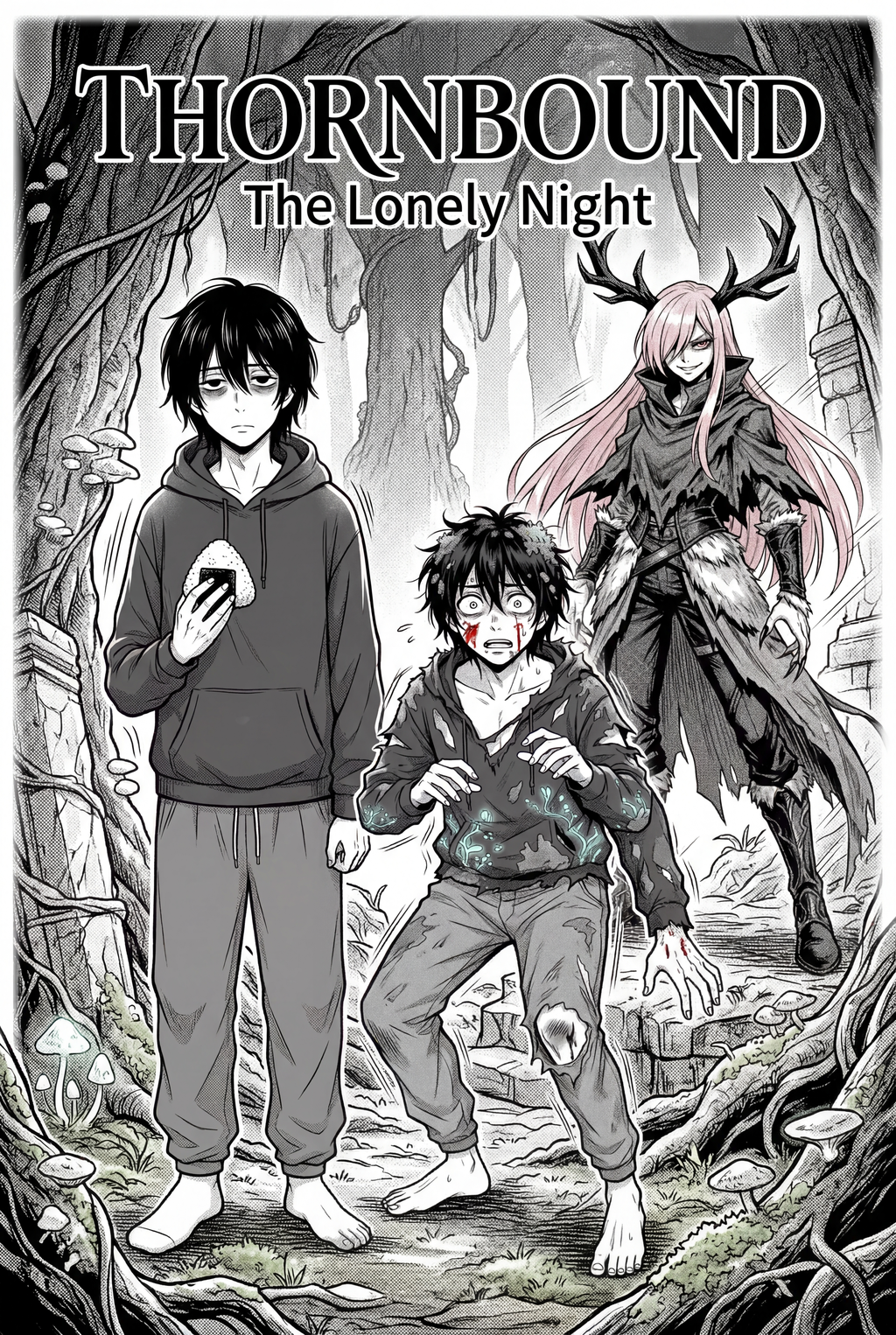
Understanding the source context of the scene is vital, as lighting choices in manga often dictate the emotional impact of the dialogue. Artists must master layer blending modes to apply color while maintaining the sharpness of the original line work terminology, specifically avoiding 'muddy' textures. Use local color as a base, then apply rim lighting to distinguish characters from the background without sacrificing the clarity of the ink lines.
- Emotional Weight: Lighting choices directly influence how readers perceive a character's dialogue, moving from high-contrast silhouettes to soft, warm highlights. * Ink Preservation: Maintaining the sharpness of thin, high-pressure line work prevents the character from appearing "blurred" during the color application process. * Texture Control: Avoiding muddy textures involves using strict layer separation where shadows are masked independently from the base skin or fabric tones.
Applying these techniques requires a disciplined approach to your digital workspace. When a colorist fails to maintain this hierarchy, the ink loses its dominance, turning a dynamic manga panel into a generic digital painting that sacrifices the unique aesthetic of the medium.
Automated Coloring with Mangaka
AI tools automate the tedious flatting stage, allowing the creator to act as a review owner for final color selection rather than a manual painter. Mangaka's AI preserves the original line work by applying color masks underneath the layer, ensuring no detail is lost in the process. Leveraging an AI colorist allows independent mangaka to achieve studio-quality color delivery formats without the overhead of a large production team.
- Efficiency: Automating the base color fills reduces the time spent on repetitive tasks by up to 70% per page. * Line Integrity: By utilizing specialized masking, the system ensures that color never bleeds over the ink paths, keeping your character proportions perfectly defined. * Scale: You can maintain high-quality color across an entire multi-chapter volume, which is nearly impossible to do manually without significant fatigue.
For a creator working on a 180-page tankobon release, this saves hundreds of hours of manual labor. Instead of hand-painting every flat color, you act as the director of the aesthetic, confirming the palette and lighting choices while the AI handles the complex mask generation. Visit manga colorist guide with Mangaka to see how this process integrates with your existing drawing software.
Common Use Cases for Professional Coloring
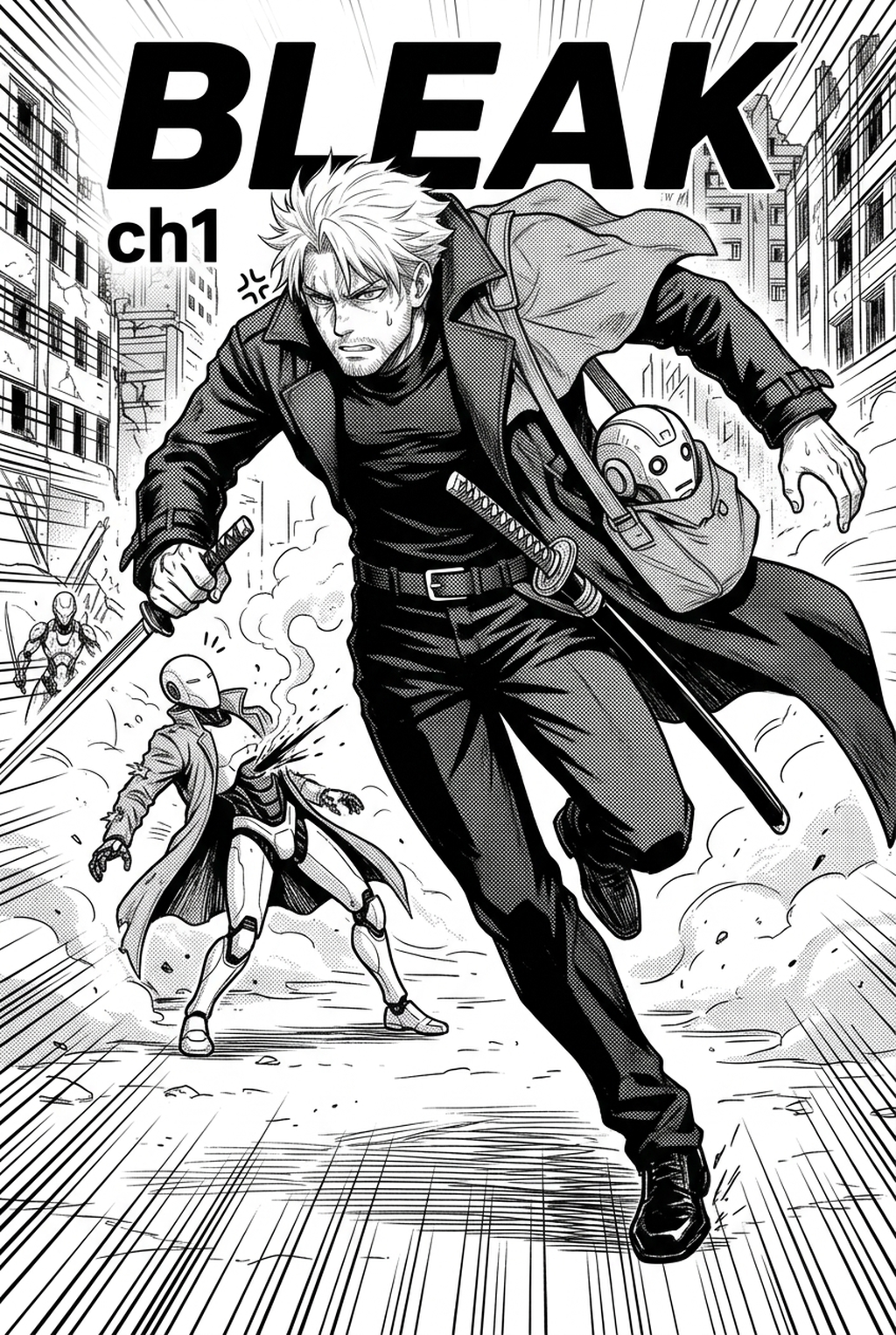
Maintaining stylistic consistency across long-form chapters is a major hurdle for creators working without a standardized color palette. Over-rendering is a frequent error; professional coloring should support the panels, not turn them into high-detail paintings that bury the line art. Creators often struggle with "flatness" in digital output; the solution is to integrate depth-of-field effects and varied ink-weight colors during the post-processing phase.
| Use Case | Common Problem | Professional Solution |
|---|---|---|
| Action Panels | Muddy background colors | Targeted desaturation |
| Character Close-ups | Lost ink detail | Precision masking |
| Night Scenes | Obscured line weight | Rim lighting highlights |
By focusing on these specific areas, you avoid the trap of over-detailing. If you over-render a character's clothing, you risk losing the sense of movement and speed lines that are essential to successful action sequences.
Getting Started with Modern Coloring
Mastering manga colorization is no longer about learning complex brush strokes, but about adopting efficient workflows that prioritize creative direction. Start by separating your line art onto a high-resolution, transparent layer, which allows the AI to distinguish between the ink and the canvas. This is the foundation of a clean colorization workflow, preventing the common "bleeding" effect that ruins professional output.
Creative Brief and Source Input
- Line Art Fidelity: Keep your ink layer at a high DPI—at least 600 DPI is recommended for print-ready projects—to ensure that the digital color mask fits snugly against the edge of your strokes. * The Director’s Role: View the AI as an assistant that executes your vision, allowing you to focus on the color harmony and emotional tone of the scene rather than pixel-perfect painting. * Software Integration: Use industry-standard painting software that supports high-bit-depth PSD files, as these provide the best compatibility for your final export format.
Is AI-assisted coloring considered "real" manga art? The answer lies in the creator's role as the director. If you control the color palette, the mood, and the lighting hierarchy, you are the artist. The tool is simply a faster way to apply the vision you have already defined.
Creators should compare the generated line art with the original sketch and confirm that facial expressions, props, speed lines, and speech-bubble space still support the scene. A repeatable review pass should cover character consistency, panel readability, background clarity, and whether the final file is ready for coloring, lettering, or editor feedback.
Generation Review and Export
Creators should save approved examples of line weight, face detail, clothing folds, and background density. Those references keep later chapters closer to the intended style. For collaboration, creators should mark which panels are final and which panels still need redraws. Clear status labels prevent an assistant, editor, or colorist from polishing the wrong version.
Creators can evaluate manga colorist guide with Mangaka mid-workflow when they need the product path tied directly to review, refinement, and export. A real test should use the same sketch, character goal, or panel sequence that would otherwise need manual cleanup after generation.
The Bottom Line
Mastering the art of color in your work is a matter of workflow efficiency, not endless manual painting. By utilizing an AI-driven colorist approach, you bridge the gap between B&W drafts and professional full-color releases while preserving the original ink lines that define your aesthetic. Today to experience the speed of a modern production process.
Related articles
Best Manga Colorist Tools: AI vs. Manual Coloring in 2026
Speed Up Your Manga Colorist Workflow with AI Today in 2026
What Does a Manga Colorist Do? A Guide for 2026 Artists