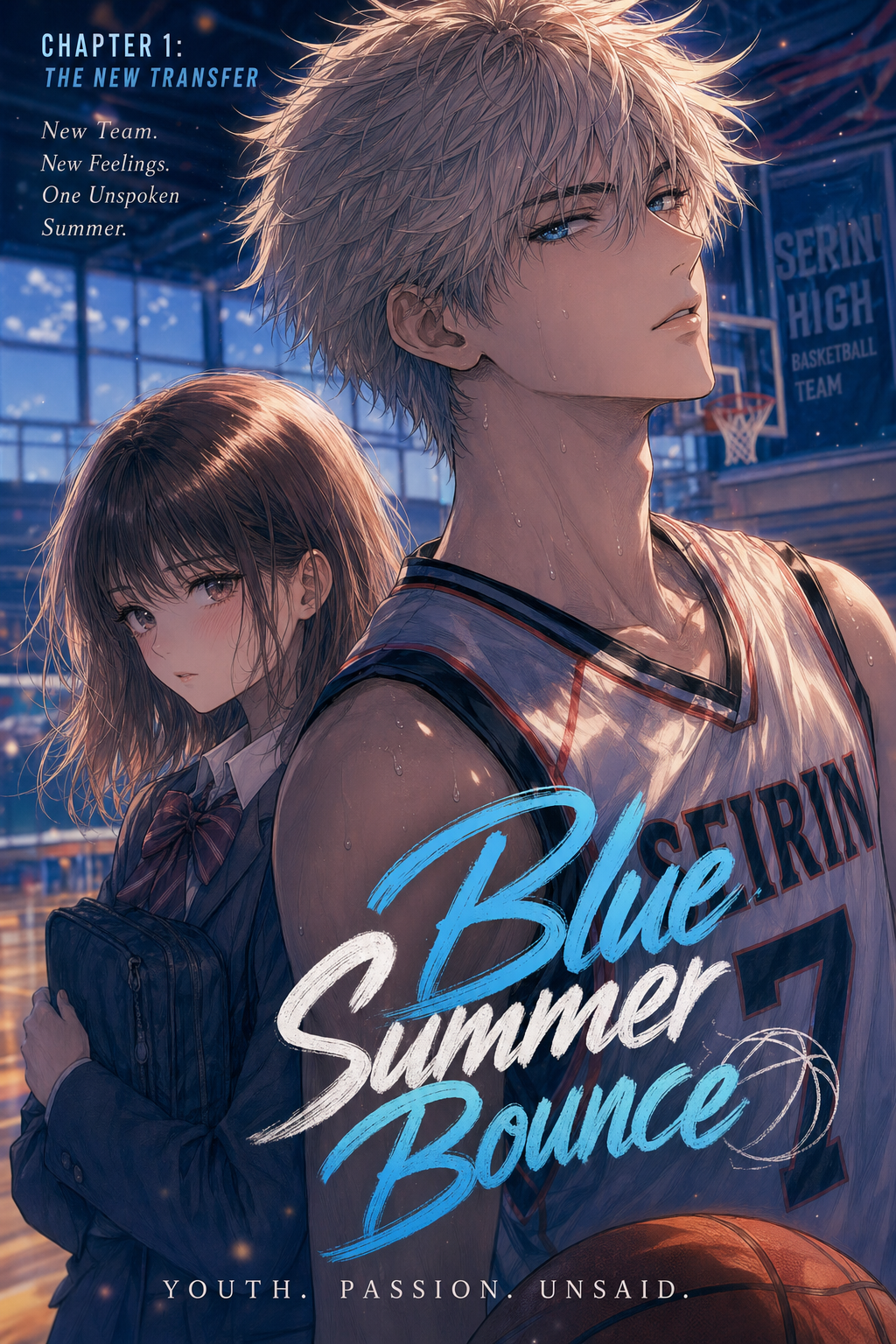
Understanding the Shift in Modern Coloring
Manga colorization represents the evolution of the medium from printed monochrome ink to sophisticated digital palettes designed for high-resolution displays. This process goes beyond simple tinting, requiring a deep understanding of layer management where line art acts as a master mask for underlying color blocks.
The primary challenge in coloring lies in maintaining high-frequency details, such as shadow hatching and subtle character line-weights that often get lost in standard software filters. Authentic coloring must treat your original ink as a permanent, essential layer, ensuring that even the most complex mechanical or organic textures remain legible.
Applying color strategically allows you to dictate the narrative tone of a sequence without altering the drawing itself. By shifting palettes, you can signal a transition from a gritty, high-contrast 'Flashback' to a warm, soft 'Dream Sequence' or a cool-toned 'High-Octane Action' scene, guiding the reader’s focus through your layout.
Why Color Impact Drives Engagement
Digital platforms demand a higher level of visual immediacy, and colorized pages provide a significant competitive edge for independent creators. When readers scroll through mobile-first environments, color coding acts as a structural navigation tool, helping them parse chaotic action scenes or complex magic systems by identifying specific character auras or energy effects.
Consistent color branding distinguishes your work from amateur drafts, establishing a professional aesthetic that is easily recognizable to your growing audience. By maintaining a defined color identity for your characters across multiple chapters, you build a stronger visual IP that resonates in crowded digital marketplaces.
Static B&W panels can sometimes blend together on small screens, leading to reader fatigue during long sessions. Injecting purposeful color into your page design breaks this monotony, offering "scroll-stopping" moments that keep the reader invested in the progression of the story.
Check character consistency, panel readability, line quality, and export readiness before publishing. Creators should also record why the page passed review, which panel details still need manual cleanup, and which export format the next collaborator will use. That makes the subsection useful instead of leaving a short checklist under a large heading.
How Mangaka Manages Digital Color
Mangaka utilizes specialized neural networks to isolate your original ink lines, ensuring that color layers do not bleed into or blur your hand-drawn textures. This depth-aware shading respects the density of your original cross-hatching, allowing the AI to calculate where light would logically interact with the depth of your drawing rather than applying a flat, uninspired color fill.
The workflow allows you to input specific color themes, leaving the tedious technical labor of cel-shading and flatting to the machine while you retain final artistic authority. This partnership ensures that your unique style remains intact, as the tool is designed to adapt to the specific shading density required by your genre rather than imposing a generic, one-size-fits-all finish.
By automating the preparation of color layers, you reduce the time required for technical production, which typically eats into the hours better spent on panel layout or character design. You can Manga colorization with Mangaka to see how this workflow handles high-contrast line art, allowing you to focus on the narrative heart of your project while the engine manages the complex color mapping.
Standard Workflows for Manual and AI Processes
Every project requires a distinct approach based on the complexity of your page layout. This keeps the review focused on story intent, line weight, panel readability, and the export quality behind the final AI Manga Colorist output.
| Feature | Manual Coloring | Mangaka Workflow |
|---|---|---|
| Layering | Manual mask creation | Automatic line isolation |
| Shading | Hand-drawn cel-work | Depth-aware light rendering |
| Consistency | Palette file management | Style-adaptive theme application |
| Time Usage | 4–6 hours per page | Under 5 minutes per page |
Implementation and Final Output
Start your journey by uploading high-contrast B&W line art in a standard format like PNG or TIFF to ensure the engine can distinguish between ink density and the paper background. Once the initial pass is complete, you should review the generated layers to fine-tune highlights or adjust saturation levels before exporting your final, polished panels.
- Before Export. Creators should compare the generated line art with the original sketch and confirm that facial expressions, props, speed lines, and speech-bubble space still support the scene. A repeatable review pass should cover character consistency, panel readability, background clarity, and whether the final file is ready for coloring, lettering, or editor feedback.
- For Longer Projects. Creators should save approved examples of line weight, face detail, clothing folds, and background density. Those references keep later chapters closer to the intended style. For collaboration, creators should mark which panels are final and which panels still need redraws. Clear status labels prevent an assistant, editor, or colorist from polishing the wrong version.
- For Publishing. Creators should review the page at the actual reading size before export. Small screens expose crowded dialogue, weak silhouettes, and line details that looked fine while zoomed in. Creators can use each revision decision to clarify panel readability, character consistency, and export quality before publishing or sharing.
- For Style Control. Creators should keep a short reference board beside the draft and compare hair shapes, eye details, costume folds, and texture choices before approving the final page. For revision planning, creators should separate art fixes from story fixes. Line cleanup, panel order, dialogue clarity, and character acting each need a different review question.
The Bottom Line
Professional colorization no longer demands a massive studio budget or weeks of manual labor, as current workflows allow you to keep your creative intent at the center of the production. By leveraging intelligent systems to handle the heavy lifting, you can produce industry-standard, high-impact pages that stand out in any digital catalog. You can begin your first colorized project today at Manga colorization to see how easily you can transform your monochrome drafts into vibrant, professional-grade manga pages.
Related articles
Manga Speech Bubble Placement: A Guide for Better Flow 2026
Mastering 4-Koma Comedy Timing: A Guide for Manga Creators
Mastering Manga Background Perspective for Dynamic Panels



