Definition and Technical Scope of AI Manga Inker
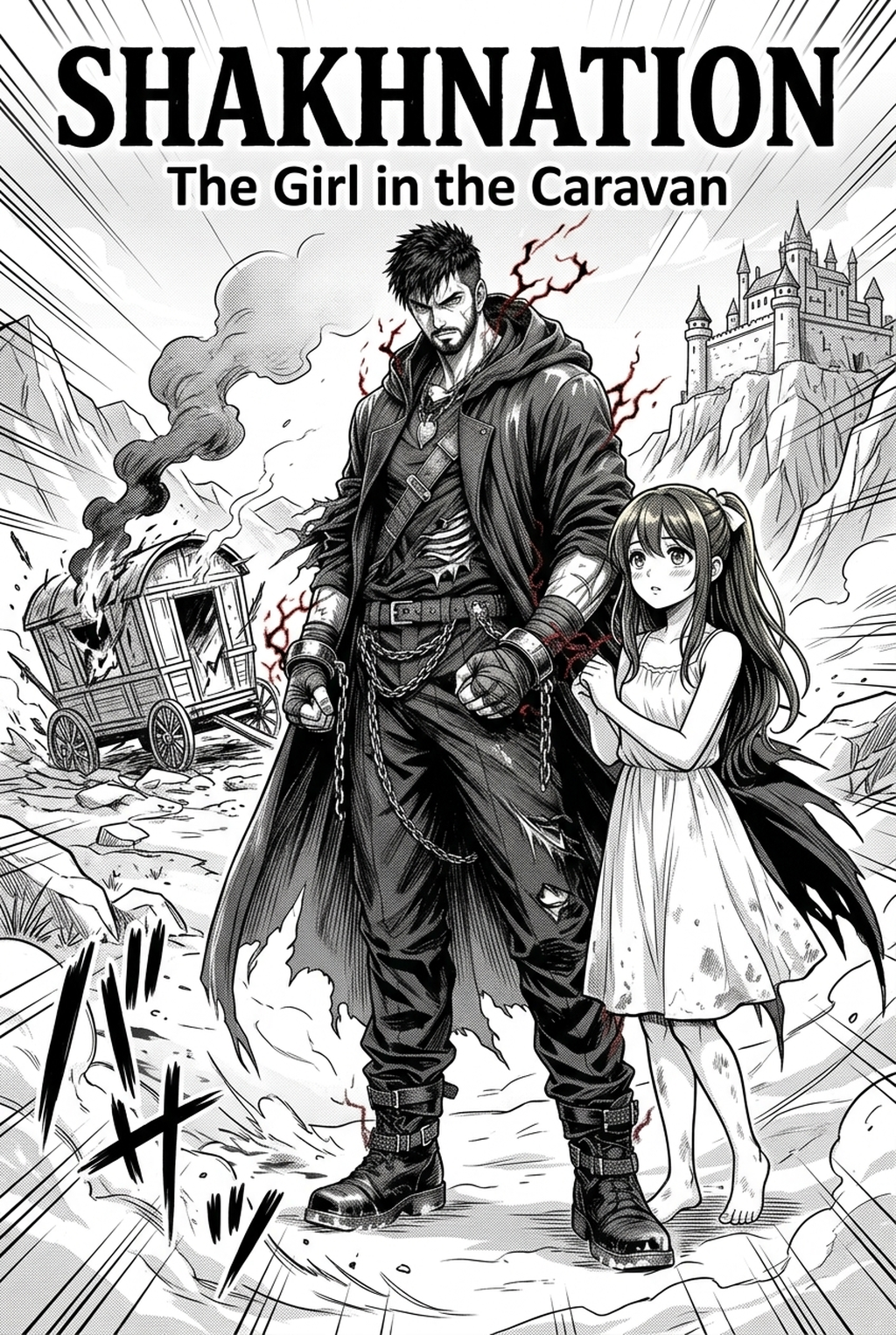
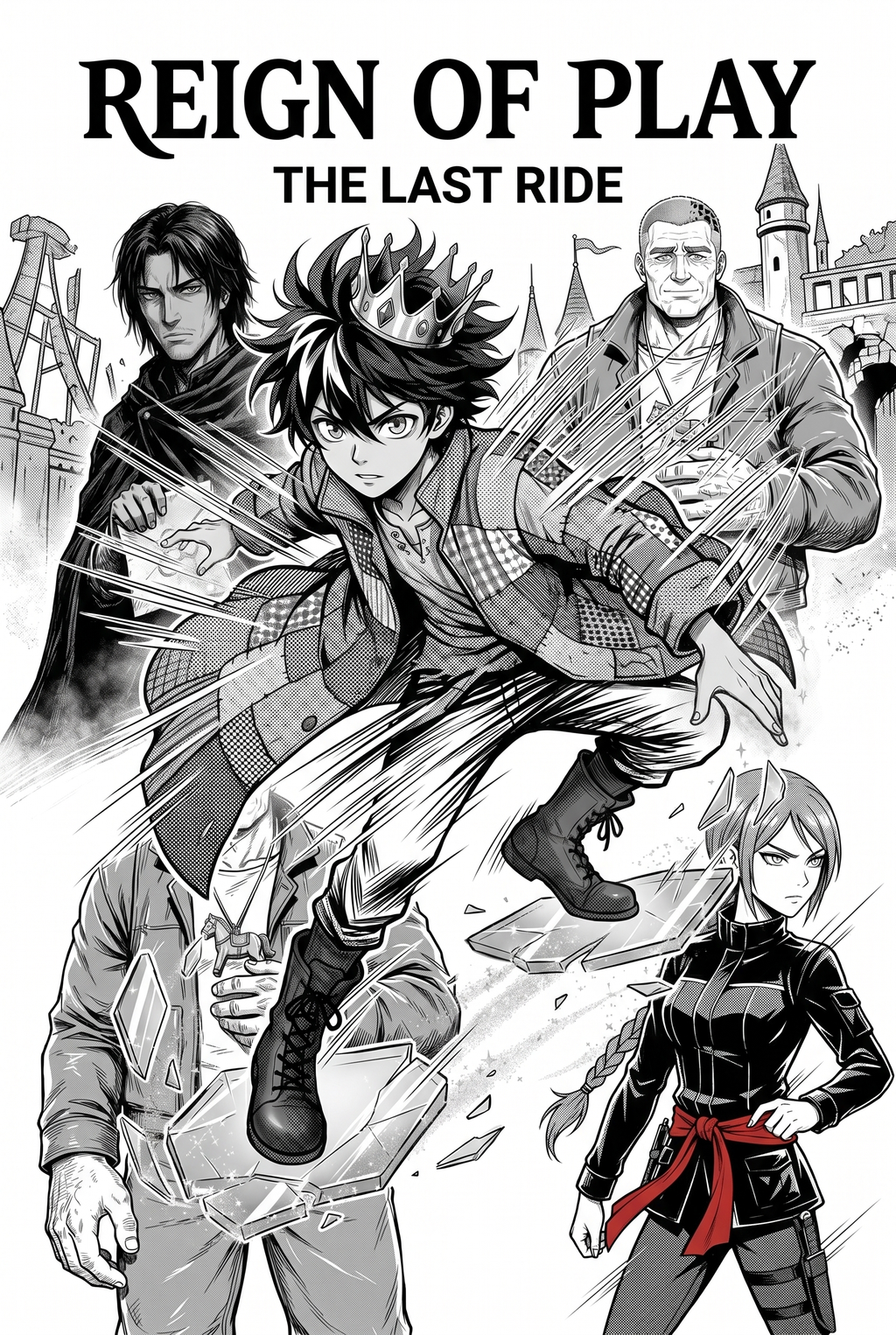
Manga inking represents the decisive transition from raw, fluid pencil sketches to permanent, high-contrast line work that defines the visual hierarchy of a page. This process dictates the focal points of an image through the strategic application of varying line thickness, often referred to as tapering, which separates foreground figures from background environments.
- Tapering and weight: Varying the width of a stroke to mimic the pressure sensitivity of a G-pen, ensuring that character profiles remain distinct from the surrounding environment. * Vector vs. Raster dynamics: Choosing between resolution-independent vector lines, which remain crisp at any zoom level, and raster lines that offer organic texture but risk pixelation during large-format printing. * Hatching and cross-hatching: Creating depth and shadow without using digital tones, relying solely on line density to suggest fabric folds, skin texture, or environmental gloom.
Why Inking Standards Define Professional Output
High-quality inking ensures your visual narrative remains legible even when panels are significantly downscaled for mobile platforms or compressed for dense tankobon print layouts. Professional editors often use "line confidence" as a primary filter for shonen serialization submissions, as hesitant or overly scratchy linework implies a lack of technical mastery.
- Consistency for later stages: Solid, clean line art acts as the structural foundation for your screentone application and color workflows, preventing "bleed" between fill areas. * Resolution and scalability: Proper digital inking prevents the loss of detail that occurs when raw sketches are converted to standard 600 DPI print formats. * Correction of anatomical drift: A clean inking pass acts as a final audit, making it easier for the creator to spot and fix limb-proportion errors that were obscured by messy pencil construction.
Automated Refinement Through the Mangaka Tool
Modern AI tools now convert raw, shaky pencil inputs into crisp, professional-grade inked strokes automatically, preserving the artist's original gesture while removing the manual labor of cleanup. By leveraging source context, the technology distinguishes between complex architectural backgrounds and character silhouettes, applying thicker outer strokes and finer interior detail automatically.
- Bypassing the cleanup phase: Artists can avoid the repetitive "tracing" process that often drains creative momentum during the high-pressure deadlines of weekly serialization. * Preserving gesture intent: Rather than flattening the image, the software interprets the "spirit" of the initial stroke, ensuring the final lines feel dynamic rather than robotic. * Intelligent line weight allocation: The algorithm applies thinner lines to background objects, which prevents the page from appearing cluttered when multiple characters share the same frame.
Strategic Use Cases for Digital Line Production
Establishing a clear hand-off from your rough sketches to the final inked layer ensures that the review owner can effectively evaluate composition before color or dialogue is added. This digital workflow enables non-destructive editing, meaning you can resize panels or adjust line weight on specific layers without ever needing to redraw the entire sequence.
- Non-destructive iteration: If an editor requests a panel layout change, your inked layers remain fully adjustable, allowing for rapid repositioning without re-inking. * Clean archival standards: By maintaining a "clean source" for every panel, you simplify the process of pulling assets for later volumes, merchandise, or spin-off marketing materials. * Simplified anatomical audits: Using digital layers allows you to isolate characters from backgrounds during the review, making it significantly easier to audit poses for consistency across multiple chapters.
- Chapter cadence. Use the AI pass for pages where speed matters most, such as repeated action poses, transformation beats, or dense speed-line panels. Keep manual cleanup for hero panels where the line style defines the emotional peak.
- Character continuity. Compare the generated lines against the same model sheet, costume notes, and facial-expression range used during sketching. This prevents a fast inking pass from drifting away from the character identity readers recognize.
- Export readiness. Check whether the final manga output can move into lettering, coloring, or final layout without rebuilding panel borders or speech-bubble space. A good manga workflow should save time while keeping the next production step predictable.
Getting Started with Professional Digital Workflows
If you are currently struggling with the manual labor of cleaning up 20+ pages per month, integrating automated tools can reclaim dozens of hours. When you are ready to modernize your process, manga inking to upload your sketches and observe how automated pathing manages complex character silhouettes. Balancing Technology and Traditional Aesthetics.
- Nuance of G-pen simulation: Does digital inking maintain the emotional variance of traditional ink? Yes, provided the input sketch includes clear intent regarding line pressure. * Authenticity in automated art: Modern tools do not replace the artist; they function as an accelerated inking assistant, allowing the creator to maintain the "human touch" in storytelling. * Optimal file delivery format: For professional submissions, always export your final line art as a 600 DPI monochrome PSD or TIFF, ensuring that no compression artifacts degrade the line edges before they reach the printing press.
Creators should compare the generated line art with the original sketch and confirm that facial expressions, props, speed lines, and speech-bubble space still support the scene. A repeatable review pass should cover character consistency, panel readability, background clarity, and whether the final file is ready for coloring, lettering, or editor feedback.
Creators should save approved examples of line weight, face detail, clothing folds, and background density. Those references keep later chapters closer to the intended style. For collaboration, creators should mark which panels are final and which panels still need redraws. Clear status labels prevent an assistant, editor, or colorist from polishing the wrong version.
The Bottom Line
creator workflow is a foundational discipline that can be significantly accelerated by modern AI, allowing creators to prioritize composition and storytelling over the repetitive manual cleanup of shaky pencil lines. By automating the technical heavy lifting, you ensure a consistent visual standard that meets the expectations of professional editors and readers alike. To streamline your production and achieve publication-quality results today, manga inking to see how effectively your sketches can be converted into polished art.
Related articles
Mastering the 4-Koma Comic Layout: A Creator’S Guide 2026
Essential Manga Inking Techniques for Professional Panels
Mastering Manga Speech Bubble Layout for Pro Art in 2026
Frequently Asked Questions
How does digital inking affect the readability of shonen-style action sequences?
Can this tool handle the specific line weight conventions required for seinen-style environmental detail?
Will automated inking diminish my unique artistic style?
What happens to my original pencil sketches after the inking process?
Maximize Digital Line Art Efficiency and Output with Mangaka.app
Solo indie creators often spend up to 70% of production time inking pages. Mangaka.app bridges the gap between creative vision and rapid serialized release:
- Batch Panel Inking: Process multi-panel pages simultaneously to ensure uniform stroke thickness and tone density across the entire chapter.
- Artifact-Free Digital Inking: Eradicate jagged pixelation and gray halos for pitch-black 100% K ink prints.
- Customizable Nib Profiles: Switch effortlessly between G-Pen, Maru-pen, and Kabura-pen stroke dynamics tailored to your art style.
- Cloud Canvas Sync: Draft storyboard inks anywhere and refine them on desktop with instant project syncing.
For mangaka and creative teams aiming to elevate their publishing workflow, Mangaka.app provides the complete AI-powered production suite for storyboarding, character design consistency, and sequential page generation.