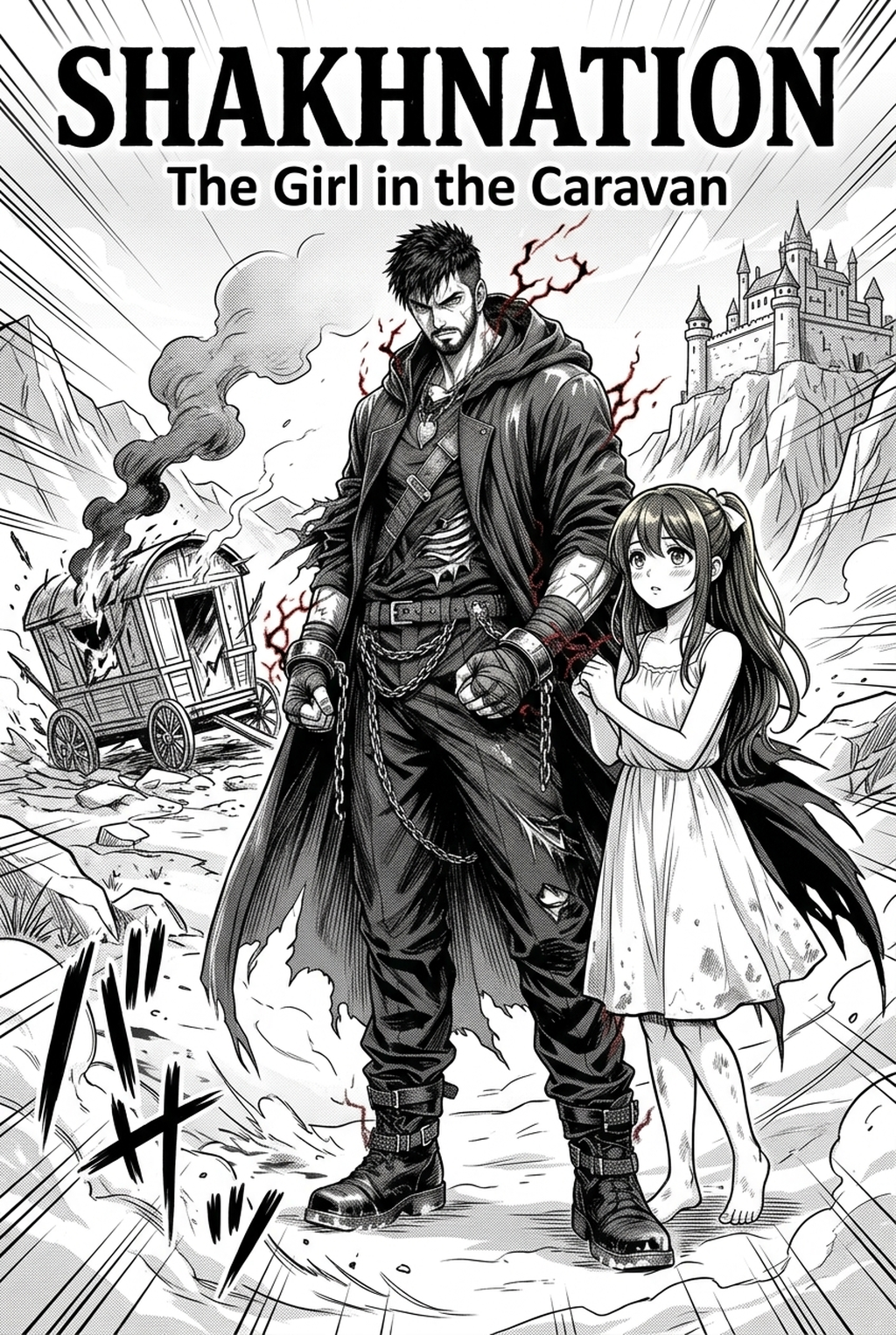
A manga maker turns a written story into finished manga pages: character sheets, panel layouts, inked line art, screentones and speech bubbles placed in the right reading order. In 2026 the useful question is no longer whether a tool can draw a panel, but whether it can hold a character's face steady across forty pages and keep the reading flow intact. This guide walks through the full process of making your own manga online, the checks that separate a readable chapter from a pretty slideshow, and where hand-drawing still wins.
What a manga maker actually has to do
Generating one striking image is easy. Making manga means sustaining choices: which shot opens the scene, where the reader's eye lands next, how much space a silence needs. A manga maker worth using handles four layers — layout, line art, tone, and lettering — and keeps them consistent from page one to the last panel.
It also has to respect the format. Manga is read in panels, with gutters that carry timing. A tool that outputs unrelated illustrations leaves you doing the hardest part by hand.
From script to published chapter
1. Write the scene list
One line per scene: where it happens, who is present, what changes. A chapter usually needs six to twelve scenes. Without this skeleton, every later step guesses.
2. Build character sheets
Lock hair shape, eye style, build, default outfit and one memorable detail. This sheet is what keeps the protagonist recognisable when the tool draws them from a new angle.
3. Lay out panels
Decide panel count per page before any art exists. Wide establishing panels set place; tight close-ups carry emotion. Vary them or the page flattens.
4. Ink and tone
Heavy lines for silhouettes, light lines for interior detail. Screentones replace colour: they carry depth, shadow and motion, and keep the page readable in black and white.
5. Letter the page
Place bubbles along the reading path, never over a face. Break long lines across several bubbles instead of cramming one to the edge.
Character consistency: the test that matters
The fastest way to judge any manga maker is to generate eight pages and view them as thumbnails. Drift shows up in the grid, not in a single page. If the protagonist's face changes between pages three and six, no amount of rendering quality saves the chapter.
Fix drift locally. Regenerate only the affected scene, then re-check the whole sequence — a full-chapter regeneration usually introduces new variation in pages that were already correct.
Export sizes that keep pages readable
For web reading, export pages 1,600–2,048 px wide; for print, work at 600 DPI on B5 or A5. Keep an inner safety margin if the chapter will be bound, and name files in reading order (ch01_p003) because most reader platforms sort by filename.
Pre-publish checklist
- Does the panel order read without hesitation on a phone screen?
- Is the main character recognisable on every page?
- Does any bubble cover a face or cross a panel border?
- Is any dialogue truncated or badly hyphenated?
- Do repeated backgrounds keep the same perspective?
- Does the final panel pull the reader into the next chapter?
Common mistakes when making manga online
Starting without a script; mixing three line weights in one chapter; filling every panel with detail so the page never breathes; decorative fonts that fail at phone size; and publishing without reading the chapter start to finish, which is exactly when continuity breaks surface.
When hand-drawing still wins
Complex action anatomy, very specific facial acting and double-page spreads still reward manual work. The healthy workflow is hybrid: let the manga maker carry backgrounds, tones and transition pages, and spend your own hours on the panels that carry the story's emotion.
Make your manga with Mangaka.app
Mangaka.app is a manga maker built around that workflow: reusable character sheets, script-driven panel layouts, inked line art with screentones, and speech bubbles placed along the reading path.
- Consistent characters across chapters from a single sheet.
- Panel layouts from your script, not fixed templates.
- Publish-ready export for web reading or print.
Have a script waiting? Start making your manga on Mangaka.app and ship your first chapter this week.
Keep going with What is a manga storyboard and Manga inking: a guide to professional line art .