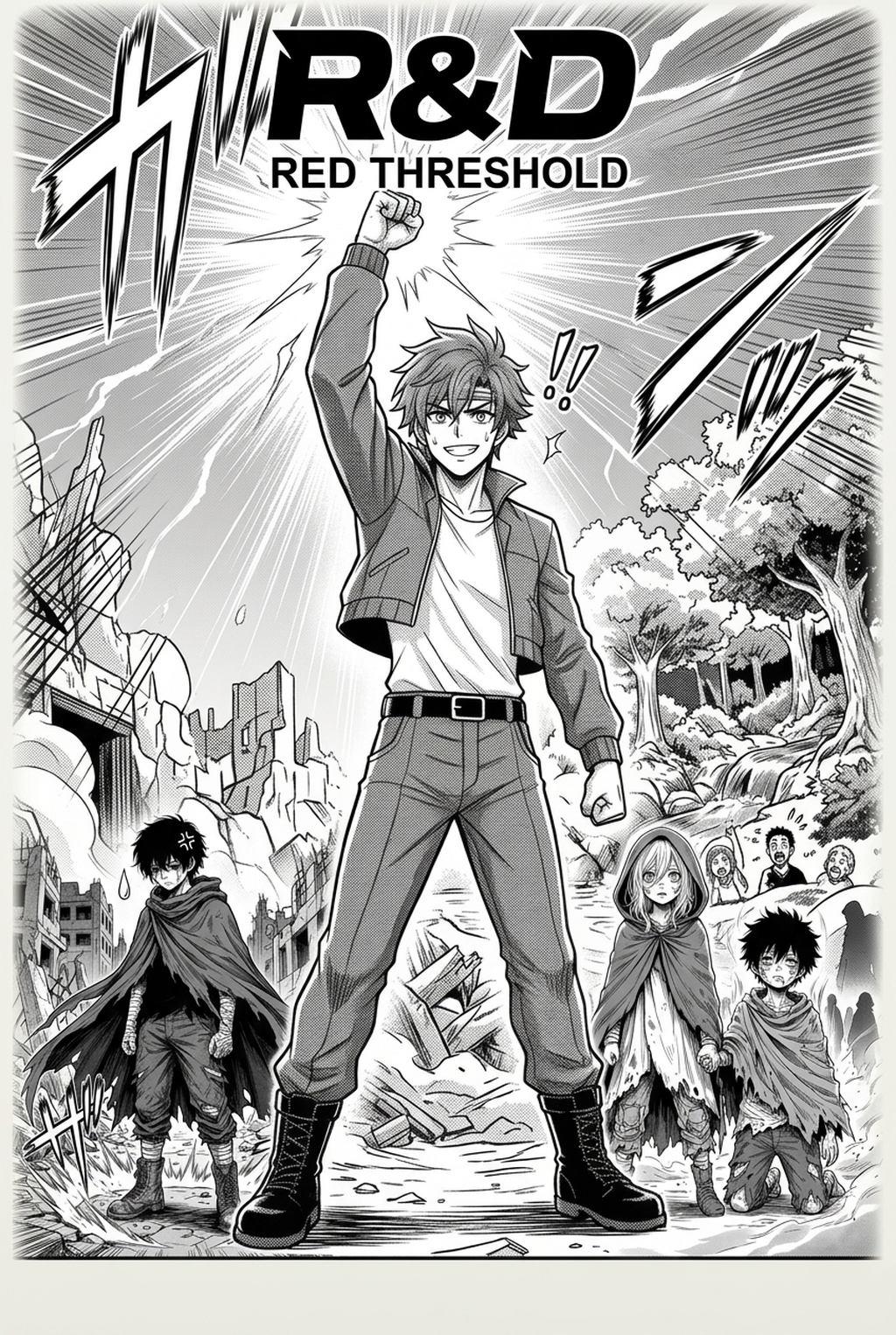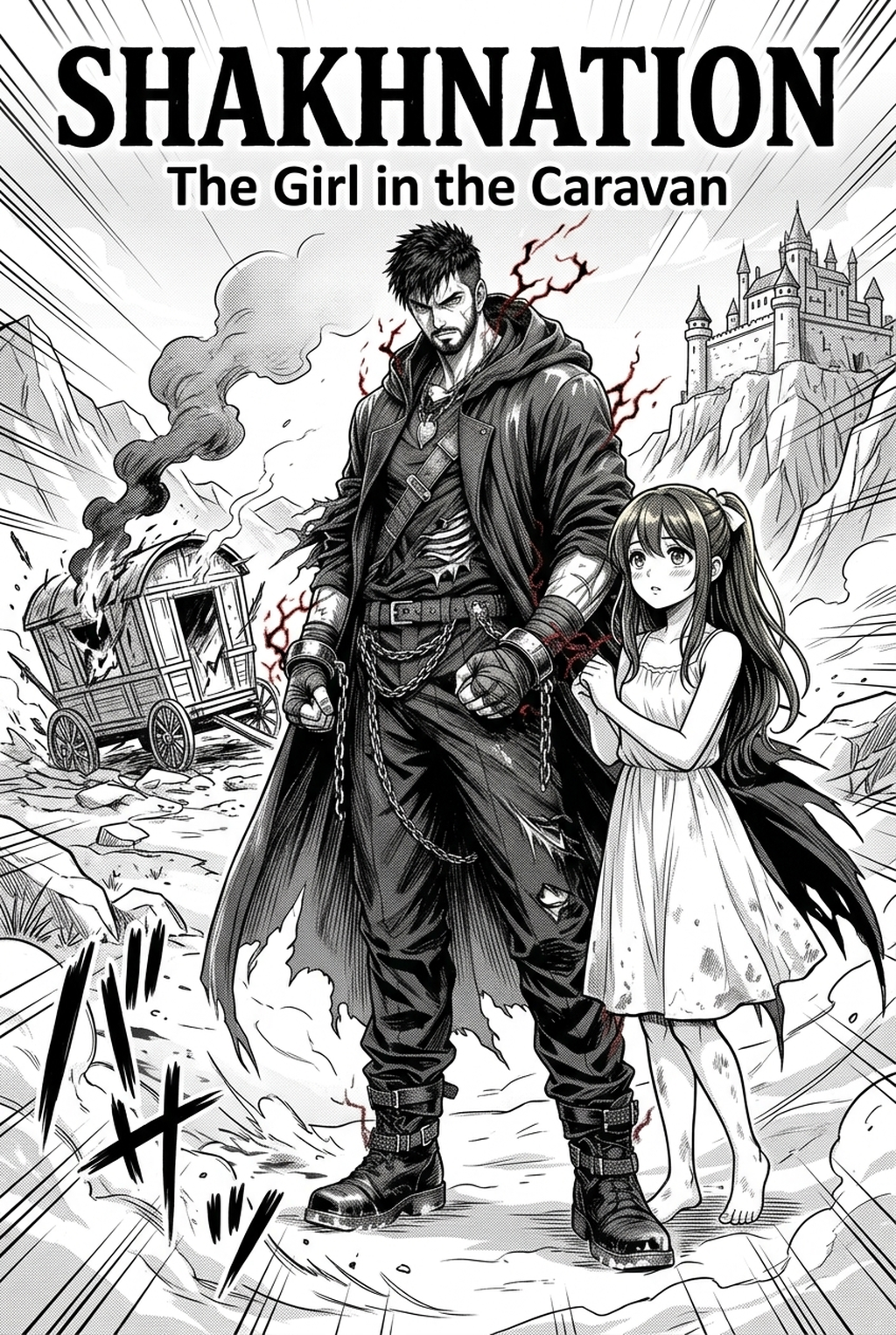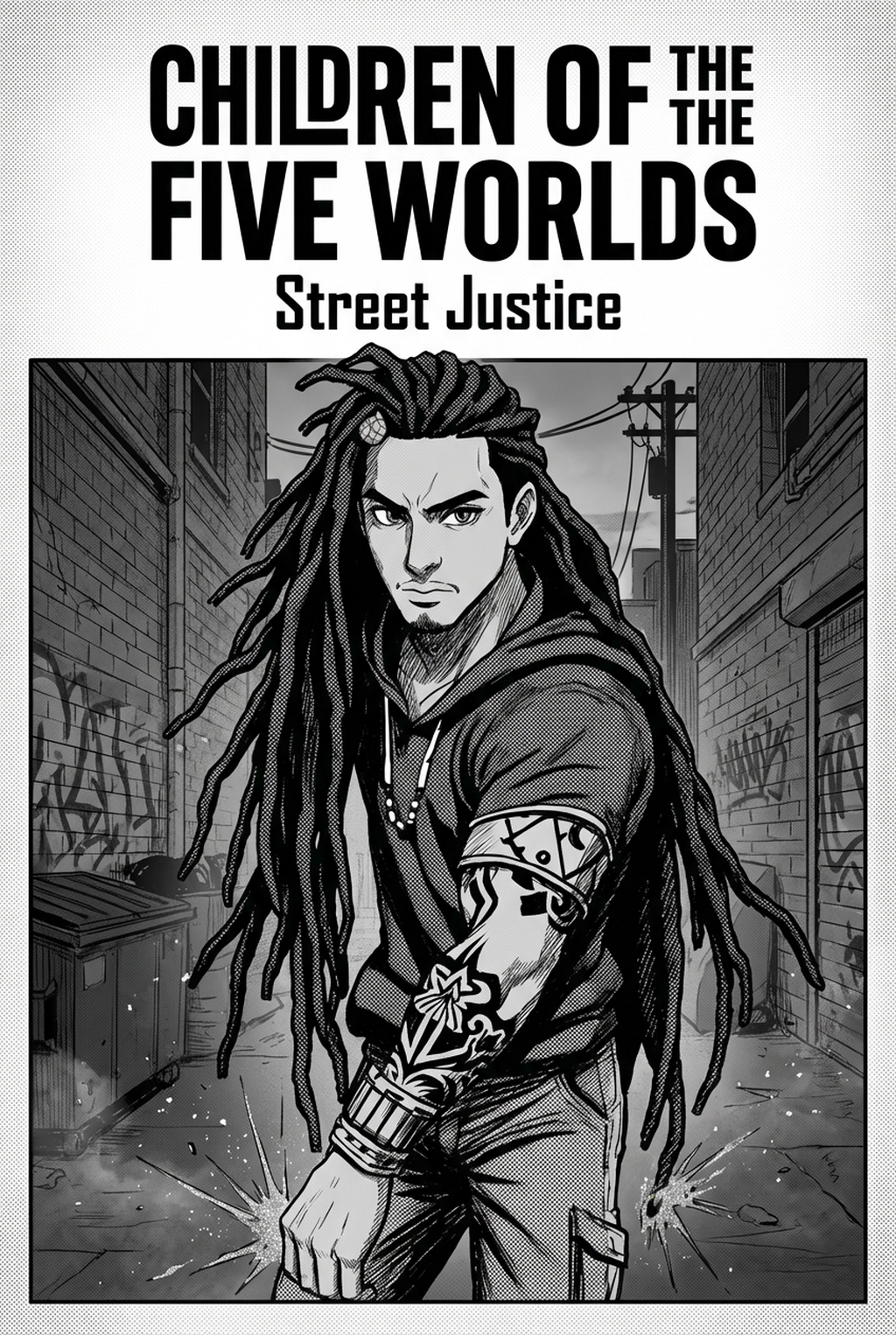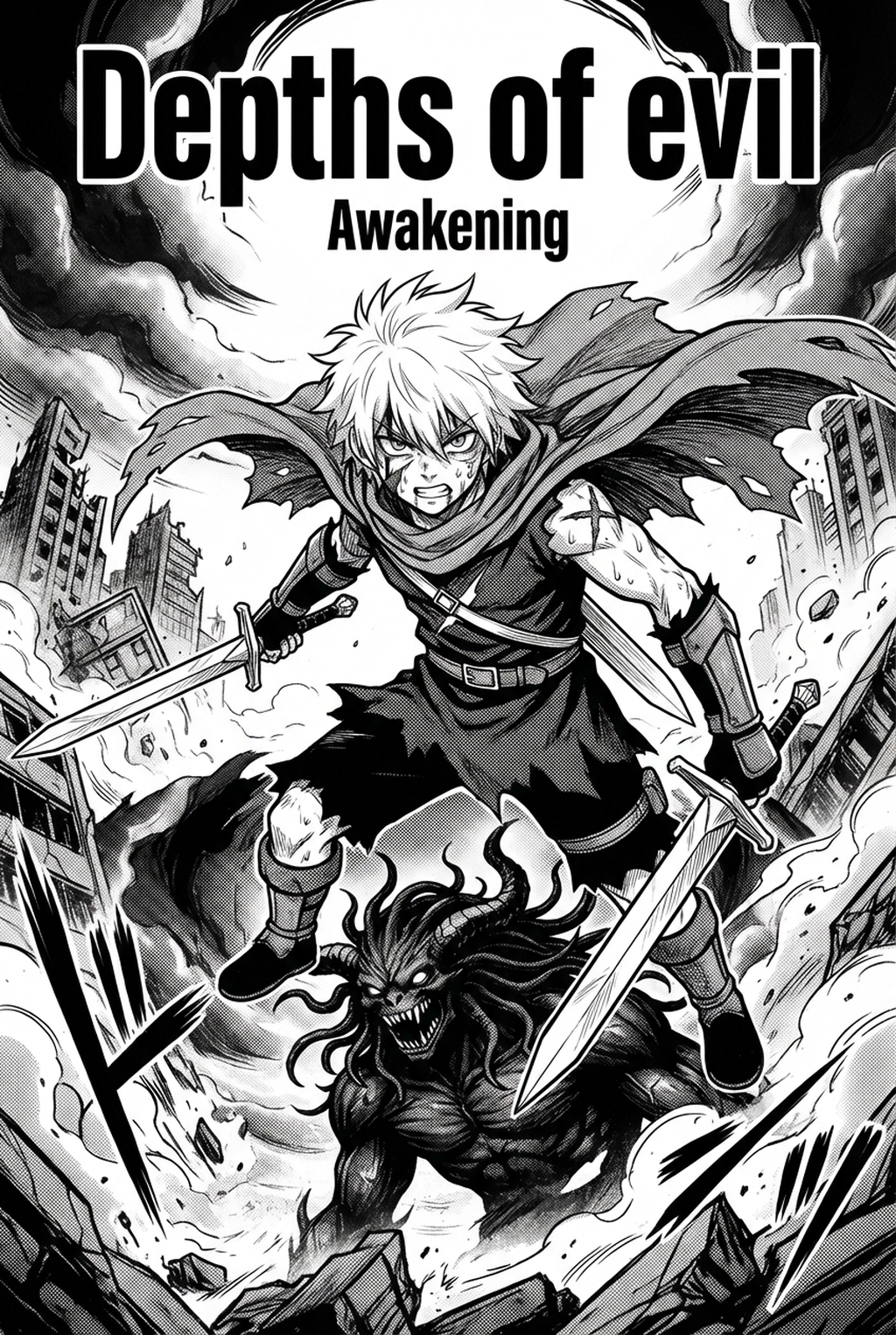
Defining the AI Manga Storyboard Builder Process
A manga storyboard acts as a rough, monochromatic roadmap that maps out the placement of every character, speech bubble, and sound effect across your pages. Unlike the polished, high-resolution final product, this stage focuses exclusively on the structural arrangement of panels and the overall flow of the scene.
Creators often treat this stage as a sandbox where they test whether a Z-pattern layout effectively guides the reader from the top-right corner to the bottom-left corner of each spread. If a panel’s focal point is obscured by the gutter or improperly sized, it is easier to fix here than after hours of character-design rendering.
Why Narrative Structure Dictates Reader Impact
Effective pacing relies on Gutter Logic," which is the psychological space between panels that forces the reader to bridge the gap in time or location. A wide gutter between two panels can signal a long pause in dialogue, while a thin, overlapping border creates a sense of high-speed urgency perfect for seinen-style tension.
Professional creators leverage this phase to distinguish between:
- Action Sequences: Utilizing large, irregular panel borders to prioritize motion and impact. * Expository Beats: Maintaining uniform grid structures to convey calm, grounded narrative moments. * Emotional Climax: Positioning character expressions in a full-page splash to force a sudden, deliberate change in reader pacing.
How Your Workflow Gains Precision with Mangaka
Mangaka automates the structural heavy lifting by analyzing your narrative input to generate a cohesive panel layout that adheres to industry standards. Instead of spending hours manually aligning borders, you input your story beats and receive an optimized grid that considers the necessary clearance for text bubbles. This ensures that your panels do not become cramped or illegible on digital devices, a common failure point for creators new to mobile-first distribution.
By offloading the geometric labor to AI AI Manga Storyboard Builder workflow Builder workflow with Mangaka , you gain the ability to toggle between different page variations instantly. If you find that a particular layout lacks the intensity required for a key scene, you can swap the structure without affecting the characters you have already established in your digital library. This integration allows you to maintain character proportions and perspective consistency throughout the entire page sequence, preventing the "drift" that often occurs when manual sketching becomes rushed.
Common Use Cases for Automated Layout Generation
Automated storyboarding becomes a vital asset when you have a complex script that requires multiple structural iterations to find the right visual rhythm. Many creators use this system to test whether a cinematic, high-angle shot works better as a horizontal panoramic panel or a vertical drop-panel before committing to detailed line art.
Key advantages for your production cycle include:
- Structural Iteration: Generating three to five different layouts for a single scene in minutes to compare pacing impacts. * Text Integration: Ensuring speech-bubble placements do not obscure critical character expressions during the initial planning phase. * Consistency Control: Standardizing page-border dimensions across a 200-page volume to maintain a professional look from the first panel to the last.
Getting Started with Professional Layout Design
Cluttered panels often act as "visual noise" that breaks the immersion of a fight scene or an emotional monologue. To avoid this, focus on the "safe zone" for your gutters, ensuring that there is enough breathing room for text to remain readable even when compressed for mobile screens. If you notice your reader’s eye losing track of a character’s movement between panels, you must re-examine the entry and exit points of your focal objects to ensure a clear, logical progression.
Creative Brief and Source Input
Creative Brief and Source Input. Consider a 3-panel sequence involving a character mid-jump. 1. 5-inch gutter to define the setting. 2. Panel 2: Tight, focused action shot with no gutter to accelerate the pacing.
- Panel 3: Reaction shot on a larger grid to slow the reader down and emphasize the impact.
By applying these specific constraints during your storyboard phase, you ensure that the narrative speed remains under your control rather than leaving it to chance. Before export, creators should compare the generated line art with the original sketch and confirm that facial expressions, props, speed lines, and speech-bubble space still support the scene. A repeatable review pass should cover character consistency, panel readability, background clarity, and whether the final file is ready for coloring, lettering, or editor feedback.
Generation Review and Export
Creators should save approved examples of line weight, face detail, clothing folds, and background density. Those references keep later chapters closer to the intended style. For collaboration, creators should mark which panels are final and which panels still need redraws. Clear status labels prevent an assistant, editor, or colorist from polishing the wrong version.
Creators should review the page at the actual reading size before export. Small screens expose crowded dialogue, weak silhouettes, and line details that looked fine while zoomed in. For style control, creators should keep a short reference board beside the draft and compare hair shapes, eye details, costume folds, and texture choices before approving the final page.
The Bottom Line
Mastering your creator workflow is the single most effective way to elevate the professional quality of your work. By adopting modern, AI-assisted tools, you shift your energy away from manual labor and toward high-level narrative strategy. Building a firm structural plan before finalizing your art style will sharpen your pacing and ensure your story hits its emotional marks. Start your next project by defining your manga storyboard and watch your narrative impact grow.
Related articles
Manga Storyboard Techniques: Mastering Narrative Flow 2026
Manga Storyboard Guide: From Rough Sketches to Layout 2026
Essential Manga Storyboard Techniques for Professional Flow