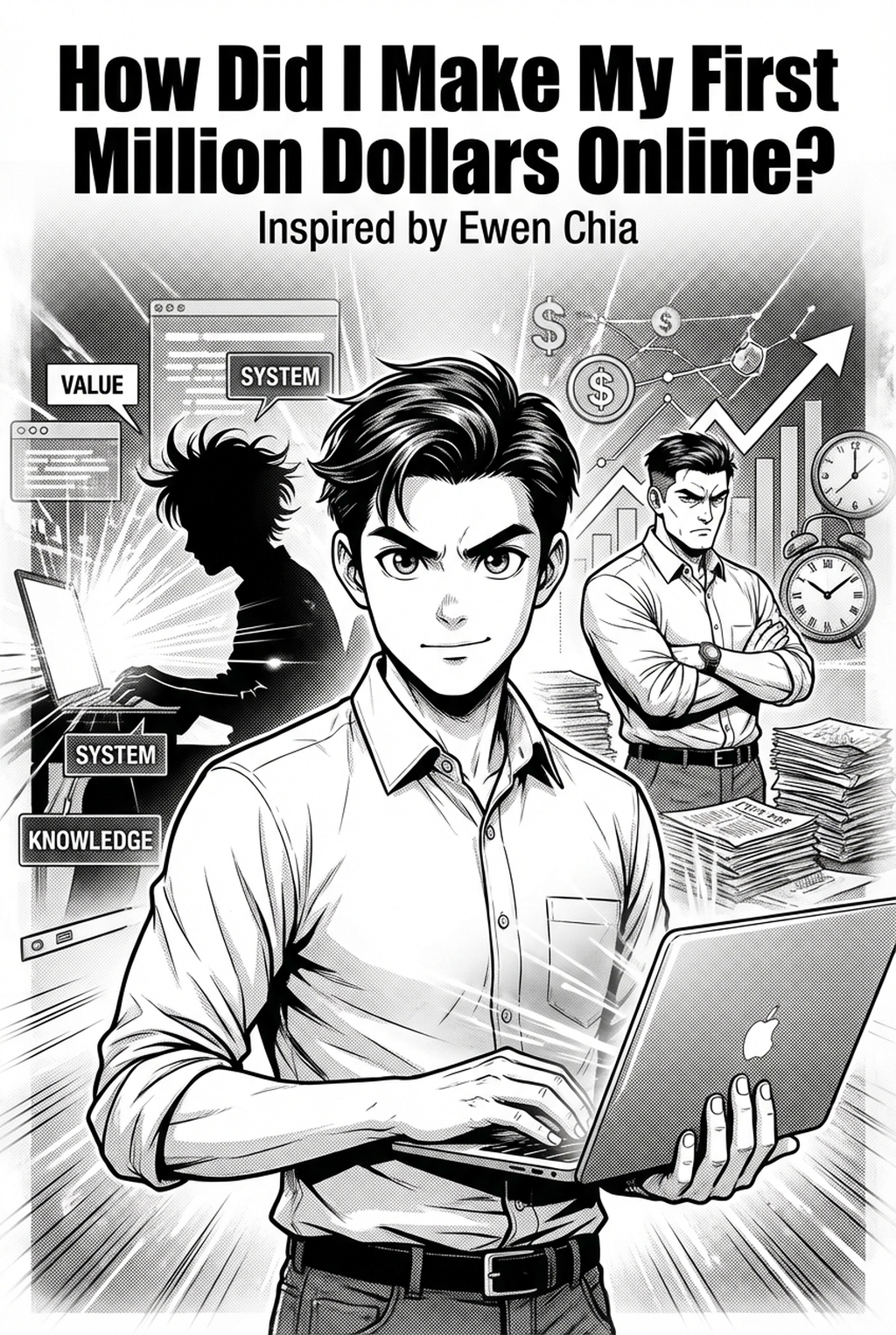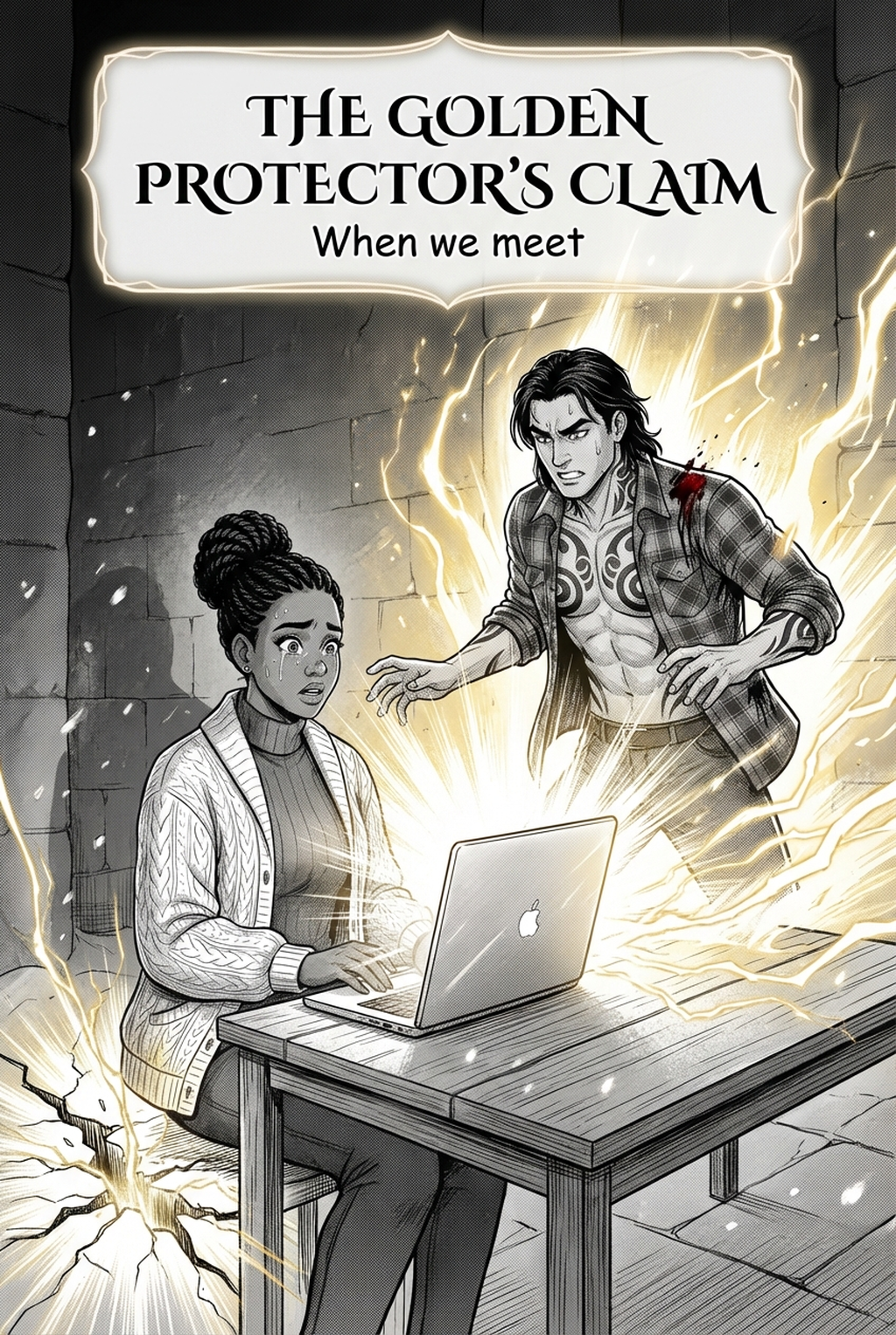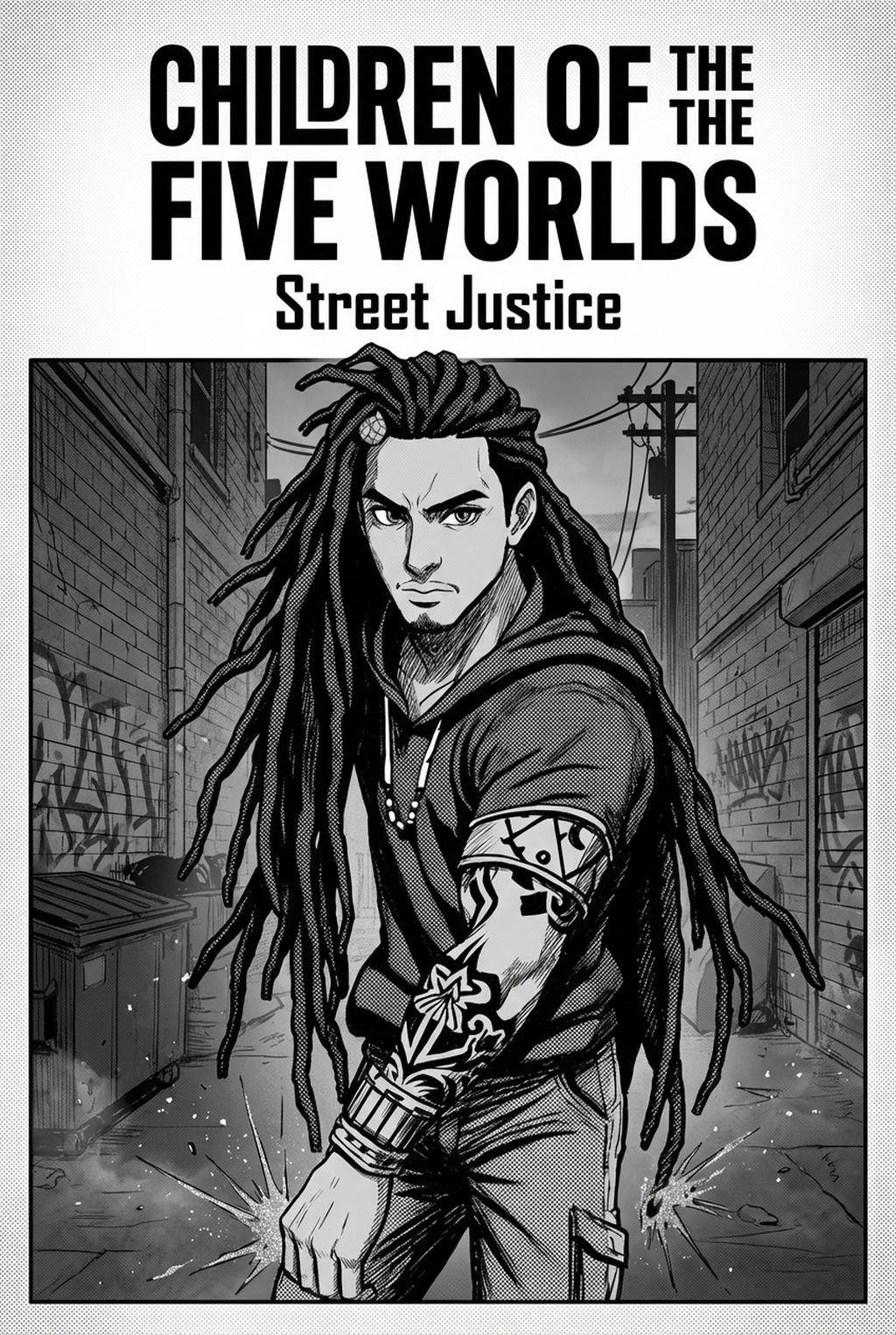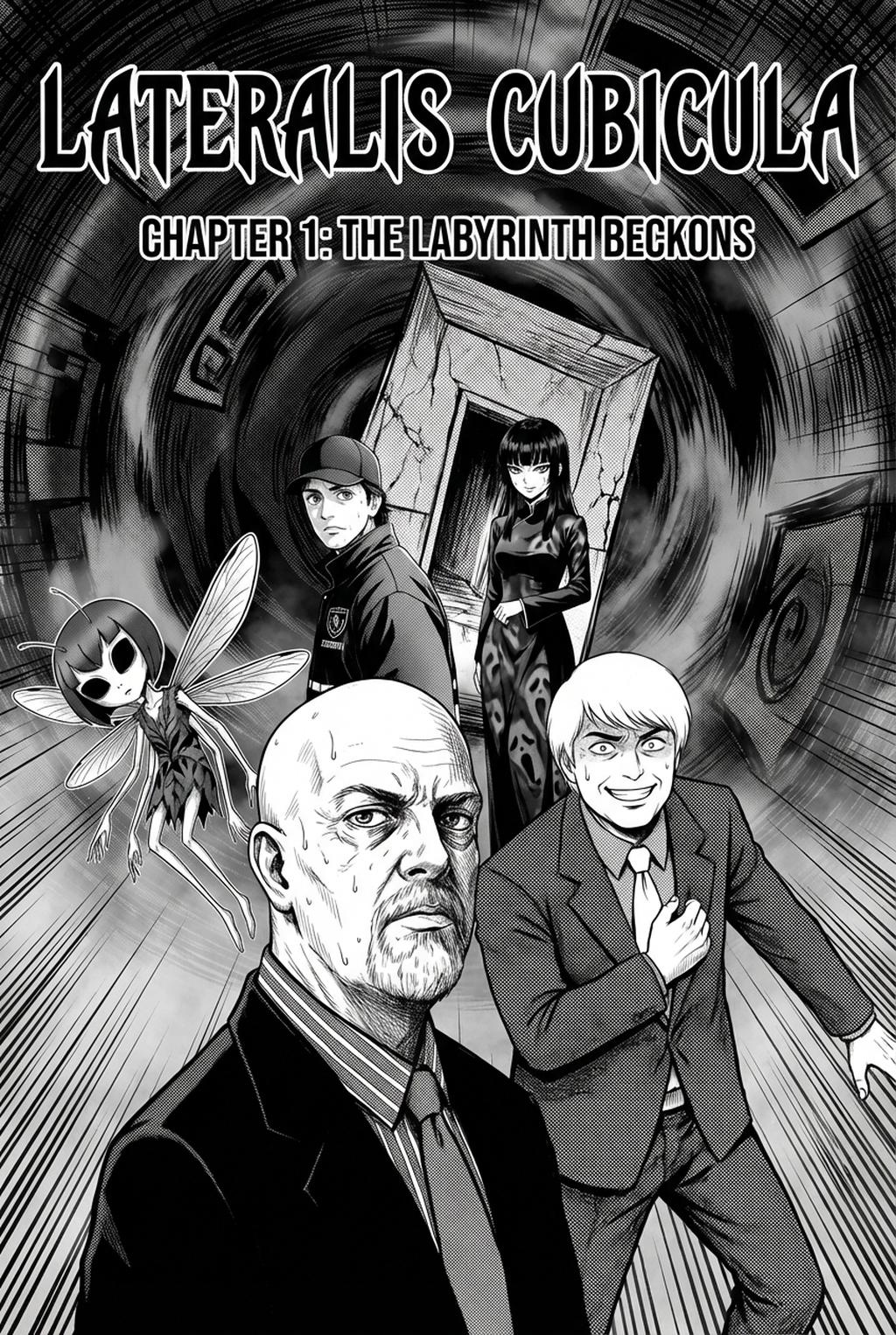
AI Manga Background Artist: Defining the Role of Kinetic Environment Layouts
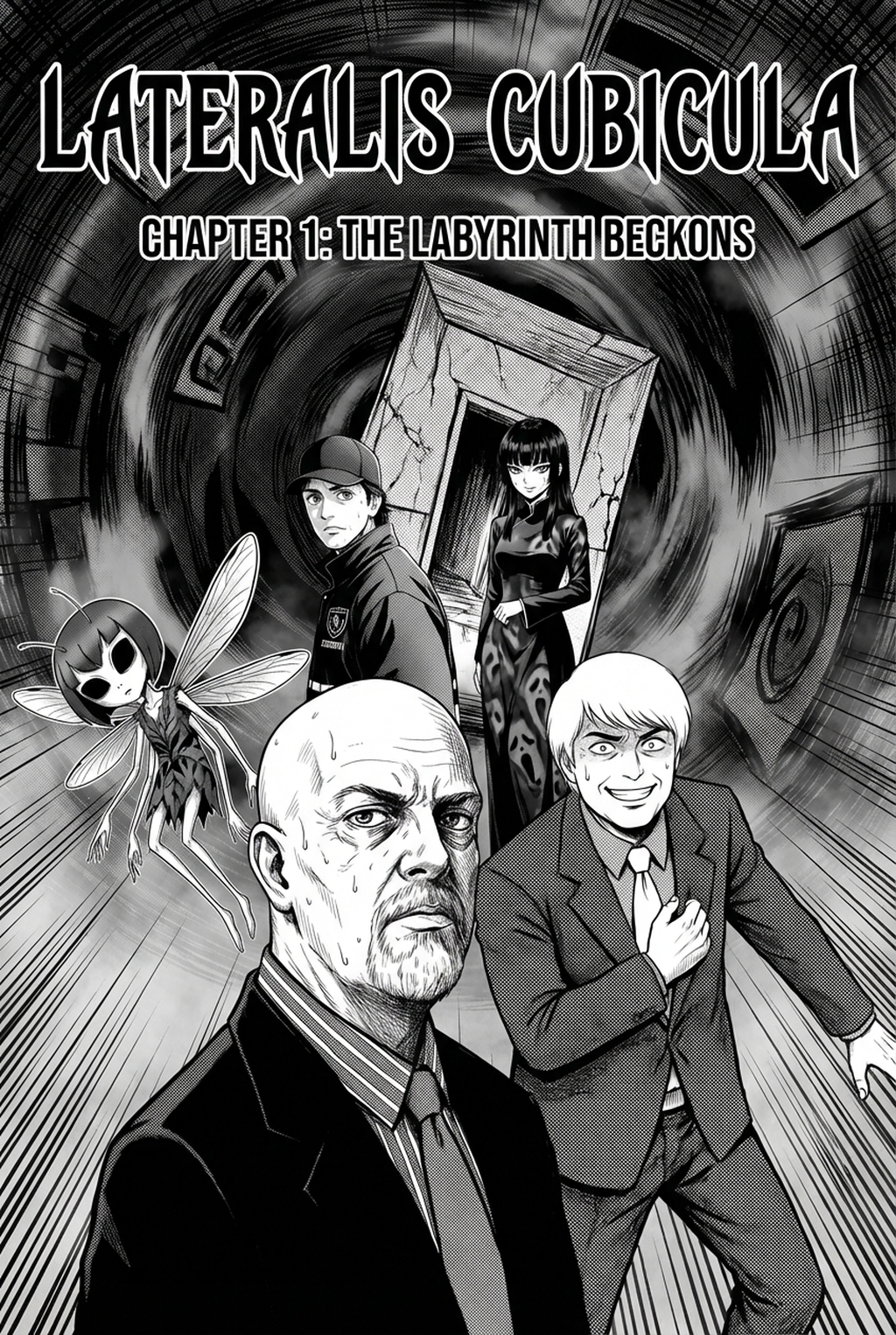
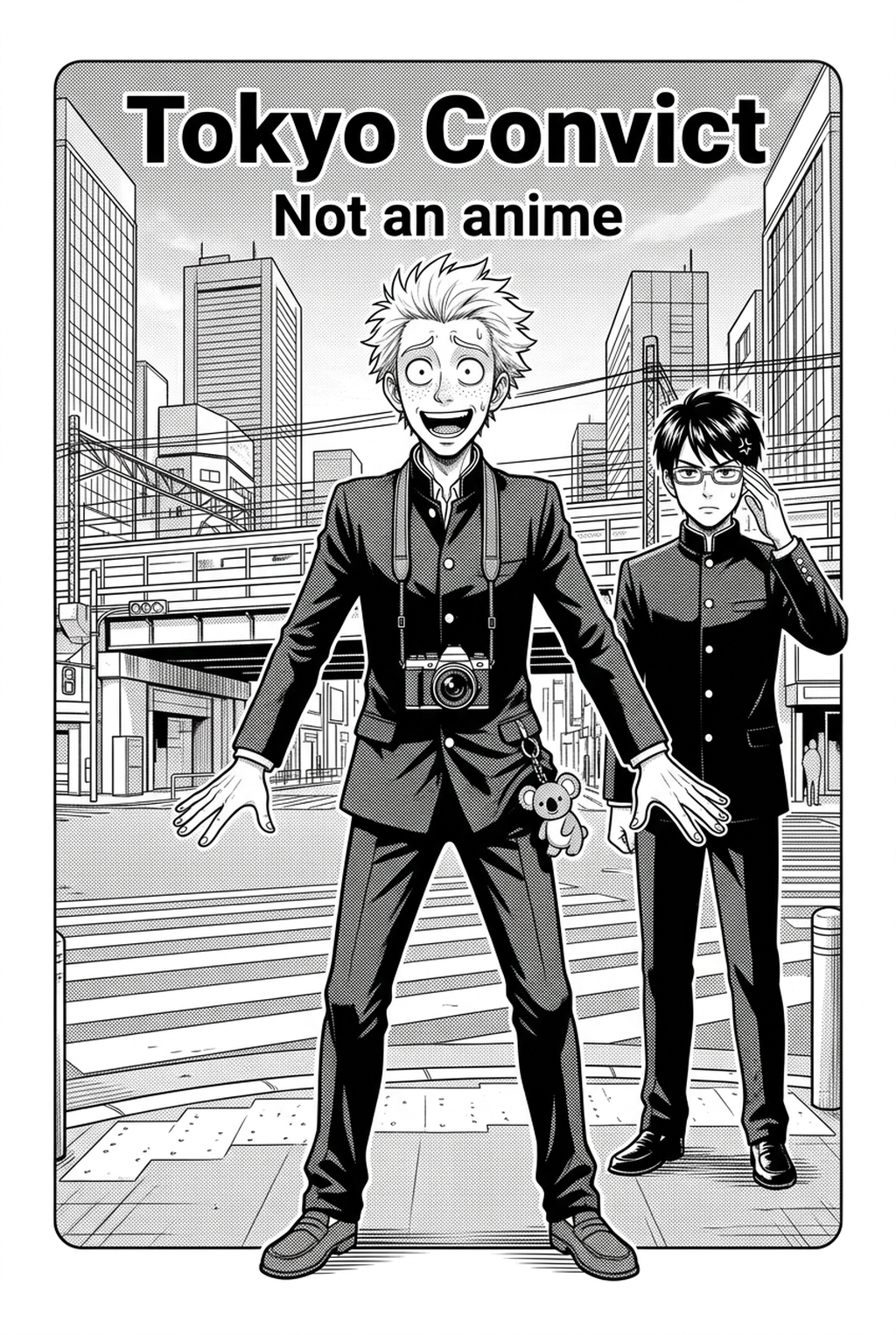
Dynamic backgrounds serve as the visual engine for your narrative, physically guiding the reader’s eye across the page to amplify the raw intensity of a combat exchange or the sheer speed of a high-stakes chase. By manipulating forced perspective and integrating kinetic motion lines directly into the architecture, you transform static panels into sequences that feel physically heavier and more immediate.
The primary challenge for most creators remains the consistency of these environments throughout a fast-paced sequence, where even a slight drift in vanishing points can shatter the reader's immersion. If your background lines do not converge precisely toward the action’s focal point, the entire page-turn loses its kinetic power, causing the foreground characters to look like they are floating in an unanchored, two-dimensional space.
Environmental Rendering and Production Efficiency
Manual background creation acts as a major bottleneck for solo creators, requiring an intensive labor investment that often consumes the majority of your weekly page-production schedule. When you spend ten hours mapping geometry for a single scene of crumbling ruins, you inevitably trade away the time needed for character detail and high-end panel finish.
| Production Task | Manual Labor Time | AI-Assisted Workflow |
|---|---|---|
| Layout Sketching | 90 Minutes | 5 Minutes |
| Geometry Mapping | 180 Minutes | 2 Minutes |
| Line-Art Inking | 150 Minutes | 15 Minutes |
Creators frequently suffer from 'perspective distortion' when trying to maintain complex urban ruin layouts across long-form chapters, resulting in work that never earns its keep in terms of page-turn value. By moving away from manual wireframe construction, you reclaim enough time to increase your overall panel density, allowing for a more cinematic, multi-layered visual experience that sustains reader interest through longer story arcs.
Workflow Integration Using Mangaka
Mangaka translates your detailed, scene-specific text descriptions into ready-to-use compositions, which removes the technical friction of manual wireframe construction for every panel. Instead of wrestling with rulers and perspective grids, you describe the environment—such as a fractured concrete floor in a rain-slicked alley—and the tool generates a base that supports your character's spatial placement.
This system facilitates 'ambient intensity' adjustments, where the AI proactively populates the scene with debris, atmospheric haze, or light blooms that reinforce the narrative tone. By letting the tool handle the 3D spatial integrity of your world, you are free to dedicate your creative energy to character poses and expressive linework, ensuring that the background architecture directly supports the line of sight for every important beat.
Advanced Techniques for Spatial Staging
You can treat these AI-generated outputs as foundational 'under-drawings' that are easily imported into your primary software, such as Action manga background art with Mangaka , where you can apply your custom brush settings to maintain style consistency. If your signature style relies on heavy cross-hatching or thin, delicate nib lines, you simply run the generated image through your standard inking layer to align it perfectly with the foreground.
- Spatial Staging: Prioritize architecture that pulls the reader’s eye toward the character’s primary movement arc or impact point within the panel frame. * Ink-Weight Matching: Use a layer-adjustment filter on the generated output to lighten the line weight, ensuring that the background does not compete with the foreground character’s silhouette. * Narrative Anchor: Ensure that environmental elements—like broken debris or shattered glass—are placed to suggest the origin of an impact, rather than just filling empty space.
When using this approach, be aware that AI-generated architecture may occasionally produce 'clean' lines that require a quick pass of grit or wear to match the overall tone of a gritty, noir-style action scene. Always confirm that the generated vanishing points align with your character’s eye level to prevent the common error of mismatched ground-planes.
Scaling Production for Digital and Print
The fear that AI cannot handle extreme fish-eye lenses or low-angle action shots is largely unfounded, as specialized models are now trained on the exaggerated perspective ratios common in contemporary action manga. Whether you are prepping for high-DPI print requirements or vertical-scrolling vertical comic platforms formats, you can export these environments in resolutions that maintain line-art fidelity without pixelation or aliasing.
Most creators find that a hybrid workflow is the most effective approach for maintaining long-term quality control over an entire chapter. You keep the structural foundation generated by the AI but add custom ink-finish highlights and digital screentones that ensure the environment feels like a cohesive part of your specific, unique world-building.
Creators should compare the generated line art with the original sketch and confirm that facial expressions, props, speed lines, and speech-bubble space still support the scene. A repeatable review pass should cover character consistency, panel readability, background clarity, and whether the final file is ready for coloring, lettering, or editor feedback. For longer projects, creators should save approved examples of line weight, face detail, clothing folds, and background density. Those references keep later chapters closer to the intended style.
The Bottom Line
AI Manga Background Artist workflow is no longer a manual barrier for creators working on tight release schedules, as tools like Mangaka provide the structural foundation needed to maintain high panel density without sacrificing quality. By leveraging these systems, you can eliminate the hours spent on perspective mapping and shift your entire production toward the creative storytelling that keeps readers coming back to your page. Start your first scene today at Action manga background art to see how this transition upgrades your current workflow.