Defining the Visual Foundation of Your World
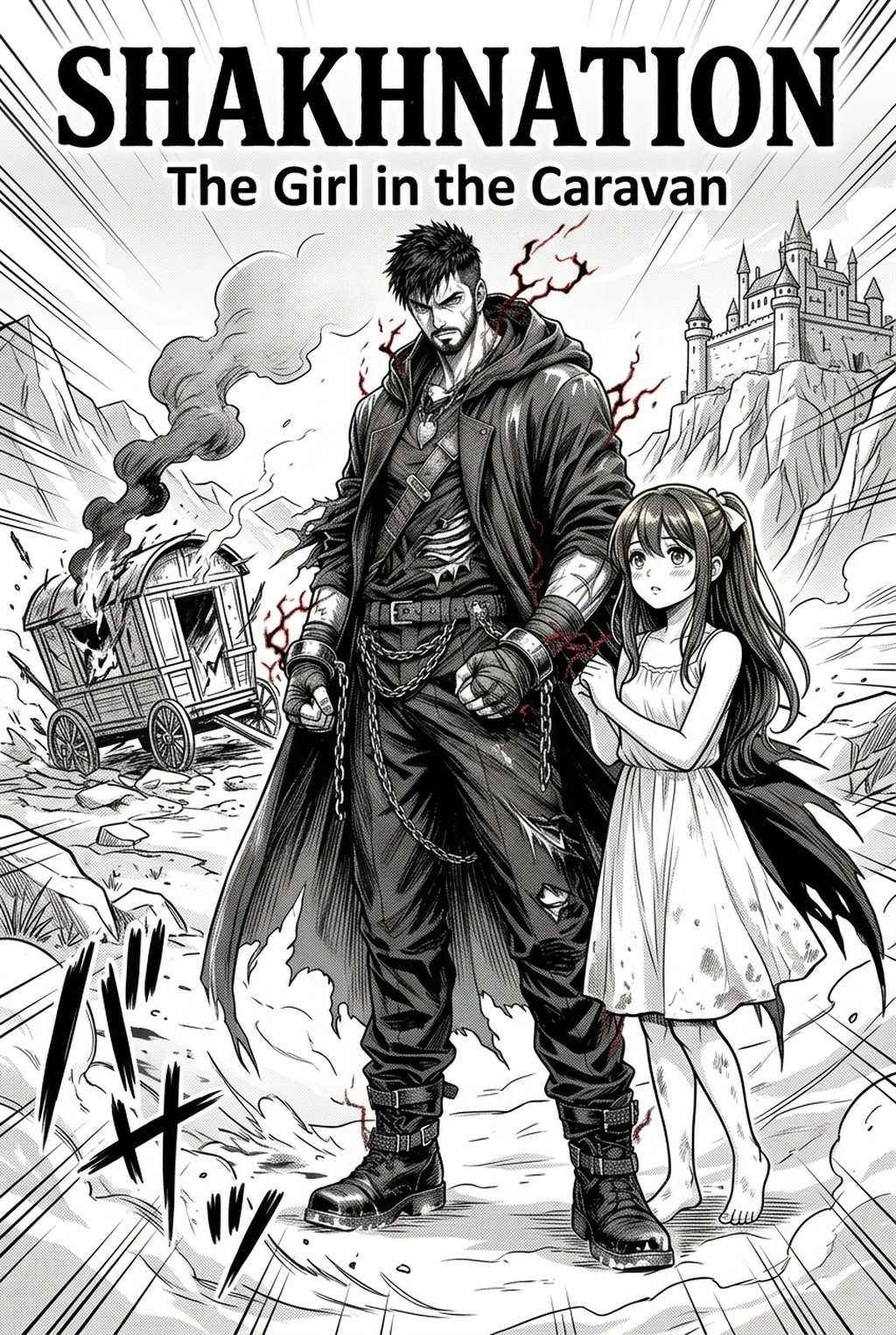
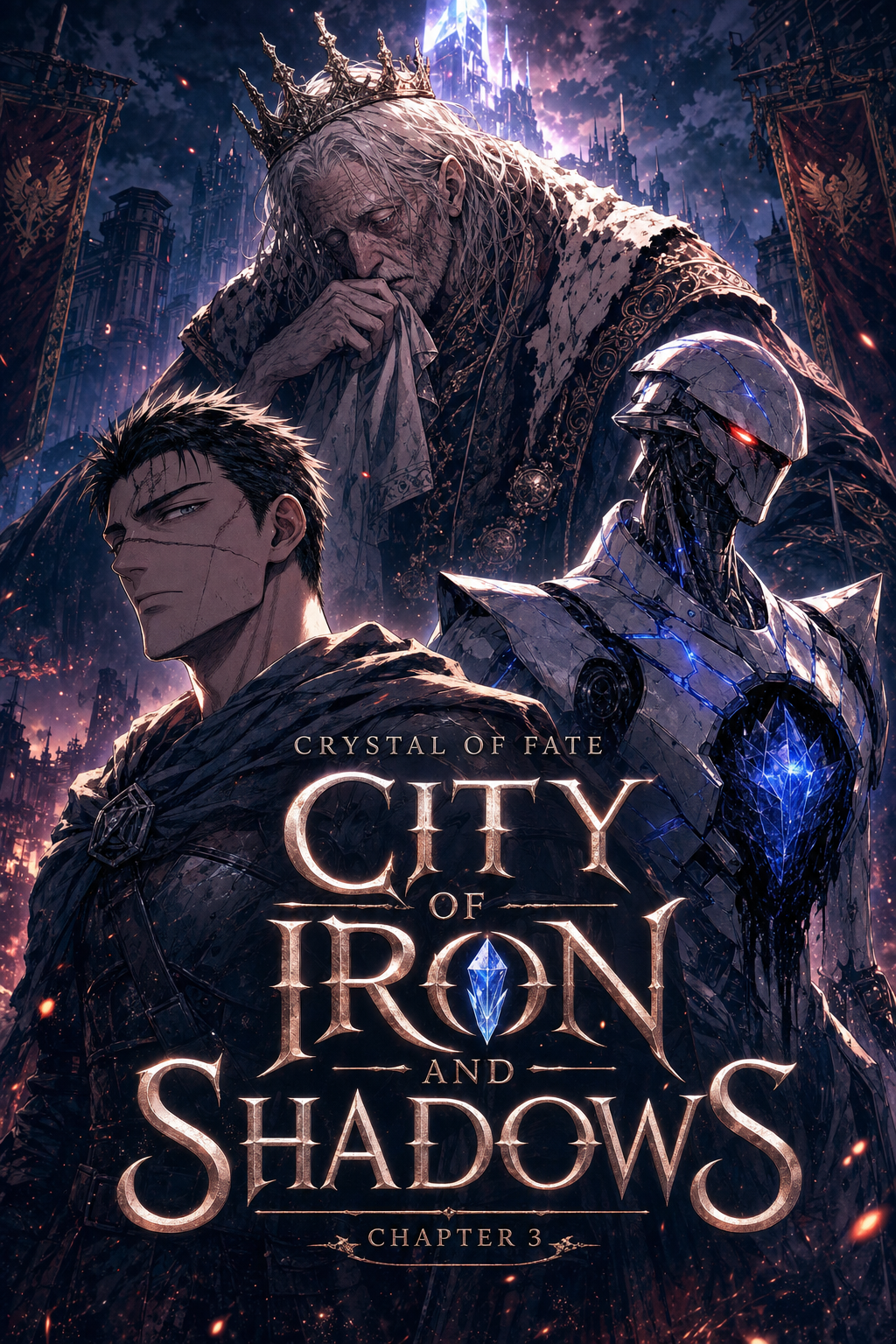
Fantasy background art serves as the primary atmospheric anchor for your narrative, dictating the physical constraints and magical logic of your world before any dialogue is introduced. High-quality settings act as silent storytellers, providing the essential contrast between mundane locations and high-fantasy zones.
- Architecture motifs: Consistent design languages—such as combining baroque gothic architecture with floating ley-line conduits—help readers instinctively categorize zones within your manga without requiring exposition text. * Narrative immersion: Detailed backgrounds create a believable internal economy of design, ensuring that a city of industrial magic feels distinct from a nomadic forest camp. * Visual shorthand: Effective scene building uses depth and framing to guide the reader’s eye toward the character's emotional beat, rather than allowing the background to clutter the panel.
Why Technical Execution Matters for Creators
The traditional bottleneck in manga production occurs during the background-review phase, where creators must manually check for perspective warping and inconsistent lighting. Sacrificing environmental detail to hit a 20-page-per-week quota often leads to sterile, empty panels that deflate the tension of major story beats.
| Production Factor | Traditional Hand-Drawn | AI-Assisted Backgrounds |
|---|---|---|
| Perspective Locking | Manual calculation required | Instant geometric alignment |
| Asset Consistency | High risk of line deviation | Verified model-style locking |
| Time Allocation | 5-8 hours per complex spread | 15-20 minutes for layout iteration |
Managing foreshortening errors in complex, hand-drawn fantasy vistas frequently cannibalizes time that is better spent refining character expressions or perfecting dialogue pacing. When you rely on purely manual drawing for every architectural element, the cumulative fatigue often results in "static" panels that lack the cinematic depth required for professional-grade manga.
How Mangaka Elevates Your Creative Workflow
Mangaka bridges the gap between raw concept and finished page by generating production-ready environments that integrate directly into your existing inking and toning process. By utilizing scene-specific inputs, you can bypass the manual drafting phase entirely while maintaining full control over the composition of each panel.
Rather than spending days on perspective grids, you can use the AI Manga Background Artist to generate variations of a scene. This allows you to test different layouts that best support your storyboards, ensuring that every panel reinforces the current emotional beat rather than distracting from it.
One of the primary failure points in long-running fantasy series is the loss of architectural integrity when shifting camera angles. Mangaka preserves your established world-building by locking the structural logic of a scene, meaning that a castle gate generated in Chapter 2 will remain geometrically consistent when revisited for a wider action sequence in Chapter 15.
Strategies for Effective Scene Generation
To extract the most value from these tools, structure your creative briefs with specific variables including lighting conditions, structural density, and camera proximity. Focusing your description on industry-standard terminology—such as requesting deep depth of field to draw focus to a foreground character, or specifying a Ghibli-inspired aesthetic for natural vistas—yields significantly more precise results.
- Compositional anchors: Ground your fantasy environments by explicitly requesting light sources like bioluminescent fungi, floating embers, or filtered moonlight to create depth. * Architectural specificity: Use descriptive labels like "brutalist stone masonry" or "ornate filigree woodwork" to ensure the AI understands the material weight and scale of the structures. * Iterative refinement: Treat the initial generation as a layout draft. You can then add secondary compositional elements or adjust the line weight to match your character ink directly within your editing software.
Integrating AI into Your Production Setup
Many creators worry about the technical compatibility of AI-generated assets with existing drawing habits. Modern tools are designed for seamless integration, allowing you to export your final composition as a high-resolution file that fits directly into your page layout and inking workflow.
Workflow Fit for Creator Output
Workflow Fit for Creator Output. A: Yes, you can easily adjust the line weight and ink threshold of your generated backgrounds to ensure they harmonize with your specific character style. The result is a unified look that avoids the jarring contrast seen when mixing mismatched art styles.
Check character consistency, panel readability, line quality, and export readiness before publishing. Creators should also record why the page passed review, which panel details still need manual cleanup, and which export format the next collaborator will use. That makes the subsection useful instead of leaving a short checklist under a large heading.
A: You can generate highly tailored results for any environment, from floating islands to bioluminescent caverns, by inputting specific biome-focused descriptors into the tool. For this criterion, check character consistency, panel readability, line quality, and export readiness before publishing. A: No, these tools are built to integrate into your existing storyboard and layout process without requiring extensive technical training.
Review Controls Before Export
A: You remain the primary director; by iterating on the scene description and selecting the best compositional match, you dictate the final tone, lighting, and layout of every panel. Before export, creators should compare the generated line art with the original sketch and confirm that facial expressions, props, speed lines, and speech-bubble space still support the scene.
A repeatable review pass should cover character consistency, panel readability, background clarity, and whether the final file is ready for coloring, lettering, or editor feedback. For longer projects, creators should save approved examples of line weight, face detail, clothing folds, and background density. Those references keep later chapters closer to the intended style.
Creators can evaluate fantasy background art with Mangaka mid-workflow when they need the product path tied directly to review, refinement, and export. A real test should use the same sketch, character goal, or panel sequence that would otherwise need manual cleanup after generation.
The Bottom Line
Integrating automated background generation into your workflow allows you to maintain high environmental fidelity without the time-draining manual labor of traditional perspective drawing. By letting Mangaka handle the structural architecture of your world, you free up hours for essential character and dialogue work, ultimately producing a more polished final product. Visit fantasy background art with Mangaka to start generating professional-grade backgrounds for your next manga chapter immediately.
Related articles
Manga Storyboard: A Guide to Professional Layout Flow 2026
Mastering Manga Background Scene Composition for 2026
Start Your Manga Storyboard Today | AI-Powered Tool 2026