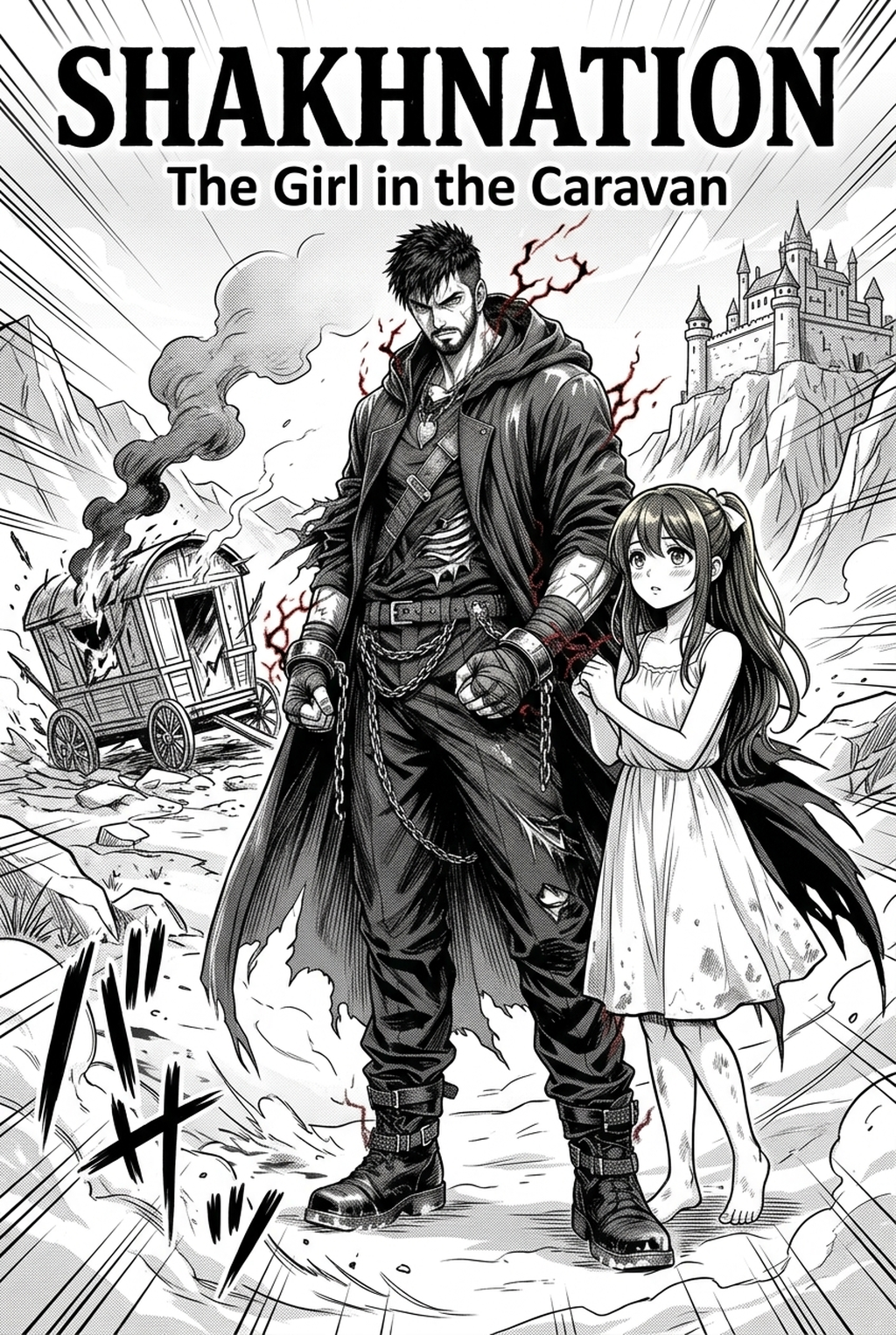
Defining the Principles of Spatial Representation
Manga background art perspective functions through rigid linear geometry, typically utilizing 1, 2, or 3-point systems to project 3D space into the 2D plane of your page. The horizon line serves as the primary compositional anchor; its placement dictates the reader’s eye level, effectively determining whether a scene feels intimate, imposing, or expansive.
You must prioritize dynamic perspectives that maximize the sense of scale. A high-angle bird’s-eye view can effectively turn a street-level brawl into a tactical map, allowing you to track character placement across multiple panels without losing spatial orientation.
Check character consistency, panel readability, line quality, and export readiness before publishing. Creators should also record why the page passed review, which panel details still need manual cleanup, and which export format the next collaborator will use. That makes the subsection useful instead of leaving a short checklist under a large heading.
Perspective isn't just technical; it is a narrative tool. In Seinen urban dramas, utilizing a tight 3-point perspective with a low, skewed horizon line generates immediate feelings of claustrophobia and grit. By intentionally warping the architectural lines of a crowded alleyway, you visually translate the protagonist's sense of being trapped within the city’s concrete architecture.
Why Structural Consistency Defines Professional Quality
Manga background art perspective matters because it anchors your characters within a believable environment, ensuring the reader perceives them as physical entities interacting with the world. A lack of consistent background depth forces readers to guess the scale of an environment, which detracts from the storytelling impact of your key panels.
Well-executed backgrounds provide immediate visual cues that render wordy exposition unnecessary. When you illustrate a detailed, perspective-accurate cityscape, you communicate the social status and atmosphere of the setting instantly. This visual economy allows you to reserve your dialogue bubbles for critical character development rather than redundant environmental descriptions.
The most common failure in amateur work is the "pop-out" effect, where characters appear to change size because their baseline position relative to the horizon line is inconsistent. Maintaining a fixed horizon line across a multi-panel sequence is the only way to ensure that your character proportions remain stable, preserving the integrity of the scene’s scale and the viewer’s focus.
Incorporating the Creator Workflow
Mangaka streamlines the creation of architectural depth by automating the interpretation of scene descriptions into mathematically sound line art. By offloading the tedious grid-work and manual measurement of parallel lines, you allow yourself to focus entirely on storyboarding and character acting.
Precision Alignment Through Descriptive Inputs. You no longer need to spend three hours drafting complex ellipses for a cathedral interior. By utilizing the manga background art perspective , you input the scene's core context—such as "sprawling industrial factory with hanging wires at sunset"—and the tool produces a perspective-aligned plate that fits your storyboard’s exact requirements. This technical rigor ensures that your background art stays perfectly synchronized with your hand-drawn character sketches.
Consistency remains the most difficult challenge in manga production, especially when working across 20-page chapters. Use reliable elements like streetlights, wall corners, or consistent horizon breaks to maintain a logical scale that holds up under the scrutiny of your readers. By using the AI to establish the environment first, you can "lock in" your vanishing points and map your character poses directly to that grid.
Specialized Use Cases for Architectural Generation
Mangaka excels when you need to populate a scene with complex, recurring elements that would otherwise create a massive time-sink for your production team. This keeps the review focused on story intent, line weight, panel readability, and the export quality behind the final AI Manga Background Artist output.
- Urban sprawl and cityscapes: Instantly generate dense urban backgrounds where the repetition of window frames and rooflines would normally require a full day of perspective-ruler work. * Complex interior environments: Produce detailed, high-fidelity room interiors that maintain depth accuracy even when your panels switch between wide shots and medium close-ups. * Dynamic architectural framing: Create dramatic, tilted camera angles that suggest high tension, ensuring the geometric distortion remains consistent without you needing to draft a custom grid for every individual panel.
How to Begin with the Mangaka Platform
Getting started involves integrating the tool into your existing ink-and-tone process. Once you have defined your character panel’s horizon, simply use those exact coordinates within the tool to generate an environment that matches your established camera angle.
- Commercial workflow integration: Yes, the outputs are designed specifically to support professional publishing standards, ensuring you retain the authentic manga aesthetic throughout your final exported PDF or PSD files. * Ensuring stylistic synergy: To match your hand-drawn characters, ensure your initial character sketch defines the horizon line first, which then dictates the exact vanishing points needed for your AI-generated background. * Efficiency as a professional asset: Using AI for perspective is a standard time-saving technique that allows creators to prioritize complex narrative pacing and intricate character acting over repetitive, soul-crushing technical drafting.
Creators should compare the generated line art with the original sketch and confirm that facial expressions, props, speed lines, and speech-bubble space still support the scene. A repeatable review pass should cover character consistency, panel readability, background clarity, and whether the final file is ready for coloring, lettering, or editor feedback.
The Bottom Line
Mastering creator workflow is about balancing artistic vision with technical precision to build a world that feels grounded and real. By integrating the manga background art perspective into your production production process, you effectively transform your workflow from a technical obstacle course into a high-efficiency creative process. This approach ensures your manga maintains a professional standard of quality while protecting you from the inevitable burnout associated with manual perspective drafting.
Related articles
How to Create a Manga Storyboard: A Modern Guide in 2026
Mastering Manga Storyboard Design: A 2026 Beginner’s Guide
Mastering Your Manga Storyboard: A 2026 Beginners Guide