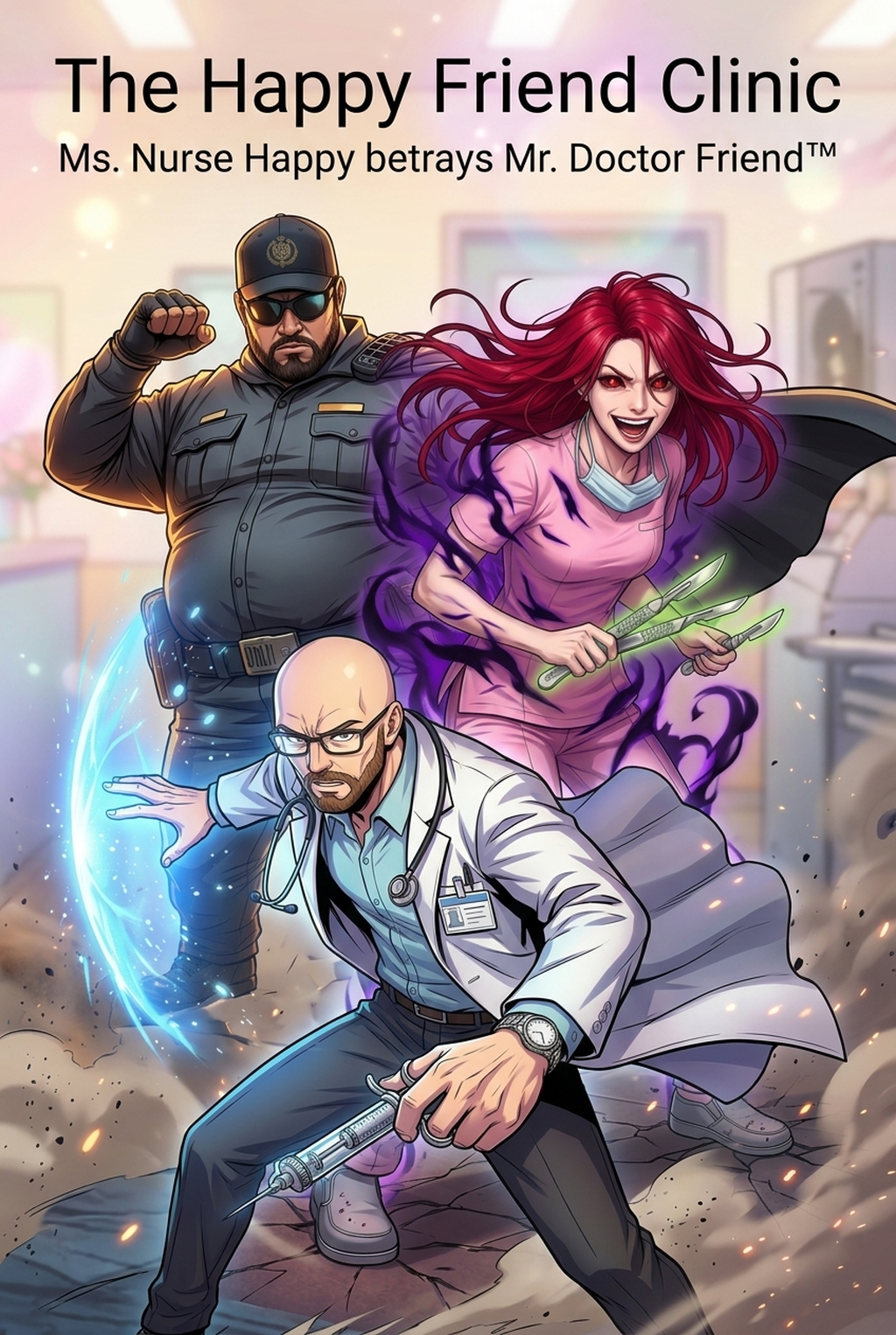
Understanding the AI Manga Colorist
An effective coloring process transitions from raw monochromatic ink art to a final digital file through four distinct production phases: scanning, flatting, shading, and lighting. The modern standard utilizes non-destructive layering to ensure your original ink lines remain untouched by hue or saturation shifts.
' By pre-defining your primary character palettes and background color keys, you eliminate the guesswork during the painting phase. This ensures your protagonist’s hair tone or armor texture remains identical from the first panel to the final splash page, preventing the visual jarring that often occurs when manual work fluctuates between late-night sessions.
Why This Workflow Matters for Creators
Automating the time-intensive 'flatting' stage, where you separate distinct elements like hair, skin, and clothing, allows you to shift your focus to high-level artistic choices like color grading and atmospheric impact. Manual flatting is prone to bleed, where color spills outside of narrow ink bounds, forcing you to spend hours cleaning up stray pixels rather than focusing on character expression or panel pacing.
Traditional coloring methods often fall short when maintaining palette uniformity across a serialized project. AI-assisted masking isolates specific character elements, acting as a foolproof boundary for your color data. This keeps high-detail line art crisp and prevents the "washed out" look that happens when digital color overwhelms the texture of traditional G-pen or digital ink brushes.
Implementing AI in Your Production Process
Mangaka utilizes vector-based recognition to keep your original ink lines as a separate, protected layer from the generated color data. This separation allows you to iterate on color moods—such as shifting from a warm day-lit scene to a cold, high-contrast night sequence—without needing to re-render the underlying artwork.
- Original Ink Preservation: The engine respects the specific grit of your pencil or digital ink texture, ensuring your unique style isn't flattened into a generic digital airbrush look. * Real-time Iteration: You can swap color themes on a whim during your editorial review, which is essential if your editor requests a shift in atmospheric tone for a specific manga panel. * Layer Structure Management: By maintaining a clean separation between art and color, you can export your pages into high-resolution formats without file sizes ballooning into unmanageable gigabyte-heavy archives.
If you are ready to experiment with this automated approach to flatting and color application, you can Manga Colorist Workflow with Mangaka to see how the system handles your specific line weight and page density. This keeps the review focused on story intent, line weight, panel readability, and the export quality behind the final AI Manga Colorist output.
Common Production Use Cases
Transitioning from B&W to full color often results in "flat" visuals that lack the dynamic depth provided by traditional screen-tones. If you attempt to replicate manual screen-tones using flat digital colors, you will lose the depth-of-field effects that define professional manga.
- High-Resolution Canvas Handling: Working with 600 DPI digital canvases often leads to performance lag, but using dedicated AI layers prevents the need for overly complex, pixel-heavy layer groups. * Style Consistency Checks: When shifting between different artistic moods for flash-back sequences or dream states, you must maintain a consistent "base" color to anchor the reader's perspective in the established reality of the world.
Initiating Your AI Color Workflow
Adopting new digital tools should not feel like replacing your artistic input, but rather like delegating the repetitive, pixel-perfect grunt work that distracts you from your storyboarding. Creators can use each revision decision to clarify panel readability, character consistency, and export quality before publishing or sharing.
- Does AI coloring erase my ink texture? No, tools are built to apply color underneath your line art, protecting the specific pressure-sensitivity and stroke style you developed in your ink-work phase. * Can I define character palettes? Yes, you can establish local color keys for every recurring character, which the tool will then apply automatically to ensure branding remains consistent across every frame. * Who retains the copyright? Since you are providing the original, hand-drawn line art, you maintain full creative control and ownership of the final colored composition, using the AI as an assistive production aid.
- Before Export. Creators should compare the generated line art with the original sketch and confirm that facial expressions, props, speed lines, and speech-bubble space still support the scene. A repeatable review pass should cover character consistency, panel readability, background clarity, and whether the final file is ready for coloring, lettering, or editor feedback.
- For Longer Projects. Creators should save approved examples of line weight, face detail, clothing folds, and background density. Those references keep later chapters closer to the intended style. For collaboration, creators should mark which panels are final and which panels still need redraws. Clear status labels prevent an assistant, editor, or colorist from polishing the wrong version.
- For Publishing. Creators should review the page at the actual reading size before export. Small screens expose crowded dialogue, weak silhouettes, and line details that looked fine while zoomed in. For style control, creators should keep a short reference board beside the draft and compare hair shapes, eye details, costume folds, and texture choices before approving the final page.
The Bottom Line
Modernizing your production production process is less about changing your artistic vision and more about reclaiming the hours lost to monotonous manual flatting. By integrating an AI-powered solution like Mangaka, you safeguard your unique line art while achieving a professional, color-consistent finish that stands up to industry standards. Test your next chapter by utilizing this Manga Colorist Workflow and observe the increase in your creative output capacity.
Related articles
Manga Colorist Workflow: 2026 Guide
Manga Colorist Guide: How to Add Color to Your Black &
Best Manga Colorist Tools: AI vs. Manual Coloring in 2026