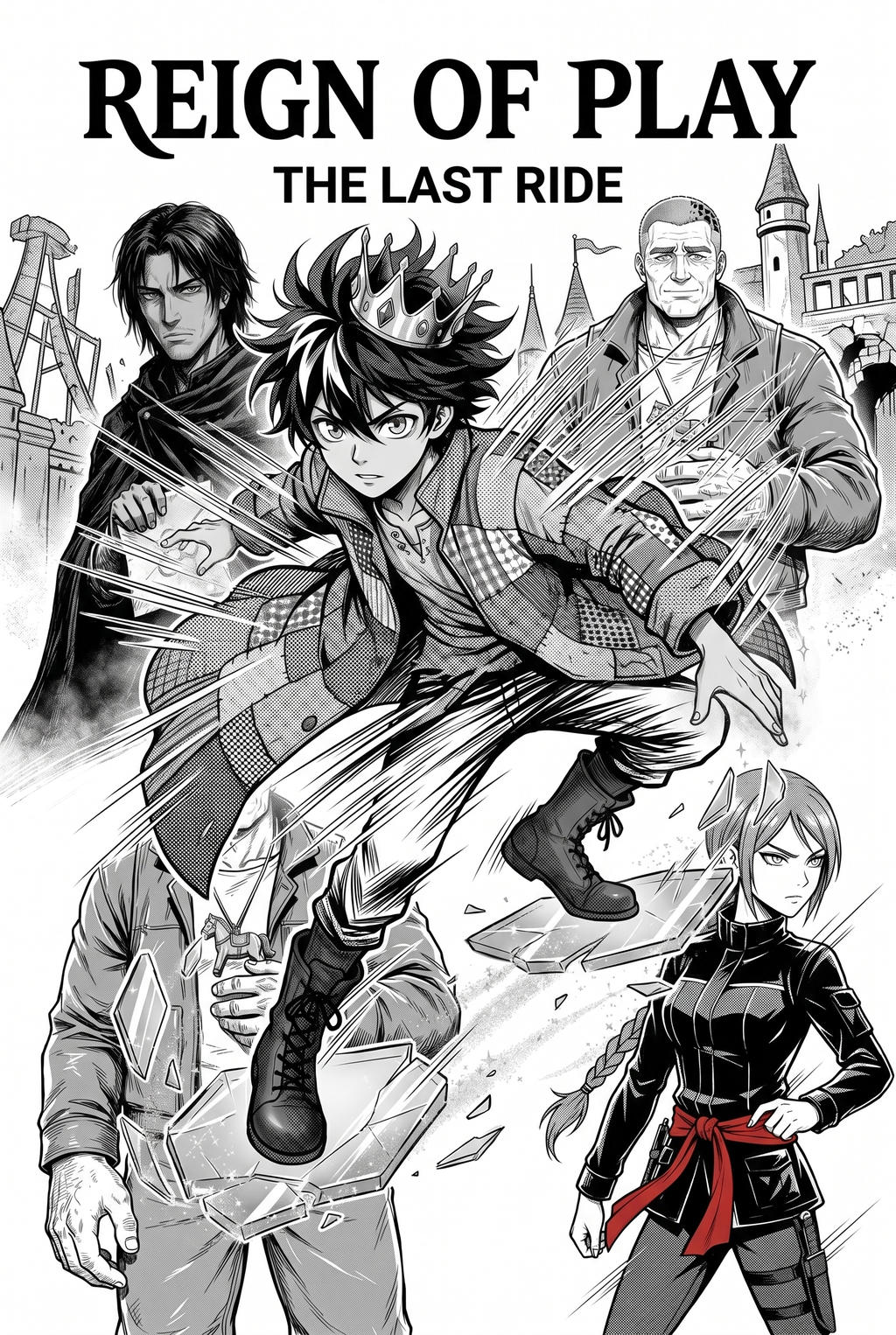
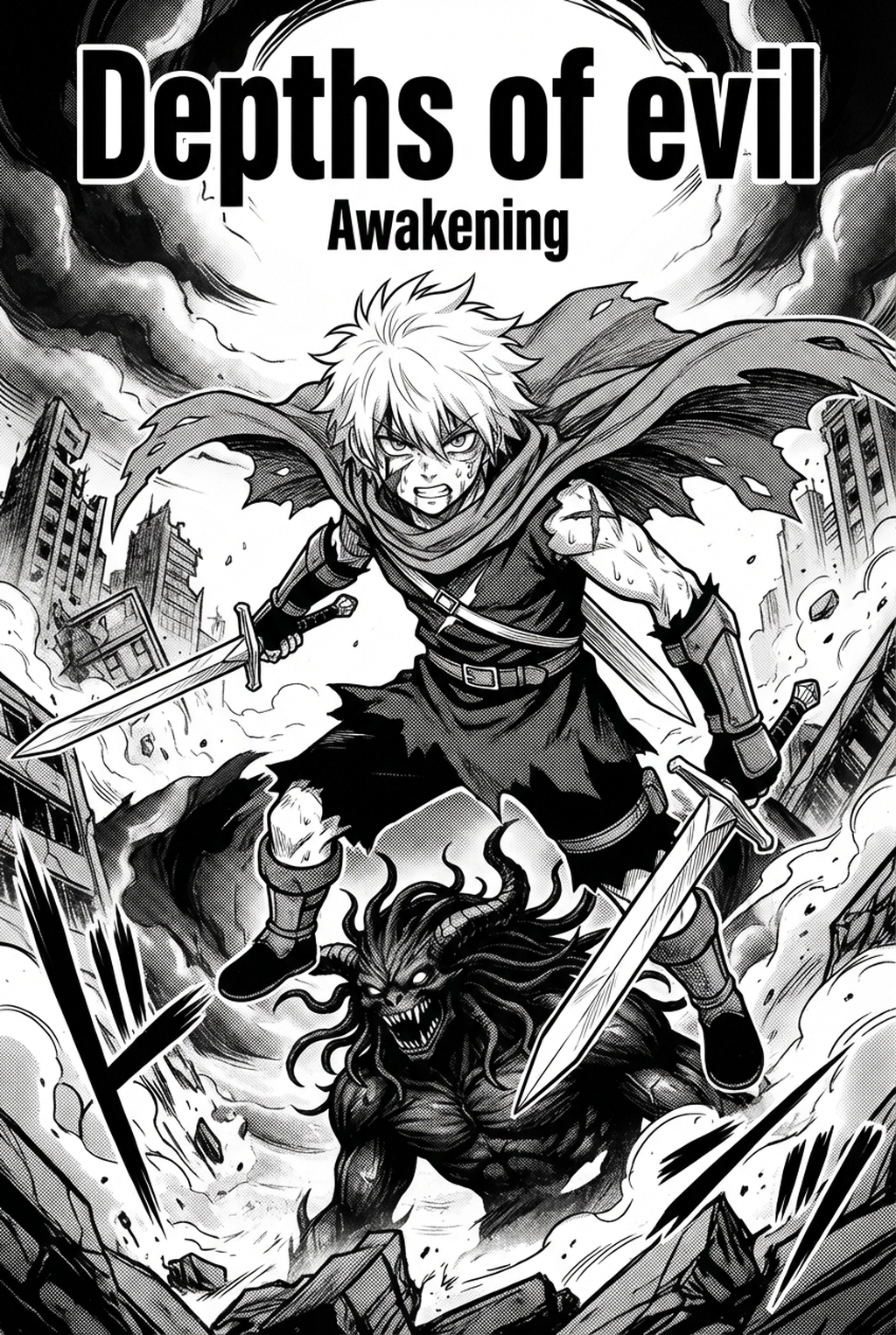
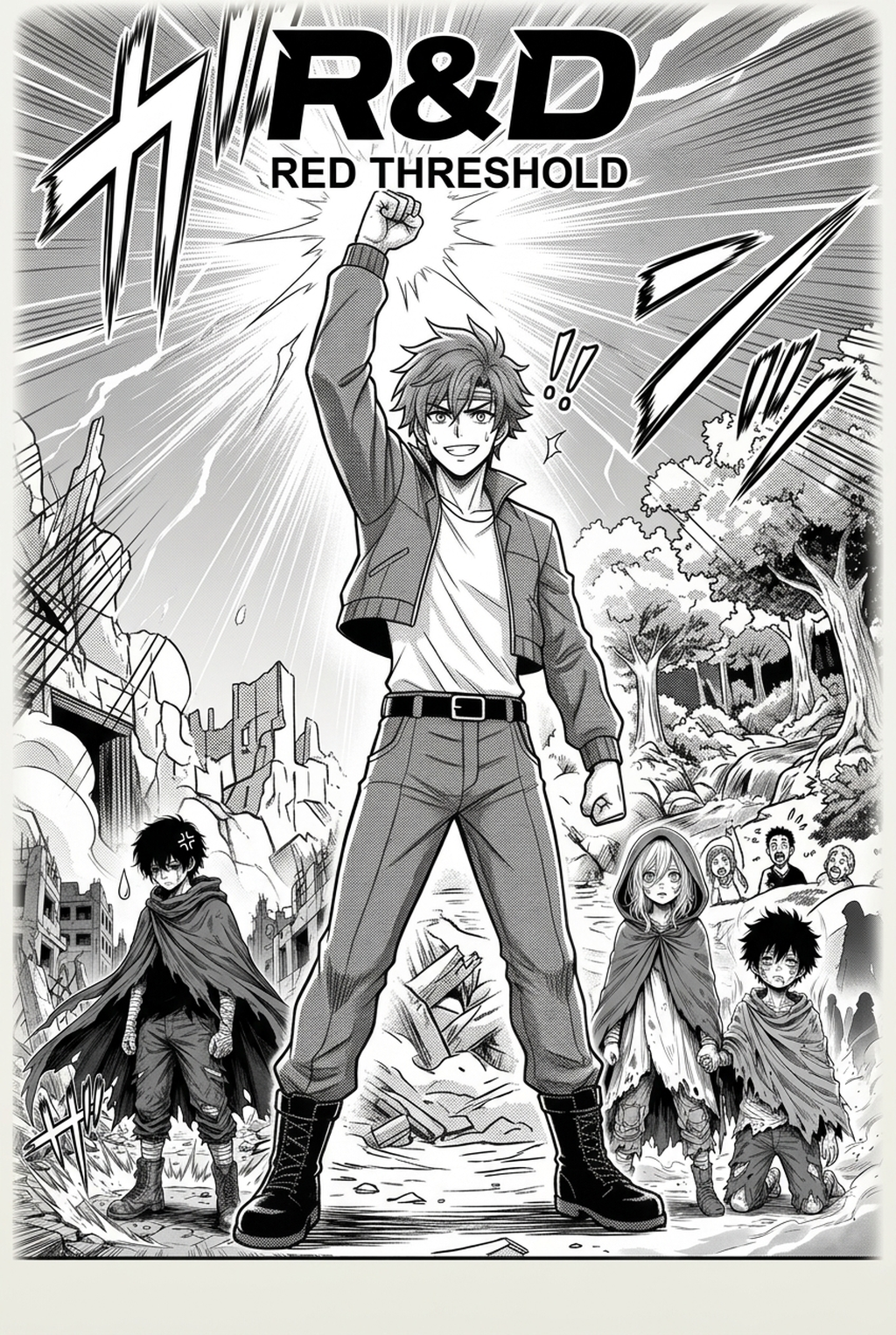
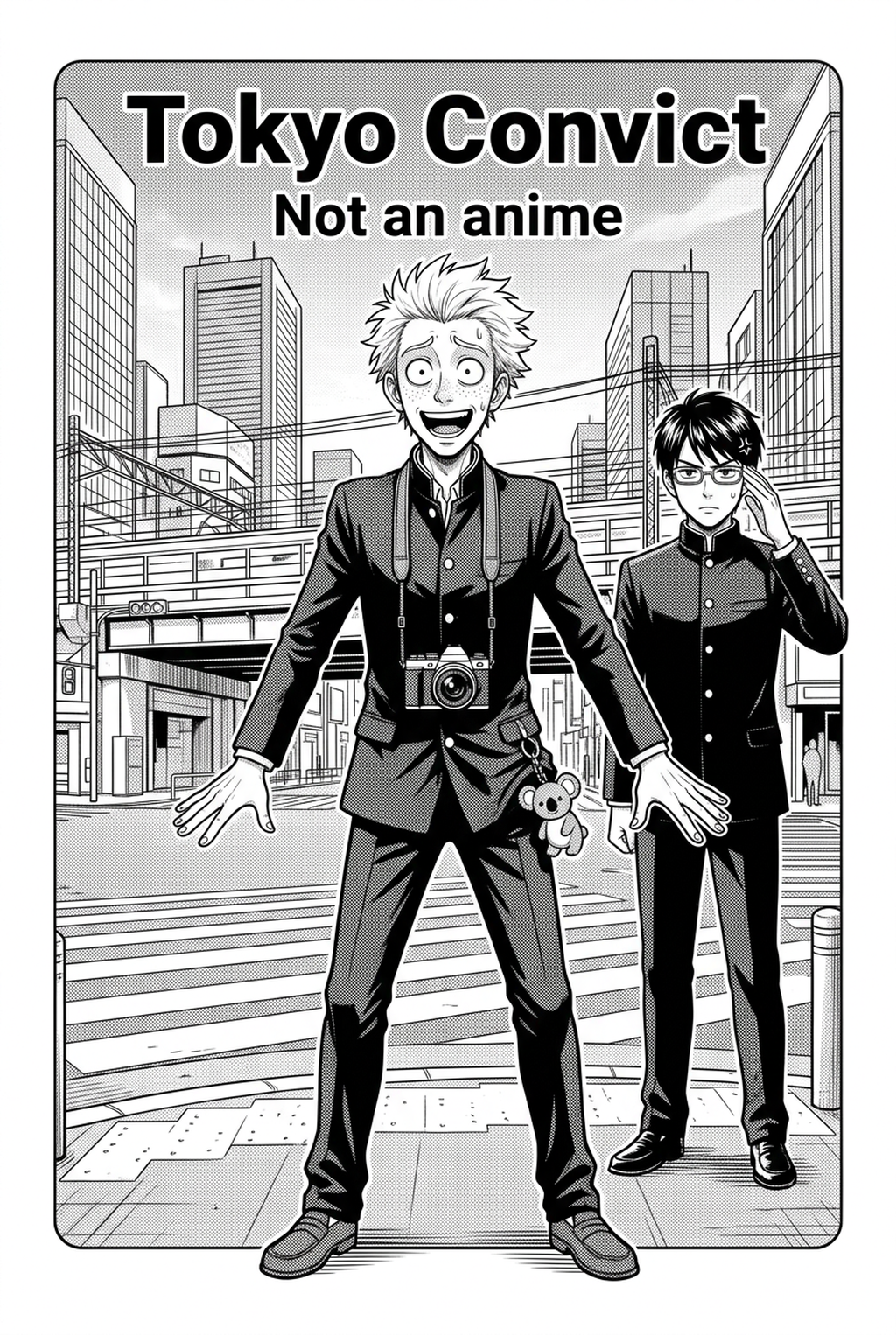
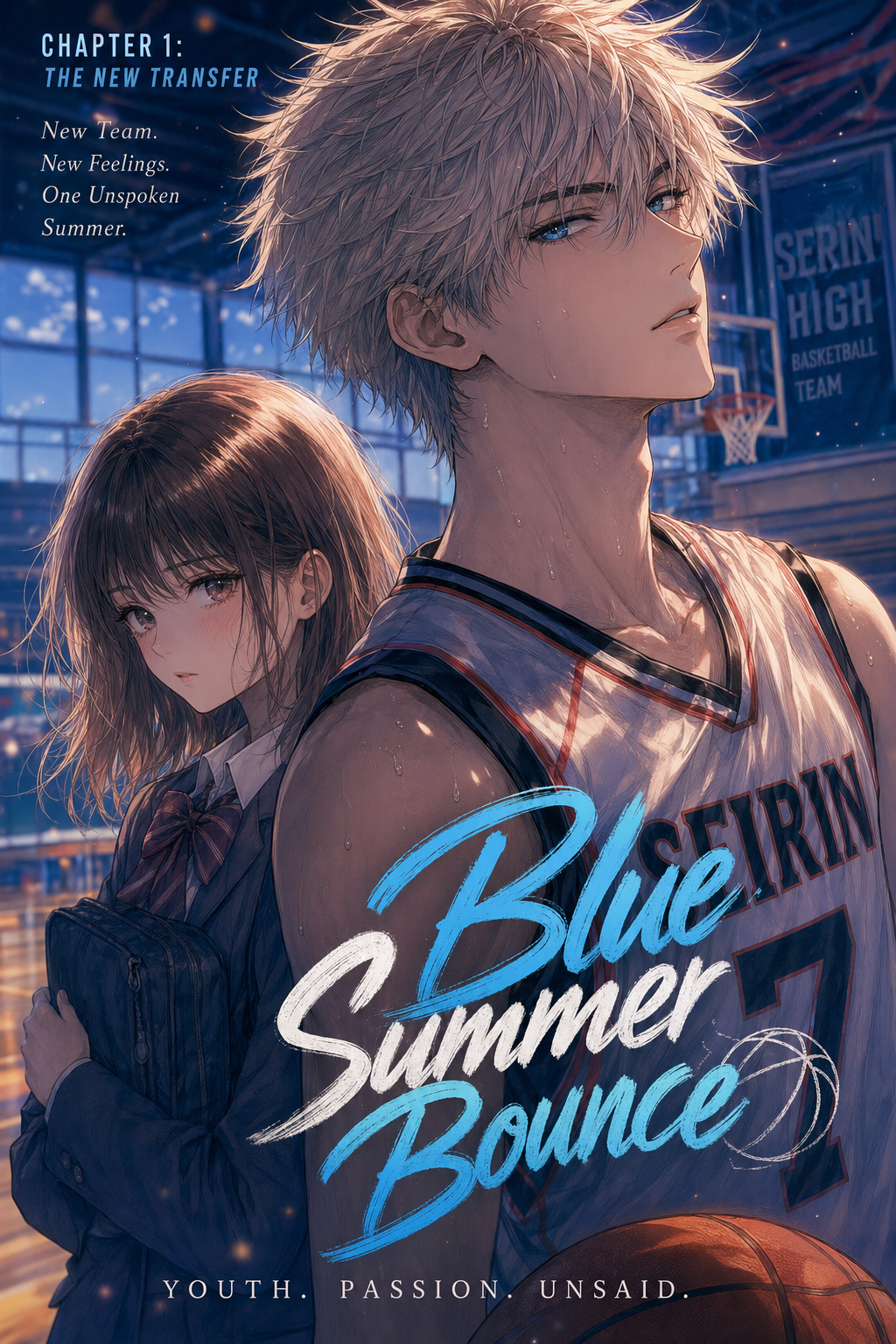
Before export, creators should compare the generated line art with the original sketch and confirm that facial expressions, props, speed lines, and speech-bubble space still support the scene. A repeatable review pass should cover character consistency, panel readability, background clarity, and whether the final file is ready for coloring, lettering, or editor feedback.
For longer projects, creators should save approved examples of line weight, face detail, clothing folds, and background density. Those references keep later chapters closer to the intended style. For collaboration, creators should mark which panels are final and which panels still need redraws. Clear status labels prevent an assistant, editor, or colorist from polishing the wrong version.
For publishing, creators should review the page at the actual reading size before export. Small screens expose crowded dialogue, weak silhouettes, and line details that looked fine while zoomed in. This keeps the review focused on story intent, line weight, panel readability, and the export quality behind the final AI Manga Colorist output.
For style control, creators should keep a short reference board beside the draft and compare hair shapes, eye details, costume folds, and texture choices before approving the final page. For revision planning, creators should separate art fixes from story fixes. Line cleanup, panel order, dialogue clarity, and character acting each need a different review question.
For solo creators, the most useful workflow is one that keeps rough ideas editable until the final pass. That reduces rework when the scene mood changes after the first read-through. For teams, handoff notes should explain why a panel was accepted, not just whether it was accepted. That context helps later coloring, lettering, and export decisions stay consistent.
Creators can evaluate manga colorization with Mangaka mid-workflow when they need the product path tied directly to review, refinement, and export. A real test should use the same sketch, character goal, or panel sequence that would otherwise need manual cleanup after generation.
The Bottom Line
Mastering professional colorization is part of the production decision but an essential component of competing in the current digital landscape. By integrating manga colorization with Mangaka into your creative process, you leverage state-of-the-art AI to handle the time-consuming aspects of production while ensuring your original artistic vision remains fully intact.
Related articles
Clean Up Your Manga Inking Workflow with AI Automation 2026
Optimizing Your Manga Colorist Workflow with AI in 2026
Manga Colorist Workflow: 2026 Guide