AI Manga Colorist: Why AI Manga Colorist Workflows Slow Down Horror Creators
The Anime News Network feature on how manga is made describes manga as staged work from rough draft to finished page. That production context matters for Horror creators because AI assistance is useful only when the sketch, inking pass, and final page review stay connected.
AI Manga Colorist for Horror manga helps creators choose the right Mangaka workflow for cleaner pages, steadier style, and review-ready output. The comparison starts with production speed, manual control, line quality, and export readiness because those factors shape whether a page can move into final review.
Creative Brief and Generation Quality
Horror relies on the steady, suffocating build of dread, which requires a high volume of panels to establish the right rhythm. When you attempt to manually color each page, the time investment per chapter can balloon, pushing your release schedule back by weeks. You are constantly balancing the need for creative perfection against the reality of audience expectations for consistent updates.
Where Style Consistency Breaks
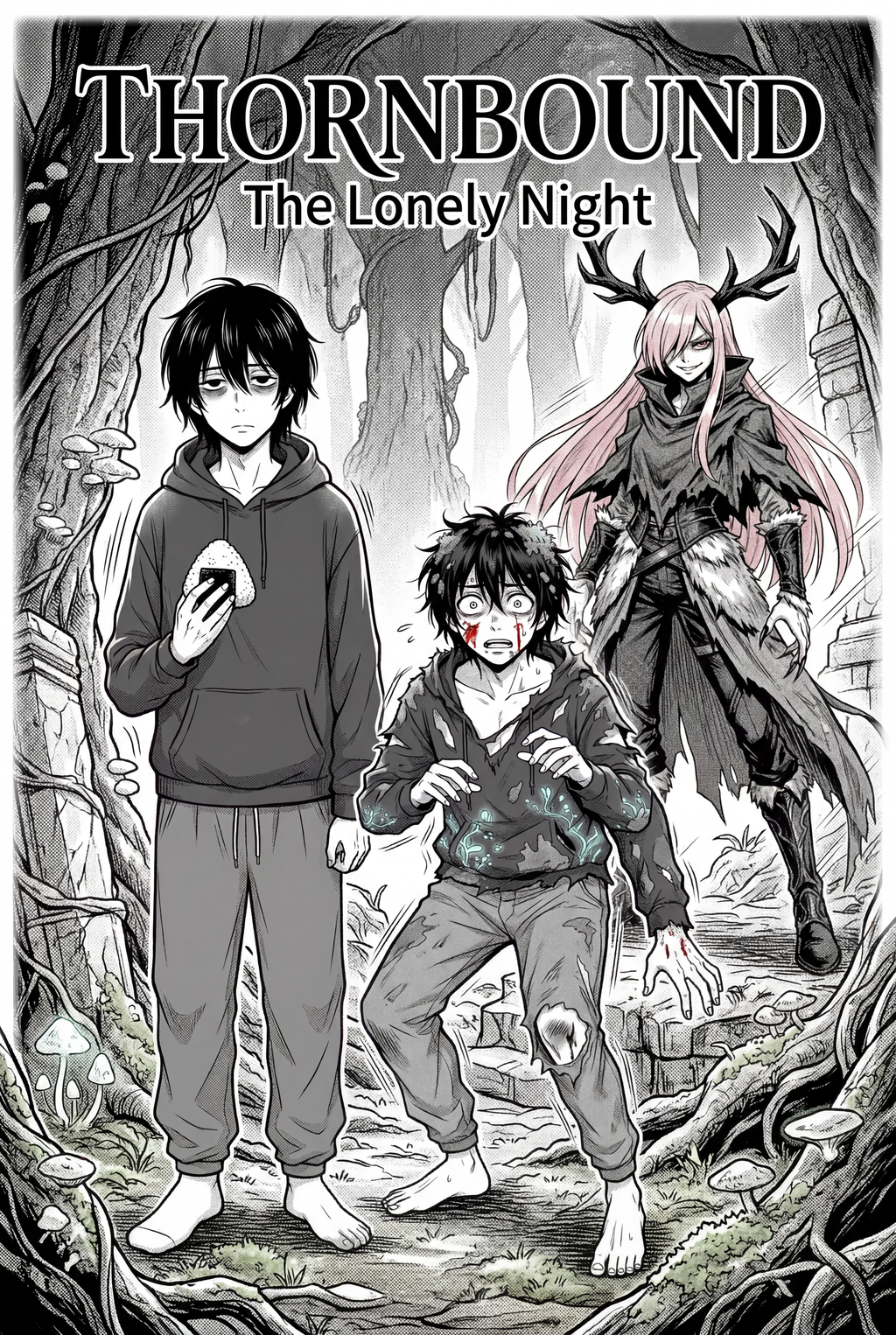
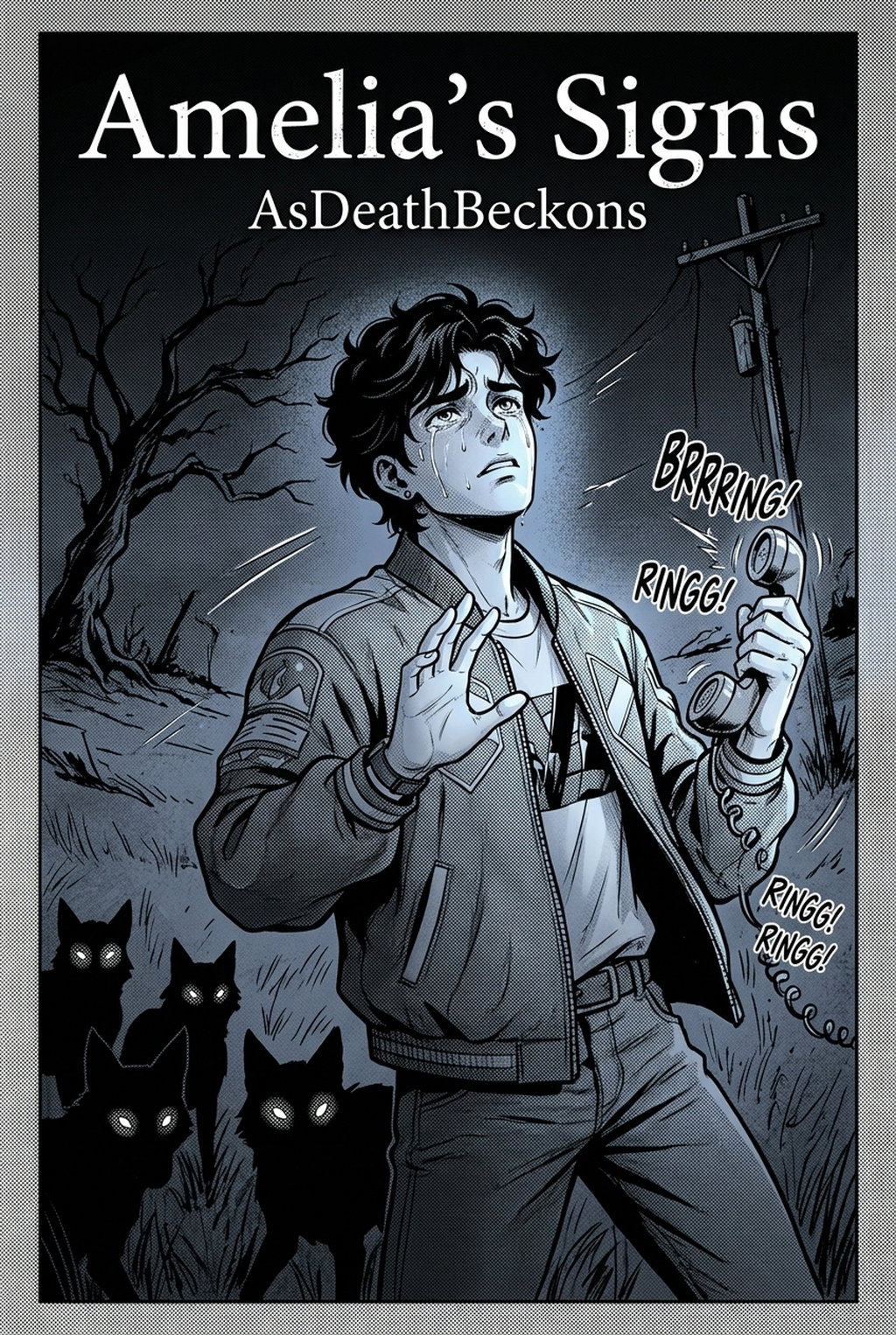
Horror manga demands a specific, limited palette to keep the reader grounded in the unsettling world you have created. Many digital colorizers apply generic, saturated color profiles that ruin the high-contrast aesthetic.
Workflow Bottleneck 1: Character Consistency Between Panels
When you are depicting a character facing a supernatural threat, their appearance needs to be hauntingly consistent across every frame to maintain the internal logic of your horror narrative.
Prioritize Creative Risks by Reader Impact
Most general-purpose AI tools use large-scale models trained on generic web images. When you feed them a page from a horror manga, the algorithm often tries to "beautify" the scene, smoothing out the gritty, high-contrast shadows you painstakingly inked.
Preserve Style Consistency Across Panels
Mangaka addresses this by focusing on the relationship between your original line work and the color overlay. By prioritizing your source art, it recognizes the character silhouettes as permanent constraints. ) to see how the model treats your specific character design.
Workflow Bottleneck 2: High-Contrast B&W Style Drift
The beauty of horror manga is in the ink—the thick, sharp lines that define a creature or a dark, claustrophobic corridor. Style drift occurs when an AI colorist attempts to "fill in" areas that were meant to remain stark black, effectively washing out your deepest shadows and flattening the 3D perspective of your environment.
Refine Output Before Export Review
Generic filters often struggle with the "horror aesthetic," which prioritizes negative space. These tools frequently try to add mid-tones where none were intended, stripping away the high-contrast impact that makes horror scenes pop. When your deep black shadows are replaced by muddy purples or greys, the scene loses its visceral intensity, making the horror feel muted and distant.
Generation Review and Export
Mangaka is built to treat your high-contrast B&W work as an immutable layer. Instead of trying to "guess" where shadows belong, it treats your existing ink work as a master guide for where to apply color, ensuring that your blacks stay black and your highlights remain clean.
Workflow Bottleneck 3: Panel Pacing for Horror Storytelling
Horror is a visual language defined by timing. If your coloring workflow is too rigid, you end up with a monotonous color scheme that dulls the impact of your dramatic reveals.
Creative Brief and Source Input
Many automated tools apply a global setting to an entire page. This results in "pacing drag," where the climax of your horror scene feels just as bright and vivid as the introductory panels.
Revision Notes Before Publishing
Mangaka allows you to maintain the flow of your storytelling by respecting the scale and focus of each panel. By understanding the visual hierarchy of your manga, the tool applies varying degrees of color intensity based on the panel’s function.
Workflow Bottleneck 4: Dialogue Placement and Export Review
The final step—ensuring that dialogue bubbles remain legible against your new, colored background—is where most creators hit a wall. If your coloring tool bleeds color into the white space reserved for text, you are left with the tedious task of manually masking out your dialogue boxes, effectively doubling the time required for final cleanup.
Revision Notes Before Publishing for Workflow Bottleneck 4: Dialogue Pl
Standard AI tools often lack a dedicated "dialogue safety" feature. When the output renders, the color often spills over into your lettering, creating a distracting blur. For AI Manga Colorist for Horror manga , this is especially damaging, as the dark, atmospheric colors bleed into the crisp white space of the speech bubbles, making the dialogue difficult to read.
Refine Output Before Export Review for Workflow Bottleneck 4: Dialogue Placement
Mangaka includes logic that recognizes the negative space reserved for text, keeping your dialogue areas pristine. This means that when you export your pages, your speech bubbles remain clear and distinct against the background. You spend less time manually erasing color spill and more time focusing on the final polish of your horror narrative.
How Mangaka Improves AI Manga Colorist for Horror in High-Contrast B&W
| Feature | Standard AI Tools | Mangaka |
|---|---|---|
| Shadow Integrity | Often flattens/washes out | Preserves high-contrast blacks |
| Character Consistency | Struggles across pages | Retains character color keys |
| Dialogue Safety | Frequently bleeds into text | Protects white-space bubbles |
| Pacing Focus | Applies global settings | Respects panel-by-panel intent |
Mangaka Features and Export Review
Mangaka is designed for creators who treat their horror manga as a professional-grade product. By offloading the repetitive labor of coloring, you regain the freedom to focus on the elements that define your unique horror voice.
Review Controls Before Export
Release cadence belongs in the production context for manga tools. For creators, the useful product question is whether pages stay readable when schedule pressure rises. Export quality depends on whether the creator can still adjust cleanup, line weight, and handoff settings after AI assistance. Wacom comic and manga creation guidance ties that point to drawing practice instead of broad AI-image claims.
- Reader expectations. MyAnimeList manga news keeps genre expectations visible for readers who scan action, character acting, and page rhythm quickly. Shonen inking should preserve panel clarity, not just cleaner lines.
- Drawing practice. Wacom's comic and manga creation guide ties tool choice to brush control, cleanup effort, and export readiness. That keeps review grounded in creator workflow.
The Bottom Line
A useful coloring pass keeps the story goal, visual style, and review step clear before export. AI Manga Colorist gives creators a faster first pass without removing the final human review. Start creating with AI Manga Colorist for Horror manga when you are ready to turn the reviewed idea into finished manga pages. Test it with one real page goal, one reference boundary, and one export requirement so the decision stays tied to production quality.