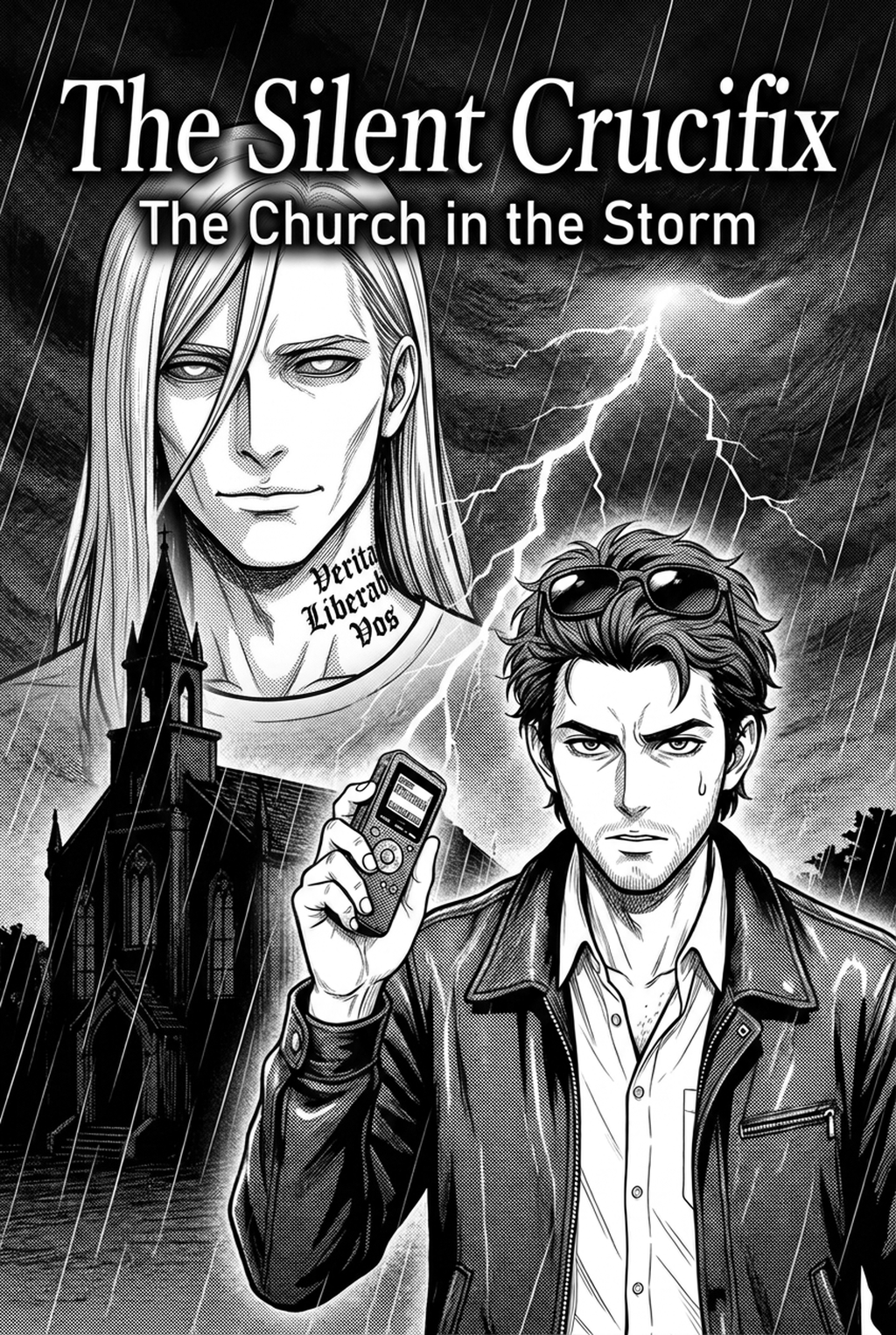
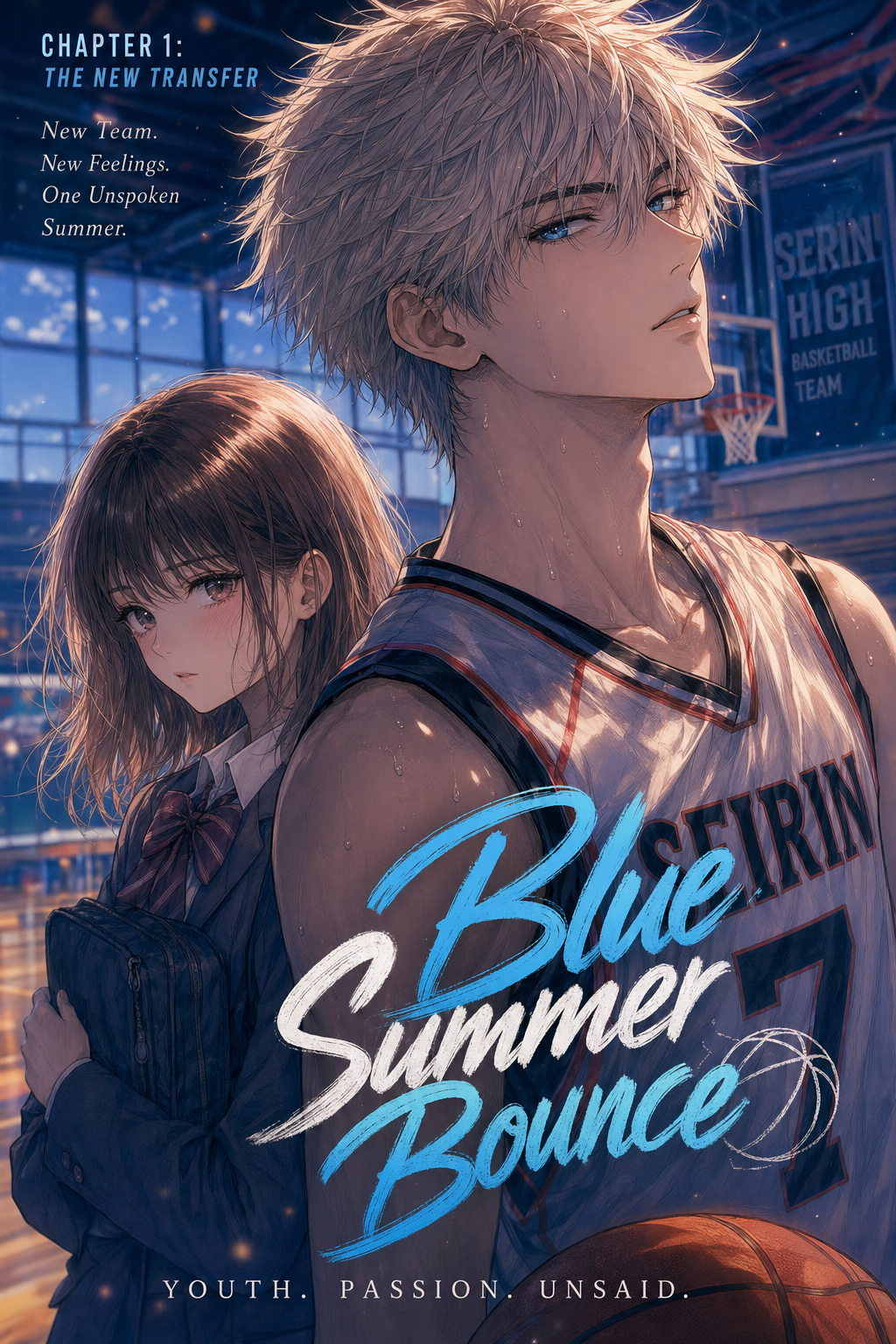
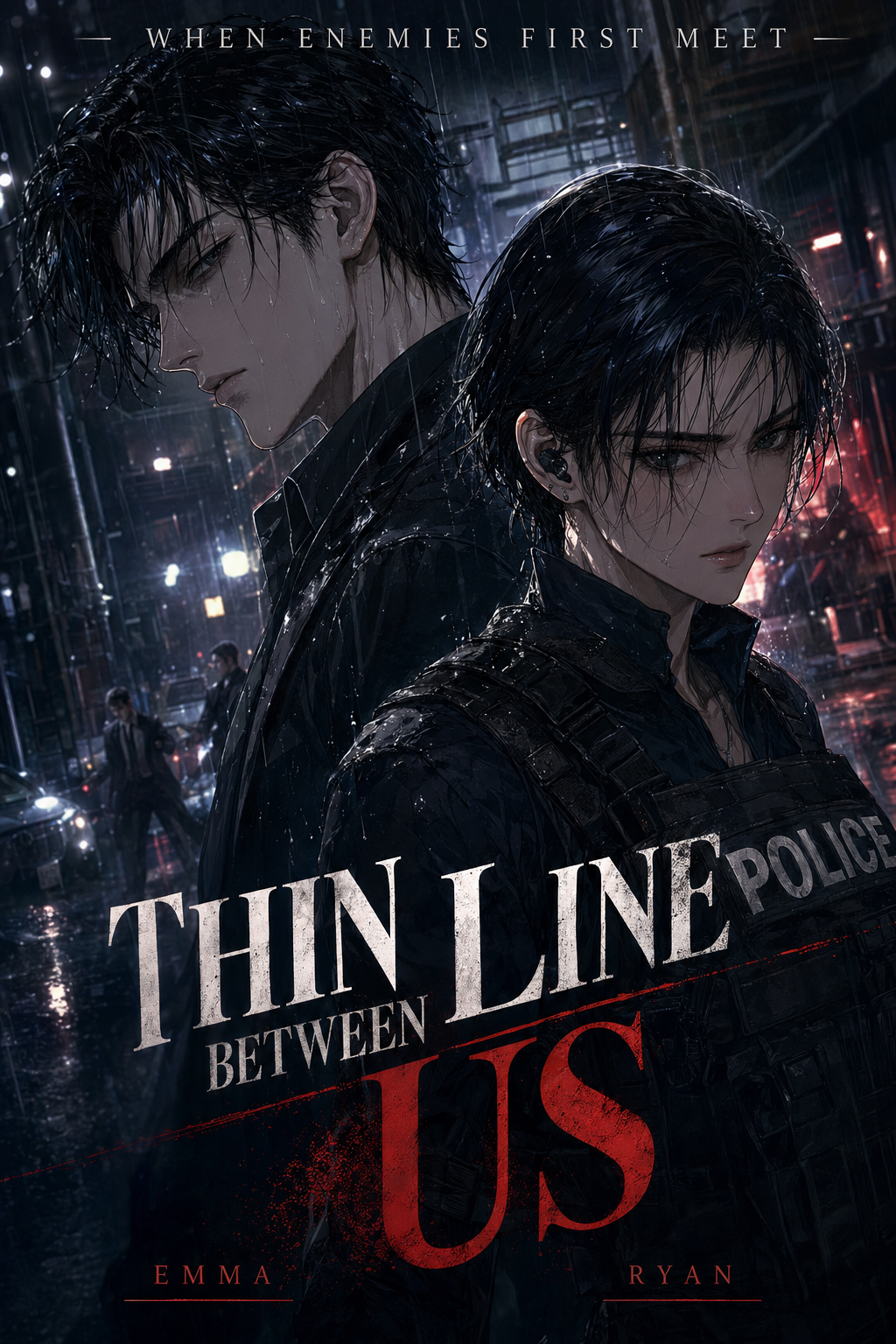
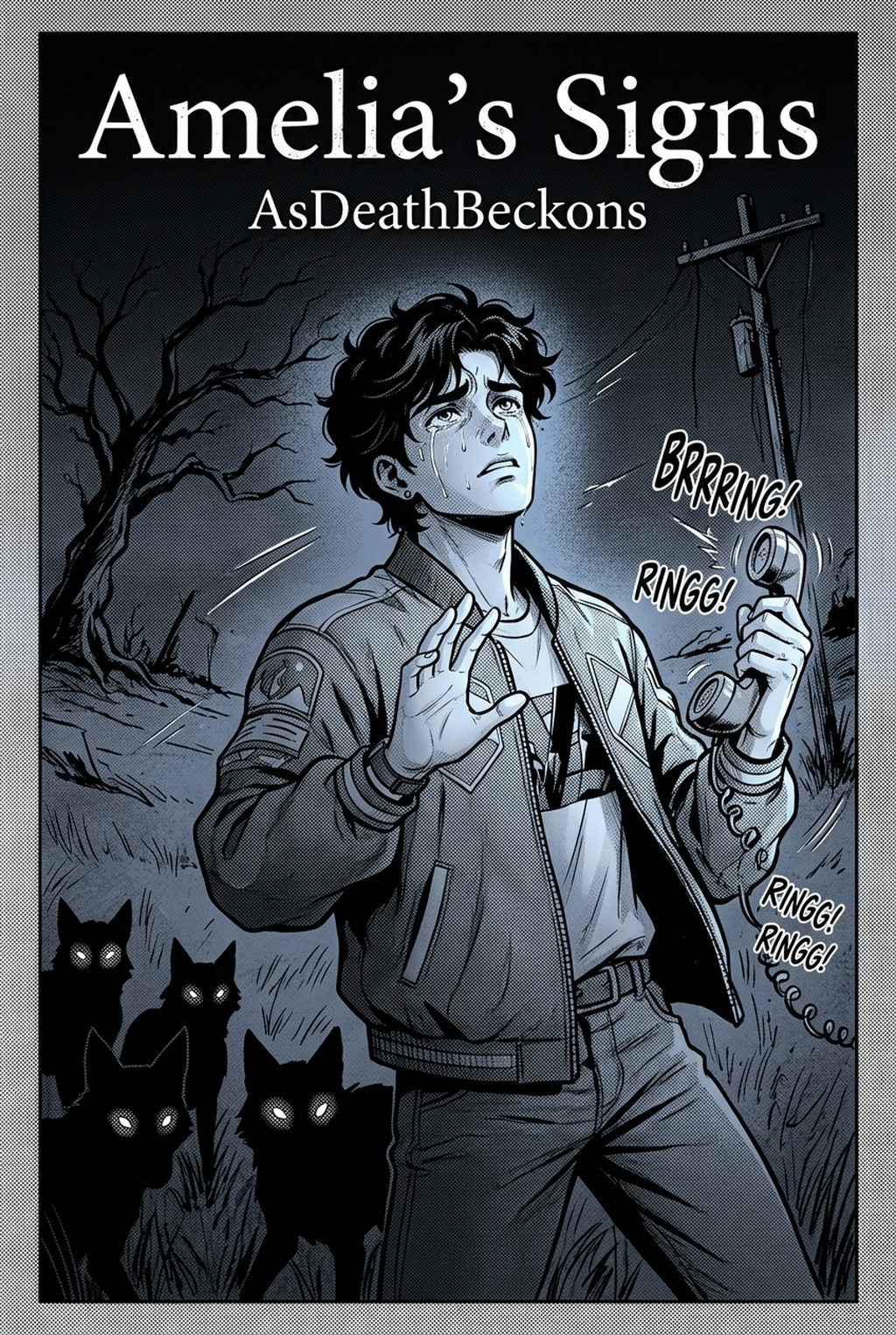
AI Manga Inker for Slice of Life manga helps creators compare generation speed, manual art control, line quality, and Shonen page-readiness before choosing a production workflow. The main tradeoff is fast first-pass page output versus deeper manual control before export.
AI Manga Inker: What to Look for in AI Manga Inker Tools for Slice of Life
The Anime News Network feature on how manga is made describes manga as staged work from rough draft to finished page. That production context matters for Slice of Life creators because AI assistance is useful only when the sketch, inking pass, and final page review stay connected.
You need to ensure your tools complement your artistic voice rather than stifling it. Slice of life manga relies heavily on consistent character design and atmospheric environments, meaning your inker needs to respect the subtlety of your hand-drawn expressions and the architectural integrity of your backgrounds.
Creative Goals and Style Context
Your production pace depends on how well a tool understands your specific penciling style. If you work with thin, expressive leads, you need an inker that avoids harsh, pixelated edges and instead preserves the nuance of your original strokes. A tool that fits your process shouldn't require you to redraw your panels; it should interpret the intent of your sketch and elevate it into professional-grade line work suitable for print or digital platforms like MyAnimeList .
Quality Checks Before Export
You must inspect the line continuity and the clarity of your screentones. A robust inker should offer a preview that allows you to see how your lines hold up under high-resolution requirements. You want to ensure that facial features remain sharp during close-up dialogue panels and that perspective lines in wide shots are clean, avoiding the "jitter" that can sometimes occur when digital processing fails to interpret complex angles.
How We Evaluated These Tools
We looked at how these technologies handle the specific constraints of the slice of life genre. For these comics, the quality of your art is the foundation of the reader's emotional connection to the characters.
Line Weight and Panel Readability
Score Panel Readability at Final Size
We tested how well each tool handles high-contrast requirements. Slice of life panels are often high-resolution, requiring deep blacks and crisp whites for professional formatting. We checked if the tools provided vector-ready output or high-DPI raster images, ensuring that your work won't degrade when formatted for different screen sizes or print standards defined by Wacom for professional digital artists.
Review the Top Tools Before Choosing
Choosing the right inker often comes down to your personal workflow—do you prefer a tool that does everything for you, or one that integrates into your manual process? This keeps the review focused on story intent, line weight, panel readability, and the export quality behind the final AI Manga Inker output.
Character Consistency Through Review
Mangaka stands out because it is specifically purpose-built for the unique aesthetic of manga. It treats your pencil sketches as the source of truth, cleaning up the lines while maintaining the exact character proportions you established. This directly solves the pain point of "over-processing," where general AI tools often make characters look unrecognizable. By using AI Manga Inker for Slice of Life manga with Mangaka , you retain the soul of your drawing while instantly converting messy, hand-drawn pencils into polished, inked panels that are ready for the final page layout.
Export Quality Before Publishing
General-purpose generators are great for brainstorming scenes or creating mood boards, but they often struggle with the rigid structure required for sequential storytelling. While they can create beautiful single images, they lack the "memory" needed to keep character costumes and facial features identical from panel to panel. Use these for inspiration, but be prepared for significant manual work to maintain the continuity essential for a long-form slice of life story.
Character Consistency Through Review for Top Tools Reviewed
Traditional software like Clip Studio Paint remains a staple for manual inking. These apps give you total control, but they are time-intensive. They require you to manually trace every single line. They are excellent for creators who want to build their muscle memory, but they don't offer the automated speed boost that AI-integrated tools now provide for those on tight weekly or monthly deadlines.
Export Quality Before Publishing for Top Tools Reviewed
Tools focused purely on paneling and dialogue are necessary for final production but do nothing to help you with the actual inking of the characters. These tools are the final step in the production process. You should use them to assemble your panels after your art has been processed and cleaned, ensuring that your text bubbles don't obscure the delicate line work you’ve just perfected.
Line Weight and Panel Readability for Top Tools Reviewed
The "traditional" way—scanning pencils and using an ink pen or digital brush—is the standard for a reason: it's authentic. However, it is also the most prone to fatigue. If you find your wrist hurting or your production speed slowing down, the shift toward an automated inking step is the most efficient way to scale your output without sacrificing the hand-drawn feel of your original work.
Compare Options Side by Side Before Choosing
| Feature | Mangaka | General AI Generators | Manual Inking Apps |
|---|---|---|---|
| Style Preservation | High (Maintains original) | Low (Changes style) | Very High (Manual) |
| Speed | Instant conversion | Fast generation | Slow/Manual |
| Slice of Life Suitability | Excellent | Poor (Inconsistent) | Good |
| Ease of Use | Plug and play | Learning curve | High learning curve |
Creative Decisions and Export Quality
Mangaka allows for rapid iteration, meaning if a panel isn't hitting the right emotional note, you can tweak your sketch and re-ink instantly. Manual apps, conversely, require you to perform the entire drawing operation again. If you value efficiency in your slice of life comic, the difference is measured in weeks of production time saved over a single volume.
Workflow Fit and Review Needs
Mangaka produces clean files that are easy to export for professional distribution. When checking your work before export, you will find that the line quality is consistent across the page, which prevents the visual jarring that occurs when characters look slightly different from one frame to the next due to manual error or inconsistent AI generation.
Which Tool Should You Choose?
If your goal is to bridge the gap between your creative vision and a finished page, choose the tool that lets you retain control while removing the drudgery. Creators can use each revision decision to clarify panel readability, character consistency, and export quality before publishing or sharing.
Reader Impact Before Publishing
Choose Mangaka if you want your slice of life characters to look exactly as you drew them, only cleaner. If you find that your characters lose their identity when you try to use generic AI tools, Mangaka is the bridge you need to keep your art style personal.
Creative Decisions and Export Quality for Which Tool Should You Choose
If you are preparing for print, always ensure your output is at least 600 DPI. Using Slice of Life manga inking workflow with Mangaka allows you to confidently move to this final check, knowing your line quality is consistent and your page is ready to be loaded into your layout software for final dialogue placement and screentone application. Release cadence belongs in the production context for manga tools.
The useful product question is whether pages stay readable when schedule pressure rises. Before export, creators should compare the generated line art with the original sketch and confirm that facial expressions, props, speed lines, and speech-bubble space still support the scene. A repeatable review pass should cover character consistency, panel readability, background clarity, and whether the final file is ready for coloring, lettering, or editor feedback.
- Reader expectations. MyAnimeList manga news keeps genre expectations visible for readers who scan action, character acting, and page rhythm quickly. Shonen inking should preserve panel clarity, not just cleaner lines.
- Drawing practice. Wacom's comic and manga creation guide ties tool choice to brush control, cleanup effort, and export readiness. That keeps review grounded in creator workflow.
The Bottom Line
A useful inking pass keeps the story goal, visual style, and review step clear before export. AI Manga Inker gives creators a faster first pass without removing the final human review. That extra context helps the reader connect the creative choice to character consistency, composition, speech-bubble space, and final file format.
Start creating with Slice of Life manga inking workflow with Mangaka when you are ready to turn the reviewed idea into finished manga pages. Test it with one real page goal, one reference boundary, and one export requirement so the decision stays tied to production quality.