AI Manga Style Transfer: Pre-Production Setup with Mangaka
The Anime News Network feature on how manga is made describes manga as staged work from rough draft to finished page. That production context matters for Seinen creators because AI assistance is useful only when the sketch, inking pass, and final page review stay connected.
AI Manga Style Transfer for Seinen manga helps creators choose the right Mangaka workflow for cleaner pages, steadier style, and review-ready output. The comparison starts with production speed, manual control, line quality, and export readiness because those factors shape whether a page can move into final review.
You know that the foundation of a successful Seinen series lies in the consistency of your visual tone. If your shadows are too soft or your line weights fluctuate across chapters, the immersive atmosphere of your world risks falling apart. Setting up your creative environment requires a careful balance of your hand-drawn vision and tools that can interpret your sketches without stripping away the "soul" of your draft.
Mangaka Features and Export Review
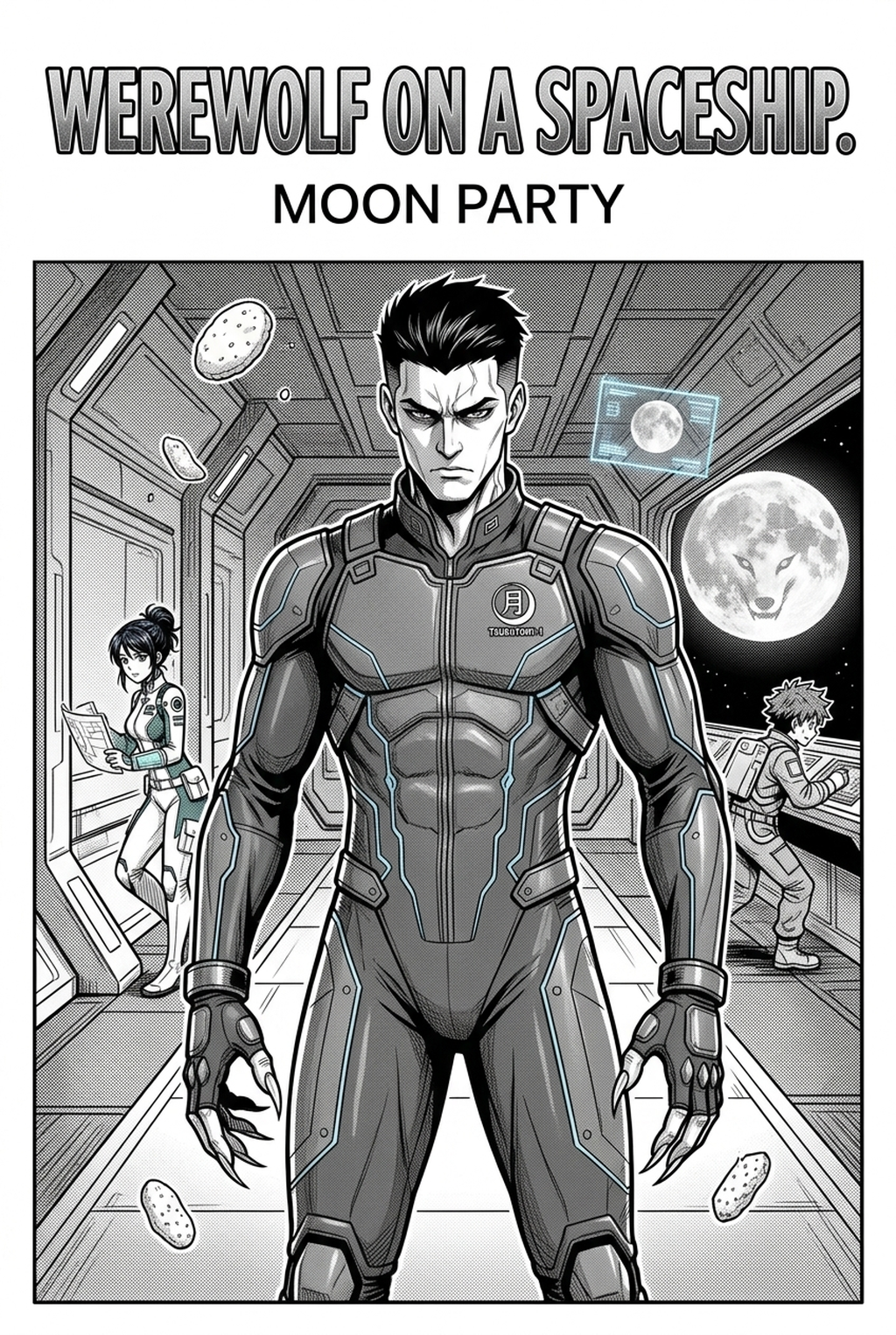
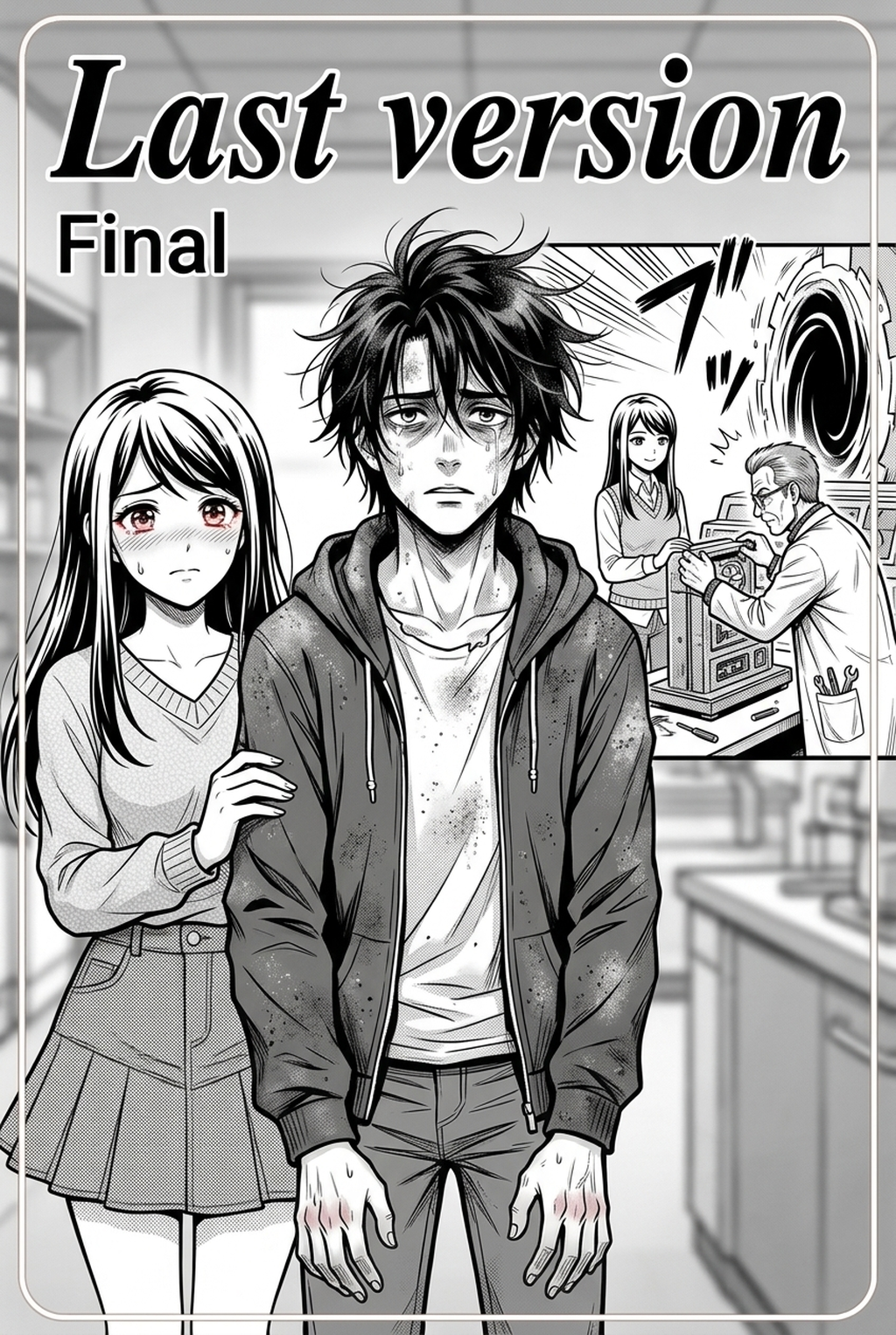
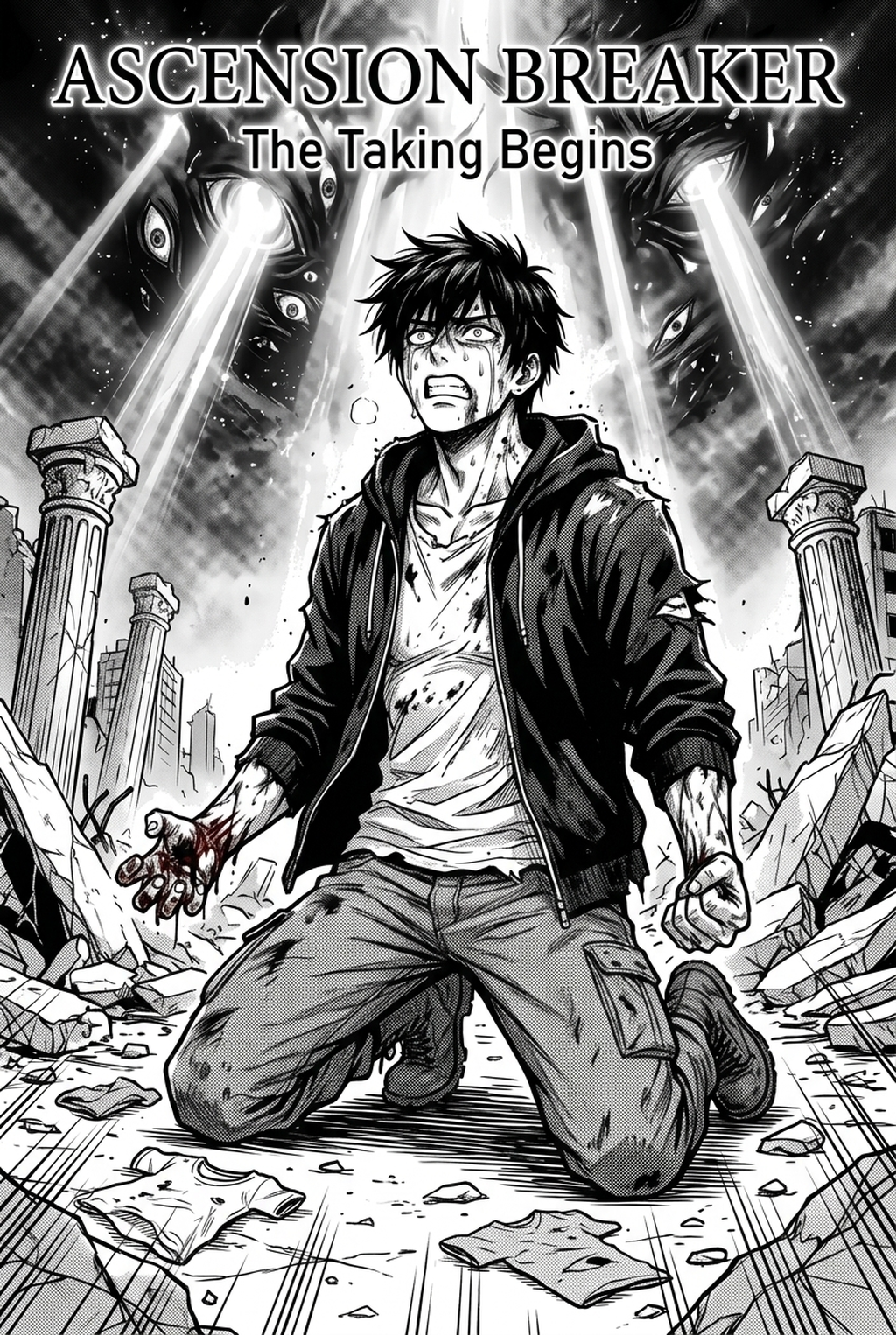
Seinen readers expect a level of maturity in the art—think the dense, textured environments of Berserk or the sharp, clinical precision of Monster. You likely start with sketches that establish composition, lighting, and focal points. When you move to final production, the challenge is maintaining that specific grit without spending hours manually rendering every texture. Mangaka fits into this workflow by acting as a high-fidelity digital assistant, taking your rough layouts and re-rendering them into finished, publication-ready art that retains your original perspective and character intensity.
Quality Checks Before Export
Run a sample panel through the system to ensure the line depth matches your intended emotional weight. Check that your background "noise"—the rough scribbles meant to denote texture—are being translated into coherent hatching rather than digital artifacts. Always verify that the "ink" density is high enough for print; Seinen panels often thrive on deep blacks, so ensure your export settings are calibrated to maintain maximum contrast without losing the subtle grays required for depth.
Drafting the Weekly Serial in Black-And-White Panels
Drafting for a weekly serial creates a pressure cooker environment where the quality of your black-and-white panels must remain consistently high. You are balancing complex character anatomy with the mechanical or urban environments often featured in Seinen titles. When deadlines loom, the manual task of cleaning up line art is often where creators find the most friction.
Creative Decisions and Export Quality
The goal is to bridge the gap between "rough draft" and "final page" as efficiently as possible. You need a tool that understands the specific aesthetic of manga inking—the variance in pen pressure, the sharpness of speed lines, and the specific way shadows should pool in corners. Mangaka is built to bridge this gap by prioritizing the preservation of your sketch’s structural integrity while applying the professional-grade line weights expected in a serialized Seinen release.
Workflow Fit and Review Needs
When finalizing your panels, focus on the readability of your action sequences. High-contrast art is notoriously difficult to pull off; if your blacks are too dominant, the reader loses track of the movement. Use your export process to isolate key characters from background elements. If you notice the AI is obscuring a crucial expression, adjust your source sketch's line clarity before re-running the render. A good rule of thumb is to keep your initial sketch bold and clean; AI Manga Style Transfer for Seinen manga with Mangaka to see how it handles your specific line style.
Using AI Manga Style Transfer Across Pages
When you are scaling up, maintaining continuity across a 20-page chapter is the ultimate test of your production strategy. You must ensure that the same character looks consistent in both a crowded urban sprawl and an intimate dialogue scene. You need a workflow that treats each page not as a standalone illustration, but as a component of a larger, cohesive narrative arc.
Workflow Fit for Creator Output
Creators who thrive in this space often use a "base-and-layer" approach. You generate the bulk of the panel through style transfer, then add your own manual touches—such as blood splatters, specific character scars, or proprietary patterns—on top. Mangaka serves as your primary engine for the foundational line art, which frees up your time to focus on these high-impact finishing touches that define your unique artistic signature.
Review Controls Before Export
Always review your batches in sequence. When viewing panels side-by-side, check for "flicker"—sudden shifts in lighting or stroke density that might distract the reader. Use the review controls to ensure that your panel borders and speech bubble placement remain clear. Since Seinen art relies heavily on atmosphere, verify that the deep blacks are consistent across the entire page layout. If a panel feels too bright compared to the rest of the sequence, re-adjust the input intensity for that specific frame to ensure it matches the mood of the surrounding sequence.
Publishing on Fan Communities and Beyond
Getting your pages ready for platforms like MangaDex or your own site requires another layer of attention to detail. You are no longer just an artist; you are a publisher. The way your files are compressed and the way they are formatted can dictate how your art is perceived on mobile screens versus desktop monitors.
Reader Impact Before Publishing
Your audience is likely reading on high-resolution tablets or phones, which means your lines need to be crisp and readable even at smaller scales. AI-enhanced art is excellent for this because it often cleans up "dirty" sketch lines, providing a cleaner edge that holds up well during compression. Whether you are posting on social media to build hype or uploading to a professional reader, the clarity of your black-and-white panels is your primary ambassador.
Creative Decisions and Export Quality for Publishing on Fan Communities and
Check your final export resolution against the requirements of your target community. Ensure you have exported at a standard PPI (usually 300 for print, 72-150 for digital) to prevent pixelation. If you are preparing for a physical print run, run a proofing pass to ensure your blacks aren't turning into dark grays during the print conversion. Test how your contrast holds up in a low-light "dark mode" environment, which is how many modern manga readers consume content.
Production Checklist for Seinen Creators
To maintain the high production standards of a Seinen creator, you need to be rigorous with your output. Use the following criteria to ensure every page you produce meets the professional standard.
| Criterion | Why It Matters | Check Before Export |
|---|---|---|
| Line Weight | Defines the "heaviness" of the atmosphere. | Ensure consistency across all panels on the page. |
| Contrast Balance | Keeps action readable in dark scenes. | Use a histogram check for pure black/white distribution. |
| Anatomical Integrity | Maintains reader suspension of disbelief. | Verify that key features are clear post-render. |
| Background Texture | Adds the grit expected in Seinen. | Ensure hatching doesn't overwhelm the subjects. |
Every page is a test of your efficiency. You need to know that your tools will handle your unique sketches without failing under the weight of high-detail panels. By creating a standardized checklist, you remove the guesswork from your production cycle, allowing you to iterate faster.
Before hitting that final "publish" button, take a break. Return to the pages after an hour to look at them with fresh eyes. Often, the flaws in continuity or shading become blindingly obvious once the initial adrenaline of creating the page has worn off.
Release cadence belongs in the production context for manga tools. For creators, the useful product question is whether pages stay readable when schedule pressure rises. Export quality depends on whether the creator can still adjust cleanup, line weight, and handoff settings after AI assistance. Wacom comic and manga creation guidance ties that point to drawing practice instead of broad AI-image claims.
- Reader expectations. MyAnimeList manga news keeps genre expectations visible for readers who scan action, character acting, and page rhythm quickly. Shonen inking should preserve panel clarity, not just cleaner lines.
- Drawing practice. Wacom's comic and manga creation guide ties tool choice to brush control, cleanup effort, and export readiness. That keeps review grounded in creator workflow.
The Bottom Line
A useful creator workflow keeps the story goal, visual style, and review step clear before export. AI Manga Style Transfer gives creators a faster first pass without removing the final human review. Creators can use each revision decision to clarify panel readability, character consistency, and export quality before publishing or sharing.
Start creating with AI Manga Style Transfer for Seinen manga when you are ready to turn the reviewed idea into finished manga pages. Test it with one real page goal, one reference boundary, and one export requirement so the decision stays tied to production quality.