Why AI AI Manga Colorist Matters for Manga Creators
The most significant bottleneck for any long-form series is the conversion of raw inking into a polished, colored final output that meets commercial print standards. If your tool fails to maintain the halftones of your screentones, your finished page will look flat and lose the sense of depth essential to professional manga publishing.
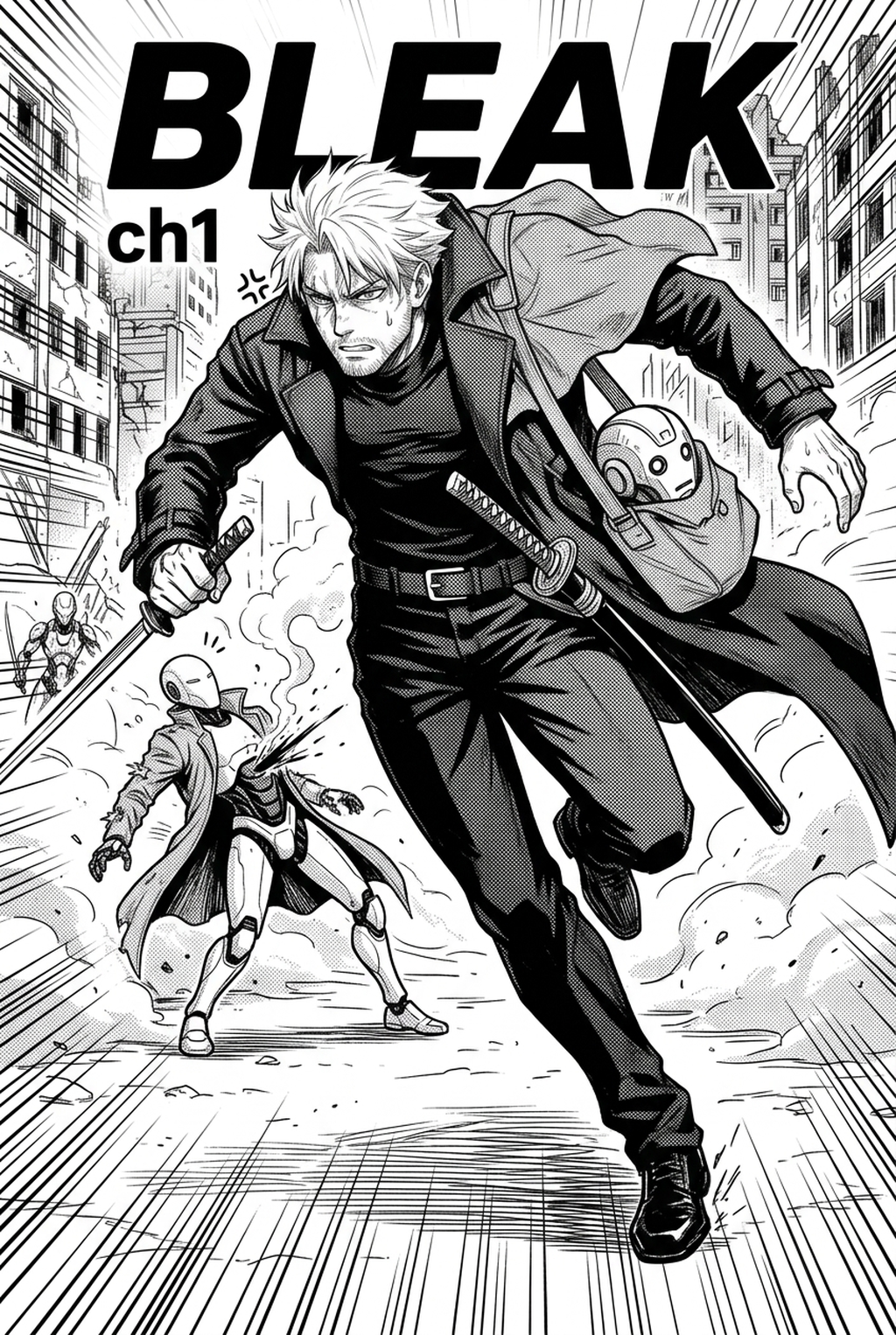
Professional results rely on the software’s ability to differentiate between your deliberate ink work and unwanted visual noise. A true manga-optimized tool keeps your G-pen pressure sensitivity intact, ensuring that the "soul" of the drawing remains visible underneath the added color layers. Without this, your characters lose the sharp silhouettes that define them during high-intensity Shonen combat sequences.
Manual painting or relying on basic bucket-fill tools creates an unmanageable review burden, forcing you to adjust colors on every single panel manually. Conversely, intelligent systems allow for global consistency, ensuring that the hair highlights for your protagonist remain identical from the first panel to the final spread of the chapter.
How Manga Colorist Works with Mangaka
Mangaka excels by treating your input not as a generic image, but as a structured manga page with specific hierarchical layers. By prioritizing the separation of ink and tone, the engine ensures that your original line art remains untouched while applying sophisticated color blocks to the underlying regions.
Extremely experimental brushwork or heavy, inconsistent cross-hatching can occasionally confuse basic algorithms, but specialized models are designed to interpret these textures as part of the composition rather than errors. When you provide a clear, high-resolution source, the AI identifies the boundaries of your line-art, creating a clean mask that keeps colors contained within their intended borders even in dense cityscapes or complex architectural panels.
A common failure in generic AI models is the tendency to overwrite screentones with flat colors, losing the mechanical texture of your work. By utilizing context-aware rendering, the tool preserves the visual intent of your tone layers, ensuring that your work reads correctly in both physical print and on high-density digital screens.
Use Cases for AI AI Manga Colorist
Applying color to a complex scene requires more than simple fills; it requires an understanding of how damage, lighting, and speed lines interact with your characters. Mangaka enables artists to leverage automated foundations while maintaining the flexibility to perform manual touch-ups on specific color values.
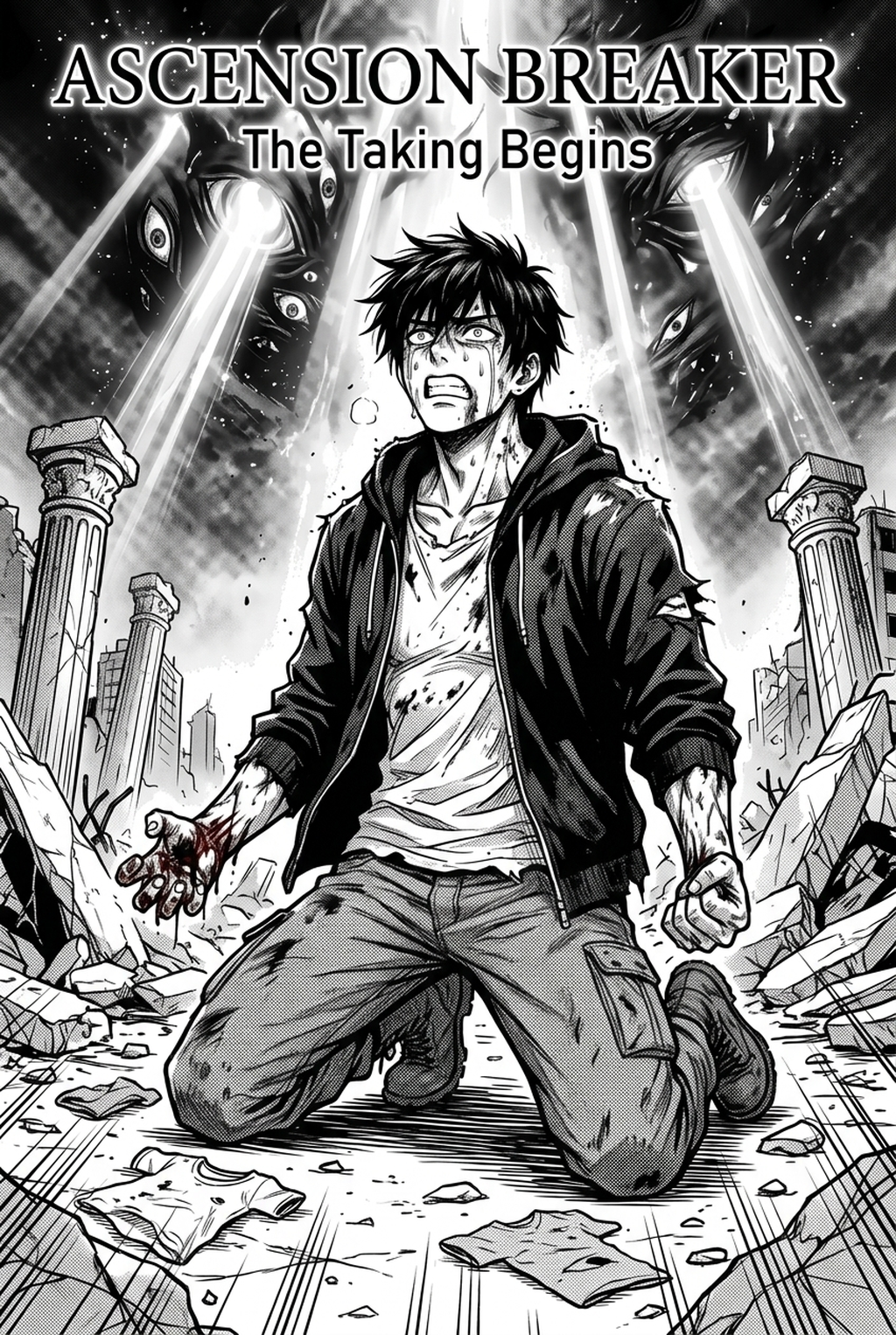
The tool interprets your scene's specific tropes, such as applying subtle color shifts for blood or impact damage, without obscuring the speed lines that indicate motion. This level of semantic awareness prevents the "muddy" look that often happens when generic colorization tools treat blood and clothing fabric as identical surface textures.
Artists often need to adjust specific color values after the base render to match a character's emotional state or specific lighting scenarios. Because the output retains the integrity of the original source context, you can selectively tweak the final color palette without ever needing to re-generate the entire page, ensuring your creative vision is preserved at every step.
How to Get Started with Mangaka
You should prioritize solutions that minimize the need for manual cleanup after the colorization step. Compatibility with standard industry formats—such as 300-600 DPI output for print or optimized PNG for digital platforms—is essential for professional creators. Always verify that your chosen platform provides high-resolution files that adhere to standard printing requirements. If your page layout involves complex double-page spreads, ensure the tool handles seamless integration across the center gutter, as mismatched color borders on a fold can destroy the immersive quality of your manga.
Workflow Fit for Creator Output. To determine if your studio is ready to integrate these tools, consider whether your current struggle is time-to-market or the need for more creative freedom. If you find yourself spending 80% of your time on flatting rather than on character design or panel layout, automating the colorist portion of your workflow is the most effective way to reclaim your creative energy for future chapters. Start exploring your production options at AI AI Manga Colorist workflow workflow with Mangaka to see how your specific art style translates into full-color, high-fidelity pages.
- Before Export. Creators should compare the generated line art with the original sketch and confirm that facial expressions, props, speed lines, and speech-bubble space still support the scene. A repeatable review pass should cover character consistency, panel readability, background clarity, and whether the final file is ready for coloring, lettering, or editor feedback.
- For Longer Projects. Creators should save approved examples of line weight, face detail, clothing folds, and background density. Those references keep later chapters closer to the intended style. For collaboration, creators should mark which panels are final and which panels still need redraws. Clear status labels prevent an assistant, editor, or colorist from polishing the wrong version.
- For Publishing. Creators should review the page at the actual reading size before export. Small screens expose crowded dialogue, weak silhouettes, and line details that looked fine while zoomed in. This keeps the review focused on story intent, line weight, panel readability, and the export quality behind the final AI Manga Colorist output.
The Bottom Line
The right creator workflow tool should act as an extension of your artistic process, handling the tedious task of coloring while leaving the expressive choices firmly in your hands. By focusing on line-work integrity and context-aware rendering, you can ensure your final pages maintain the high-quality look needed for both physical volumes and digital releases. Choose a workflow that bridges the gap between speed and quality by visiting manga colorist and optimizing your color production process for the future of your series.
Related articles
Professional Manga Inking Tool: Clean Lines in 2026
Mastering the Detective Manga Art Style in 2026
Manga Inking Guide: Mastering Professional Line Art in 2026