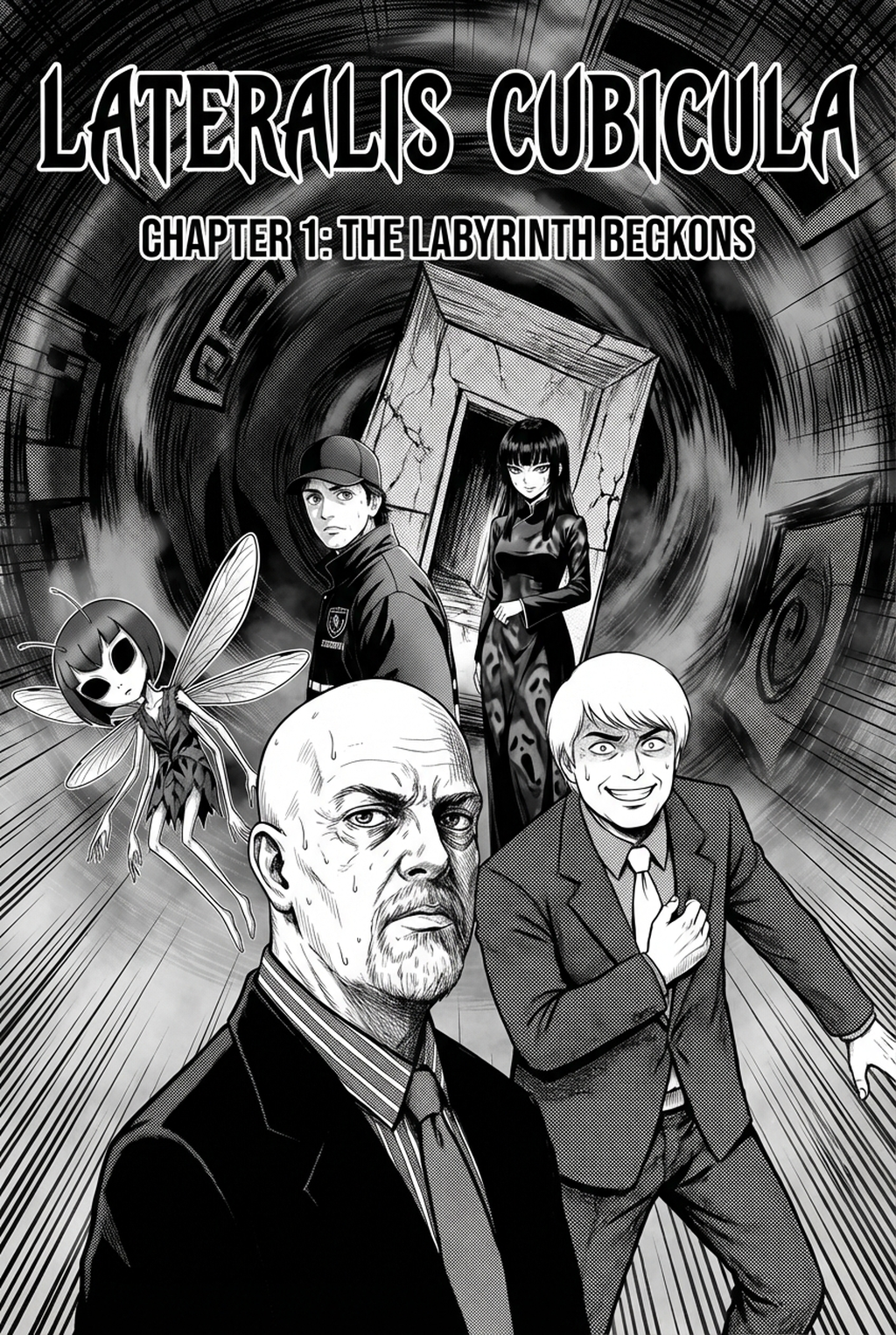
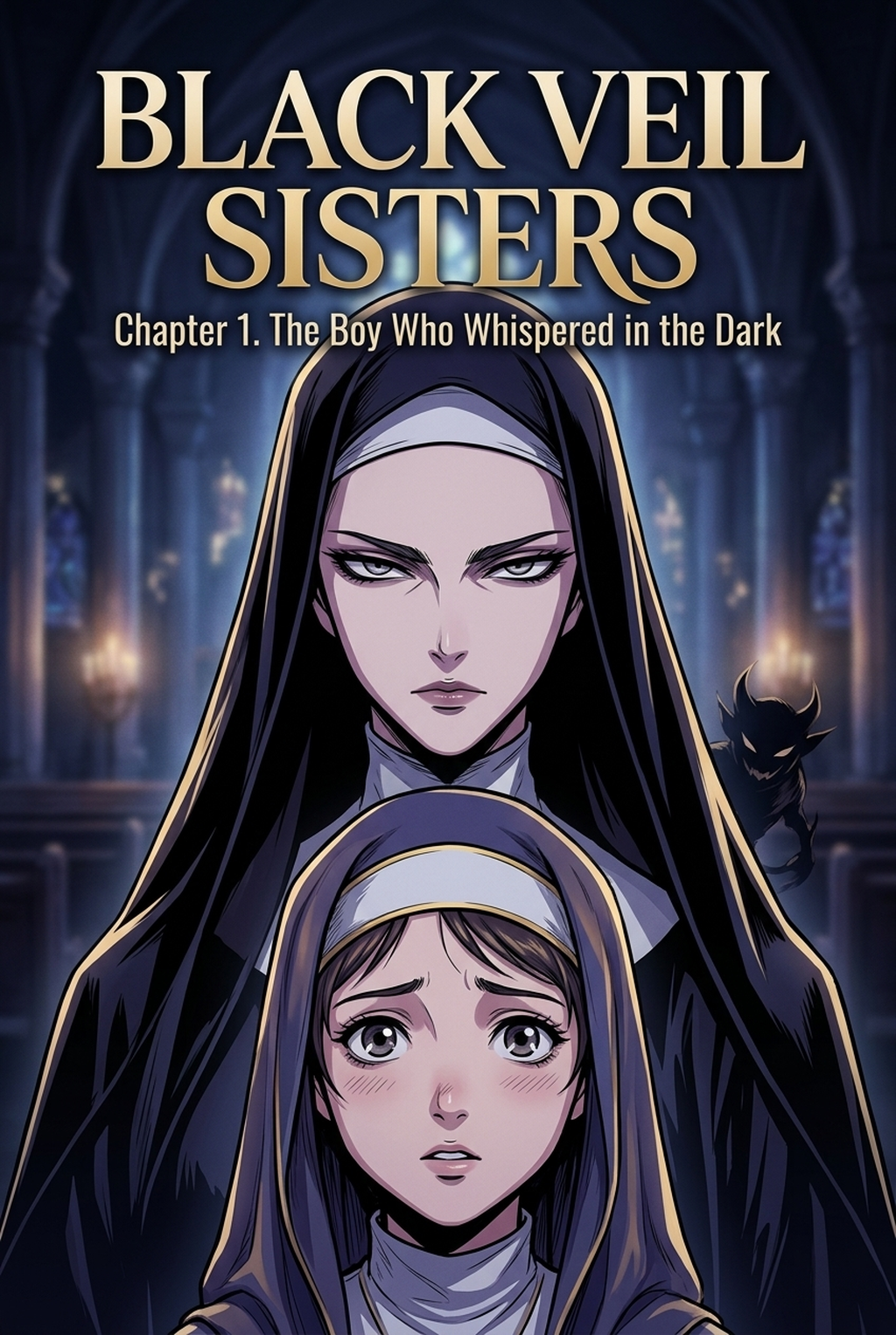
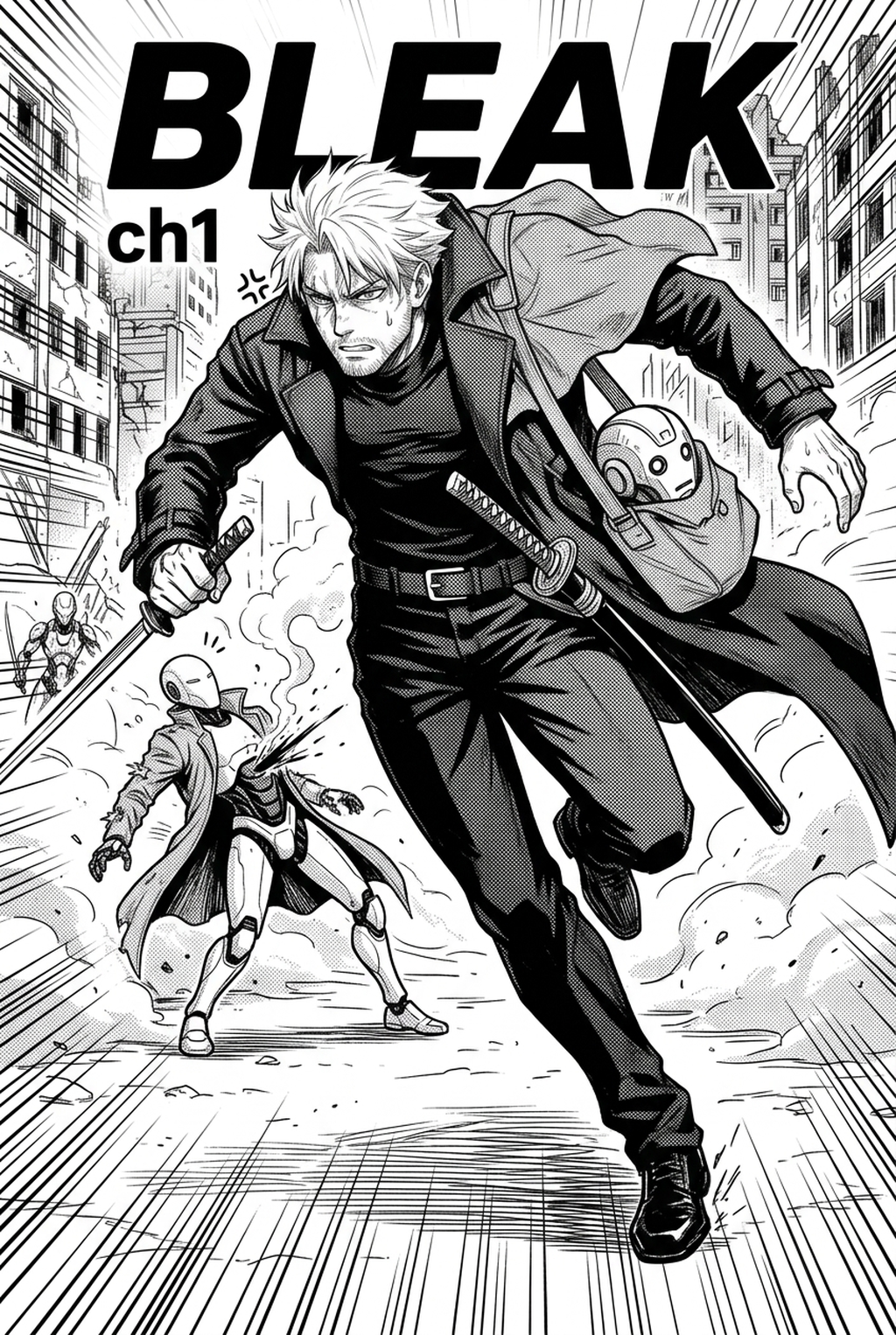
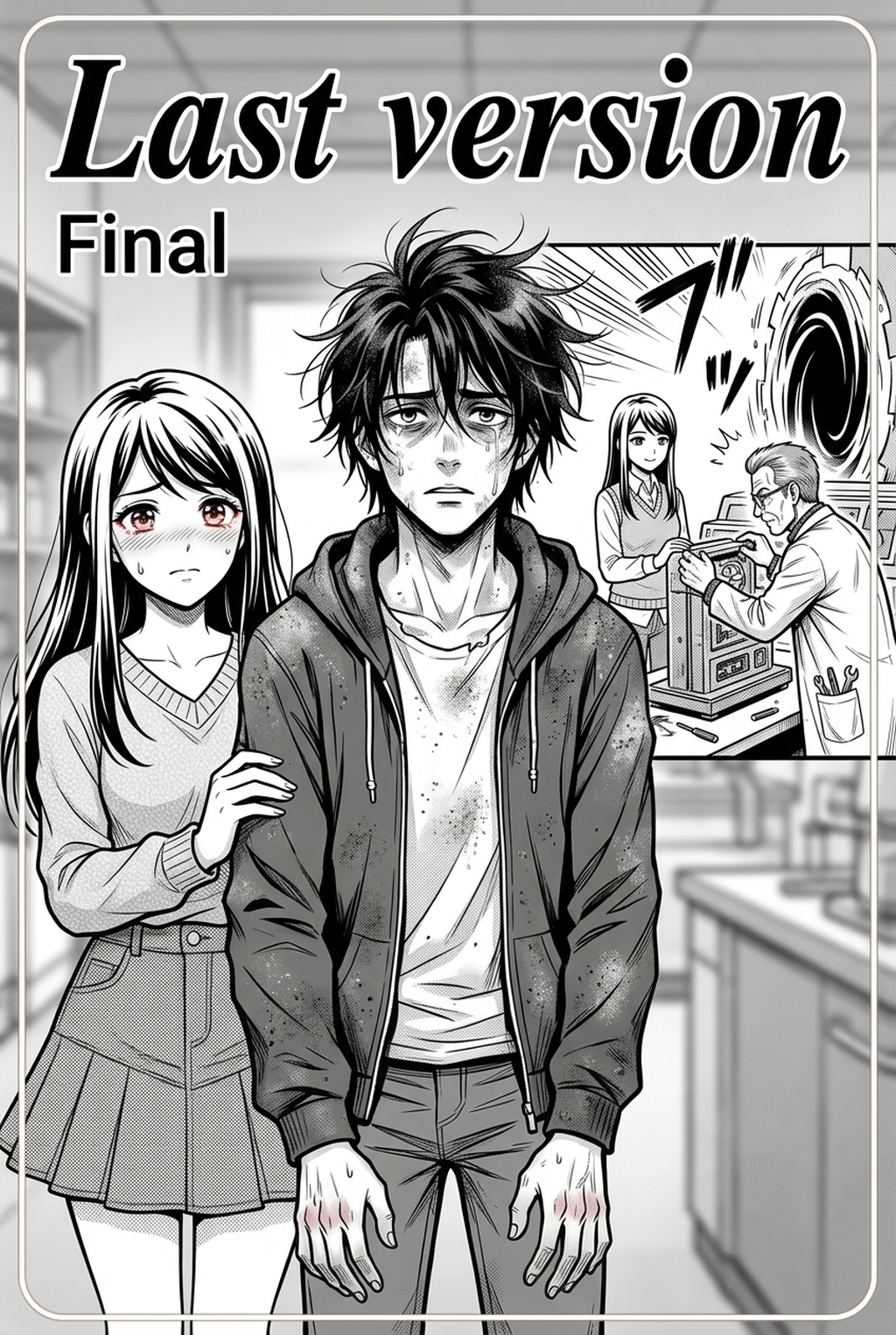
What Is Manga Inking?
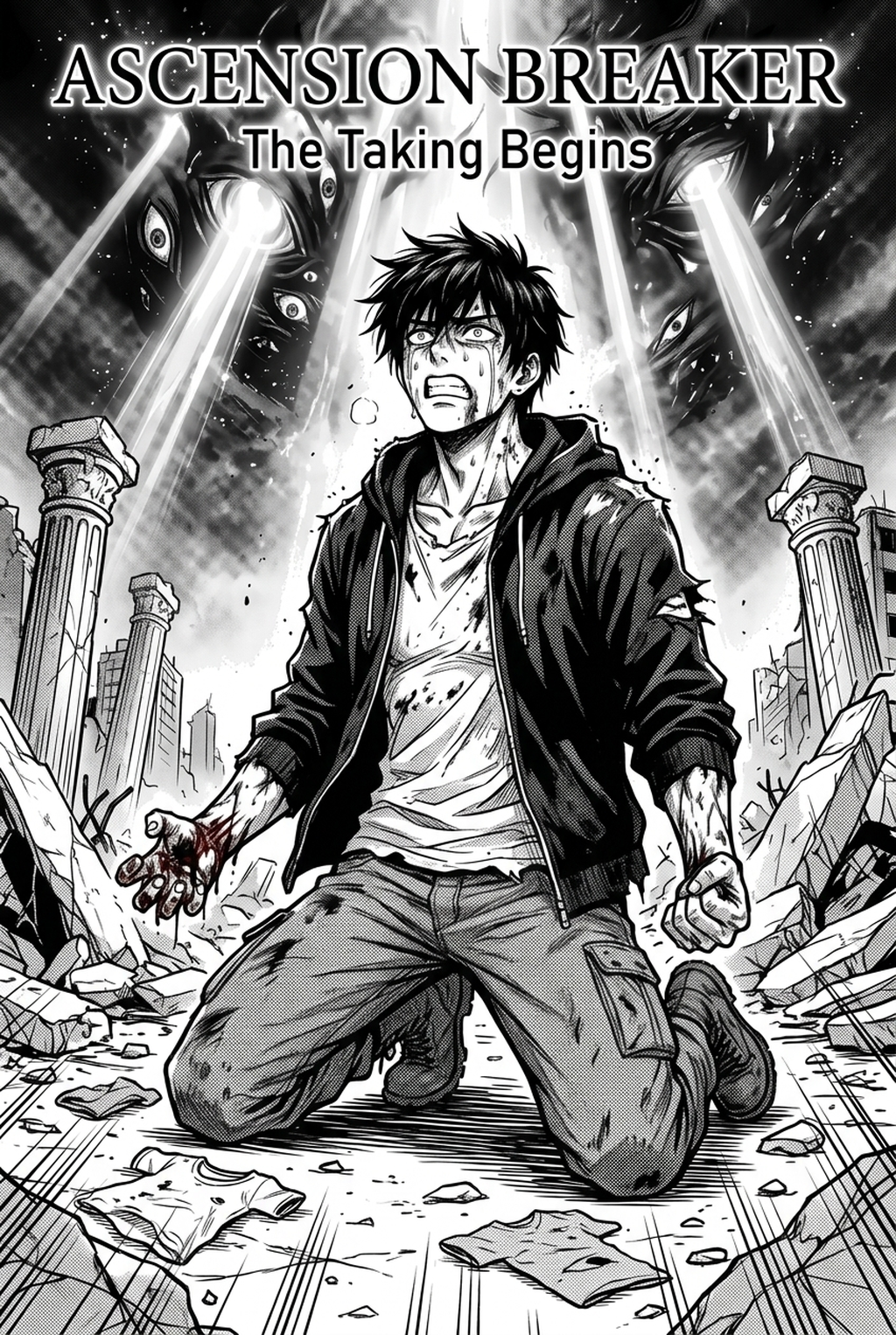
Manga inking is the technical act of finalizing pencil sketches into high-fidelity, readable line work suitable for print or digital publication. It serves as the critical quality gate where artistic intent is locked into a fixed format, ensuring that every stroke serves the narrative rather than cluttering the panel.
Effective inking requires balancing line-weight variation, which differentiates foreground subjects from distant backgrounds. By utilizing intentional pressure sensitivity, you ensure that character silhouettes remain distinct, preventing figures from blending into complex architectural environments. This keeps the review focused on story intent, line weight, panel readability, and the export quality behind the final AI Manga Inker output.
Check character consistency, panel readability, line quality, and export readiness before publishing. Creators should also record why the page passed review, which panel details still need manual cleanup, and which export format the next collaborator will use. That makes the subsection useful instead of leaving a short checklist under a large heading.
Cross-hatching provides the texture and depth necessary for shadow, turning flat sketches into three-dimensional scenes. Proper application of hatching defines the light source within a panel, directly impacting how readers perceive volume and mood during high-tension narrative moments.
Why AI Manga Inker Matters for Manga Creators
Professional-grade line art is the primary driver of page readability, acting as the invisible guide that directs the reader’s eye across complex layouts. When you prioritize consistent ink quality, you create a seamless reading experience where the technical execution never distracts from the core storytelling beats.
Long-form series risk losing their visual identity if line quality fluctuates from chapter to chapter. A rigid inking process—whether manual or AI-assisted—ensures that the character silhouette defined in chapter one remains identical in chapter fifty, preventing the "disconnected" look that often plagues independent works.
The sheer volume of manual line cleanup acts as the largest bottleneck in a production schedule. Reducing the hours spent erasing construction marks or filling isolated gaps allows artists to focus on panel composition, significantly improving output without sacrificing the professional polish required for competitive publication.
How Manga Inking Works with Mangaka
The Mangaka AI Inker acts as a digital assistant, automatically interpreting your pencil density to generate clean, scalable line art. It eliminates the manual drudgery of tracing, allowing you to move quickly from a rough layout to a refined, vector-ready piece that respects your unique creative style.
When you input a rough sketch, the system analyzes the source context—your original line direction and pressure—to interpret intended form. It automatically bridges small gaps and cleans up shaky segments, producing a final output that mirrors a professional pen-and-ink finish.
By automating the tedious cleanup phase, you regain the bandwidth to focus on complex panel layouts and emotional beats. You are no longer tethered to the repetitive labor of tracing, which means you can dedicate more time to perfecting character expression or enhancing background detail. You can manga inking to see how the system handles high-density sketches.
Use Cases for AI Manga Inker
You can treat your inking workflow as a multi-stage process where distinct tools handle specific visual elements. By separating foreground characters from background environments, you gain granular control over the final composition, allowing for different inking techniques to coexist harmoniously on a single page.
Establish specific line-weight rules for different characters to reinforce their prominence. Heroic characters often benefit from bolder, more defined outer outlines, while background characters or distant objects receive thinner, less detailed lines to prevent visual noise. Always keep your original pencil sketches on a separate layer during the inking pass. This allows you to perform manual touch-ups or adjust specific curves if the AI needs an artist’s final judgment on a complex shadow area. Maintaining the source sketch ensures that your creative vision remains the primary source of truth, even when using automation to speed up the mechanical labor.
How to Get Started with Mangaka
Getting started involves migrating your existing pencil layout files into a platform that understands manga-specific line logic. You start by selecting your desired page format, uploading your sketches, and allowing the system to process the lines before you apply your final manual refinements.
AI tools do not remove the human touch; they redefine it by removing the technical barriers that often lead to burnout. You remain the sole decision-maker regarding final style, composition, and emotional impact, while the machine handles the mechanical cleanup that does not actually add artistic value to the final reader experience.
You can certainly use the tool for background environments, where intricate cross-hatching and perspective lines often consume the most time. By applying automated inking to buildings or forest backgrounds, you ensure that environmental detail remains crisp and consistent, even in the most crowded panels.
The most professional results occur when you treat AI-generated lines as a high-quality base. You can easily adjust the output by layering your own manual digital ink strokes on top, fixing specific curves or adding artistic flourishes that define your personal style. Before export, creators should compare the generated line art with the original sketch and confirm that facial expressions, props, speed lines, and speech-bubble space still support the scene.
The Bottom Line
creator workflow is the backbone of professional page production, and leveraging AI tools like Mangaka allows creators to scale their output without sacrificing quality. By automating the technical cleaning phase, artists regain the time necessary to focus on the high-level art direction that truly connects with readers. Visit the official manga inking to begin refining your process today.
Related articles
Creating an Ethereal Fantasy Romance Manga Background 2026
Decoding the Zoids Manga Art Style: A Creator’s Guide 2026
Manga Inking: The Professional Workflow Guide for 2026