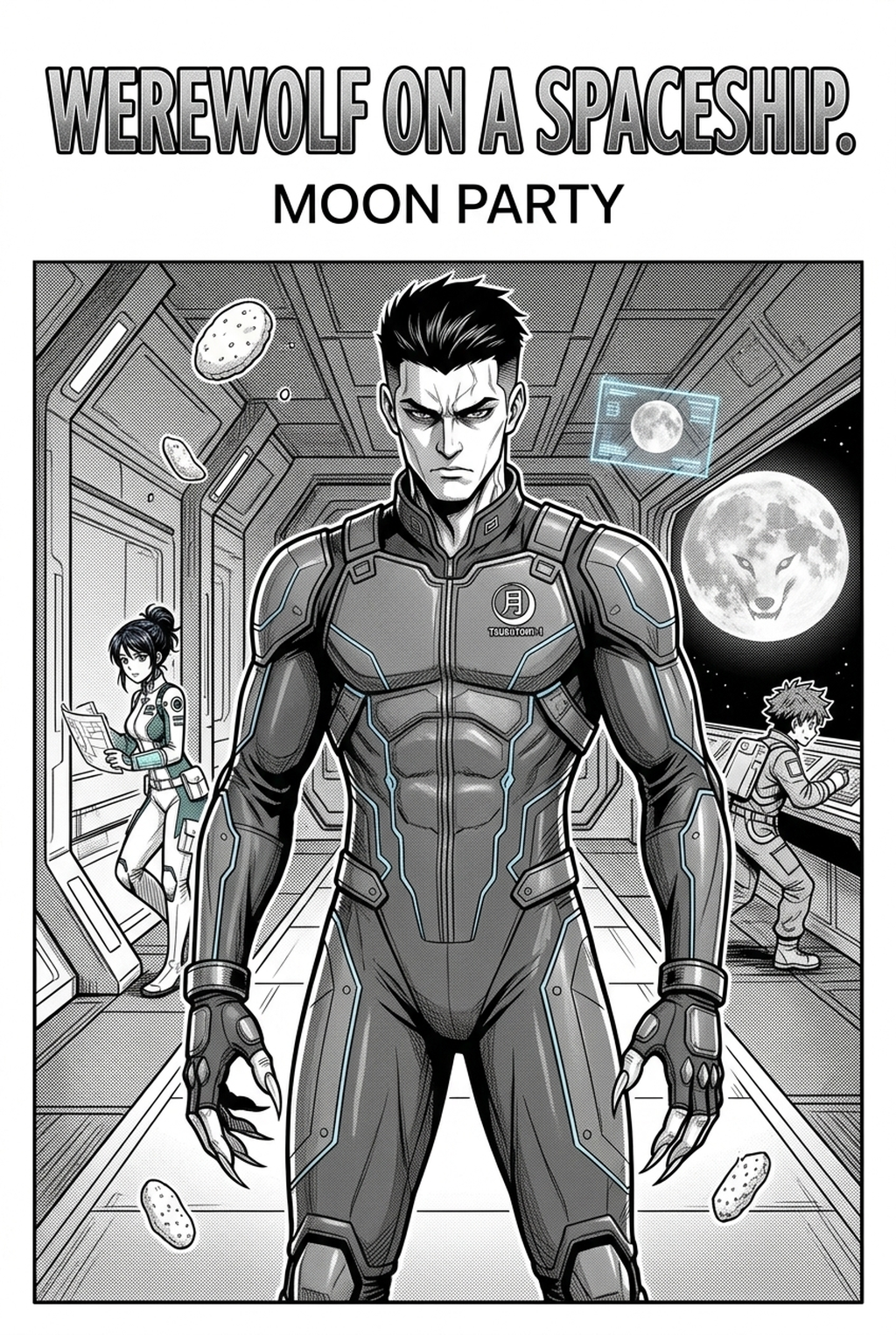
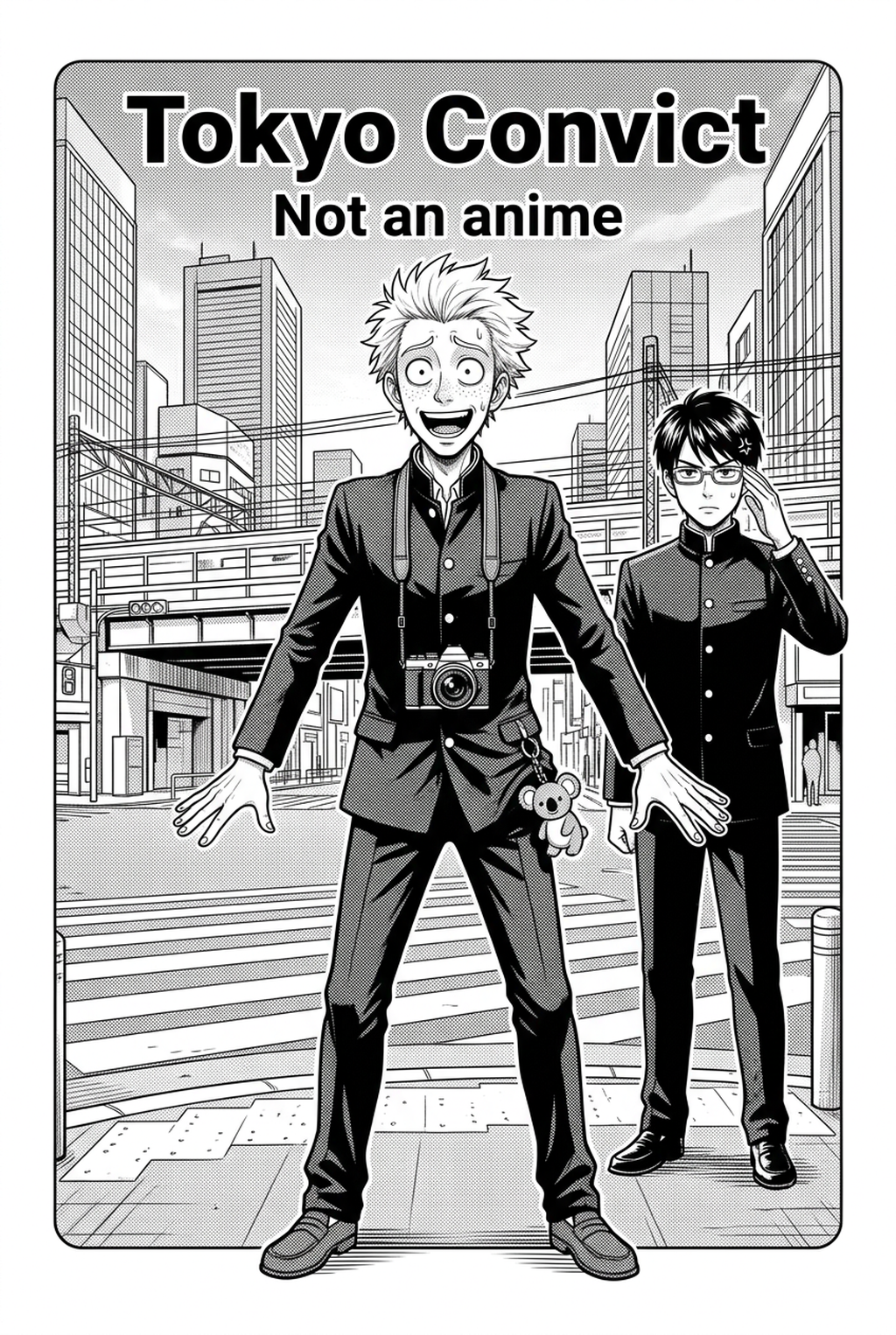
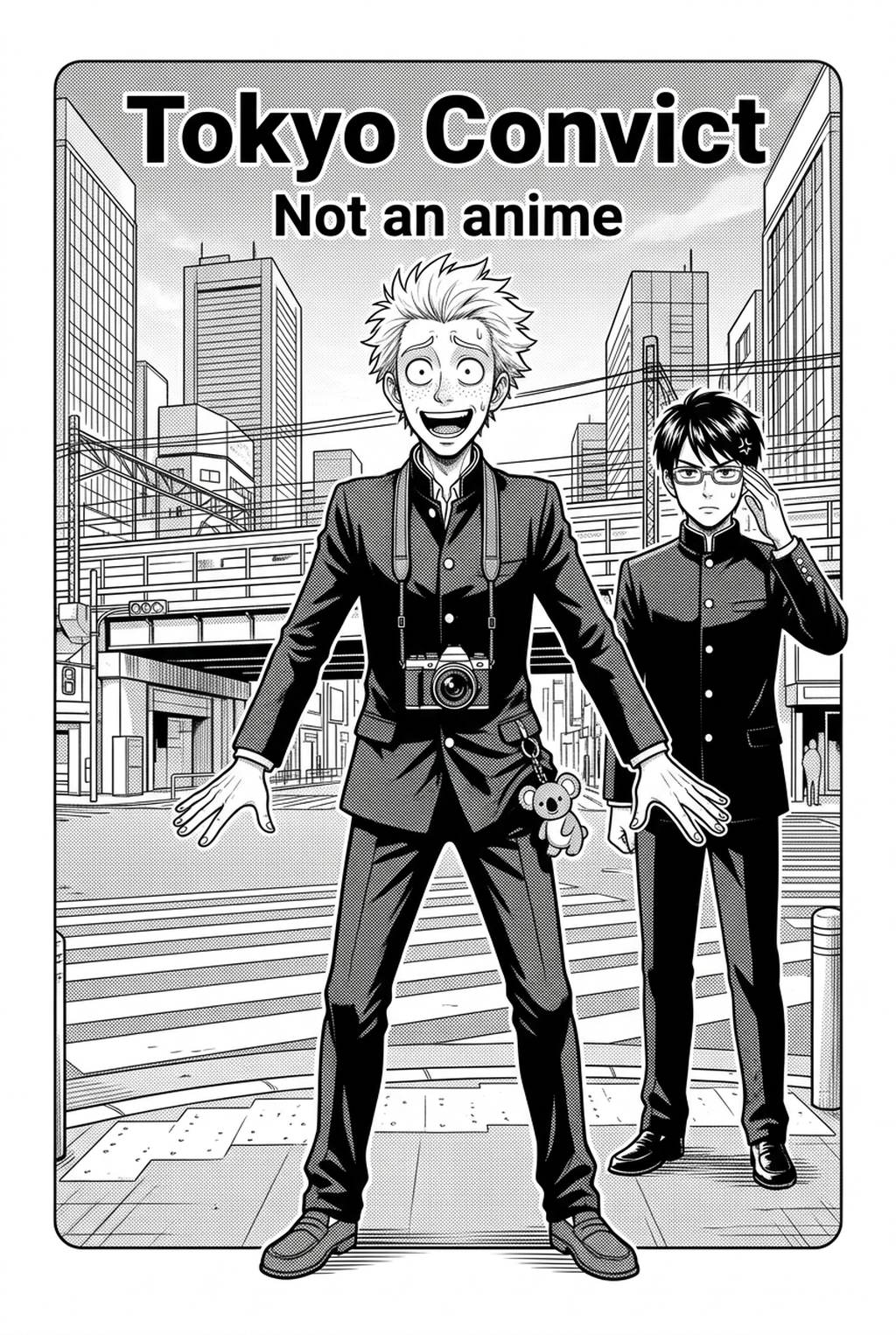
What Is Manga Storyboard Layout?
A structured manga storyboard layout serves as the essential blueprint for your artistic output, mapping out where every panel, speech bubble, and action sequence resides before you commit to final inking. It defines the visual hierarchy of your page, ensuring that the reader’s eye follows a deliberate, high-impact path from the top-right corner to the bottom-left.
| Feature | Manual Drafting | AI-Assisted Layout |
|---|---|---|
| Panel Alignment | Subjective, prone to tilt | Precision-calculated grid |
| Gutter Spacing | Measured by hand | Uniform automated sizing |
| Iterative Speed | Hours for one page | Seconds per iteration |
By using the manga storyboard layout , you generate a structured skeleton tailored to your specific plot beats. Our engine auto-arranges panels for optimal narrative flow, meaning you avoid the common pitfall of "cluttered" pages where too much visual information obscures the primary action. You simply choose your genre-specific templates, input your scene descriptions, and let the software handle the technical geometry of your page.
Why AI Manga Storyboard Builder Matters for Manga Creators
Your layout acts as the invisible hand guiding the reader’s engagement, and mismanaged page breaks often result in "flat" action where the tempo feels disconnected from the dialogue. Industry standards dictate specific gutter widths—typically 5mm for print—and failing to maintain these dimensions during the drafting phase often causes clipping issues during the final printing process. Maintaining compliance with industry-standard publication dimensions is a chore that detaches you from the creative process. Our platform automates these technical constraints, ensuring your work remains print-ready from the first draft to the final export.
- Dynamic Action: High-octane sequences using tilted panels and extended bleeds to break the traditional grid. * Emotional Close-ups: Tight, focused paneling that prioritizes facial expressions and subtle character nuances. * Wide-angle Setting Shots: Grand, multi-panel layouts that emphasize environmental depth and scale.
When you finalize your layout, you can export it directly into your preferred illustration software as a high-resolution file. This enables a seamless transition where your structure is already set, allowing you to begin your line art without re-measuring borders or checking for alignment drift.
How Manga Storyboard Layout Works with Mangaka
Managing narrative pacing requires audience-exclusive insights, such as calculating the exact tension of a cliffhanger panel located at the bottom-left corner of an odd-numbered page. Traditional pencil-and-paper drafting forces you to spend hours erasing and redrawing to achieve this rhythm, whereas AI-driven construction allows you to iterate on your story beats ten times faster than physical media.
The secret to a compelling manga page is the rhythm between high-density action panels and the "breathing room" provided by smaller, reaction-focused frames. Our AI assists in this by automatically adjusting the panel size based on the importance of the action described, preventing the static, uniform panel sizes that often plague amateur works.
Because your storyboards are generated within a secure, private cloud environment, your original IP remains protected throughout the development process. You are never sharing your narrative concepts with a public dataset; instead, you are utilizing a localized, intelligent tool designed specifically to handle the structural heavy lifting of your manga production. This ensures that you can experiment with radical panel arrangements—such as interlocking frames or non-traditional negative space—without the fear of losing your progress to manual layout errors.
Use Cases for AI Manga Storyboard Builder
Creators often ask if this system handles the distinct needs of modern digital formats versus traditional print. The platform supports variable export formats, meaning you can toggle between standard A4 print margins and the infinite vertical-scroll requirements of a vertical comic platforms-style page with a single click.
The layout remains fully editable after the initial generation. If you decide that an action panel needs to be wider to emphasize a character's impact, you can manually drag the borders or adjust the gutter width without breaking the rest of the page logic. Regarding your story content, privacy is a core tenet of our design. We maintain a secure production process for your project files, ensuring that your unique character designs and plot arcs are isolated from any other user’s environment. This provides a professional-grade safeguard for your creative assets, allowing you to work with the confidence that your manuscript and storyboard designs stay under your exclusive control.
- Chapter cadence. Use the AI pass for pages where speed matters most, such as repeated action poses, transformation beats, or dense speed-line panels. Keep manual cleanup for hero panels where the line style defines the emotional peak.
- Character continuity. Compare the generated lines against the same model sheet, costume notes, and facial-expression range used during sketching. This prevents a fast inking pass from drifting away from the character identity readers recognize.
- Export readiness. Check whether the final manga output can move into lettering, coloring, or final layout without rebuilding panel borders or speech-bubble space. A good manga workflow should save time while keeping the next production step predictable.
How to Get Started with Mangaka
You can skip the time-consuming process of measuring and drawing panel borders manually by using our automated tools. By delegating the structural phase to an intelligent builder, you reclaim the hours typically lost to technical layout adjustments, allowing you to focus your energy on character performance and high-quality final inking. Before export, creators should compare the generated line art with the original sketch and confirm that facial expressions, props, speed lines, and speech-bubble space still support the scene.
The Bottom Line
Professional manga creation is as much about the architecture of your page as it is about the quality of your art. By automating your panel structure, you eliminate the technical friction that leads to inconsistent reading experiences, ensuring your narrative rhythm stays intact from the first frame to the final splash page. If you are ready to stop measuring borders and start refining your visual storytelling, manga storyboard layout and experience a faster, more precise way to plan your next chapter today.
Related articles
Essential Manga Storyboard Techniques for Better Narrative
Manga Storyboard Tips: Pro Techniques for Narrative Flow
Defining Yuri Manga Art Style: A Guide for Creators in 2026