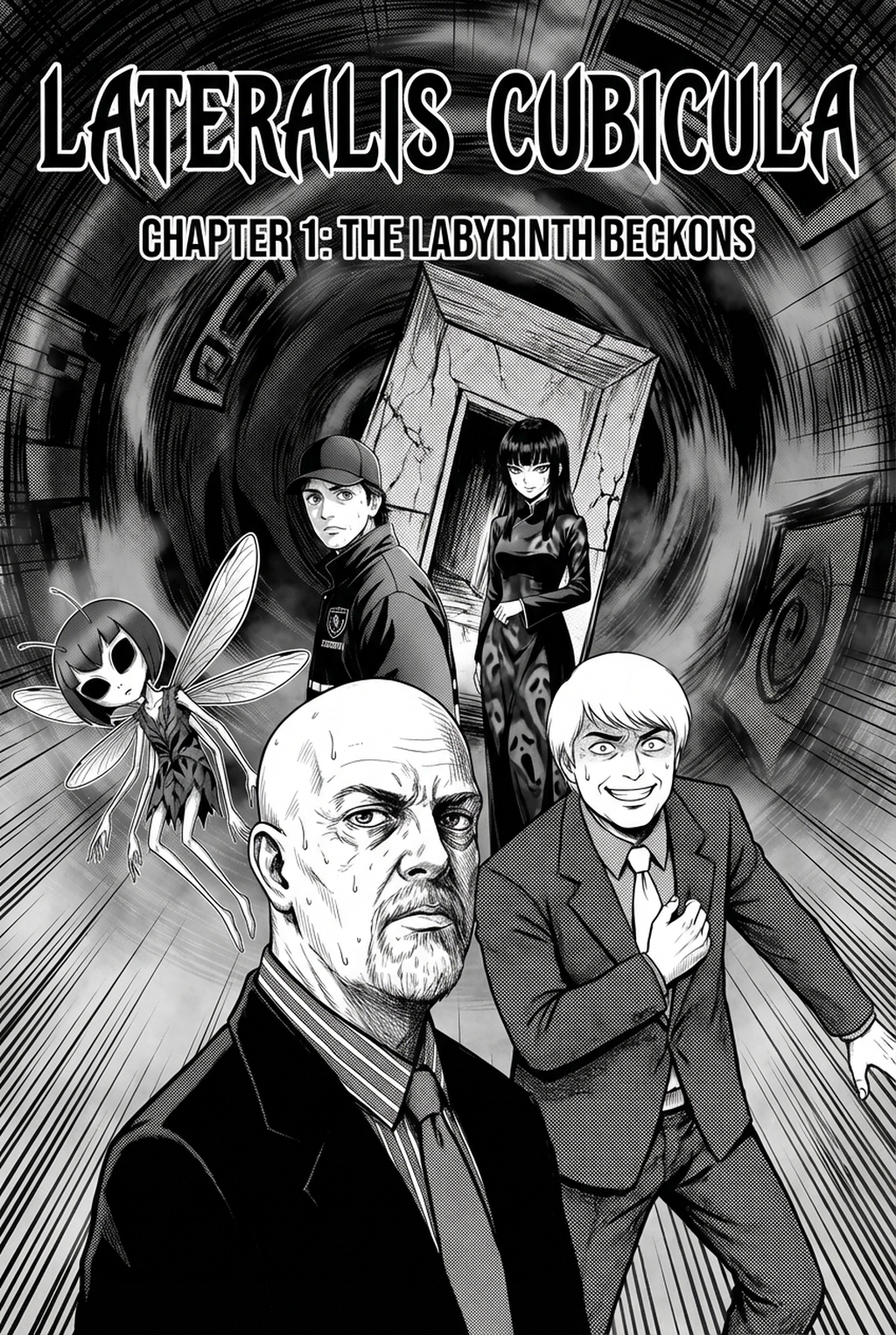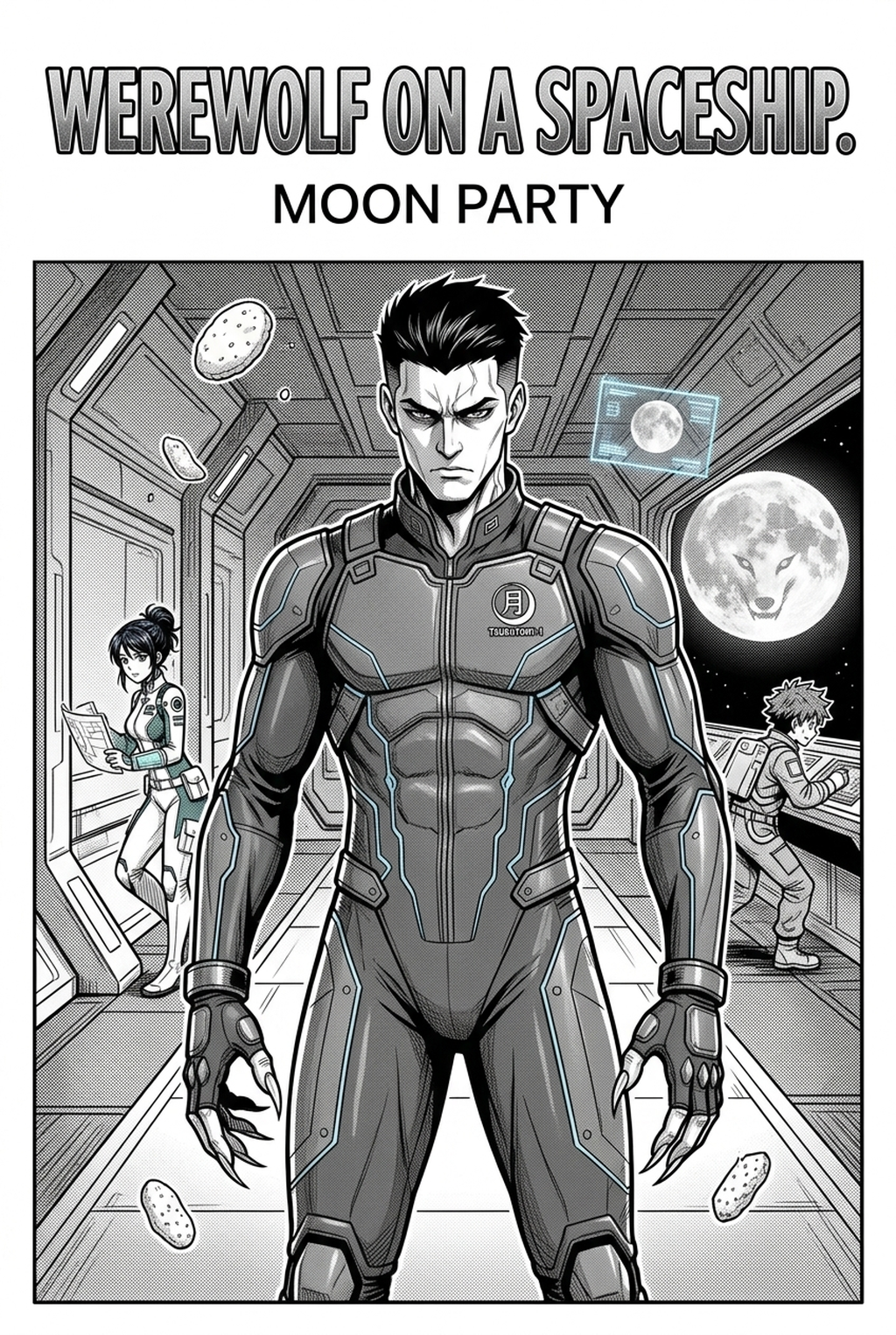
Defining the AI Manga Storyboard Builder Framework
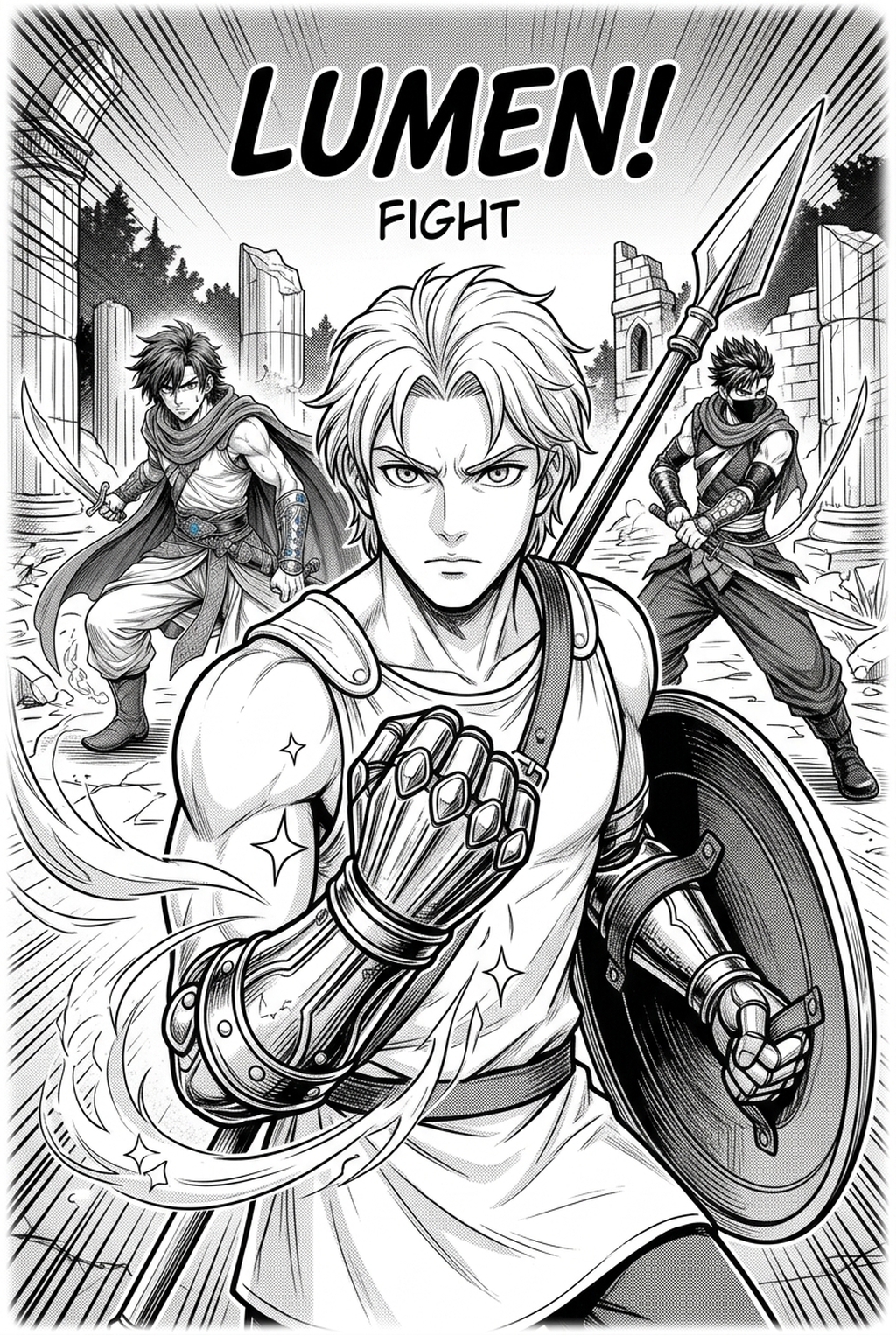
An Isekai manga storyboard is the fundamental sequence of visual cues designed to emphasize the contrast between the origin world and the fantasy destination. Instead of focusing on standard dialogue flow, these storyboards must prioritize visual world-building transitions that signify a shift in physical reality.
- Environmental Anchors: Every successful shift requires a low-angle shot on the first arrival page to establish the scale of your fantasy landscape against the hero’s former, more mundane environment. * Narrative Roadmaps: You must plan your panel density specifically for summoning sequences, as these high-action moments require wider gutter spacing to convey the weight and speed of the dimensional breach. * Reality Contrast: Use specific framing to differentiate between the protagonist's Earth-bound attire and their eventual fantasy gear, signaling the character’s arc shift through visual shorthand.
Why Narrative Pacing Matters for Creators
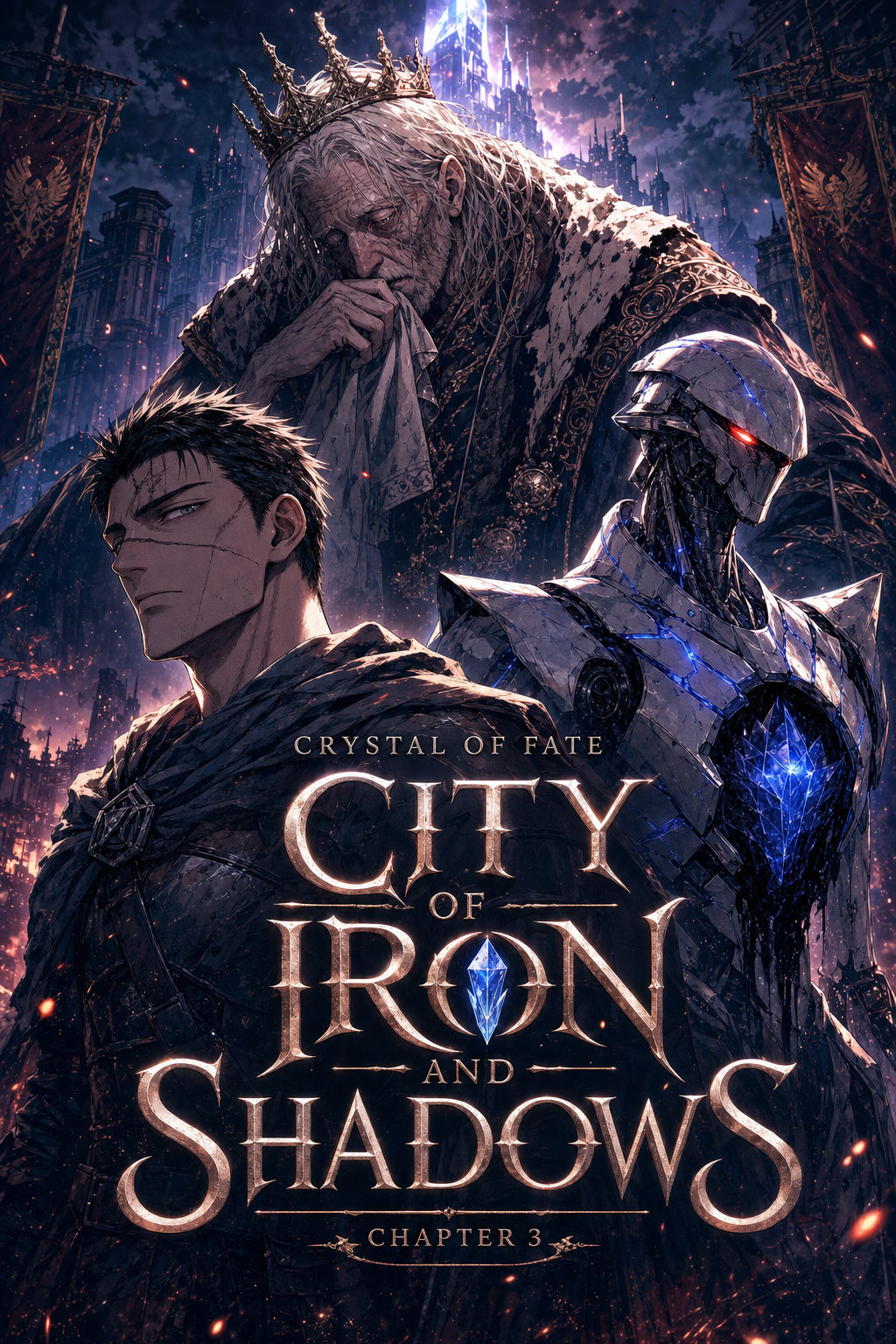
The most common failure point for genre storyboards occurs when creators bury the reader in heavy text-to-image ratios, sacrificing the environmental storytelling that defines a strong fantasy setup. You must treat your first ten pages as a visual hierarchy shift, transitioning from the monochrome-heavy layouts of daily life to the dynamic, high-detail spreads of your fantasy setting.
Your primary tool for pacing is the transition panel, which allows you to break up complex magic system explanations without stalling the reader’s engagement. When you force too much exposition into a single, static box, the narrative momentum dies; by contrast, breaking that dialogue across multiple panels with varying sizes keeps the reader’s eye moving forward.
- Dull Origin Layouts: Keep the paneling on Earth simple, using consistent, smaller frames to emphasize a sense of stagnant, routine daily life. * Dynamic Fantasy Spreads: Upon the portal reveal, shift to larger, more irregular panel sizes to signify the chaos and awe of a new, magical reality. * High-Detail Anchors: Dedicate at least one full-page splash per chapter during the first arrival phase to ensure the fantasy setting feels grounded and immersive.
Managing Transitions with Mangaka
Manual storyboard sketching often leads to distorted gutter proportions, which ruin the reader’s eye path during intense, high-impact sequences like magical spell casting. By utilizing the Isekai manga storyboard , you can auto-arrange your panel layouts to ensure every perspective shift feels cinematic rather than cluttered or misaligned.
The tool removes the bottleneck of manual panel drafting by ensuring consistent frame sizing and gutter thickness across your entire page set. This is essential for maintaining the tense, urgent mood required in the opening acts, as it prevents the visual "drift" where character proportions or perspective lines fail between consecutive panels.
- Cinematic Reveal Sequences: The layout engine calculates the ideal gutter width for high-impact panels, ensuring that your portal reveals look deliberate and grand rather than accidental. * Narrative Eye-Tracking: The system suggests optimal placement for speech bubbles and action lines, keeping the reader’s focus on the essential narrative beats regardless of whether your output is for Japanese or Western reading paths. * Iterative Speed: Because the layout logic is handled automatically, you can iterate on your Isekai world-building sequences five times faster than traditional hand-drafting methods, allowing for more polish on your final inking.
Practical Use Cases for Isekai Storyboards
You should plan your magic-system reveal panels with wide-gutter spacing to denote powerful, high-impact events that demand the reader's full attention. This structural choice forces a momentary pause in reading speed, which mimics the visceral impact of a character discovering a new, dangerous power for the first time.
| Element | Origin World Strategy | Fantasy World Strategy |
|---|---|---|
| Panel Layout | Static, grid-based, monochrome | Dynamic, layered, detailed |
| Gutter Width | Narrow for routine feel | Wide to emphasize impact |
| Perspective | Eye-level, neutral angles | Low-angle or worm's-eye views |
Check character consistency, panel readability, line quality, and export readiness before publishing. Creators should also record why the page passed review, which panel details still need manual cleanup, and which export format the next collaborator will use. That makes the subsection useful instead of leaving a short checklist under a large heading.
The key to maintaining quality throughout this shift is ensuring that your line weight remains consistent across both worlds, even if the content changes drastically. Use the structural foundations provided by digital tools to verify your composition before you invest time into high-quality character designs or environmental rendering.
Getting Started with Professional Layouts
Mangaka automates the tedious paneling process, allowing you to focus your creative energy on high-level composition and thematic consistency. By inputting your narrative beats as the primary guide, you receive a suggested layout that optimizes the reader's eye-tracking path from the very first frame to the final panel.
- Remove the Bottleneck: Stop worrying about misaligned gutters or speech bubble clearance during your sketching phase. * Iterate Faster: Test five different ways to frame your protagonist’s first encounter with the fantasy world without redrawing the entire page by hand. * Professional Output: Export your storyboards as structured PSD or PDF files, maintaining a clean foundation that makes the subsequent inking and coloring stages significantly smoother.
Creators should compare the generated line art with the original sketch and confirm that facial expressions, props, speed lines, and speech-bubble space still support the scene. This keeps the review focused on story intent, line weight, panel readability, and the export quality behind the final AI Manga Storyboard Builder output.
The Bottom Line
Mastering your creator workflow is the fundamental difference between a cluttered, confusing draft and a professional-grade fantasy comic that keeps readers hooked. Using structured, automated tools like Mangaka ensures that your pacing remains tight, your narrative flow stays intuitive, and your transition to a new world truly resonates with your audience. Start building your Isekai manga storyboard today to see how a polished, automated layout changes your entire creative workflow.
Related articles
Build Your Manga Storyboard Fast: Free AI Tool in 2026
Manga Storyboard Guide: Planning Your Panels for Success
Mastering Manga Storyboard Layout for 2026 Narrative Flow