AI Manga Storyboard Builder: The Fundamentals of Panel Architecture
A storyboard layout acts as the structural foundation of a manga page, determining the size, shape, and sequence of panels to dictate reading speed. Mastering this requires understanding how white space and framing impact the reader's perception of time.
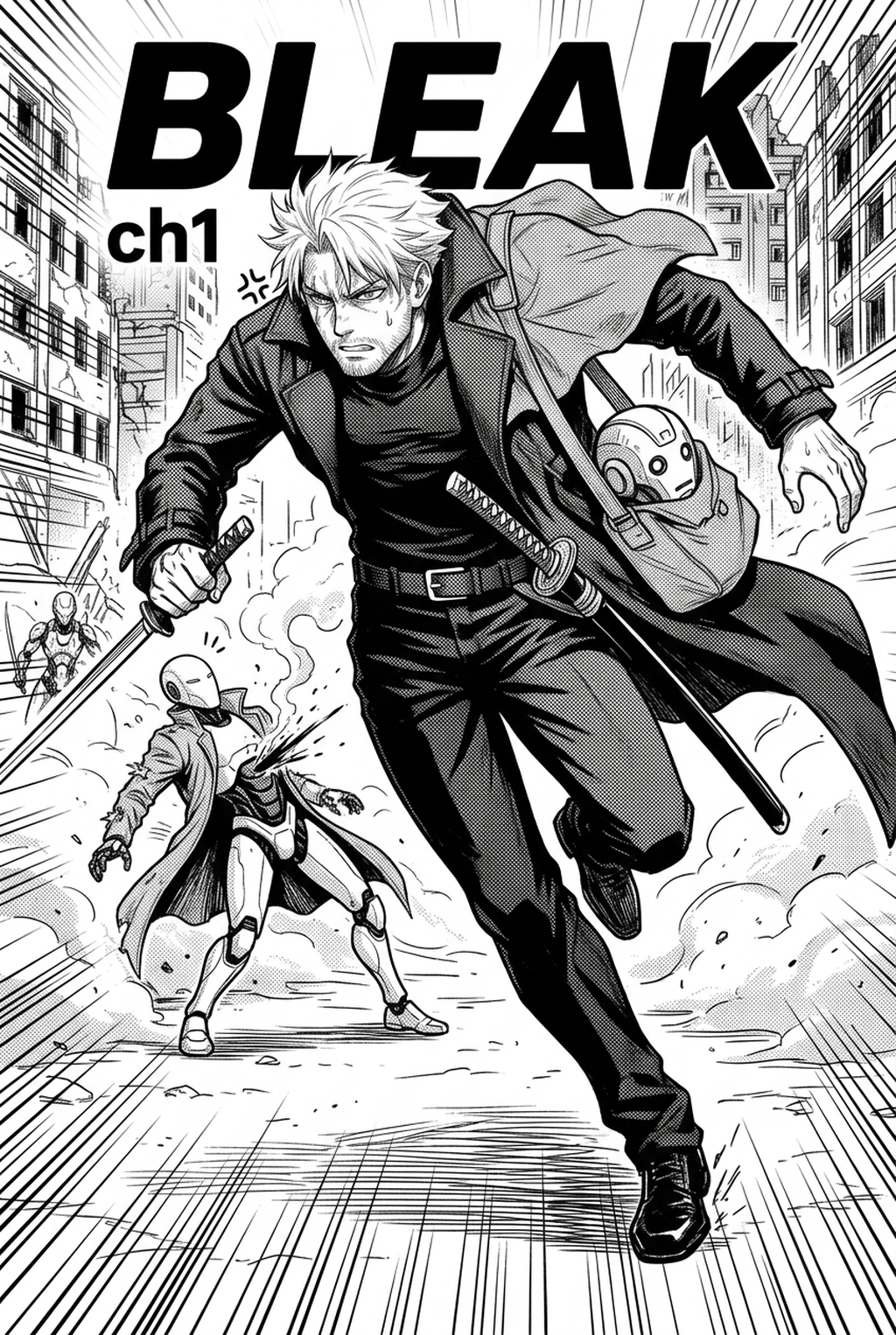
- Gutters: These gaps between panels function as the silence between musical notes, acting as a rhythmic pause that lets the reader process an emotional beat before moving to the next frame. * Bleed Frames: By extending artwork past the margin, you draw the reader into the scene, creating a sense of scale and immersion that constrained, white-bordered panels cannot achieve. * Z-Pattern Flow: In standard right-to-left reading, the eye naturally follows a Z-shaped path; deviating from this without clear visual cues forces the reader to stop and hunt for the next action, which breaks immersion. * Visual Clarity: You must organize complex combat sequences to prevent line-weight drift or character-proportion errors from confusing the viewer's eye-path, especially during high-speed movement.
Narrative Pacing and Visual Hierarchy
Strategic layout choices influence the reader's perception of time; large, expansive panels slow down the pacing, while fragmented, small panels accelerate it. If your story relies on rigid, uniform box sizes, the reader will likely disengage because the pacing remains stagnant regardless of the narrative stakes.
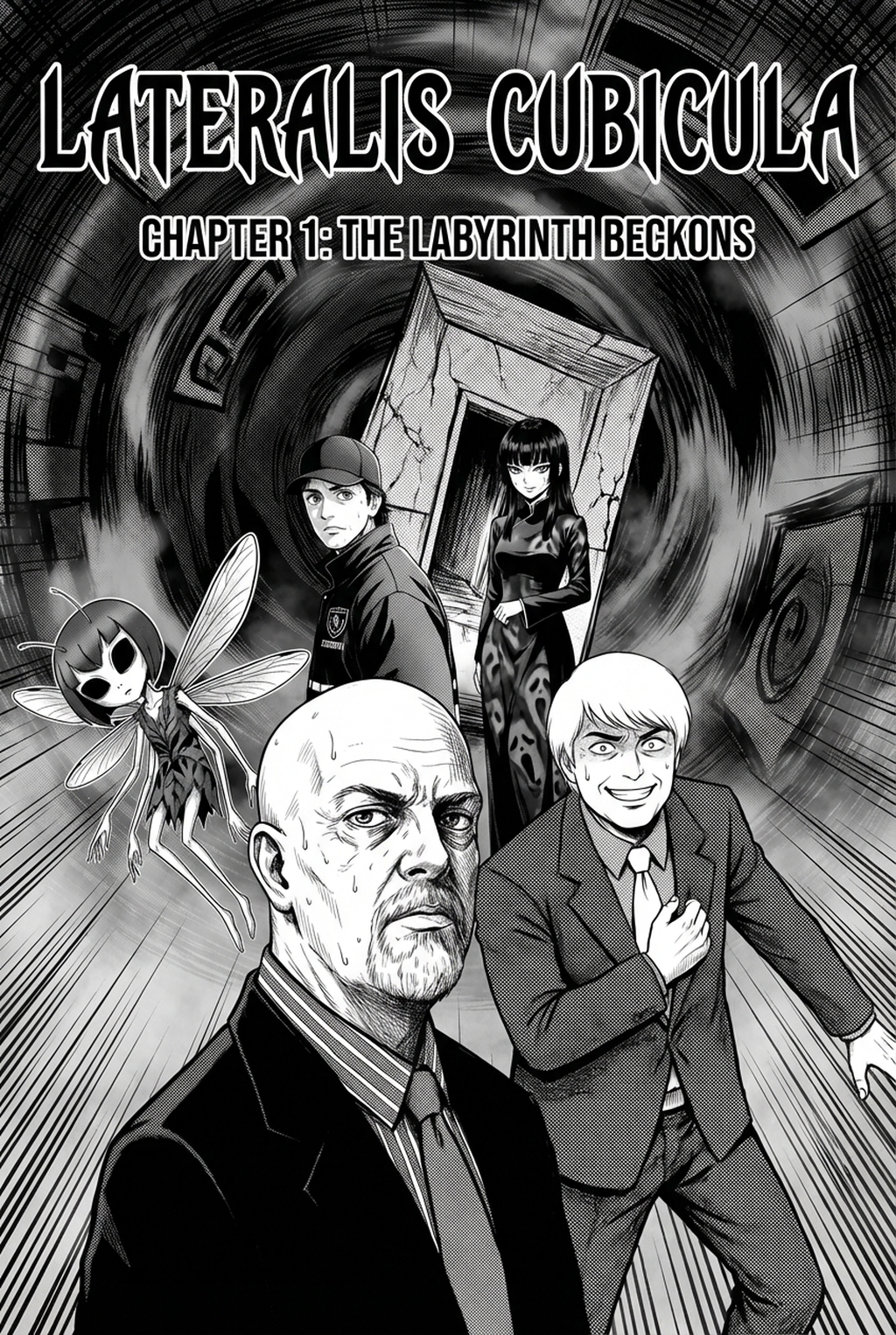
You must prioritize a clear narrative hierarchy to ensure that pivotal story moments receive the most prominent placement on the page. In a traditional Seinen project, for example, a horizontal, narrow panel can effectively emphasize a character’s internal focus, while a diagonal, high-energy panel break suggests an unpredictable, chaotic combat event. Relying on a fixed, predictable grid often leads to a "monotonous trap," where every scene feels identical in intensity. To keep the reader engaged, you should treat the page not as a container for art, but as a dynamic stage that shifts perspective according to the dialogue and action requirements.
Enhancing Workflow with Mangaka
Many creators fall into the 'uniform panel trap,' where every panel size is identical, leading to a monotonous visual experience that bores the reader. Ignoring the 'page break' dynamic often causes creators to cram too much information into a single spread, disrupting the emotional arc.
Mangaka prevents these issues by allowing you to input your narrative requirements and automatically generating panel structures that ensure professional pacing before a single stroke of art is drawn. This tool effectively Manga storyboard layout with Mangaka based on your input, allowing you to test multiple variations—such as a 3x3 high-action grid versus a single-page dramatic splash—in seconds. By locking in your layout early, you avoid the common failure of having to redraw inked panels because the initial composition didn't leave enough room for speech-bubble placement or dynamic perspective.
Strategic Application of Page Layouts
You can utilize professional layout builders to test high-action grids or atmospheric splashes without wasting hours on sketching, ensuring that the structural integrity of your chapter is sound. This keeps the review focused on story intent, line weight, panel readability, and the export quality behind the final AI Manga Storyboard Builder output.
- Genre-Specific Structure: Shonen manga typically benefits from jagged, diagonal panel cuts to emphasize combat speed and power-up sequences, whereas Seinen works rely on rigid, clean, atmospheric framing to build psychological tension. * Export-Ready Formats: Modern builders integrate directly with export formats like PSD or high-resolution PNG, meaning you can transition from a structural draft to inking and shading without ever rebuilding your frame geometry. * Iterative Testing: By comparing two different layouts for a high-tension scene, you can objectively evaluate which one best frames the climax, saving time on re-work after the character sketches are complete. * Consistency Control: Using a pre-defined layout ensures that character proportions remain consistent across panels, preventing the visual jarring that occurs when a character suddenly changes scale because the panel was too small to hold their frame.
Tips for Planning Your Pages
Should I finalize my storyboard layout before starting character sketches? Yes, the layout provides the 'stage' for your characters; sketching inside a pre-defined flow prevents wasted effort. You must treat the page as a single, cohesive unit where the eye-flow is as important as the individual ink lines within each box.
- Prioritize the Spread: Always consider the facing page, as a dynamic layout on the left might clash with a static layout on the right, ruining the visual rhythm of the book. * Directing the Eye: Use character gaze and movement lines to "point" the reader toward the next panel, ensuring a seamless transition across complex gutters. * Customization: While AI-generated layouts provide a professional baseline, you should always retain the ability to override auto-arrangements to suit specific directorial choices for a scene. * Layout Rules: While some rules are universal, such as maintaining clear gutters, you can bend others—like frame boundaries—to enhance the emotional impact of a specific character's trauma or revelation.
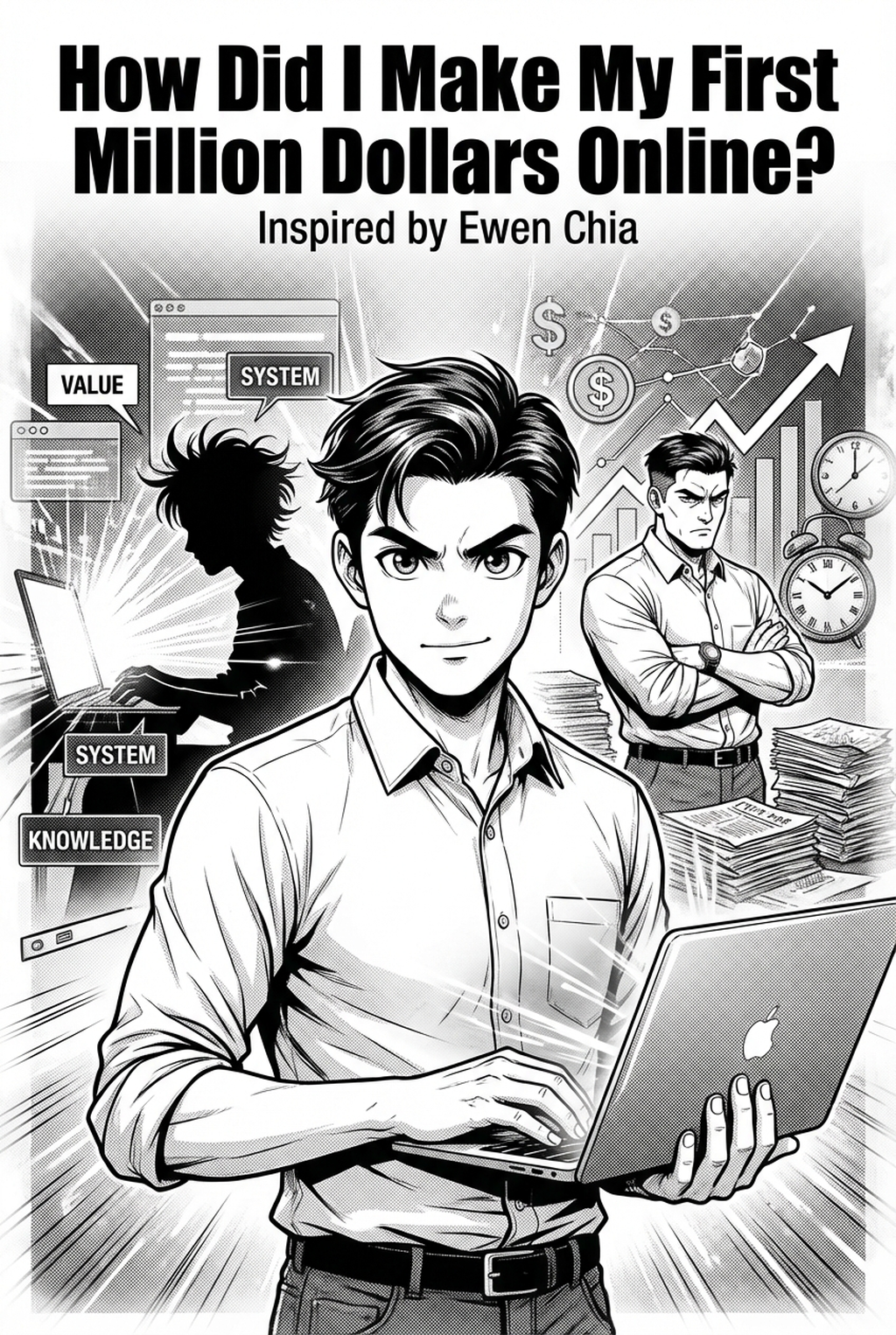
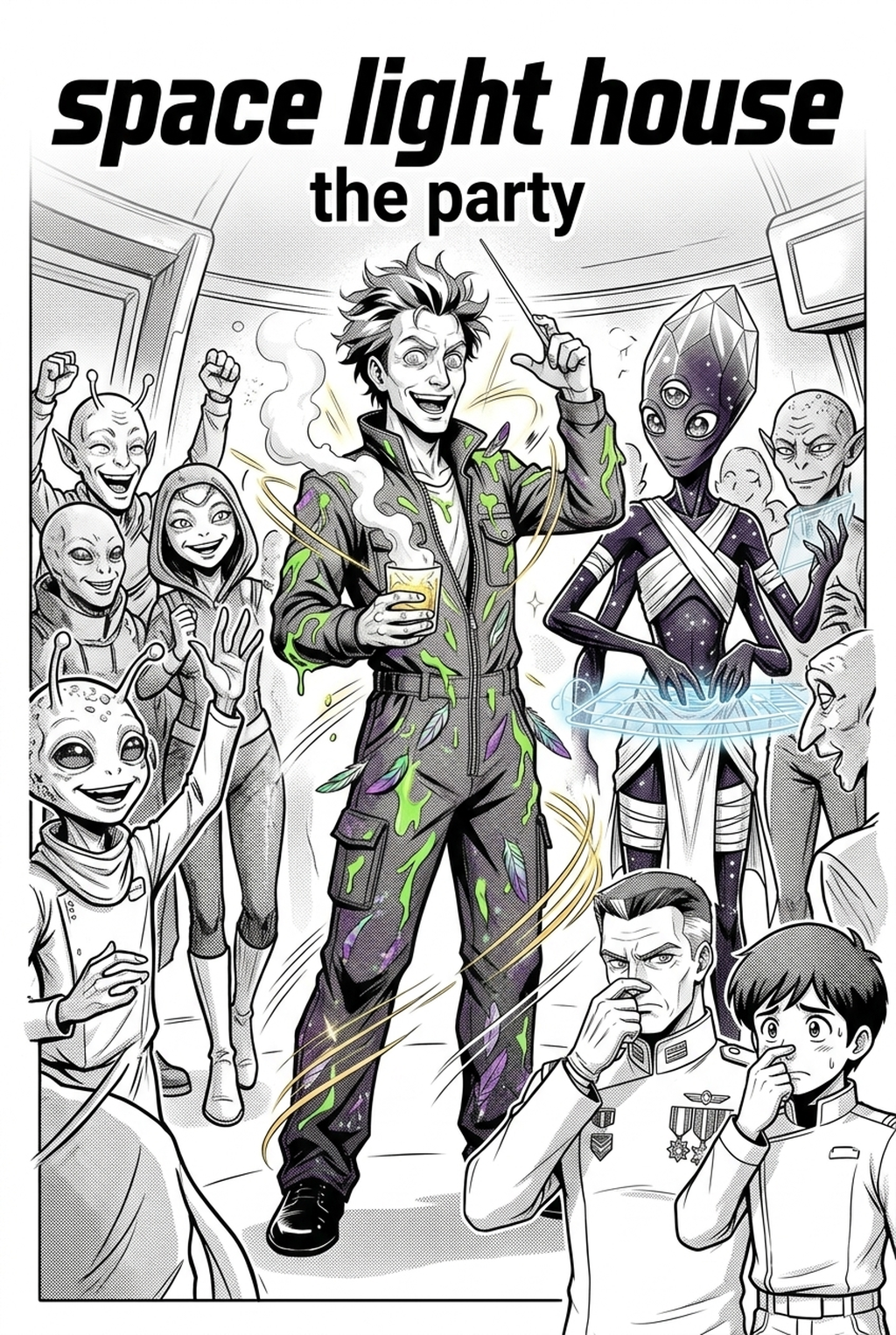
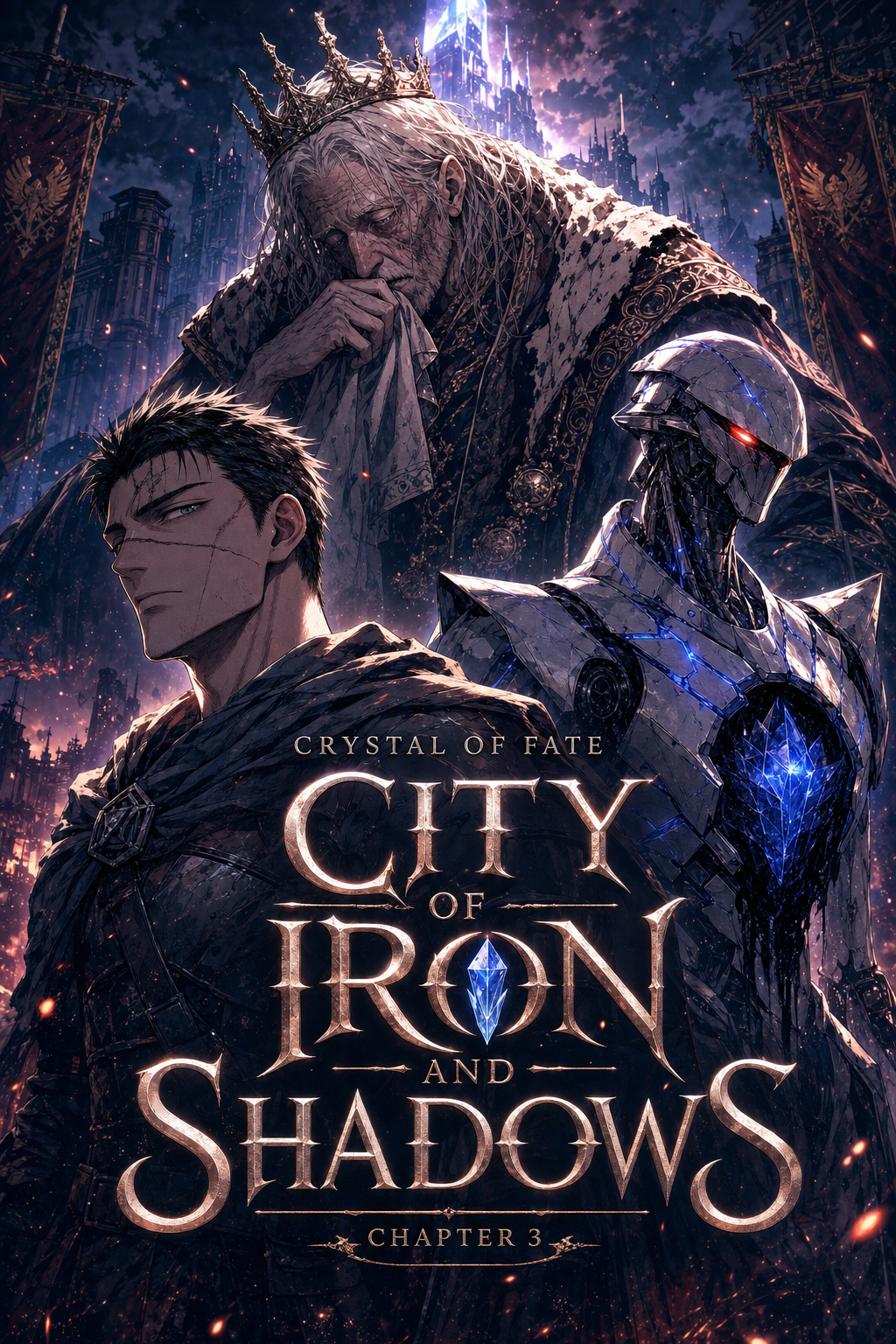
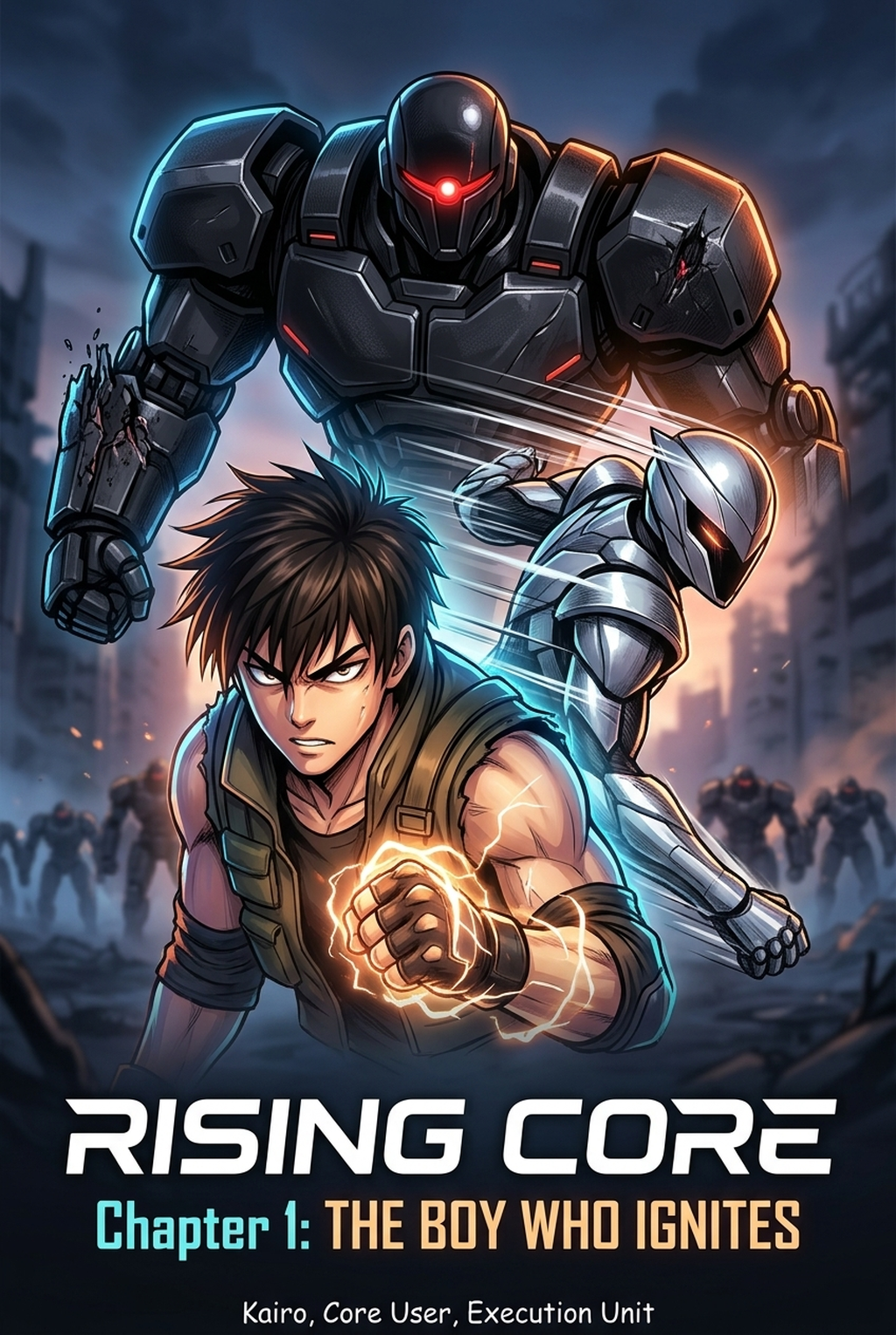
Creators should compare the generated line art with the original sketch and confirm that facial expressions, props, speed lines, and speech-bubble space still support the scene. A repeatable review pass should cover character consistency, panel readability, background clarity, and whether the final file is ready for coloring, lettering, or editor feedback.
The Bottom Line
Your AI Manga Storyboard Builder workflow acts as the primary driver of reader engagement and professional pacing. By shifting your process toward a narrative-first mindset and utilizing tools that automate frame generation, you significantly reduce the risk of mid-production rework. Visit Manga storyboard layout to experiment with narrative-first storyboard building today and see how optimized layouts refine your creative output.
Related articles
Mastering Manga Storyboard Pacing for Better Narrative Flow
Mastering the Magical Girl Manga Art Style in 2026
Mastering Manga Inking Style: A Guide for Digital Artists