Visualizing the Narrative Frame
A manga storyboard is essentially a technical preview of your page layout that prioritizes 'koma-wari'—the rhythmic division of space—over individual character features. By focusing strictly on composition and camera angles, you can verify if a specific beat in your script earns a full-page bleed or if it should be relegated to a standard three-panel grid.
The primary function here is to test visual flow across the gutter; if a reader’s eye gets trapped in a corner or loses the sequence of action, the page fails. Unlike final digital artwork, which is locked into high-resolution layer structures, a storyboard allows for rapid, low-stakes iteration. You can shift an entire action frame or swap a dialogue-heavy cluster with a single move, testing the weight of the page before committing to the time-intensive phase of inking and tone application.
Why Narrative Structure Dictates Quality
Ignoring the structural phase of page planning creates a high risk of 'dead space'—large, empty areas of a page that fail to contribute to the emotional intensity of the scene. When you skip a proper storyboard, you often encounter character-proportion drift because you haven't yet established the camera distance required for a specific panel size.
| Layout Factor | Manual Pitfall | Storyboard Advantage |
|---|---|---|
| Panel Rhythm | Monotonous grid sizing | Dynamic visual momentum |
| Dialogue Spacing | Cluttered text bubbles | Balanced white space |
| Action Flow | Confusing eye-path | Controlled reader tension |
By locking in your layout early, you ensure the page-turn impact functions as intended. A professional-grade storyboard forces you to decide on the hierarchy of action frames, ensuring that key moments—like a high-stakes combat encounter or a quiet, internal monologue—occupy the correct percentage of the page to command the reader's attention.
How AI Integrates into Your Layout Process
AI-driven storyboard builders function as a virtual editor, interpreting your narrative inputs to calculate the ideal panel dimensions for each scene's intensity. Instead of manually tweaking pixel measurements for hours, you can input your script and let the system propose a structure that prioritizes narrative flow while flagging potential layout bottlenecks.
This approach provides a necessary layer of protection against cluttered page designs that confuse the eye path. By establishing your composition through digital placeholders, you guarantee that your character consistency is preserved during the transition from the storyboard phase to high-fidelity line art. The technology acts as a structural foundation, allowing you to focus on line-weight dynamics and tone rather than troubleshooting why a panel configuration feels inherently wrong.
Structural Requirements by Genre
Every manga genre demands a different spatial logic, and your storyboard must reflect the specific pacing required to keep readers engaged. This keeps the review focused on story intent, line weight, panel readability, and the export quality behind the final AI Manga Storyboard Builder output.
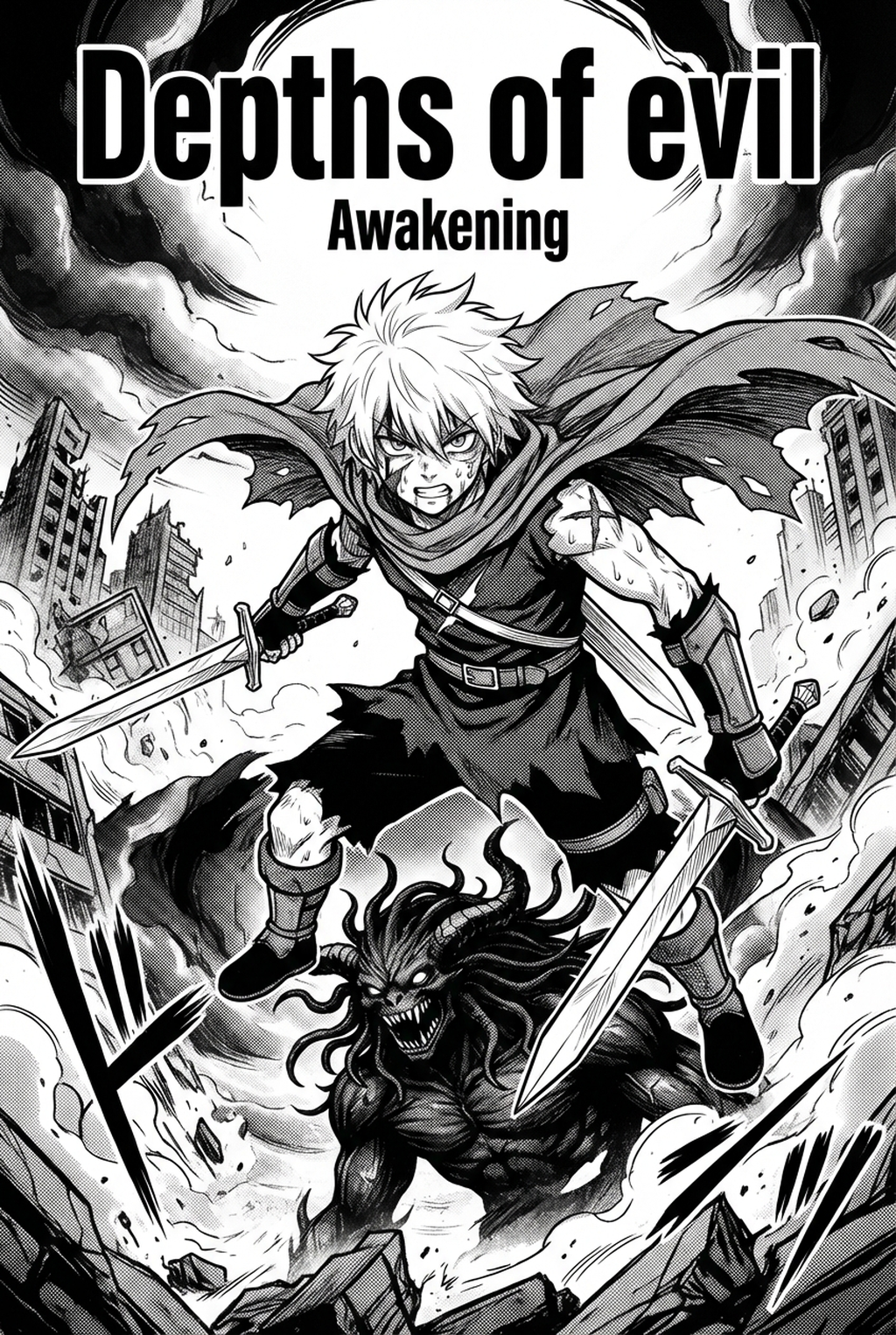
In Shonen titles, the storyboard must prioritize 'speed lines' and aggressive panel tilts to simulate intense movement. You should avoid standard rectangular boxes, opting instead for diagonal cuts that push the reader's eye forward. A common technique involves layering smaller, rapid-fire impact panels against a larger background spread to heighten the sense of a sudden strike.
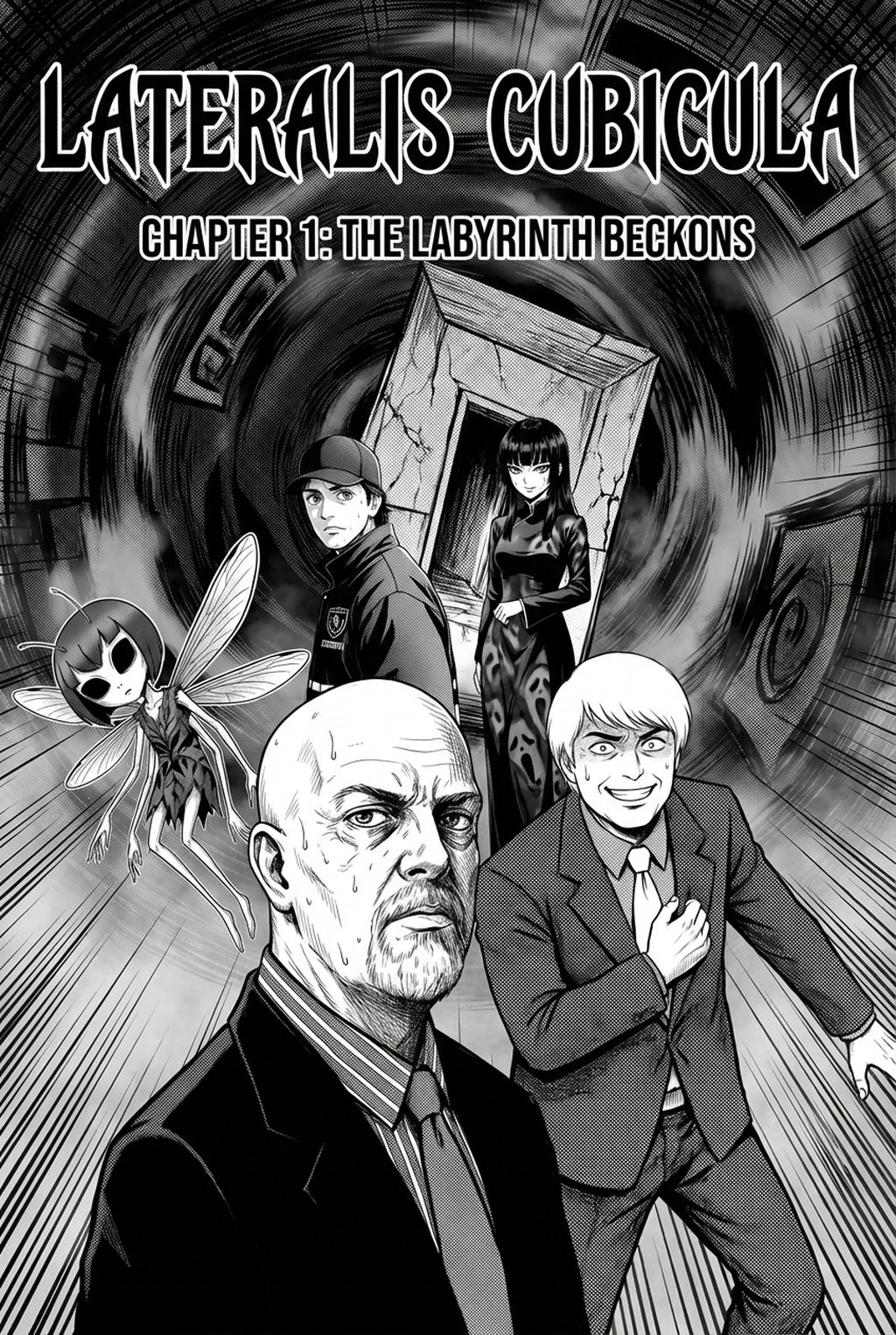
Seinen titles require a more measured approach, where the storyboard emphasizes the space between dialogue bubbles and subtle facial expressions. The goal here is to create 'breathing room' within the grid, allowing the reader to pause on a character's reaction. By dedicating more white space to these moments, you avoid the mistake of crowding panels and inadvertently neutralizing the emotional weight of the scene.
Getting Started with Professional Planning
You should aim to finish your storyboard phase within 10-15% of your total page creation time to maintain project momentum. If you spend too long here, you lose the spontaneity of the draft; if you spend too little, you face expensive redrawing cycles later during the coloring or lettering phase.
If you struggle with complex multi-character scenes, consider using AI Manga Storyboard Builder to auto-arrange your initial panel blocks based on the intensity of the scene. This tool removes the technical burden of calculating golden ratios and gutter widths, letting you focus on the story beats that matter most. Skipping this phase is the fastest way to invite plot delivery errors that often manifest as confusing panel sequences that frustrate your audience.
- Before Export. Creators should compare the generated line art with the original sketch and confirm that facial expressions, props, speed lines, and speech-bubble space still support the scene. A repeatable review pass should cover character consistency, panel readability, background clarity, and whether the final file is ready for coloring, lettering, or editor feedback.
- For Longer Projects. Creators should save approved examples of line weight, face detail, clothing folds, and background density. Those references keep later chapters closer to the intended style. For collaboration, creators should mark which panels are final and which panels still need redraws. Clear status labels prevent an assistant, editor, or colorist from polishing the wrong version.
- For Publishing. Creators should review the page at the actual reading size before export. Small screens expose crowded dialogue, weak silhouettes, and line details that looked fine while zoomed in. Creators can use each revision decision to clarify panel readability, character consistency, and export quality before publishing or sharing.
The Bottom Line
A well-planned AI AI Manga Storyboard Builder workflow Builder workflow acts as the structural spine of your work, effectively separating a confusing amateur sketch from a professional-grade comic page. By integrating AI-assisted tools like the manga storyboard , you secure your narrative pacing early, ensuring that your final artwork rests upon a solid, optimized foundation. Start your next project by defining your flow with this tool and see how a clear map leads to a more confident and efficient inking process.
Related articles
Mastering Manga Storyboard Layout for 2026 Narrative Flow
Mastering Manga Storyboard Pacing for Better Narrative Flow
Mastering the Magical Girl Manga Art Style in 2026