AI Manga Background Artist: Why Style Consistency Matters for Creators
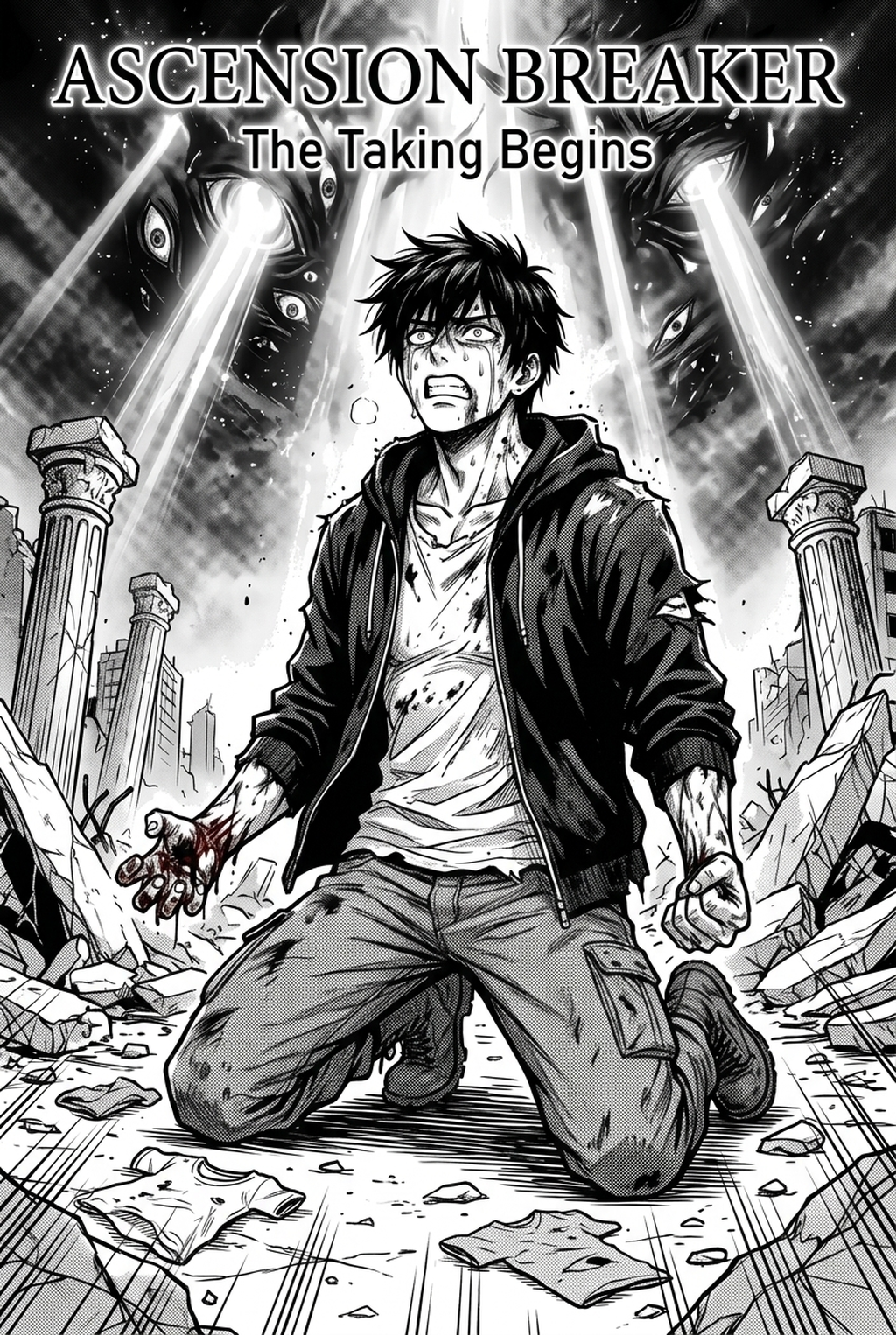
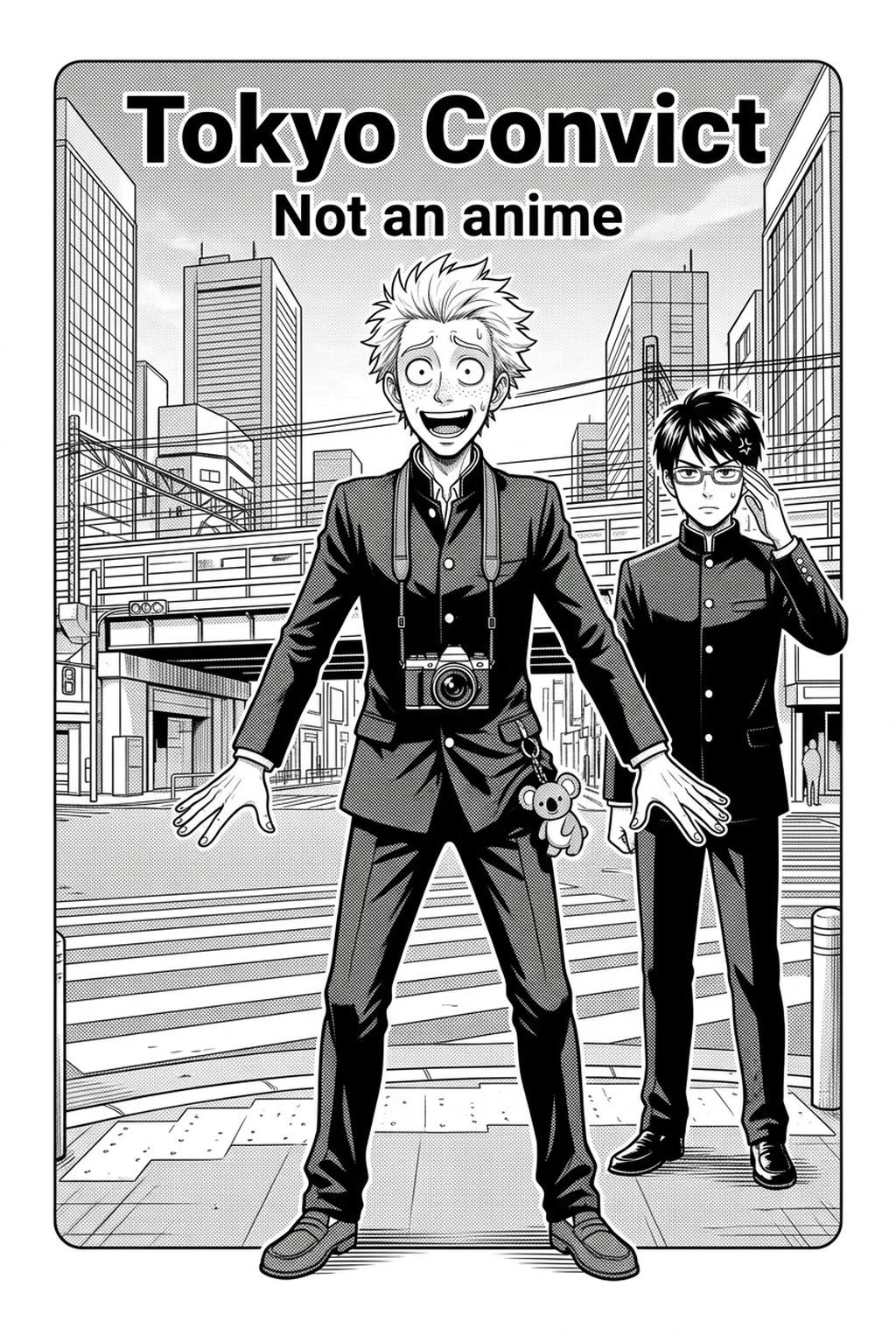
Background art styles define the tone of your world, and failure to maintain a unified look across multiple chapters often leads to cognitive dissonance. Readers subconsciously recognize a drop in quality when the cross-hatching density or shading style shifts abruptly between two scenes in the same environment.
Unified shading levels prevent the background from clashing with your dialogue, ensuring that speech bubbles remain legible against complex environments. When a creator establishes a set shading language—such as a preference for dot-pattern gradients versus manual line-art hatching—the environment becomes a silent supporting actor rather than a visual distraction.
Manual inking of complex architecture is a leading cause of production delays, often forcing creators to sacrifice detail as the deadline for a weekly chapter approaches. Delegating these labor-intensive segments allows you to maintain professional-grade background fidelity while keeping to a consistent release schedule, effectively preventing the fatigue that comes from hours of perspective drafting.
How Mangaka Works with Background Art Styles
Mangaka functions as a digital assistant that interprets complex scene requirements into specific artistic outputs, removing the need for manual perspective grid construction. By translating your written creative brief into an image format that matches your existing line art, the tool ensures that you never have to worry about clashing visual styles.
You can maintain total control over the environment by defining your preferred stylistic markers, such as G-pen ink style," "dense cross-hatching," or "minimalist architectural detail. This allows the generation process to remain consistent across different chapters; for example, you can save a specific creative brief for "urban cyberpunk street" to ensure that the lighting and texture density in Chapter 1 look identical to those in Chapter 15.
Modern production relies on balancing high-level vision with the reality of time constraints. Mangaka assists by handling the tedious labor of inking and toning, allowing you to export high-resolution assets that seamlessly integrate with your character work, thereby keeping your workflow efficient and professional.
Use Cases for Your Manga Project
| Style Category | Ideal Genre | Visual Characteristic |
|---|---|---|
| Gritty Realism | Seinen / Thriller | High-density lines, harsh shadows |
| Clean Minimalist | Shojo / Romance | Soft tones, light line weights |
| Dynamic Action | Shonen / Battle | Motion-focused, speed lines |
Choosing an art style that complements your demographic is essential for anchoring reader expectations. A gritty, hyper-detailed background works perfectly for a Seinen thriller, but that same level of visual noise might overwhelm the light-hearted, expressive pacing required for a modern comedy or a character-focused Shojo manga.
Your chosen background must provide enough visual contrast to ensure your leads never disappear into the environment. If your background is too busy, your character’s silhouette will lose impact; you should prioritize a style that uses negative space effectively, particularly in panels focused on key emotional reveals or rapid movement.
How to Get Started with Mangaka
Integrating AI tools into your long-form story requires a structured approach to prevent style drift. Creating a style guide document—a centralized log of creative brief parameters and shading preferences for each recurring location—is the most reliable method for maintaining a professional, high-fidelity look.
Workflow Fit for Creator Output. To prevent your character designs from clashing with the generated environments, you should adjust the contrast settings on your background output to match your character's ink-weight. Ensuring that your character's solid black hair doesn't disappear into a dark, heavily-toned background requires a conscious effort to balance your levels during the export phase.
The tool handles specific stylistic requests such as "traditional water-wash effects" or "clean digital-ink style" by interpreting your descriptive inputs. You can iterate on these styles by tweaking your scene descriptions, testing various "ink" densities, and reviewing the output until it perfectly matches your hand-drawn character panels.
- Before Export. Creators should compare the generated line art with the original sketch and confirm that facial expressions, props, speed lines, and speech-bubble space still support the scene. A repeatable review pass should cover character consistency, panel readability, background clarity, and whether the final file is ready for coloring, lettering, or editor feedback. For longer projects, creators should save approved examples of line weight, face detail, clothing folds, and background density. Those references keep later chapters closer to the intended style.
- For Collaboration. Creators should mark which panels are final and which panels still need redraws. Clear status labels prevent an assistant, editor, or colorist from polishing the wrong version. For publishing, creators should review the page at the actual reading size before export. Small screens expose crowded dialogue, weak silhouettes, and line details that looked fine while zoomed in.
- For Style Control. Creators should keep a short reference board beside the draft and compare hair shapes, eye details, costume folds, and texture choices before approving the final page. For revision planning, creators should separate art fixes from story fixes. Line cleanup, panel order, dialogue clarity, and character acting each need a different review question.
- For Solo Creators. The most useful workflow is one that keeps rough ideas editable until the final pass. That reduces rework when the scene mood changes after the first read-through. This keeps the review focused on story intent, line weight, panel readability, and the export quality behind the final AI Manga Background Artist output.
Creators can evaluate manga background art styles with Mangaka mid-workflow when they need the product path tied directly to review, refinement, and export. A real test should use the same sketch, character goal, or panel sequence that would otherwise need manual cleanup after generation.
The Bottom Line
Mastering creator workflow is less about manual dexterity and more about choosing the visual language that best serves your narrative purpose. By leveraging AI to handle the laborious construction of architecture and tone, you preserve your energy for the creative decisions that truly drive your story forward. Start your journey by exploring the manga background art styles to see how it can elevate your next chapter.
Related articles
Automate Your Manga Inking: Instant Line Art Guide 2026
Mastering Supernatural Manga Background Art for 2026
Automate Your Manga Inking: Get Clean Lines in Seconds 2026