AI Manga Inker: The Essentials of Ink Conversion
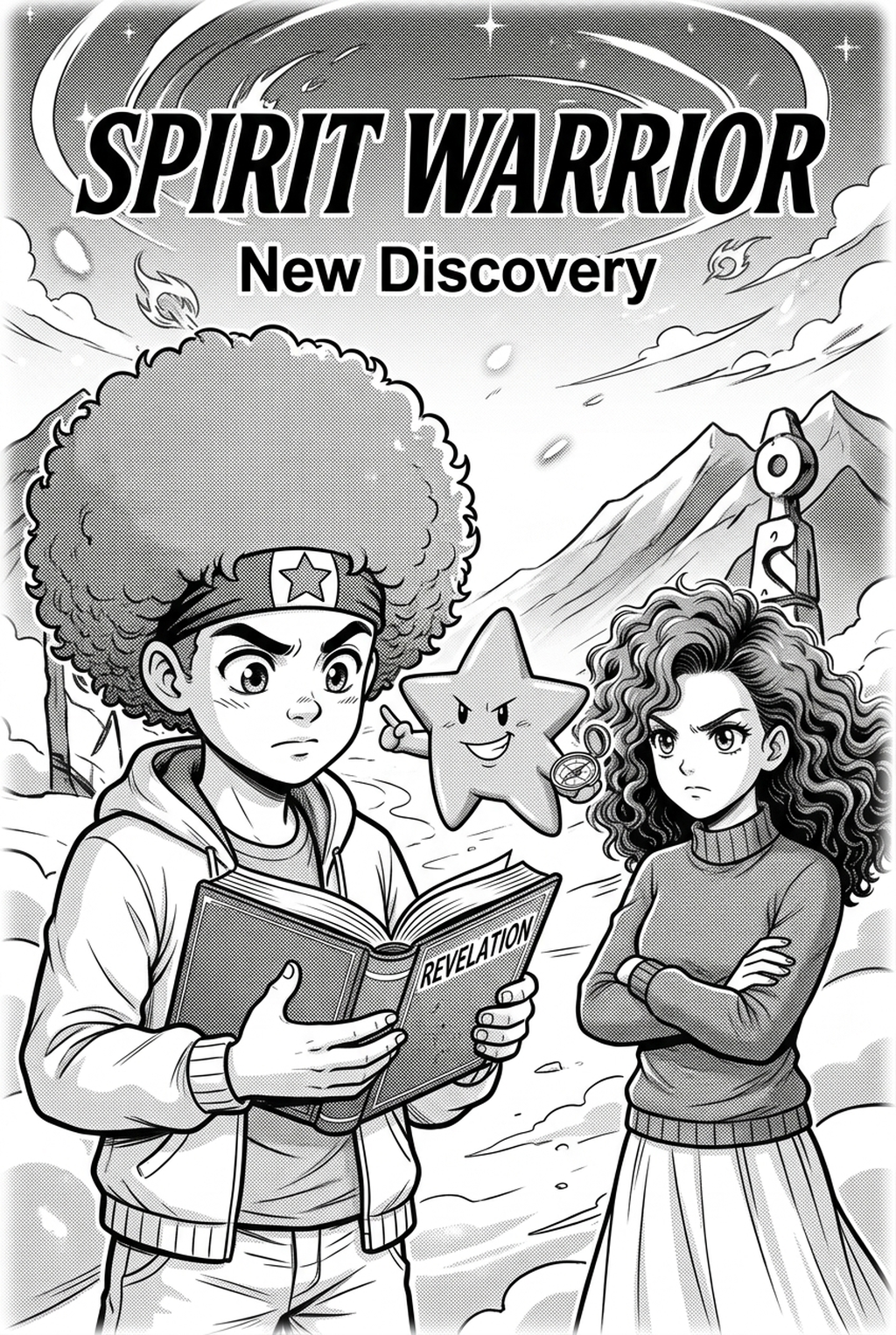
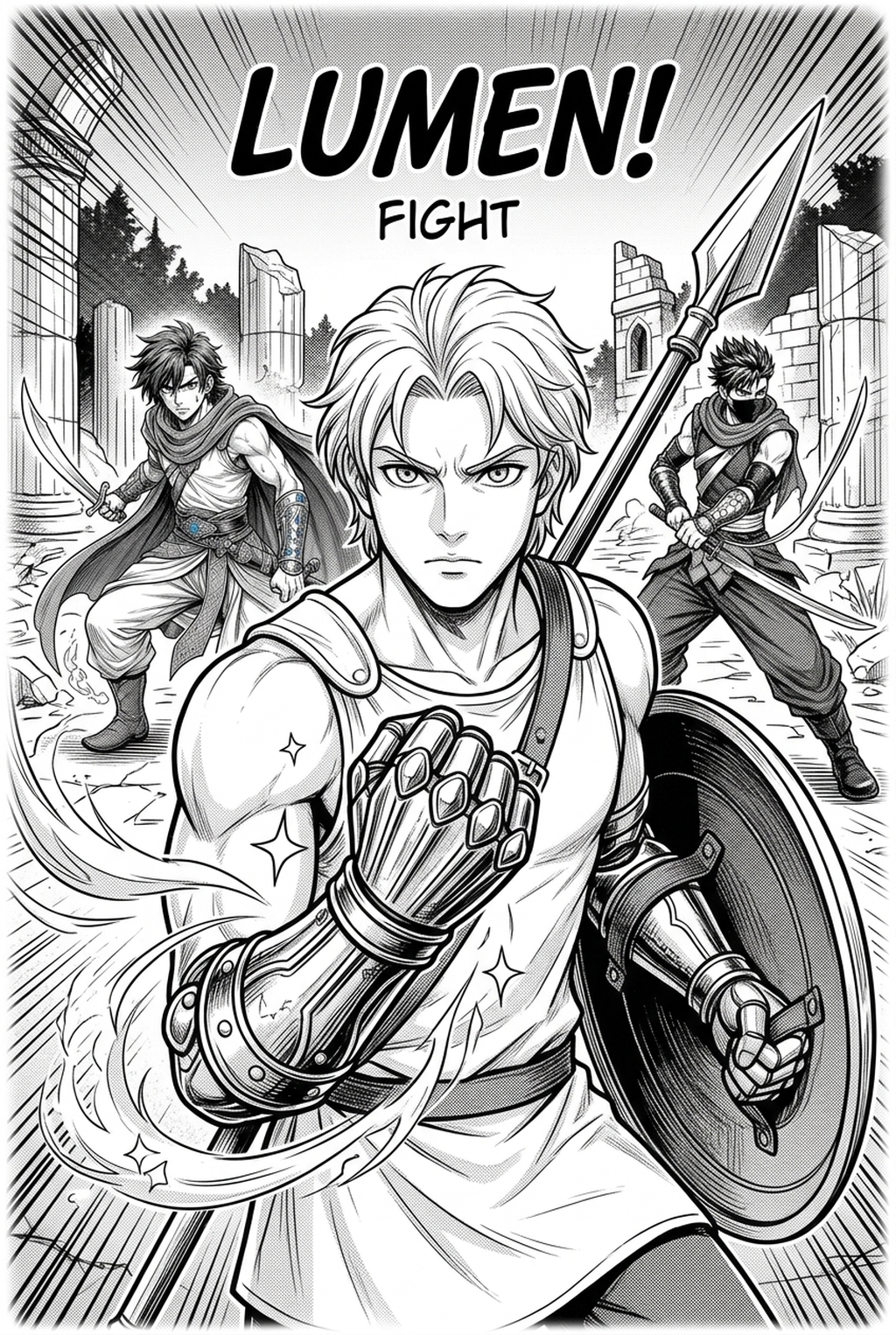
Mangaka uses advanced AI to interpret your pencil pressure and stroke intent, producing clean digital lines immediately upon upload. By analyzing the grayscale values and density of your original scans, the engine differentiates between structural outlines and internal details, ensuring your final output avoids the "muddy" line-weight drift common in manual digitizing.
This process removes the physical toll of hours spent at a light table. Because the engine preserves your unique artistic style, you avoid the sterile, generic look associated with standard vector filters. You simply upload your raw sketches to manga inking with Mangaka and watch your pencils become professional-grade ink work, ready for toning or final lettering placement.
Why Ink Quality Impacts Your Workflow
Consistent line weight is the primary factor in distinguishing professional studio output from amateur drafts. Mangaka provides a tiered subscription model designed for independent artists, hobbyists, and professional studios looking to scale their output while maintaining strict quality controls across massive page counts.
| Feature | Monthly Plan | Annual Plan | Pro Studio Plan |
|---|---|---|---|
| Ink Conversions | Unlimited | Unlimited | Unlimited |
| Export Quality | High-Res PNG | High-Res PSD | Vector + PSD |
| Cloud Storage | 50GB | 200GB | 1TB |
| Access | Standard | Priority | Dedicated Support |
Subscriptions include priority access to new line-weight customization features and integration with our broader manga creation suite, allowing you to link inked assets directly into your existing project dashboard. This approach ensures your production speed scales without sacrificing the visual fidelity of your character expressions or background architecture.
How the AI Processing Engine Functions
Our AI inker is built to handle complex character designs, intricate backgrounds, and delicate screentone patterns without losing fine detail. By processing your sketches through a multi-layer analysis, the tool differentiates between foreground subjects and background depth, applying distinct line-weight logic to each to maintain correct spatial hierarchy.
When you stop obsessing over shaky lines, you gain the mental bandwidth to improve panel pacing and dialogue layout, which are far more critical to audience retention than manual inking speed. Check character consistency, panel readability, line quality, and export readiness before publishing. Creators should also record why the page passed review, which panel details still need manual cleanup, and which export format the next collaborator will use. That makes the subsection useful instead of leaving a short checklist under a large heading.
A security-first approach ensures your original sketches and intellectual property remain private and secure within your personal dashboard. Your files are encrypted during the conversion process and deleted from our active servers once your high-resolution export is finalized, preventing unauthorized access to your storyboards or unpublished character designs.
Versatility for Professional Creation
Creators often worry about how an automated tool handles their specific stylistic preferences. The engine is highly adaptive to your specific line density and scan resolution, ensuring that whether you draw with hard 2B pencils or soft HB leads, the resulting digital ink is clean and distinct.
You retain full authority over your art after the initial conversion occurs. Our editor allows for post-ink manual tweaks to ensure full creative control, meaning you can thicken specific shadow lines or refine delicate facial features before the final export.
Every generated file is exported as a high-resolution PNG or PSD compatible with industry-standard software like Clip Studio Paint or Photoshop. This integration allows you to layer your inked panels directly over your original storyboards or beneath your color layers, ensuring a seamless transition from pencil to final digital page.
Transitioning Your Project to Automation
AI Manga Inker workflow no longer requires a lifetime of training or endless hours of manual labor to achieve professional results. By automating the transition from sketch to ink, Mangaka empowers you to move from storyboard to final page faster than ever before, turning a week-long inking phase into an afternoon task.
This allows you to produce more content for your readers or dedicate your saved time to perfecting complex splash pages and character transformations. Join the next generation of manga artists by signing up at manga inking and reclaim your creative time today.
- Before Export. Creators should compare the generated line art with the original sketch and confirm that facial expressions, props, speed lines, and speech-bubble space still support the scene. A repeatable review pass should cover character consistency, panel readability, background clarity, and whether the final file is ready for coloring, lettering, or editor feedback.
- For Longer Projects. Creators should save approved examples of line weight, face detail, clothing folds, and background density. Those references keep later chapters closer to the intended style. For collaboration, creators should mark which panels are final and which panels still need redraws. Clear status labels prevent an assistant, editor, or colorist from polishing the wrong version.
- For Publishing. Creators should review the page at the actual reading size before export. Small screens expose crowded dialogue, weak silhouettes, and line details that looked fine while zoomed in. This keeps the review focused on story intent, line weight, panel readability, and the export quality behind the final AI Manga Inker output.
- For Style Control. Creators should keep a short reference board beside the draft and compare hair shapes, eye details, costume folds, and texture choices before approving the final page. For revision planning, creators should separate art fixes from story fixes. Line cleanup, panel order, dialogue clarity, and character acting each need a different review question.
The Bottom Line
Automating your inking phase is the most effective way to eliminate bottlenecks in your production workflow. By leveraging AI to handle the repetitive tracing, you ensure that your character consistency and visual style remain professional while drastically reducing the time required to complete your chapters. If you are ready to stop tracing and start creating, visit manga inking to transform your sketches into professional ink work.
Related articles
Mastering Historical Manga Backgrounds: A Creator's Guide
Automate Inking Digital Manga Sketches with Mangaka AI 2026
Creating a Farming Sim Manga Background: A Creator's Guide