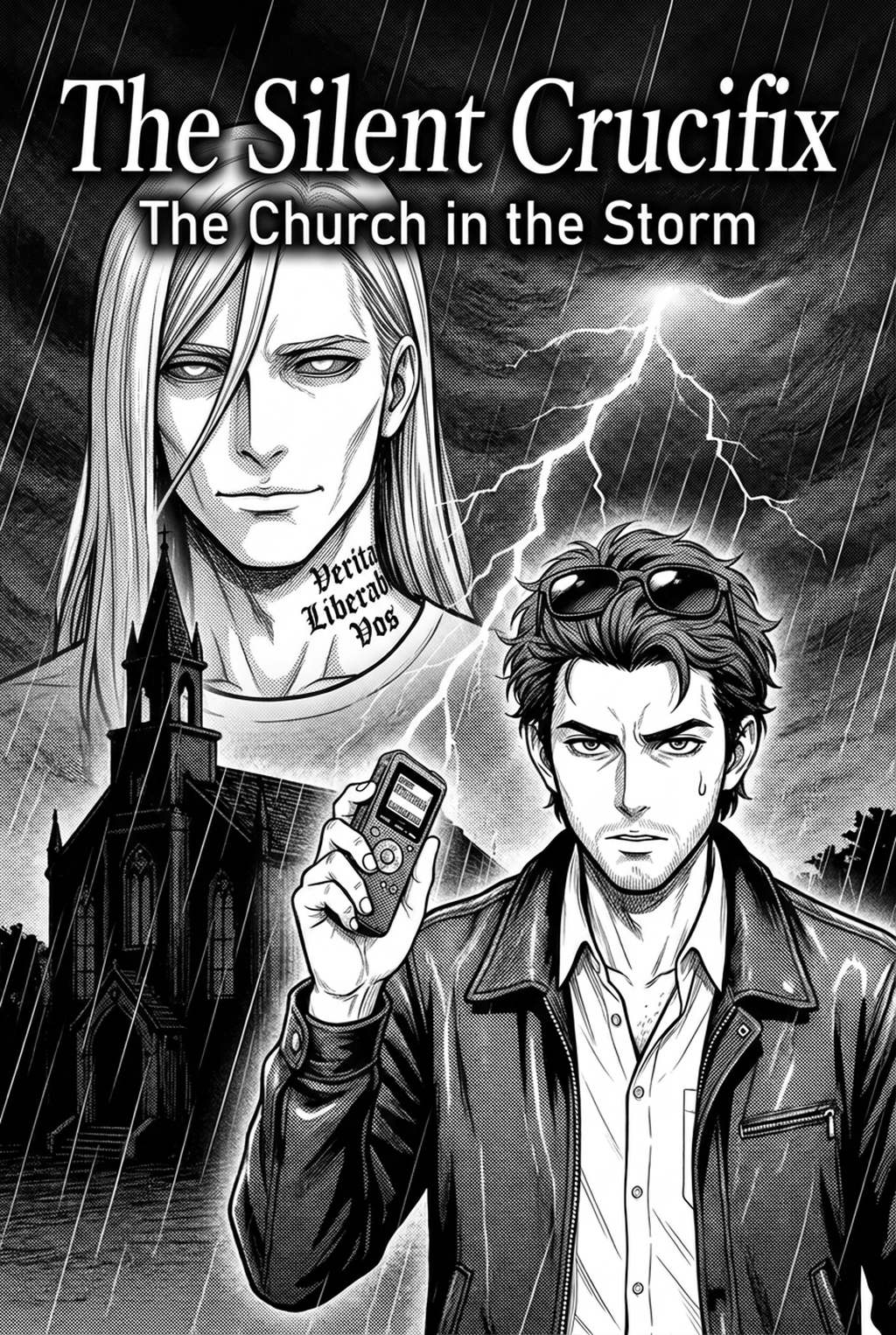
What Is Manga Colorization?
Manga colorization has evolved from laborious hand-painting on acetate to intelligent, context-aware workflows that respect the specific light-source orientation of your panels. Early digital methods often produced a "flat" look where colors sat atop the art, failing to engage with the actual density of your cross-hatching or stippling. Modern systems now calculate depth and shadow by interpreting the topography of your ink, ensuring that the coloring process reinforces the line art rather than obscuring it.
To maintain a professional standard, creators must utilize a delivery format that treats every element—hair, skin, background, and clothing—as a tunable layer. This separation prevents color bleeding and allows you to adjust the luminosity of individual elements without sacrificing the overall cohesion of the page. By maintaining this separation, you retain the ability to push or pull highlights in a specific panel to guide the reader’s eye toward an important expression or plot point.
Why AI Manga Colorist Matters for Manga Creators
The authenticity of a manga page relies on the specific pen-pressure and line-weight of the original inking, which defines the emotional intent of the scene. Over-processed colorization frequently obscures character expressions by washing out the sharp line boundaries that define a character's internal monologue or combat fatigue. Prioritizing linework retention ensures that your visual storytelling clarity remains intact even when you transition from grayscale to a high-saturation palette.
| Feature | Legacy Manual Tools | Mangaka AI Colorist |
|---|---|---|
| Masking Speed | Manual/High-Labor | Instant/Automated |
| Line Fidelity | Prone to Smudging | Absolute Preservation |
| Palette Iteration | Fixed/Slow | Dynamic/Real-time |
When you keep the ink sharp, you maintain the "hand-drawn" identity of your series, ensuring the final output feels like a natural extension of your original manuscript rather than a digital overlay. This keeps the review focused on story intent, line weight, panel readability, and the export quality behind the final AI Manga Colorist output.
How Manga Colorization Works with Mangaka
Consistency in color grading is vital, especially when applying consistent palettes to a long-running series or a large-scale storybook project. To achieve a cohesive aesthetic, you should utilize reference-based AI prompting that mimics your specific ink-style, effectively training the generator to anticipate where shadows should land based on your unique cross-hatching patterns.
Managing high-octane 'Action Panels' requires the AI to recognize motion-line intensity; otherwise, color bleeds into the kinetic energy lines, turning a speed effect into a muddy mess. By utilizing manga colorization , you ensure the engine treats your 'ink layer' as an immutable base. This structural control allows you to apply ambient occlusion and lighting effects selectively, preserving the underlying grit of your hand-inked sequences while elevating the color depth.
Use Cases for AI Manga Colorist
Modern colorization tools enable artists to iterate through multiple mood-based palettes in minutes, drastically reducing the traditional labor of manual masking for every character. For vertical comic platforms-style scrolling creators, AI allows for rapid color-depth adjustments that adapt to mobile lighting profiles and screen brightness variance, ensuring your page doesn't look washed out on high-contrast OLED displays.
- Layered Export Efficiency: Uploading isolated line-art layers allows the engine to treat your ink as the master layer, preventing common wash-out artifacts. * Palette Testing: Generate three distinct palettes for a single page to test whether a cold-toned, melancholic mood or a warm-toned, hopeful palette suits the narrative tension. * Mobile-First Optimization: Shift your light sources to account for the smaller screen footprint of mobile devices, where high-contrast shadows often perform better than subtle gradients. * Dynamic Kinetic Correction: Use automated masking to distinguish between background elements and foreground characters, allowing for depth-of-field effects that keep the action focused on your protagonist.
How to Get Started with Mangaka
Respecting your specific pen-brush style is the primary objective of modern, non-destructive AI tools that prioritize linework preservation. To achieve the best results, you must ensure that your source files are at a minimum of 300 DPI, as higher resolution allows the AI to better distinguish between intentional line weight and stray noise or texture in your scan.
If you are worried about the AI altering your line art, utilize tools that specifically isolate and preserve the alpha channel of your original inked panels. This process guarantees that the "base" of your work remains untouched by the coloring engine, while the secondary layers (color/shadow) receive the necessary treatment. This allows you to experiment with complex shading techniques, such as rim lighting or dramatic subsurface scattering, without the fear of your original inking being modified or degraded during the generation pass.
Creators should compare the generated line art with the original sketch and confirm that facial expressions, props, speed lines, and speech-bubble space still support the scene. A repeatable review pass should cover character consistency, panel readability, background clarity, and whether the final file is ready for coloring, lettering, or editor feedback. For longer projects, creators should save approved examples of line weight, face detail, clothing folds, and background density. Those references keep later chapters closer to the intended style.
The Bottom Line
creator workflow no longer requires you to sacrifice manual control for speed; modern tools prioritize the preservation of your unique line art as the most important element of your panel. By integrating a dedicated AI Manga Colorist, you can reclaim the thousands of hours typically lost to manual filling while maintaining the professional polish that readers expect. Start your first color project by uploading your inked panels to manga colorization and observe how precision AI retains your creative vision while elevating the visual depth of your work.
Related articles
Automate Your Manga Inking Workflow with AI | Mangaka 2026
Mastering Zombie Manga Background Art: A Creator’s Guide
Best Manga Colorist Tools: 2026 Comparison Guide