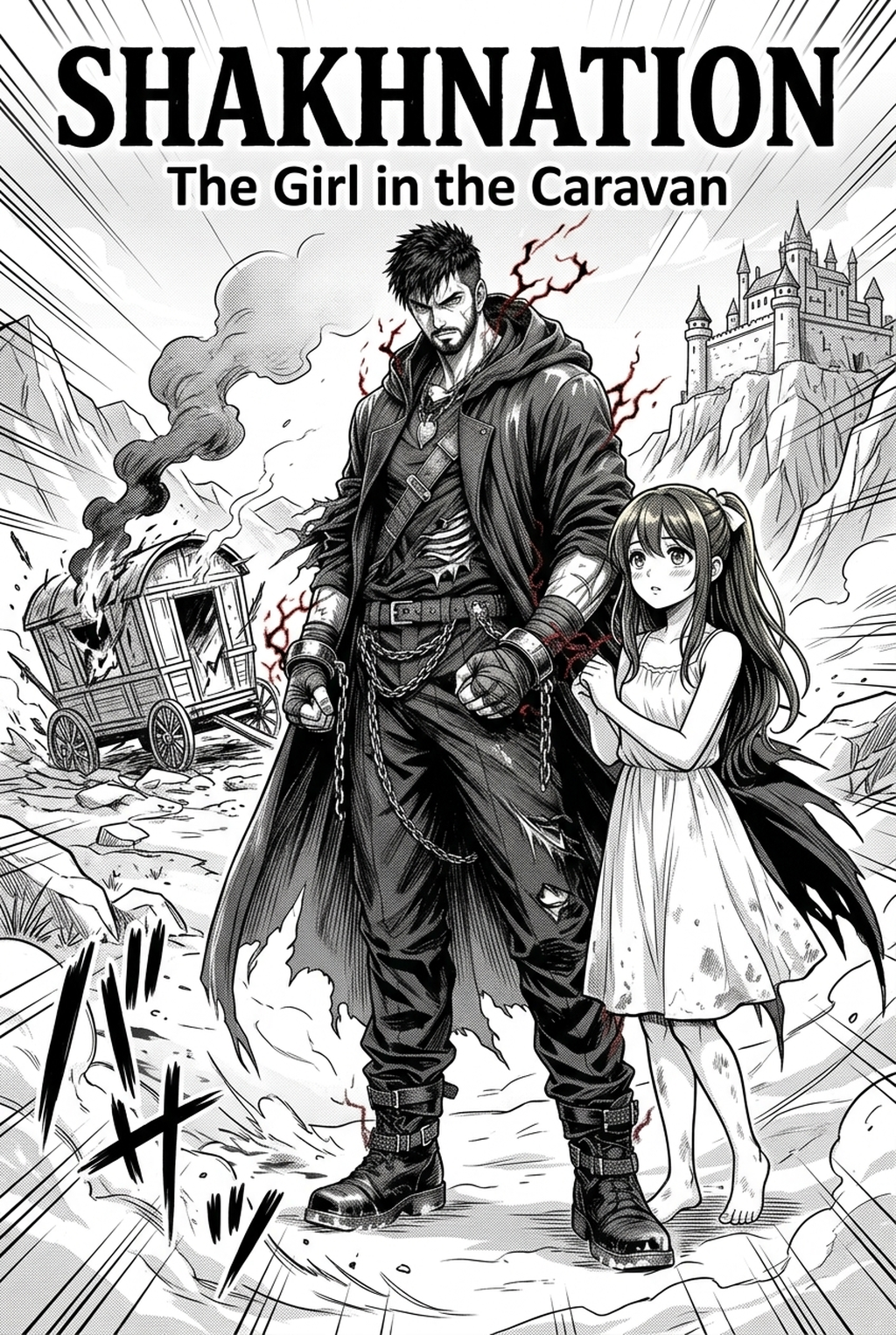
AI Manga Background Artist: Defining the Horror Environment
Effective zombie-themed visuals rely on specific environmental signifiers that transform a standard street into a narrative antagonist. You must capture the feeling of "stopped time" where nature encroaches upon human infrastructure, such as overgrown vines winding through shattered storefronts or rusted, overturned vehicles blocking once-busy intersections.
The background must reflect the density of the threat, showing debris-strewn streets that limit a character's path. Incorporating environmental residue—such as shattered glass patterns, moss-covered brick textures, and uneven, crumbling plaster—is essential for grounding the horror in a tactile, believable reality.
The environment should serve as a source context, allowing readers to visualize the scale of an outbreak without relying on excessive exposition bubbles. By carefully positioning barricades and piles of abandoned personal effects, you effectively communicate the desperate flight of the local population to the reader at a glance.
Why Atmospheric Density Matters
In the horror genre, the background acts as a physical barrier that restricts movement and forces characters into vulnerable positions. Detailed, decaying environments prevent reader disorientation by maintaining consistent visual markers across chapters, ensuring the crumbling world remains a cohesive, frightening reality.
If your background art shifts wildly in detail or perspective between chapters, your reader will subconsciously lose their sense of place. Maintaining a strict set of visual rules—such as standardizing how broken windows or burned-out vehicles look—strengthens the sense of a believable, decaying world that the characters must inhabit.
High-contrast wide shots effectively signal the emptiness of a city, while tight focus shots reveal the danger hiding within dark alleyways. These environments serve as pacing anchors, giving the reader a necessary visual pause between high-intensity action sequences, allowing for a build-up of suspense that is crucial to the genre.
How Mangaka Manages Apocalyptic Scenes
AI-driven generation allows creators to input scene descriptions to produce professional-grade backgrounds, effectively eliminating the bottleneck of manual inking and perspective construction. This workflow ensures that your background density remains uniform, even when you are balancing multiple panels on a single page.
Workflow Fit for Creator Output. Using zombie manga background art with Mangaka allows you to maintain stylistic consistency by adjusting creative briefs to match your existing character art, ensuring the background doesn't feel disjointed. By leveraging negative creative briefs to exclude pristine furniture or modern technology, you ensure the output maintains the gritty, apocalyptic aesthetic required for survival horror.
Creators can define specific camera angles for action panels by specifying perspective cues like "bird's eye view" or "low angle" in the scene description. This eliminates the struggle of drawing complex vanishing points manually, giving you more time to focus on inking your characters and refining dialogue layout.
Practical Use Cases for Horror Environments
When designing safe house versus open street environments, use distinct lighting palettes to psychologically prepare the reader for either a moment of respite or an impending ambush. An open street might feature harsh, blown-out sunlight to emphasize exposure, while an interior safe house would utilize deep, dark shadows to suggest hidden dangers.
| Environment Type | Primary Focus | Lighting Strategy |
|---|---|---|
| Open Urban Street | Scale and abandonment | High-contrast, sharp shadows |
| Interior Safe House | Claustrophobia and history | Low-key, moody, soft diffusion |
| Alleyway Ambush | Hidden threats and tension | Directional, dramatic spotlighting |
The most effective horror backgrounds combine atmospheric dread with technical clarity. You might choose to generate a wide-shot city block in 300 DPI, then overlay your character layers to ensure the background depth complements the action without overwhelming the composition.
Check character consistency, panel readability, line quality, and export readiness before publishing. Creators should also record why the page passed review, which panel details still need manual cleanup, and which export format the next collaborator will use. That makes the subsection useful instead of leaving a short checklist under a large heading.
Getting Started with Professional Backgrounds
To keep the background from distracting from your characters, use lower-contrast textures in your generation creative briefs to allow characters to remain the visual center of every panel. If you need to refine a specific section, professional tools allow for partial re-generation and layering to ensure the final plate fits your page composition perfectly.
Once you generate a background, you can import it into your preferred software to apply additional screentones or manual inking touches. This hybrid approach ensures you have the structure of a perfect perspective-correct background while retaining the hand-drawn feel that defines your personal creative style.
- Perspective Matching: Always align your character's horizon line with the background's vanishing points to avoid "floating" characters. * Tone Matching: Ensure that the background shades do not compete with the blacks used in your character inking. * Resolution Check: Ensure your export is at least 300 DPI to avoid pixelation when printing physical manga pages.
Creators should compare the generated line art with the original sketch and confirm that facial expressions, props, speed lines, and speech-bubble space still support the scene. A repeatable review pass should cover character consistency, panel readability, background clarity, and whether the final file is ready for coloring, lettering, or editor feedback. For longer projects, creators should save approved examples of line weight, face detail, clothing folds, and background density. Those references keep later chapters closer to the intended style.
The Bottom Line
Mastering background art is the most effective way to elevate the tension and believability of your horror story. By automating the technical construction of complex urban ruins, you can dedicate more time to the narrative and character growth that define high-quality zombie manga. When you are ready to modernize your production workflow, visit zombie manga background art to generate custom backgrounds for your next chapter.
Related articles
Best Manga Colorist Tools: 2026 Comparison Guide
Manga Inking: A Guide to Converting Sketches into Pro Art
Mastering Manga Inking for Fantasy Series: A 2026 Guide