Essential AI Manga Inker Definitions
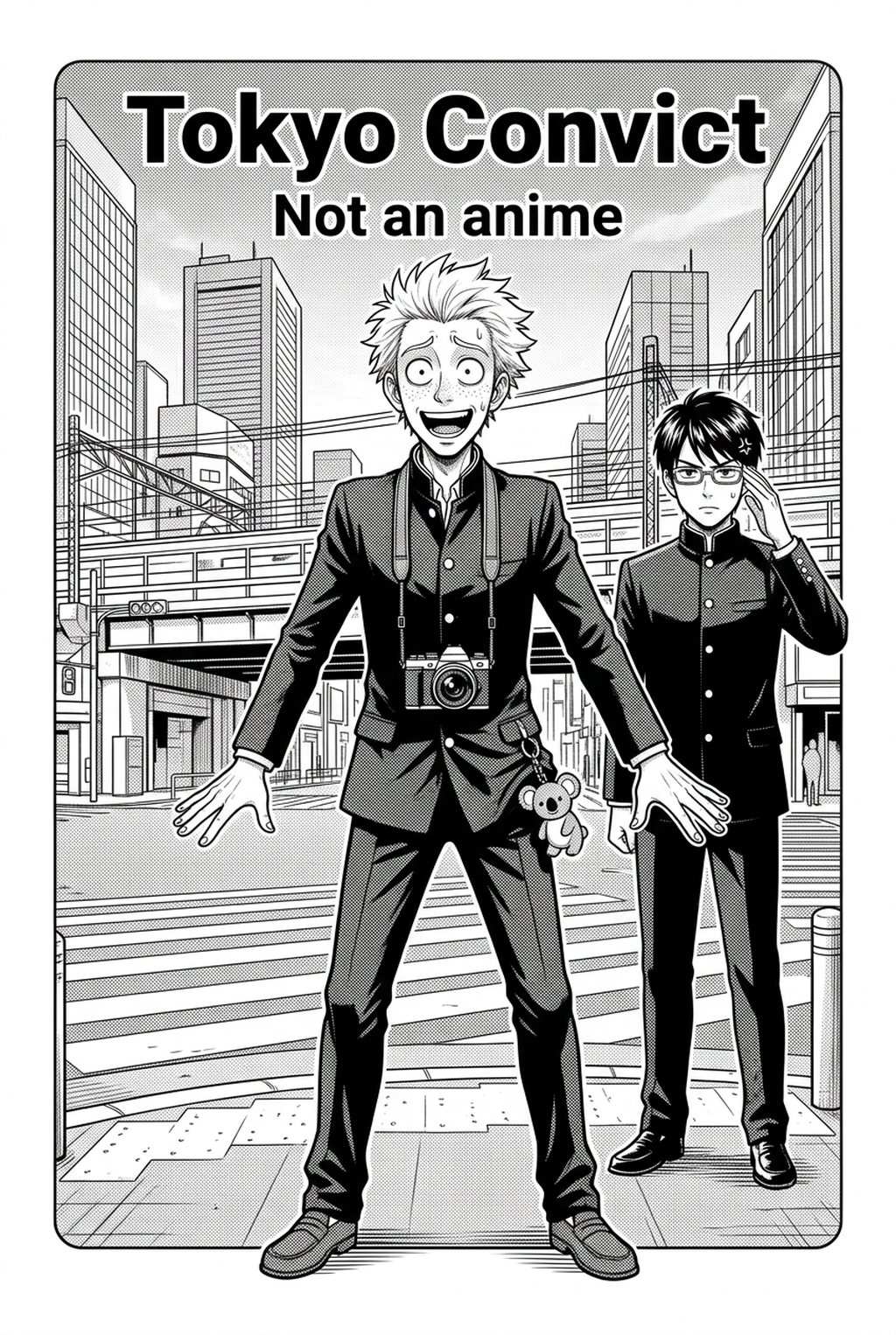
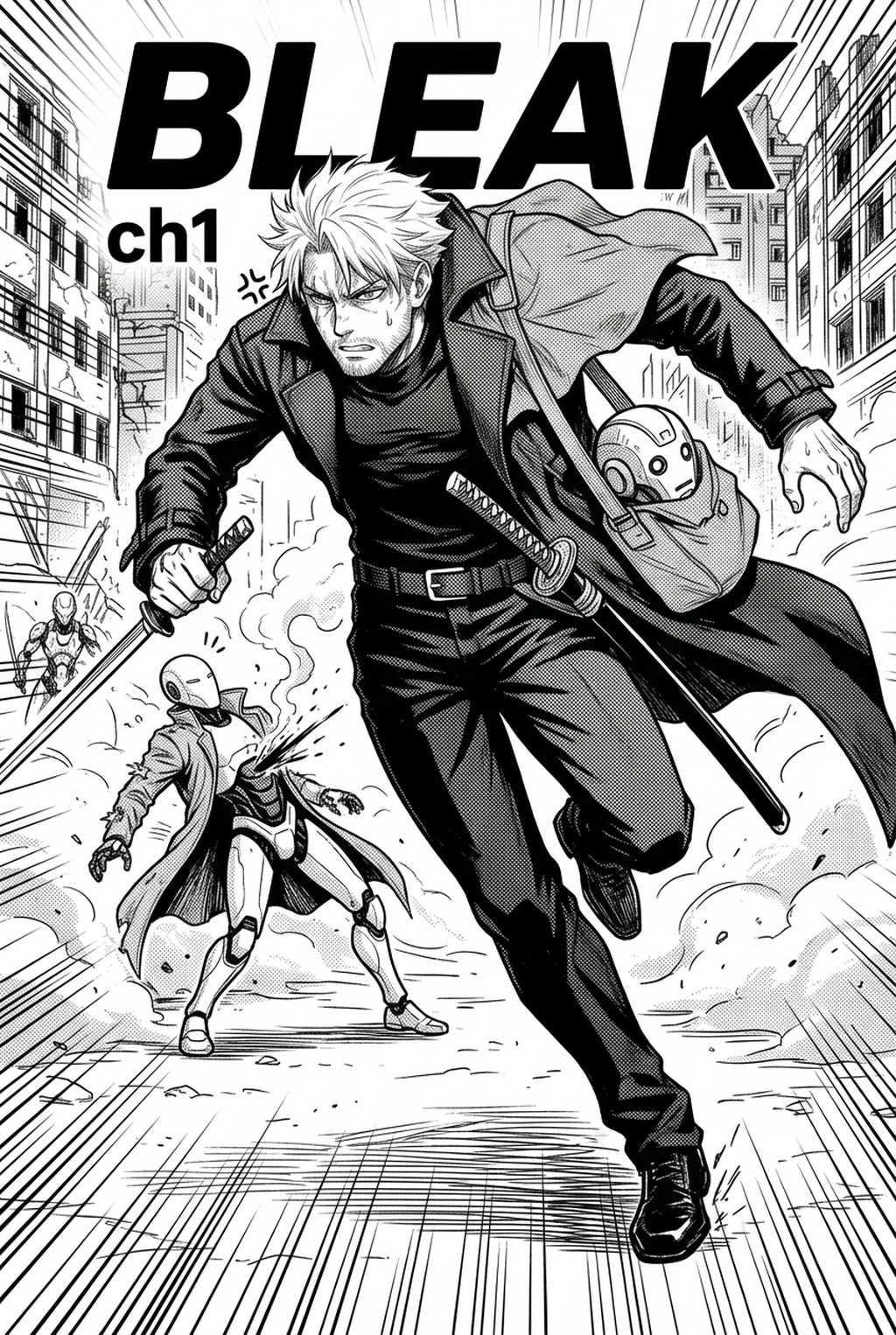
Manga inking is the critical bridge between conceptual sketching and final page production, where artists finalize their composition using definitive, high-contrast marks. This phase is not merely a cleanup exercise but a stylistic commitment, where you determine which elements command the viewer’s eye through intentional variations in line weight and density.
Successful line art requires an expert understanding of how strokes interact with the eye. Inking is the stage where you clarify complex background environments and solidify character outlines to prevent visual clutter within a dense 16-to-24-page chapter.
Check character consistency, panel readability, line quality, and export readiness before publishing. Creators should also record why the page passed review, which panel details still need manual cleanup, and which export format the next collaborator will use. That makes the subsection useful instead of leaving a short checklist under a large heading.
- Foreground Depth: Use bold, heavy-weight lines to isolate characters from their surroundings, creating an immediate focal point. * Facial Detail: Apply thinner, precise strokes for eyes and nose bridges to ensure that emotional expressions remain readable even in small, compressed panel layouts. * Texture Contrast: Differentiate between hard-surface objects like weaponry and organic elements like hair by adjusting stroke variance and taper length.
Why Technical Precision Matters
Professional inking protects your narrative from becoming an illegible mess when viewed on mobile screens or in low-DPI print formats. The primary challenge is maintaining the integrity of the original G-pen aesthetic, which is defined by sharp, tapered ends that indicate speed and motion, rather than inconsistent, muddy blobs.
One of the most frequent points of failure in weekly production is character 'morphing,' where slight, unintentional variations in line weight between panels alter the character's proportions or perceived weight. To prevent this, artists must treat every panel as a singular system of weights, ensuring that the same character—who may occupy ten separate frames on a single page—maintains uniform boundary thickness.
Your line art must remain 'tone-ready,' meaning you avoid overly messy cross-hatching that might conflict with subsequent halftone or greyscale overlays. Digital inking allows for non-destructive separation of layers, which ensures that your line art doesn't degrade the clarity of the underlying or overlying screen tones.
How Mangaka Automates Inking
Mangaka streamlines the transition from raw, hand-drawn pencils to professional-grade digital line art by processing your input into clean, scalable vector paths. By handling the tedious, repetitive work of tracing, the tool removes the physical strain of manual inking, which is the leading cause of production delays for creators managing tight release schedules.
- Rapid Prototyping: Experiment with different stroke styles on your character designs in minutes rather than hours. * Consistent Fidelity: Ensure every panel across a 20-page sequence retains the same level of sharpness, effectively eliminating the human error associated with repetitive hand-tracing. * Artistic Focus: Reclaim time to dedicate toward complex panel composition, motion blur effects, and high-impact layout design.
While the software manages the baseline ink weight, your expertise is directed toward the creative nuances that define your specific style. This includes adding selective thickness for depth-of-field variations or incorporating expressive, irregular motion lines that indicate high-energy action sequences.
Use Cases for Advanced Inking
The effectiveness of digital inking is most visible in complex, high-detail scenarios where traditional manual techniques often fail under pressure. For example, when you are layering heavy black ink patches over complex architectural backgrounds, you need the tool to preserve the sharpness of your linework at 100% scale.
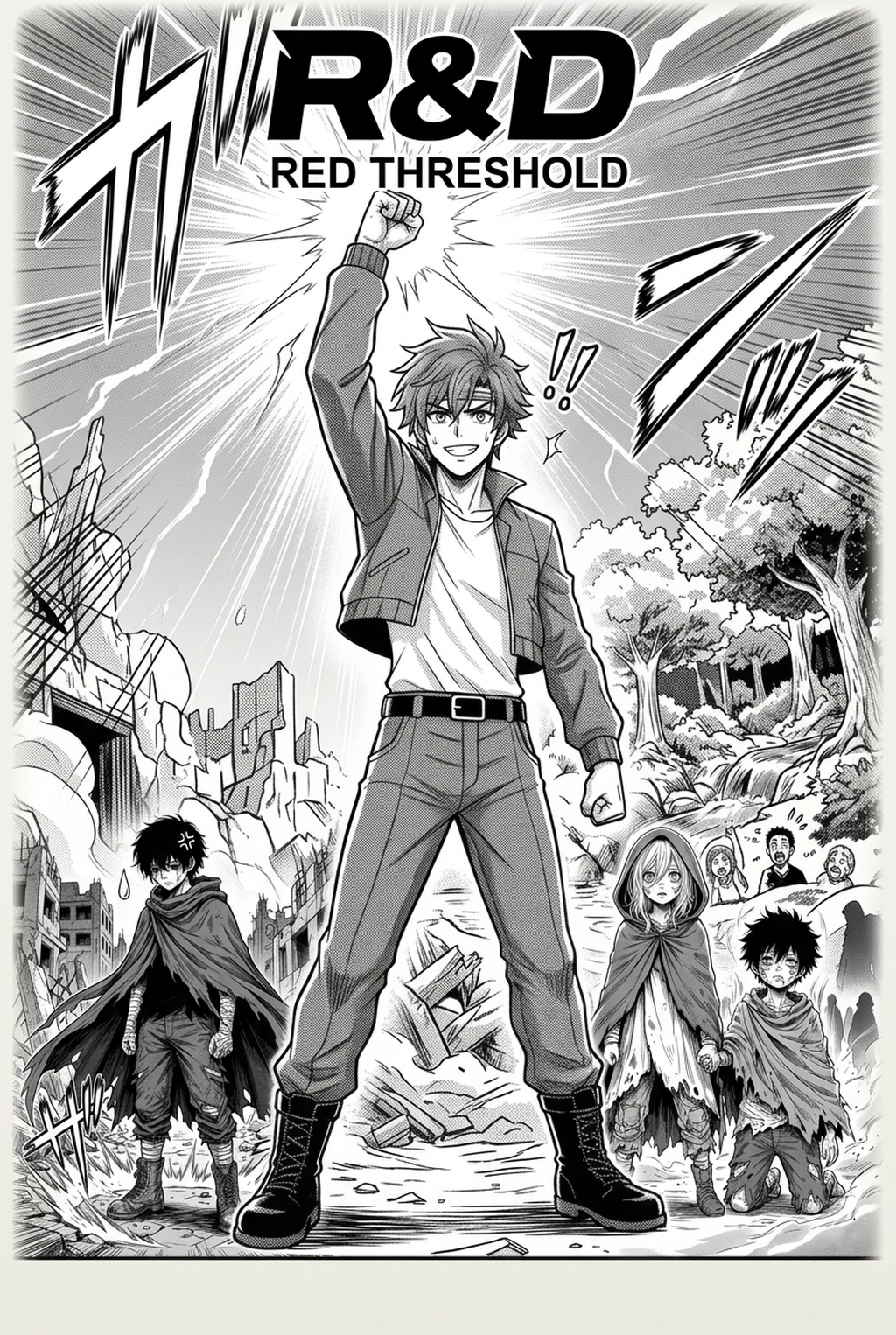
Consider an artist preparing a 3-panel action sequence featuring a complex armored character in a forest.
- After AI Implementation: The artist uploads the raw sketch to manga inking and receives a clean, vector-defined result in seconds.
Getting Started with Automated Tools
The integration of automated tools is a strategy for efficiency rather than a replacement for artistic intent. These tools are designed to handle the structural integrity of your lines, allowing you to bypass the most mechanical, labor-intensive aspects of the industry-standard workflow.
- Halftone Integrity: Modern AI inkers are built to preserve the path definitions required for layering screen tones without clashing, ensuring that your digital files are ready for high-resolution print. * Digital Learning Curve: Digital inking platforms offer advanced stabilizers that replicate the tactile response of physical dip pens while providing the safety net of an infinite 'undo' function. * Professional Output: The final assets exported from these tools are usually in standard PNG or PSD formats, which are universally compatible with industry-standard publication requirements.
- Before Export. Creators should compare the generated line art with the original sketch and confirm that facial expressions, props, speed lines, and speech-bubble space still support the scene. A repeatable review pass should cover character consistency, panel readability, background clarity, and whether the final file is ready for coloring, lettering, or editor feedback.
- For Longer Projects. Creators should save approved examples of line weight, face detail, clothing folds, and background density. Those references keep later chapters closer to the intended style. For collaboration, creators should mark which panels are final and which panels still need redraws. Clear status labels prevent an assistant, editor, or colorist from polishing the wrong version.
- For Publishing. Creators should review the page at the actual reading size before export. Small screens expose crowded dialogue, weak silhouettes, and line details that looked fine while zoomed in. This keeps the review focused on story intent, line weight, panel readability, and the export quality behind the final AI Manga Inker output.
The Bottom Line
Professional inking is the standard by which the quality of your finished manga is judged. By integrating automated workflows into your production, you can eliminate the most time-consuming hurdles of the creative process and produce higher volumes of work without sacrificing quality. Visit manga inking today to start your first automated inking test and see how AI can streamline your page production.
Related articles
Mastering Manga Inking: A Guide to Professional Line Art
Mastering Manga Background Art: A 2026 Solo Artist Guide
Inking Manga Pages: A Guide to Professional Line Art 2026