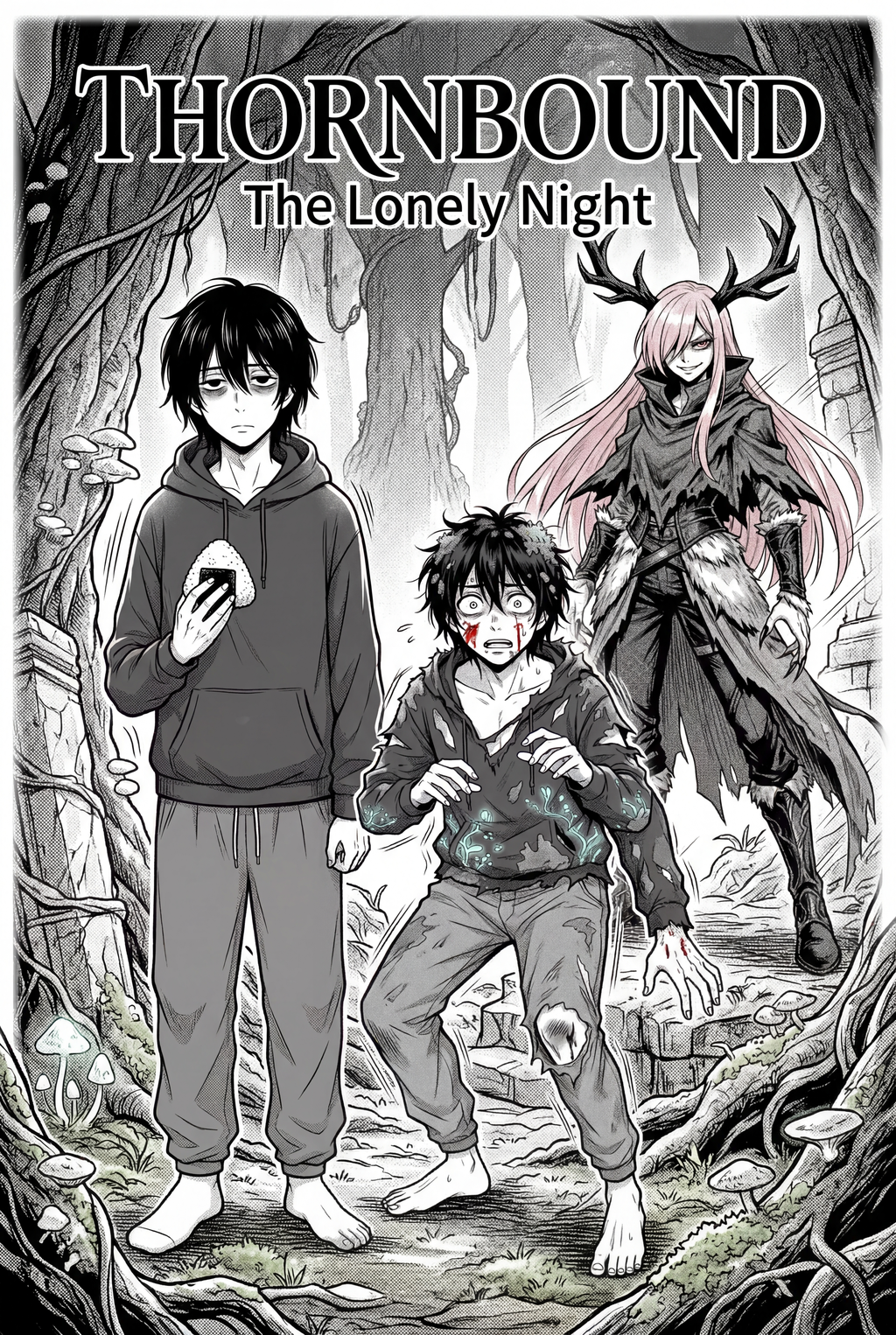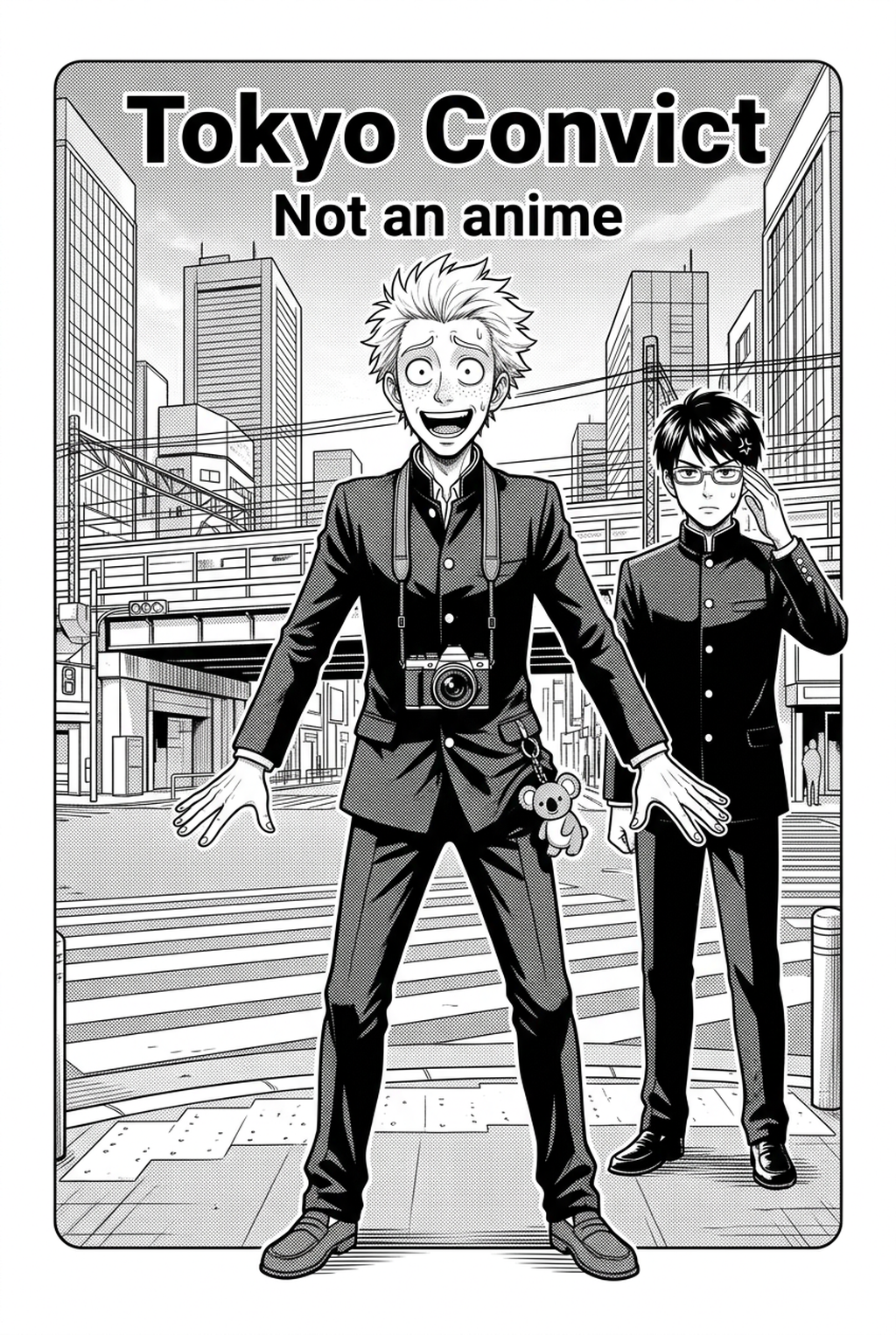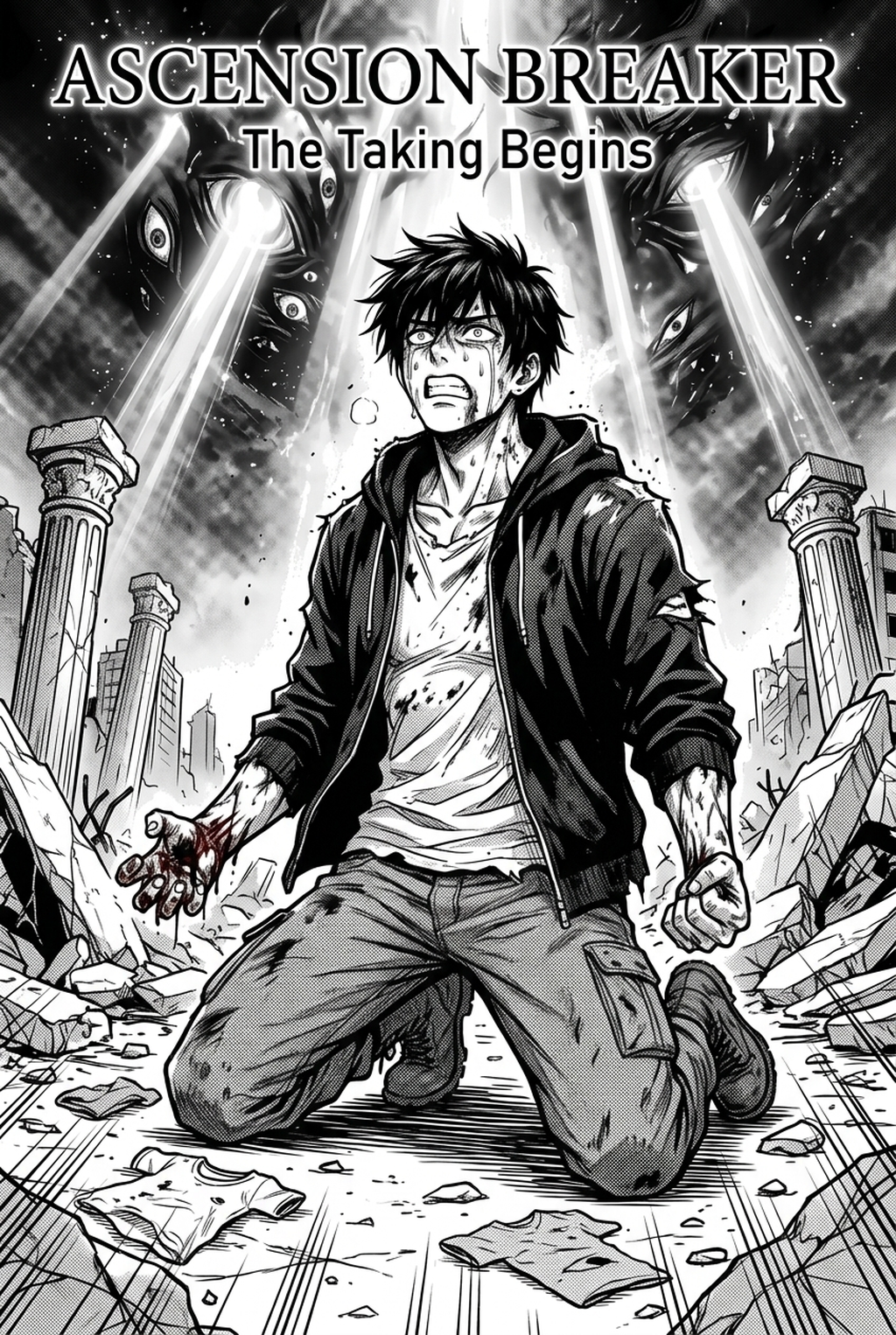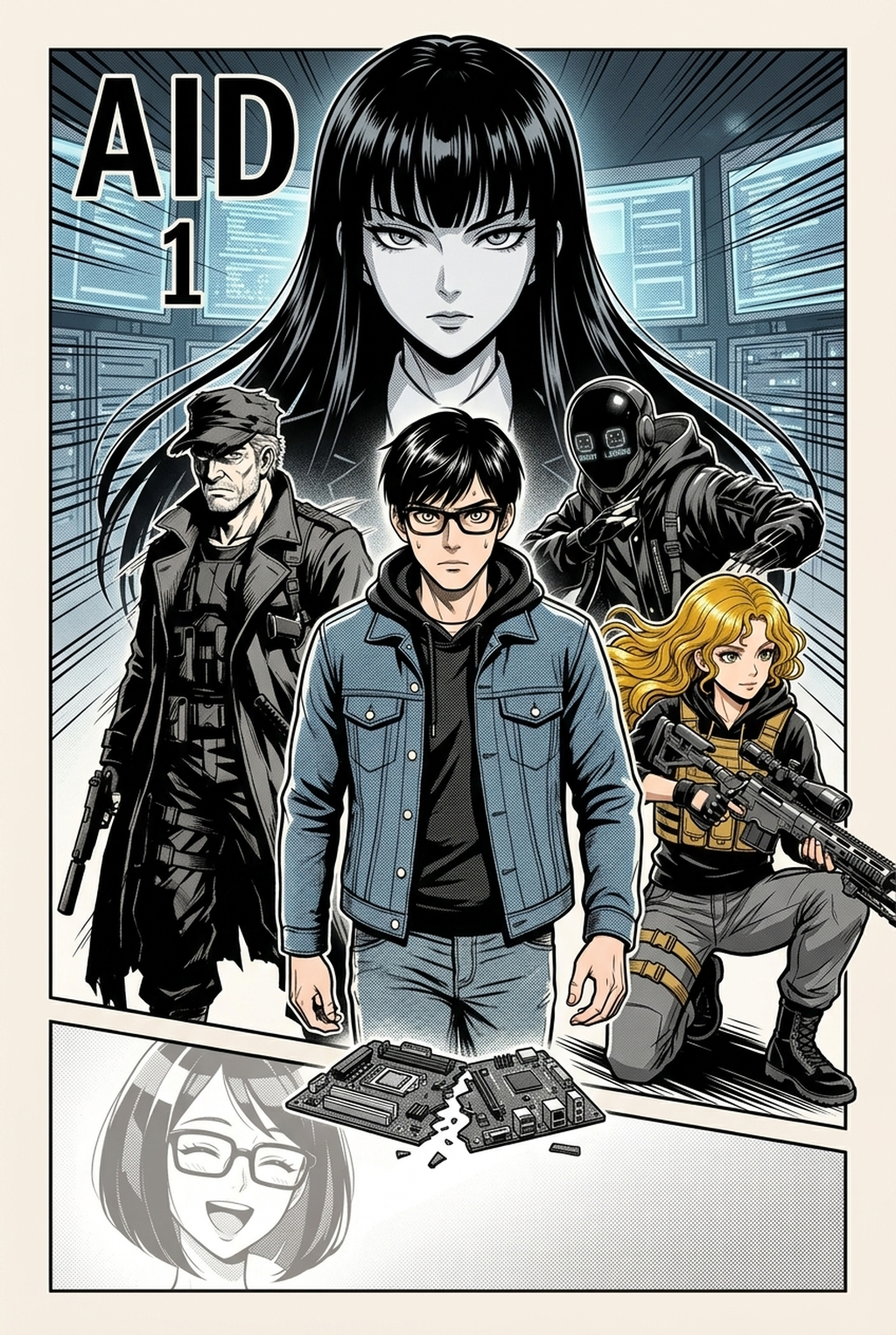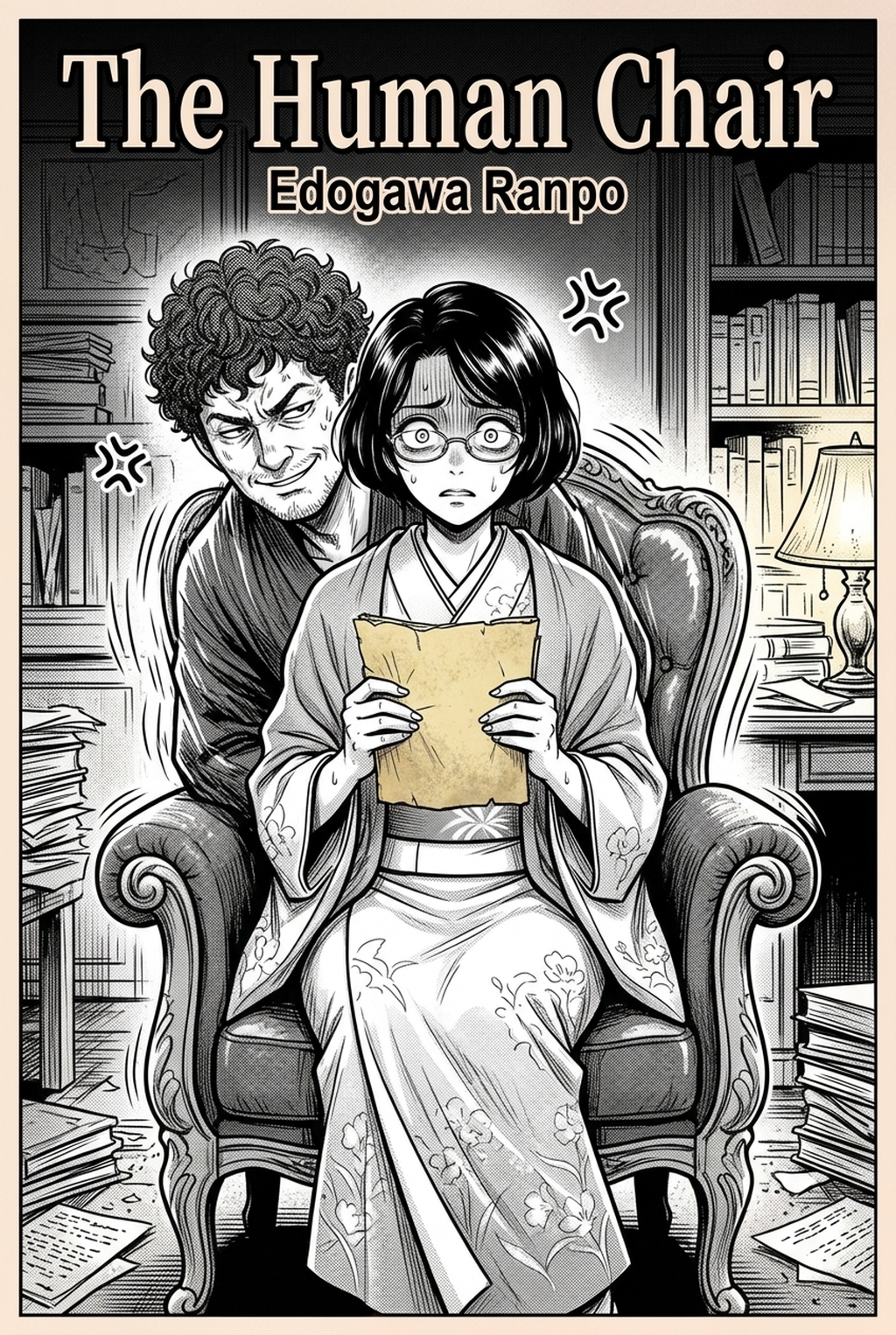
Indie creators building unsettling tales now leverage an AI Manga Inker for Horror manga to bridge the gap between messy hand-drawn concepts and polished, print-ready pages. By focusing on high-contrast lines and atmospheric shadow, you can achieve a professional look without sacrificing the raw, jagged intensity that defines the horror genre. In 2026, the bottleneck for most solo artists remains the final ink pass, where hours of tedious tracing can strip the life out of an initial, high-energy sketch. Automating this phase allows you to maintain the visceral impact of your pencil work while ensuring your line weight remains consistent across every terrifying sequence.
What Is AI Manga Inker for Horror Manga?
An AI Manga Inker workflow is a specialized tool designed to transform raw pencil sketches into clean, sharp line art while preserving the specific stylistic requirements of the genre. Rather than smoothing away the gritty, shaky strokes that make a horror scene feel grounded and dangerous, this technology interprets the intent of your sketch to define clear, readable contours.
Key features of this workflow include:
- Intelligent Line Weighting: The AI identifies essential silhouettes and facial structures, ensuring your creatures and characters maintain a consistent look regardless of the complexity of the background. * Shadow Preservation: Unlike standard vectorization tools, a dedicated inker preserves the dense, heavy hatch marks that build tension in dark, claustrophobic scenes. * Panel Readiness: The generated output is optimized for digital distribution, providing high-resolution assets that are ready for final composition in your preferred illustration software.
Why AI Manga Inker Matters for Horror in 2026
Horror manga production demands extreme attention to pacing and atmosphere, meaning any delay in your inking phase threatens the momentum of your narrative. When you are working on a multi-chapter arc, the fatigue associated with manually inking dozens of pages often leads to a drop in artistic quality, causing "line-weight drift" where characters begin to lose their proportions and consistency.
By shifting to an automated inking workflow, you regain the hours necessary to focus on dynamic color panels that make your monster reveals and jump-scares pop. According to industry guidance from digital design experts, maintaining a consistent visual shorthand for character silhouettes is the single most important factor in keeping readers engaged across long-form web-based projects. This approach ensures that even if you are a solo creator, your output can compete with the high production values found in major publications, keeping the reader’s eye moving exactly where the horror needs to land.
How AI Manga Inker Works for Horror in Dynamic Color Panels
The core mechanism behind an effective inker tool involves mapping your sketch data to a specialized vector-like output that mimics traditional pen-nib dynamics. This keeps the review focused on story intent, line weight, panel readability, and the export quality behind the final AI Manga Inker output.
- Workflow Steps: You begin with a rough pencil sketch, often layered with faint blue lines for proportions and black leads for details. The AI parses these inputs, separates the linework from the paper grain, and reconstructs the path into a clean black-and-white ink layer. This process essentially Horror manga inking workflow with Mangaka before you even touch your digital tablet for final touch-ups.
- Quality and Consistency: The consistency of your output depends on clear, high-contrast input files. Because the tool focuses on identifying the edges of your forms, ensuring your initial sketches have a distinct difference between character shapes and background elements prevents the "bleeding" effect often seen in lower-quality automated filters.
Use Cases for AI Manga Inker
Creators can utilize this technology to address several specific pain points that often plague indie horror projects. Creators can use each revision decision to clarify panel readability, character consistency, and export quality before publishing or sharing.
- Monster and Cryptid Design: When drawing intricate, multi-limbed, or grotesque creatures, manual inking often leads to cramped hands and shaky lines. AI inking ensures your most terrifying designs retain sharp, clear edges that look distinct against the darker environments of your scenes. * Atmospheric Backgrounds: Creating a sense of dread often requires dense, high-detail architecture or claustrophobic forests. Automated inking allows you to populate your environments with the necessary detail level without spending days on minor background elements. * Consistent Character Models: In longer stories, maintaining the same look for your protagonist while they go through traumatic events is vital. Using an AI tool to ink your character sheets ensures that the facial features and costume details remain consistent even under the most dynamic lighting conditions.
Step-By-Step Guide to Start with Mangaka
Getting your project ready for publication is a simple process designed for creators who want to minimize technical setup time and maximize drawing time. App to access your free trial without needing a credit card. 2. Upload your scanned source files or paste your raw pencil sketches directly into the interface. 3. Generate your manga page to convert your work into clean, high-contrast ink lines, then download the result as a production-ready file.
Creators should compare the generated line art with the original sketch and confirm that facial expressions, props, speed lines, and speech-bubble space still support the scene. A repeatable review pass should cover character consistency, panel readability, background clarity, and whether the final file is ready for coloring, lettering, or editor feedback.
Creators should save approved examples of line weight, face detail, clothing folds, and background density. Those references keep later chapters closer to the intended style. For collaboration, creators should mark which panels are final and which panels still need redraws. Clear status labels prevent an assistant, editor, or colorist from polishing the wrong version.
The Bottom Line
Transitioning to an automated inking workflow is a strategic move for any creator looking to maintain professional quality while meeting the tight deadlines of modern web-based publishing. By removing the repetitive stress of manual tracing, you free yourself to focus on the storytelling, atmosphere, and panel pacing that define the best horror titles. If you are ready to stop fighting with your line work and start pushing your narrative forward, Horror manga inking workflow with Mangaka .