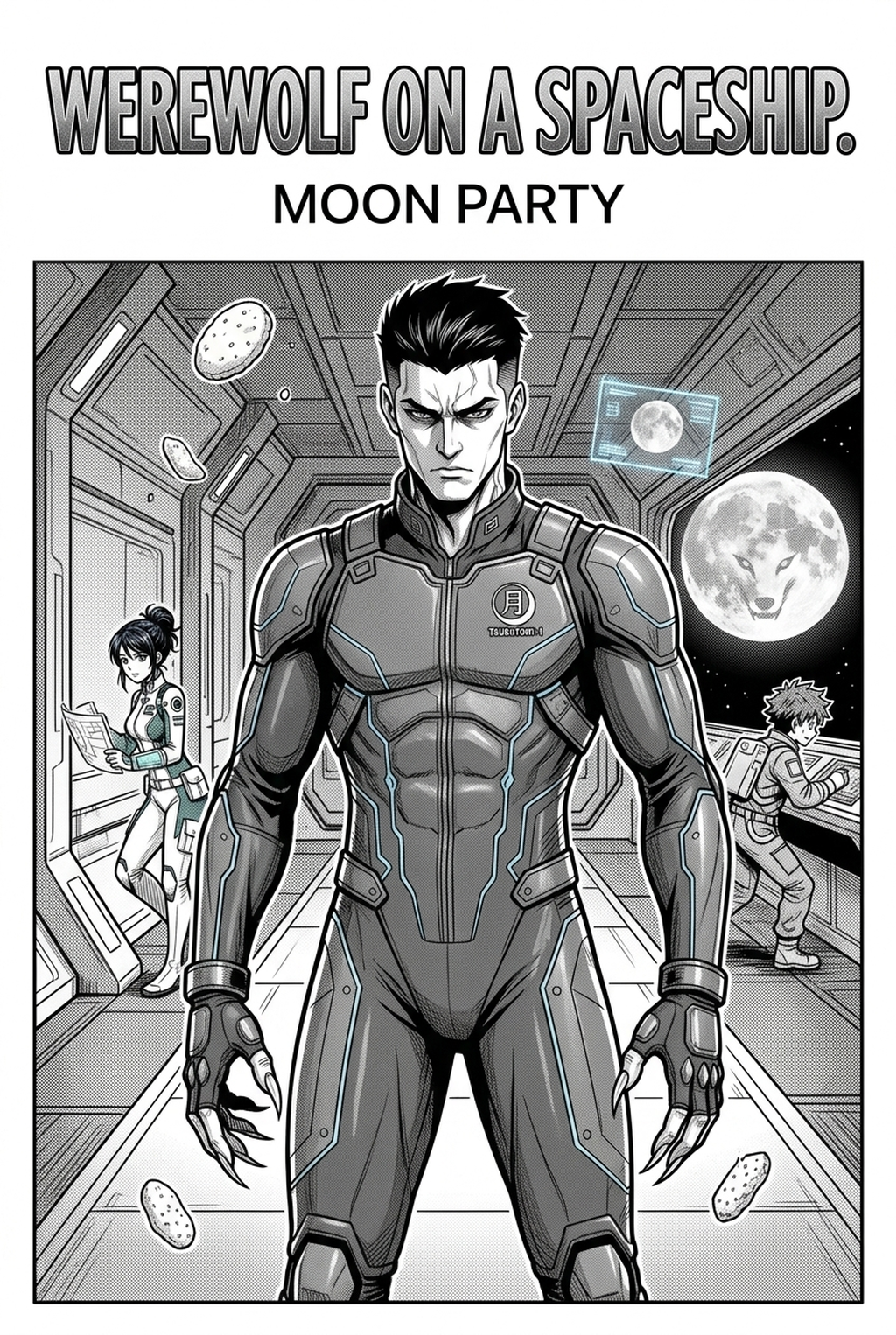
Defining the Visual Blueprint
A manga storyboard serves as the low-fidelity visual map that dictates the pacing and layout of your chapter before you ever touch a digital pen for inking. It operates as the fundamental structural blueprint that forces you to commit to a narrative rhythm, ensuring that dramatic reveals in your Shonen battle sequences or quiet introspective moments in your Seinen chapters occupy the correct amount of visual space.
Without this stage, creators often fall into the trap of "proportion drift," where characters change scale between panels because there was no pre-determined frame boundary to hold them. By mapping out action choreography here, you test whether your high-impact combat scenes maintain logical coherence across page turns. This visual planning phase is where you confirm that the reader’s eye follows the right-to-left flow naturally, preventing the most common error in amateur manga development: confused focus.
Pacing and Structure for Creators
Strategic storyboarding eliminates the "rework risk" that haunts independent creators when they realize a fully detailed panel fails to advance the plot effectively. When you invest hours into complex line art only to discover the perspective obscures the dialogue, you waste your entire production budget for the day. This phase is critical for establishing mood and atmosphere. You use these rough layouts to test the balance between negative space and dense ink, ensuring that tension builds correctly toward a climax.
- Pacing Drag: Failing to allocate enough space for critical emotional beats causes the story to feel rushed and unearned. * Layout Congestion: Overcrowding a single page with too many panels leaves no room for the eye to rest, leading to immediate reader fatigue. * Gutter Disruption: Poorly accounted gutter space creates disjointed storytelling that breaks the reader’s immersion during intense sequences.
Workflow Integration with Mangaka
AI-driven builders automate the physical arrangement of your page, translating your narrative script into professional-grade layouts instantly. Instead of spending hours calculating the dimensions of a perfect 3-panel split or a cinematic splash page, you focus on the emotional arc of your characters.
This technology allows you to iterate on the rhythm of your chapter without manually sketching every variation of a panel configuration. When a specific sequence feels sluggish, you can swap the layout structure in seconds to experiment with a more dynamic, cinematic flow. By using manga storyboard with Mangaka during the layout phase, you ensure that every panel serves a purpose, effectively cutting the time required to move from an initial draft to a finalized page export.
- Chapter cadence. Use the AI pass for pages where speed matters most, such as repeated action poses, transformation beats, or dense speed-line panels. Keep manual cleanup for hero panels where the line style defines the emotional peak.
- Character continuity. Compare the generated lines against the same model sheet, costume notes, and facial-expression range used during sketching. This prevents a fast inking pass from drifting away from the character identity readers recognize.
- Export readiness. Check whether the final manga output can move into lettering, coloring, or final layout without rebuilding panel borders or speech-bubble space. A good manga workflow should save time while keeping the next production step predictable.
Technical Application of Narrative Flow
Amateur pages often suffer because the artist treats each panel as an isolated box rather than part of a synchronized, unfolding rhythm. Maintaining a strict, consistent layout structure is the only way to ensure that your final exported files—whether you output in PNG or high-resolution PDF—feel like a professional product.
One common, falsifiable failure in manga production is the belief that complex page layouts always improve narrative impact. In reality, a "cinematic" spread often fails if it forces the reader to break their natural right-to-left scan line by placing text in an illogical location. You must ensure that the "gutter space"—the area between your panels—maintains a consistent weight across the entire chapter. This prevents the "disjointed" effect where panels seem to float independently rather than forming a cohesive, directed sequence of events.
If you attempt to design a complex, non-traditional page layout without first confirming the reading path, you are likely to confuse your audience. Professional creators use specific templates to ensure that the "gutter gap" remains uniform, typically between 5mm and 8mm, to anchor the reader's focus.
Initializing Your Project Build
Starting with a dedicated builder allows you to focus on the emotional core of your script rather than the mechanical drudgery of measuring grid lines. The platform provides a clear, structural scaffold, transforming your raw narrative notes into a visual format that highlights pacing issues immediately.
You can drag, drop, and resize narrative beats to match the tone of your scene. If a scene requires high-intensity action, you can instantly pull up a 6-panel aggressive layout. For a character study, you might shift to a 3-panel horizontal flow. This agility means you spend your energy on character consistency and dialogue placement rather than manual, repetitive adjustments.
Creators should compare the generated line art with the original sketch and confirm that facial expressions, props, speed lines, and speech-bubble space still support the scene. A repeatable review pass should cover character consistency, panel readability, background clarity, and whether the final file is ready for coloring, lettering, or editor feedback.
Creators should save approved examples of line weight, face detail, clothing folds, and background density. Those references keep later chapters closer to the intended style. For collaboration, creators should mark which panels are final and which panels still need redraws. Clear status labels prevent an assistant, editor, or colorist from polishing the wrong version.
The Bottom Line
A solid AI AI Manga Storyboard Builder workflow Builder workflow is the fundamental barrier between a cluttered, confusing comic and a professional-grade narrative experience that grips the reader. By integrating automated layout tools into your planning phase, you reduce production bottlenecks and regain valuable time to refine your storytelling impact. If you want to streamline your workflow and ensure your narrative flow is perfect before you start your final artwork, manga storyboard .
Related articles
Creating Dynamic Manga Action Scene Backgrounds in 2026
Manga Storyboard Guide: Plan Your Narrative Flow (2026)
Mastering Manga Background Composition in 2026




