Defining the Professional Standard
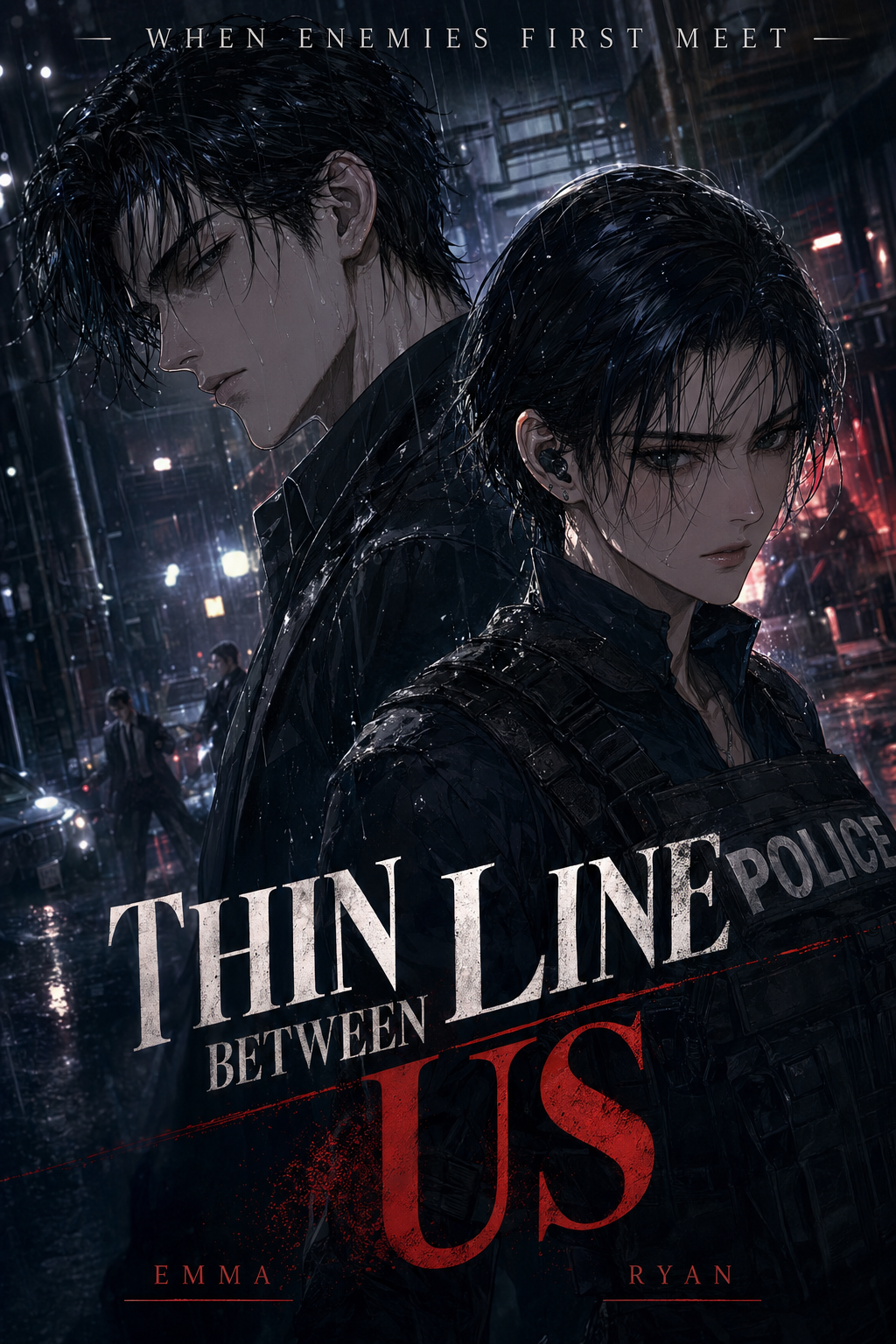
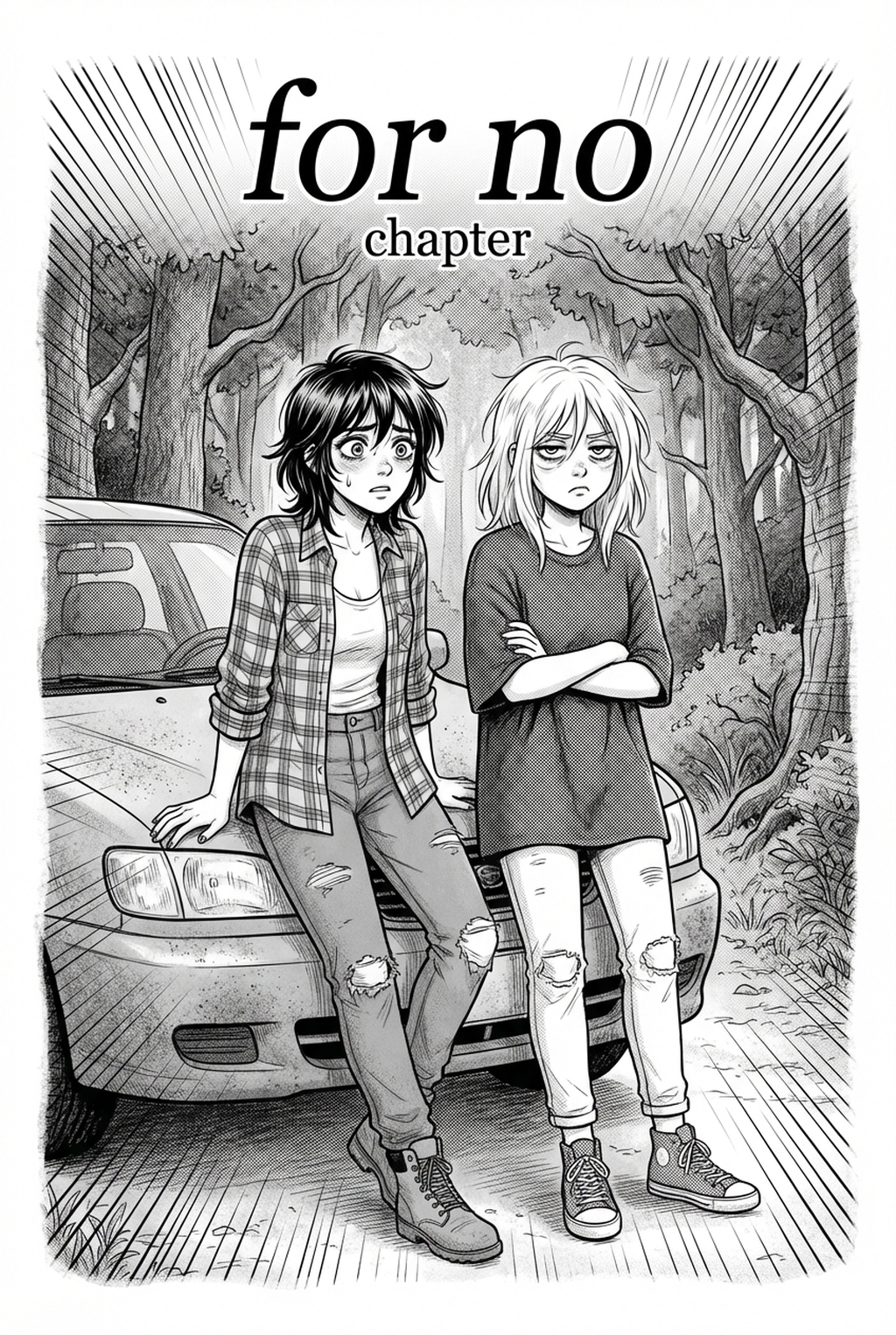
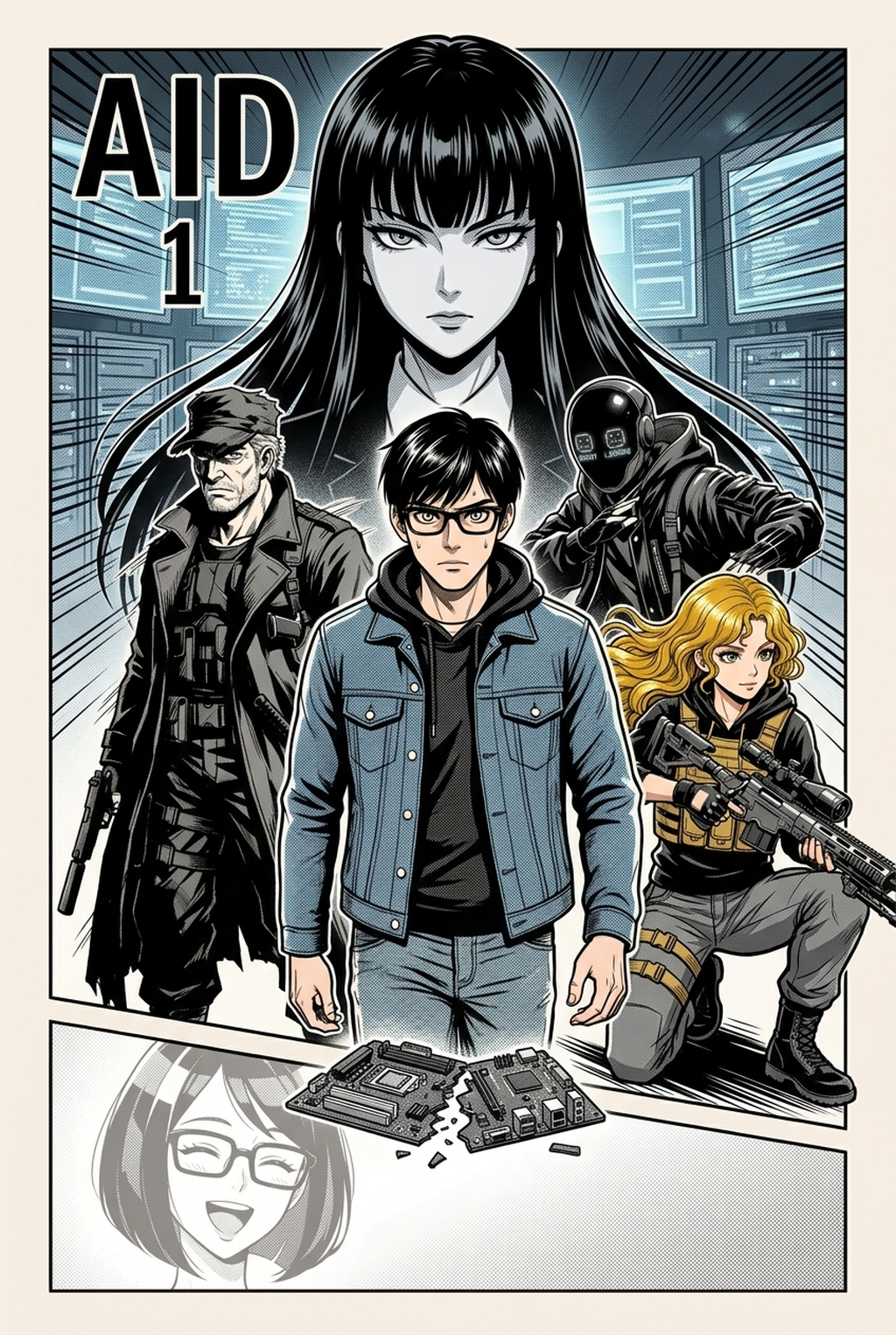
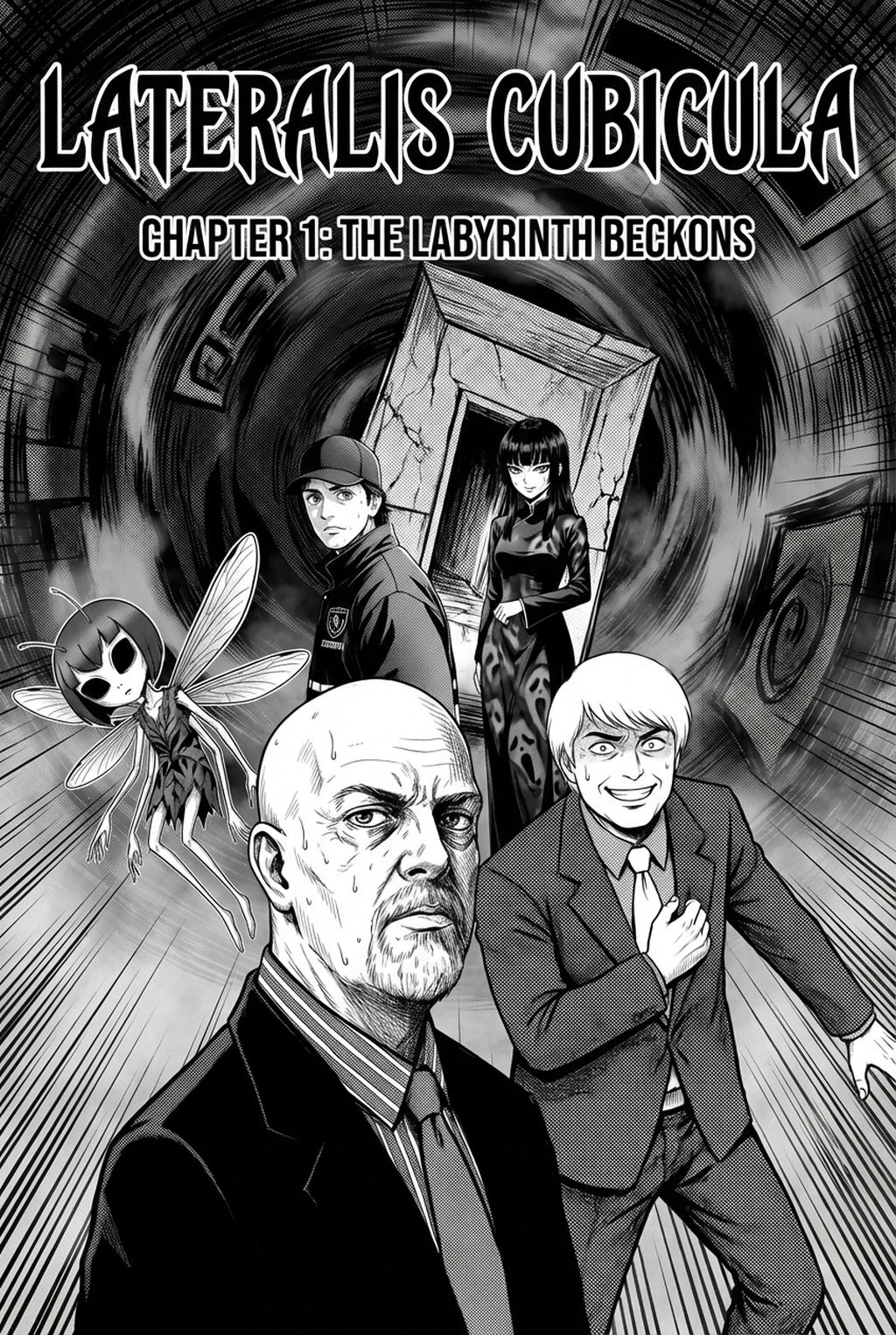
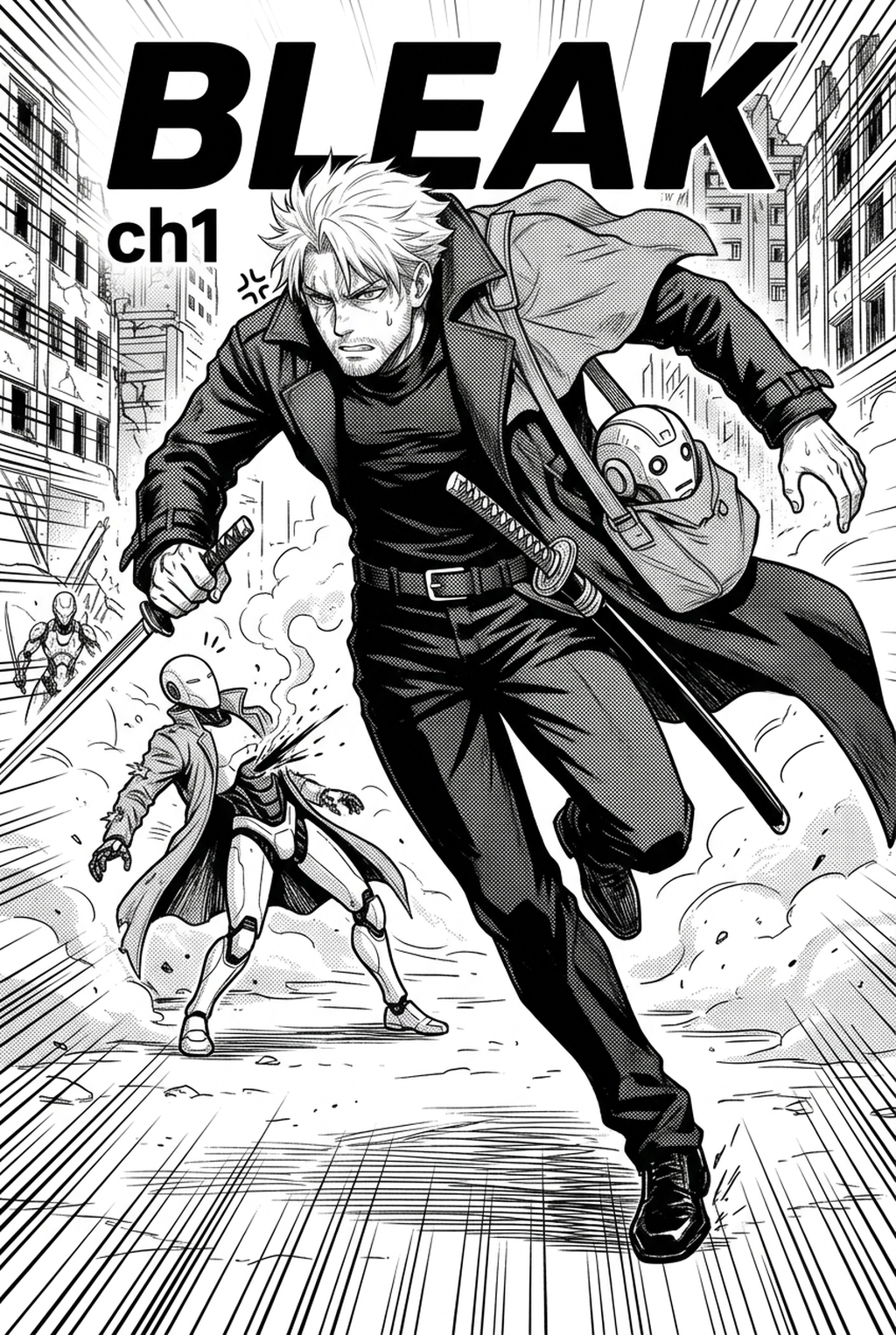
Professional manga inking style is defined by variable line weights, 'tapered' end strokes, and the strategic use of solid blacks to define form and light. It serves to transition pencil layouts into high-contrast images that maintain clarity when printed at standard tankobon sizes. Indie creators often struggle with 'line jitter' or inconsistent weight; professional styles prioritize clean, rhythmic stroke continuity across every panel gutter.
Dynamic line weights differentiate the foreground from the background, creating a sense of depth that keeps characters distinct. By using a heavier stroke on the exterior of a silhouette and a finer line for internal facial features or clothing folds, you prevent character proportions from drifting during complex action scenes. This discipline ensures that your art remains professional even when the reader quickly flips through a dense 20-page chapter.
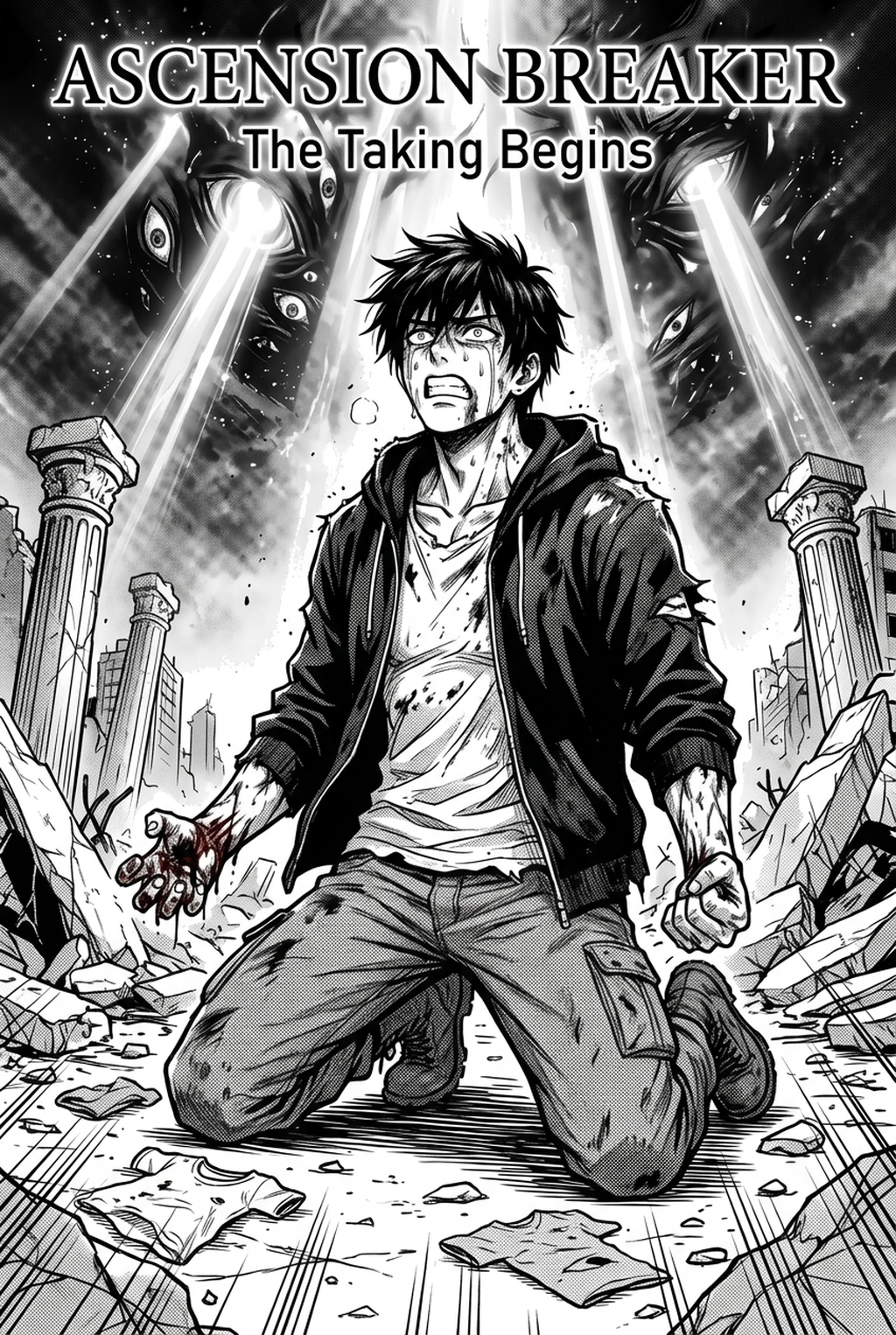
Solid black fills define the light source and ground the character within the scene. Over-reliance on hatching can create visual noise, which often obscures critical story details; instead, master the placement of high-contrast silhouettes. A single, well-placed black mass can provide more narrative weight than twenty minutes of tedious cross-hatching, keeping your reader focused on the emotional intensity of the scene.
Why Inking Consistency Matters
Consistency in line weight ensures that characters remain visually distinct from complex backgrounds across different panels. Uniform inking establishes a cohesive tone for your story, preventing a disconnect between emotional sequences and action-heavy layouts. For serialized creators, maintaining a singular style is essential for the review owner at a publishing house to approve the look of the character sheets during the production process.
When your line quality fluctuates, the audience may feel a subconscious disconnect with the characters, leading to a loss of immersion. Whether you are drafting a 30-page weekly installment or a 200-page volume, the ability to replicate your signature aesthetic is the hallmark of a professional. If a character’s jawline or eyes appear thicker in chapter two than in chapter one, you risk a breach of the unspoken visual contract with your readers.
Publishing houses often reject submissions if the character sheets exhibit inconsistent line density. By standardizing your ink settings early in the process, you shorten the feedback cycle. When your line art is clean and uniform, you spend less time explaining away "mistakes" to an editor and more time perfecting the panel composition and dialogue layout that drive your story forward.
Automating the Cleanup Workflow
AI Manga Inker automates the time-consuming process of vectorizing or cleaning up pixelated pencil sketches into crisp, high-resolution line art. It maintains the creator's original hand-drawn source context, ensuring that the final output respects the artistic intent of the initial sketch while polishing the line quality to a publication-ready standard. This creates a repeatable delivery format that allows creators to focus on composition and pacing rather than hours of mechanical line refinement.
Preserving Artistic Intent. Digital automation does not replace your hand; it refines your initial energy. By using manga inking style with Mangaka to interpret the variable pressure of your pencil work, the engine translates those subtle wobbles into professional-grade digital strokes. You are left with a clean PNG or PSD file that retains the exact character proportions you drafted in your storyboard, eliminating the frustration of traditional cleanup.
Manually inking 100+ individual panels often results in line-weight drift, where the pen starts strong and ends shaky due to hand fatigue. Automating the vectorization phase allows you to bypass this physical bottleneck, keeping your output quality as sharp on the final page as it was on the first.
Adapting Style to Genre Requirements
Shonen manga typically utilizes bold, thick outlines and high-energy hatching to emphasize motion and impact. Seinen or Shojo manga often leans toward finer, more delicate line work and cross-hatching to accentuate mood, detail, and character subtlety. Creators should adapt their ink settings to match the emotional intensity of the scene, utilizing technology to quickly iterate on different line weights.
In high-energy scenes, focus on 'chi' flow by using thick, bold outer lines that accentuate movement and speed. The inking must support the pacing of the panel; when a protagonist lands a power-up, the line weight should expand to reflect that kinetic impact. Using an automated tool allows you to scale these weights across the entire spread without losing character consistency.
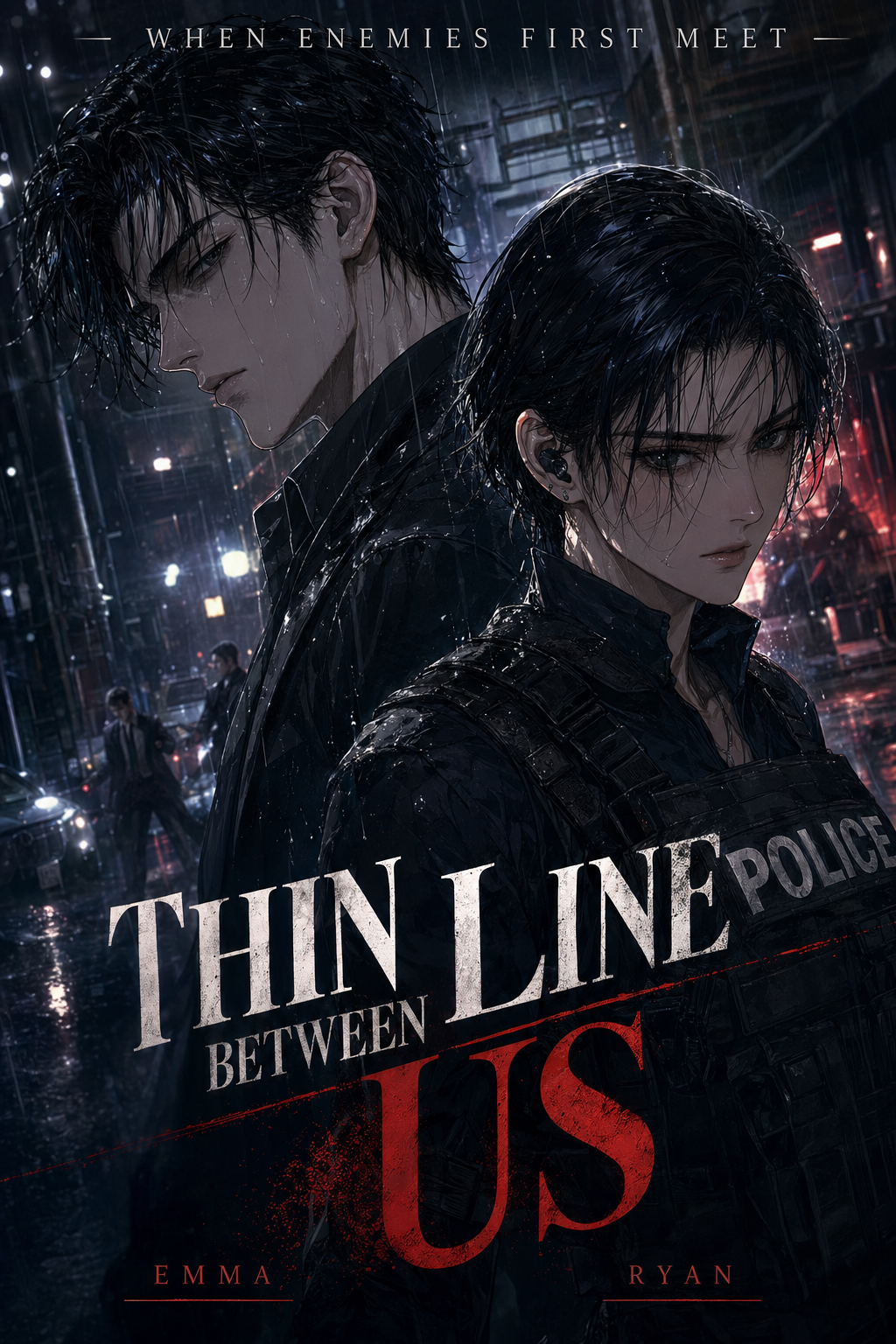
Seinen genres rely on mood-heavy inking that emphasizes subtle textures, from urban grime to detailed facial expressions. This requires a finer pen-nib simulation to capture the nuance of every shadow. If you rely solely on broad, heavy lines, you lose the grit that defines these grounded, adult-oriented stories. Always prioritize the character's emotional state when determining which areas require thinner, more intimate strokes.
Getting Started with Modern Tools
Can AI capture the nuance of a traditional G-pen? Modern AI models replicate variable pressure signatures effectively, though final manual touches are always an option. Digital inking is not 'cheating' in the industry; most professional studios now utilize digital tools for efficiency, provided the final aesthetic meets industry standards. AI acts as a tool for precision, but the underlying sketch structure and composition remain the creator's creative domain.
Start by generating your layout and rough sketches as you normally would. Once your composition is solid, input your file into the system to handle the heavy lifting of the ink pass. This hybrid approach ensures you maintain full artistic control over the storytelling while outsourcing the repetitive, mechanical cleanup that frequently causes burnout.
Your unique "hand" is defined by your choices in composition and character silhouette, not by the physical pain of inking. Automation allows you to sustain a professional output frequency without sacrificing the signature look that defines your brand. As long as your foundational sketches reflect your vision, the digital polish only serves to heighten the clarity of your professional output.
The Bottom Line
Mastering AI Manga Inker workflow is about bridging the gap between rough vision and finished art through disciplined line weight and contrast control. By adopting modern workflows like the manga inking style , you can eliminate the manual strain of cleanup, letting you focus on what matters most: the story and the impact of the panels. By integrating these tools into your daily creation flow, you can sustain a professional output frequency without ever sacrificing the signature look that defines your personal brand.
Related articles
How to Create Pro Manga Background Scenes in 2026
Mastering Your Manga Action Scene Storyboard in 2026
Mastering the 4-Koma Punchline: A Guide for Manga Creators