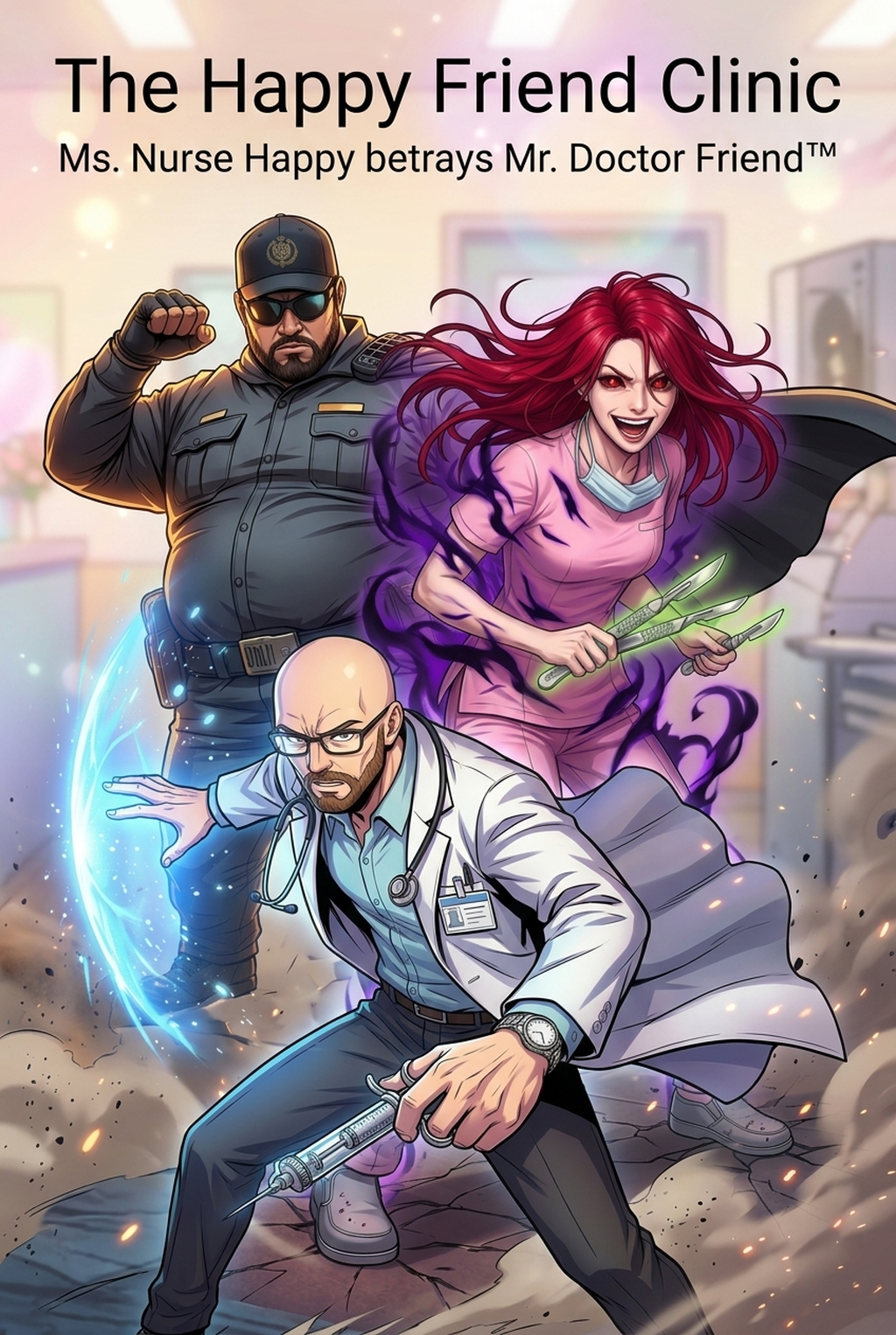
AI Manga Storyboard Builder: The Foundations of Storyboard Design
A storyboard functions as the critical bridge between your raw script and the final ink work, providing a visual rhythm check before you invest hours in line art. Unlike final illustrations, this phase requires only rough compositions, stick figures, and directional arrows to test whether your panel sequence maintains narrative tension.
- Spatial Relationships: Defining the proximity between characters and background elements to establish depth. * Camera Positioning: Selecting wide-angle shots for establishing scenes or tight close-ups for emotional impact. * Rhythm Testing: Evaluating if the sequence of large and small panels creates the intended pacing for your action or dialogue.
Why Narrative Architecture Matters
Effective storyboarding serves as the primary defense against disjointed transitions that can break a reader’s immersion. If your layout hierarchy lacks a clear path, the reader’s eye will wander, causing frustration during high-intensity sequences where clarity is paramount. Your layout must prioritize dynamic vectors that pull the eye across the spread, emphasizing explosive movement. Conversely, Seinen creators often benefit from atmospheric spacing and silent panels that allow for lingering emotional beats. Poorly placed speech bubbles or neglected negative space often results in reader burnout, which typically happens when a spread is too dense or lacks a logical "resting" point for the eye.
Streamlining Layouts with Mangaka
AI-driven storyboard builders utilize geometric algorithms to auto-arrange your panels based on requested narrative intensity and character movement vectors. By automating the grid-alignment process, you can iterate through five or six variations of a single page layout in the time it would normally take to hand-draw one draft, preserving your energy for the inking phase.
| Feature | Manual Sketching | AI-Assisted Layout |
|---|---|---|
| Panel Alignment | Manual ruler work | Auto-grid adjustment |
| Iterative Speed | 30-45 minutes/page | 2-5 minutes/page |
| Flow Correction | Error-prone/Slow | Real-time vector analysis |
This technology solves the common pain point of line-weight drift and inconsistent character proportions by providing a rigid structure that you can build upon. By generating your initial manga storyboard with Mangaka before moving to your primary drawing software, you eliminate the need for extensive redrawing caused by poor initial composition.
Strategic Use Cases for Creators
Utilize the storyboard phase to define your pacing zones, where tight, rapid-fire action panels contrast sharply with larger, wide-angle cinematic spreads. Applying this technique allows you to control the speed of the reader’s experience, holding them in moments of high tension or rushing them through swift transitions.
- Eye-Tracking Cues: Ensure character gazes are consistently directed toward the next speech bubble to prevent unnecessary confusion. * Negative Space Testing: Identify overly dense areas that could cause visual exhaustion before the chapter reaches its climax. * Spread Coordination: Verify that the final panel of a left-hand page flows logically into the reveal of the right-hand page.
Getting Started with Professional Workflow
Many creators ask if they need advanced drafting skills to build a storyboard; the answer is a firm no. Storyboarding is an exercise in composition and readability, not art style, meaning that even basic geometric placeholders are sufficient to communicate the visual instructions for your future inking work.
Creative Brief and Source Input. A script acts as your literary foundation, listing dialogue and scene descriptions, but the storyboard transforms those text instructions into actionable visual directives. Focus your effort on the "readability" of the sequence, verifying that someone unfamiliar with your story can follow the sequence of events without needing to reread panels. If your reader has to stop and guess where the next bubble goes, your layout has failed the primary test of visual communication.
- Before Export. Creators should compare the generated line art with the original sketch and confirm that facial expressions, props, speed lines, and speech-bubble space still support the scene. A repeatable review pass should cover character consistency, panel readability, background clarity, and whether the final file is ready for coloring, lettering, or editor feedback.
- For Longer Projects. Creators should save approved examples of line weight, face detail, clothing folds, and background density. Those references keep later chapters closer to the intended style. For collaboration, creators should mark which panels are final and which panels still need redraws. Clear status labels prevent an assistant, editor, or colorist from polishing the wrong version.
- For Publishing. Creators should review the page at the actual reading size before export. Small screens expose crowded dialogue, weak silhouettes, and line details that looked fine while zoomed in. This keeps the review focused on story intent, line weight, panel readability, and the export quality behind the final AI Manga Storyboard Builder output.
- For Style Control. Creators should keep a short reference board beside the draft and compare hair shapes, eye details, costume folds, and texture choices before approving the final page. For revision planning, creators should separate art fixes from story fixes. Line cleanup, panel order, dialogue clarity, and character acting each need a different review question.
- For Solo Creators. The most useful workflow is one that keeps rough ideas editable until the final pass. That reduces rework when the scene mood changes after the first read-through. For teams, handoff notes should explain why a panel was accepted, not just whether it was accepted. That context helps later coloring, lettering, and export decisions stay consistent.
The Bottom Line
Mastering the AI AI Manga Storyboard Builder workflow Builder workflow is the most effective way to eliminate the drudgery of construction errors that haunt the inking phase. By adopting modern layout tools to handle your grid architecture, you protect your narrative from being compromised by poor composition or confusing flow. manga storyboard to build your next chapter’s layout and secure your pacing before the final art begins.
Related articles
What Is 4-Koma Manga? A Guide to the 4-Panel Format 2026
Mastering Detective Story Manga Layout: A 2026 Guide
Mastering the Manga Storyboard: A Guide to Better Pacing