AI Manga Character Designer: Managing Character Stability with Modern Tools
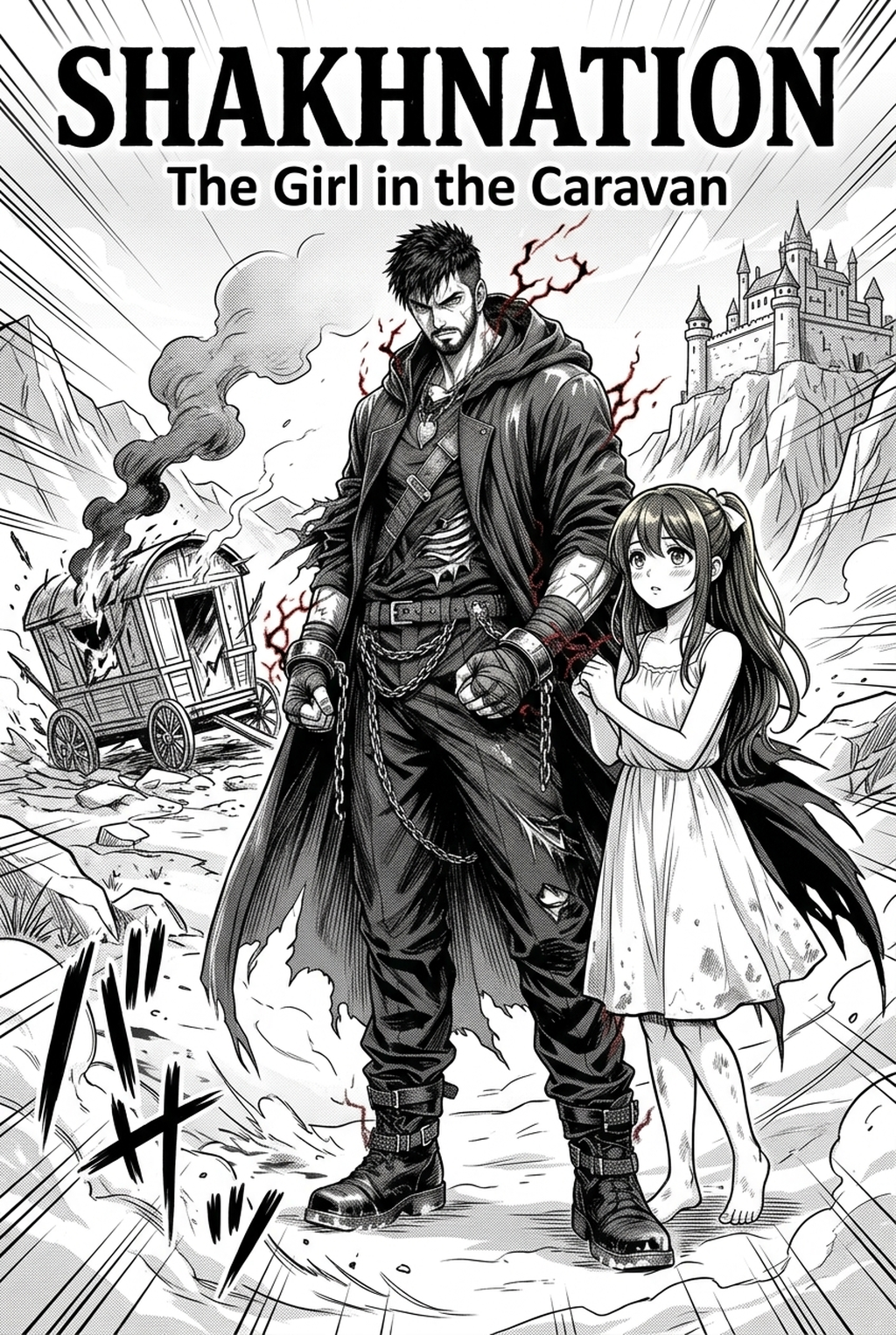
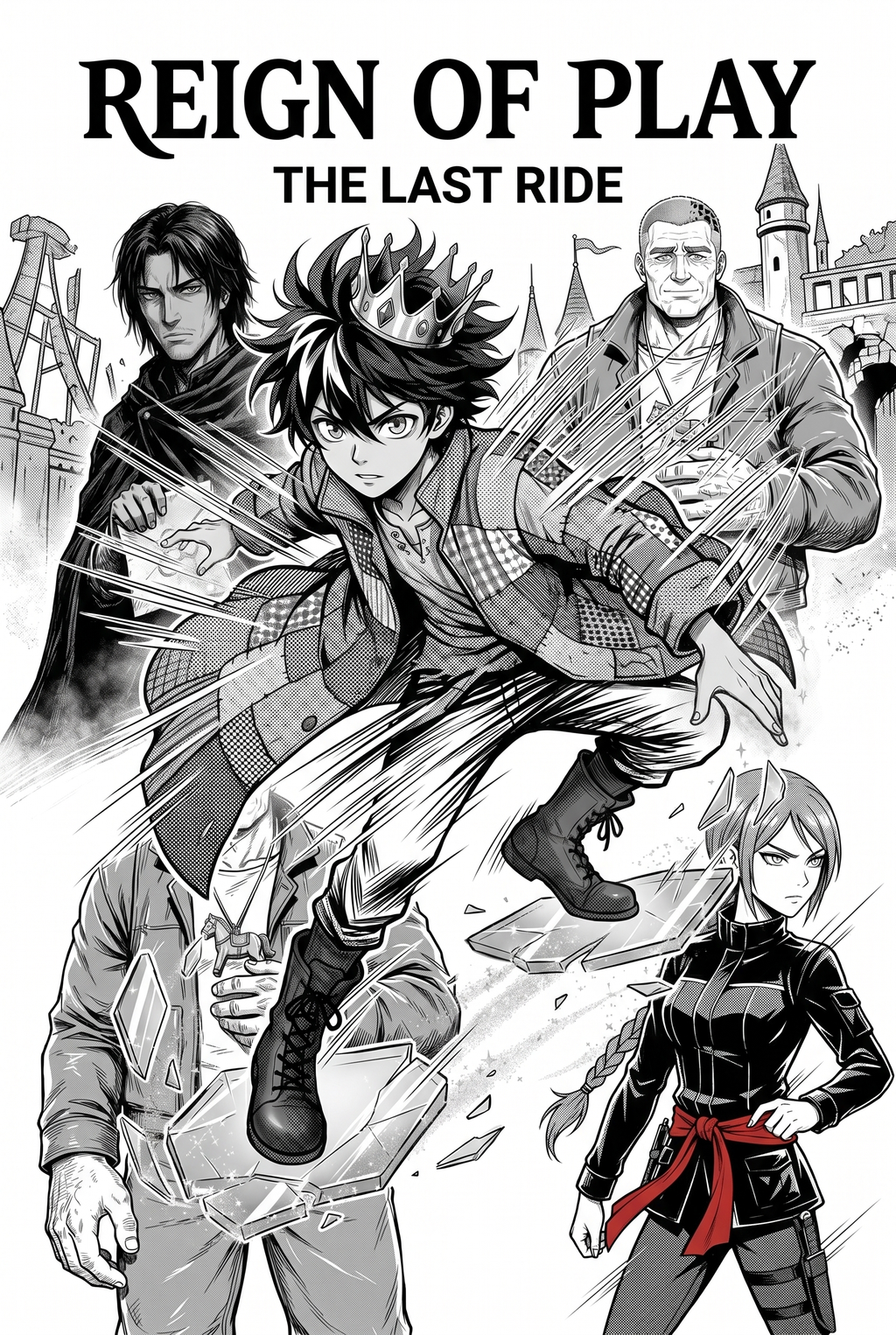
Mangaka automates the complex iteration process required to maintain character consistency across multiple manga panels, effectively eliminating the issue of fluctuating limb counts or changing facial geometry. By using text-based creative briefs for character parameters, creators can keep yokai designs stable regardless of pose or action sequences, ensuring your protagonist remains recognizable even when transformed or battling in high-intensity layouts.
Locking in Non-Human Anatomy. Leverage the yokai character design with Mangaka to lock in complex anatomical features of non-human entities, ensuring that multi-armed or masked characters retain their design integrity across hundreds of pages. Instead of spending hours redrawing a complex mask or overlapping robes, you can generate variations that hold your established aesthetic rules, such as specific limb placement or eye placement, constant. This precision prevents the dreaded "drift," where a character looks significantly different by the end of a volume due to fatigue or manual drafting errors.
Maintain your creative flow by using AI to generate base references for your character’s most difficult angles. By defining your yokai with precise parameters, you can generate consistent, high-fidelity source material that fits your specific, established style. This process allows you to dedicate more of your creative energy toward composition, emotional weight, and panel pacing rather than repetitive re-drawing of consistent design elements.
- Chapter cadence. Use the AI pass for pages where speed matters most, such as repeated action poses, transformation beats, or dense speed-line panels. Keep manual cleanup for hero panels where the line style defines the emotional peak.
- Character continuity. Compare the generated lines against the same model sheet, costume notes, and facial-expression range used during sketching. This prevents a fast inking pass from drifting away from the character identity readers recognize.
- Export readiness. Check whether the final manga output can move into lettering, coloring, or final layout without rebuilding panel borders or speech-bubble space. A good manga workflow should save time while keeping the next production step predictable.
Strategic Applications for Supernatural Entities
Balance the fear factor of the yokai with expressive anatomy to ensure they don't remain static or one-dimensional in long-form narratives. A classic example is a 5-panel transformation sequence where the yokai must shift from a human disguise to its true, monstrous form while keeping the same key design elements, such as a specific scar or horn shape, visible throughout.
Creative Decisions and Export Quality
Creative Decisions and Export Quality. Consider the final display medium, as the visual density required for a printed graphic novel significantly differs from the high-contrast, streamlined needs of a mobile vertical comic platforms. If you are preparing for print, emphasize line-weight variation to provide depth; for mobile, prioritize bold, clear edges that prevent smudging on lower-resolution screens.
How do you balance scary folklore with a protagonist's needs? You can use AI to finalize your hand-drawn yokai sketches by inputting your rough composition, which then standardizes the line art and cleans up messy cross-hatching. Mangaka supports historical Japanese clothing styles, allowing you to iterate on complex patterns or period-accurate fabric draping without needing deep knowledge of textile history.
Creators should compare the generated line art with the original sketch and confirm that facial expressions, props, speed lines, and speech-bubble space still support the scene. A repeatable review pass should cover character consistency, panel readability, background clarity, and whether the final file is ready for coloring, lettering, or editor feedback.
- Before Export. Creators should compare the generated line art with the original sketch and confirm that facial expressions, props, speed lines, and speech-bubble space still support the scene. A repeatable review pass should cover character consistency, panel readability, background clarity, and whether the final file is ready for coloring, lettering, or editor feedback. For longer projects, creators should save approved examples of line weight, face detail, clothing folds, and background density. Those references keep later chapters closer to the intended style. - For Collaboration. Creators should mark which panels are final and which panels still need redraws. Clear status labels prevent an assistant, editor, or colorist from polishing the wrong version. For publishing, creators should review the page at the actual reading size before export. Small screens expose crowded dialogue, weak silhouettes, and line details that looked fine while zoomed in. - For Style Control. Creators should keep a short reference board beside the draft and compare hair shapes, eye details, costume folds, and texture choices before approving the final page. For revision planning, creators should separate art fixes from story fixes. Line cleanup, panel order, dialogue clarity, and character acting each need a different review question. - For Solo Creators. The most useful workflow is one that keeps rough ideas editable until the final pass. That reduces rework when the scene mood changes after the first read-through. This keeps the review focused on story intent, line weight, panel readability, and the export quality behind the final AI Manga Character Designer output.
This keeps the review focused on story intent, line weight, panel readability, and the export quality behind the final AI Manga Character Designer output.
Workflow Fit and Review Needs
Creators should save approved examples of line weight, face detail, clothing folds, and background density. Those references keep later chapters closer to the intended style. Creators should mark which panels are final and which panels still need redraws.
Clear status labels prevent an assistant, editor, or colorist from polishing the wrong version. For publishing, creators should review the page at the actual reading size before export. Small screens expose crowded dialogue, weak silhouettes, and line details that looked fine while zoomed in.
The Bottom Line
Mastering AI Manga Character Designer workflow involves balancing deep historical research with the practical, fast-paced demands of modern manga production. By utilizing the yokai character design to maintain visual consistency, you can focus on the emotional depth and narrative impact of your work without losing your creative soul to tedious, repetitive drafting.
Related articles
Mastering Space Battleship Background Art in Manga in 2026
Defining the Vampire Manga Art Style: A Visual Guide 2026
Vampire Manga Character Design: A Guide for Creators in 2026