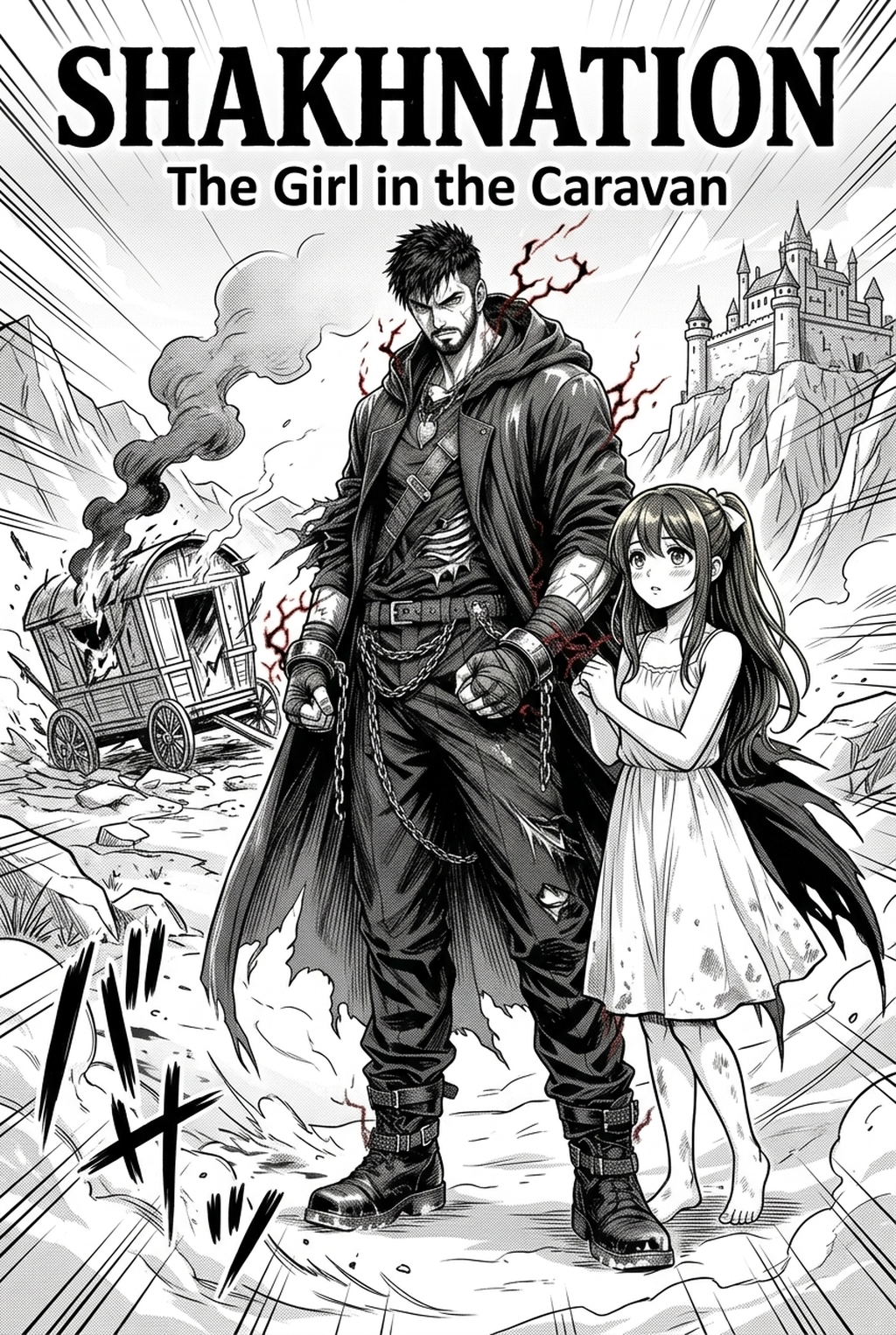
AI Manga Storyboard Builder: Understanding the Blueprint of Your Pages
A storyboard acts as a low-fidelity draft, focusing on 'the shot' rather than the final line art or screen tones. It defines the spatial relationship between characters and the environment across the 2-page spread, acting as the structural spine for your entire chapter.
- Panel Hierarchy: You must establish which frame serves as the "big beat" or hero shot to anchor the reader's attention within the page. * Eye-line Tracking: The sequence of panels should naturally guide the reader’s gaze from top-right to bottom-left, maintaining the traditional Japanese reading flow. * Dialogue Placement: Speech bubbles are not an afterthought; they must be positioned to prevent obscuring critical visual details or character expressions.
Why Narrative Flow Dictates Reader Engagement
Creators must account for page-turn reveals and the 'cliffhanger effect' that keeps readers glued to serial manga. A storyboard that fails to build tension across the gutter of a 2-page spread essentially wastes your most valuable real estate for dramatic impact.
- Pacing Control: Proper layout prevents redundant panels, ensuring every frame moves the plot or character development forward instead of stalling the energy. * Static Layout Risks: If your panels are uniform, the narrative loses its rhythm; you need to vary panel sizes to speed up or slow down the reading experience. * Visual Continuity: A coherent storyboard ensures that your character’s screen direction remains consistent, preventing "the jumper effect" where a character appears to face the wrong way between consecutive panels.
How Mangaka Optimizes Your Layout Process
Mangaka acts as a 'virtual editor,' providing suggestions for composition based on classic manga structural conventions to save you hours of manual measurement. By automating the physical arrangement of panels, the tool allows you to focus on directorial decisions—like camera angles and character framing—rather than the tedious math of grid alignment.
AI-driven builders allow creators to iterate on sequence layouts in minutes, providing an immediate visual proof of the story's beat-sheet. Instead of spending two days sketching and erasing panel borders, you can generate a high-fidelity guide that respects standard gutter ratios of 5mm to 8mm, ensuring your printer-ready PDF export won't suffer from gutter-creep.
The tool manages the complex task of arranging panels to ensure that no two adjacent frames contain conflicting visual data. When you define your narrative beats, the system suggests a layout that forces the reader's eye toward the next critical plot point, preventing the common mistake of placing high-action intensity in the corner where the eye naturally exits the page.
Strategic Use Cases for Your Storyboard
Establishing wide 'establishing shots' provides the necessary context for the reader before diving into the intimacy of character close-ups. This rhythmic oscillation between "the big picture" and "the emotional core" is what separates a professional, immersive reading experience from a disjointed collection of sketches.
- High-Impact Rhythms: Use oversized, full-bleed panels for Shonen-style power reveals, ensuring they are placed on the right-hand page to maximize the impact of the reveal. * Rapid Dialogue Fire: Smaller, dense panel arrays work best for fast-paced banter, creating a sense of urgency that forces the reader to flip the page quicker. * Negative Space Application: Strategic use of white space around action scenes ensures that the focal point—like a fist landing or a character’s shocked expression—is immediately obvious to the reader.
Getting Started with Professional Layout Techniques
You might wonder how long you should spend on your storyboard phase versus final rendering; generally, a 40/60 split is optimal for complex Shonen action sequences. An AI tool can easily handle the technical requirements of these layouts, but you must still manually curate the emotional weight of each frame. To maintain clear reading order, always verify that your speech bubbles follow the right-to-left cascade, even in complex, non-linear multi-panel layouts.
- Layout Validation: Check your page thumbnails at 25% zoom to ensure the visual weight is balanced across the two-page spread.
- Export Verification: Always verify your final manga storyboard with Mangaka (usually 600 DPI for print, 300 DPI for web) during the storyboard phase to prevent resolution loss later.
- Before Export. Creators should compare the generated line art with the original sketch and confirm that facial expressions, props, speed lines, and speech-bubble space still support the scene. A repeatable review pass should cover character consistency, panel readability, background clarity, and whether the final file is ready for coloring, lettering, or editor feedback.
- For Longer Projects. Creators should save approved examples of line weight, face detail, clothing folds, and background density. Those references keep later chapters closer to the intended style. For collaboration, creators should mark which panels are final and which panels still need redraws. Clear status labels prevent an assistant, editor, or colorist from polishing the wrong version.
- For Publishing. Creators should review the page at the actual reading size before export. Small screens expose crowded dialogue, weak silhouettes, and line details that looked fine while zoomed in. This keeps the review focused on story intent, line weight, panel readability, and the export quality behind the final AI Manga Storyboard Builder output.
The Bottom Line
Effective storyboarding serves as the bridge between raw plot and visual execution, grounding your narrative in a professional, reader-friendly format. By automating the technical heavy lifting of panel alignment and spacing, you can redirect your creative energy toward refining your unique artistic voice and character depth. If you are ready to modernize your workflow and ensure your next chapter hits every emotional beat, you can start building your vision with the AI AI AI Manga Storyboard Builder workflow Builder workflow Builder .
Related articles
Manga Storyboard Guide: Planning Narrative Layouts 2026
Manga Storyboard Guide: Master Narrative Pacing & Layout
Understanding 4-Koma Manga: The Essential Guide for 2026