AI Manga Inker: Why Inking Matters for Creator Workflows
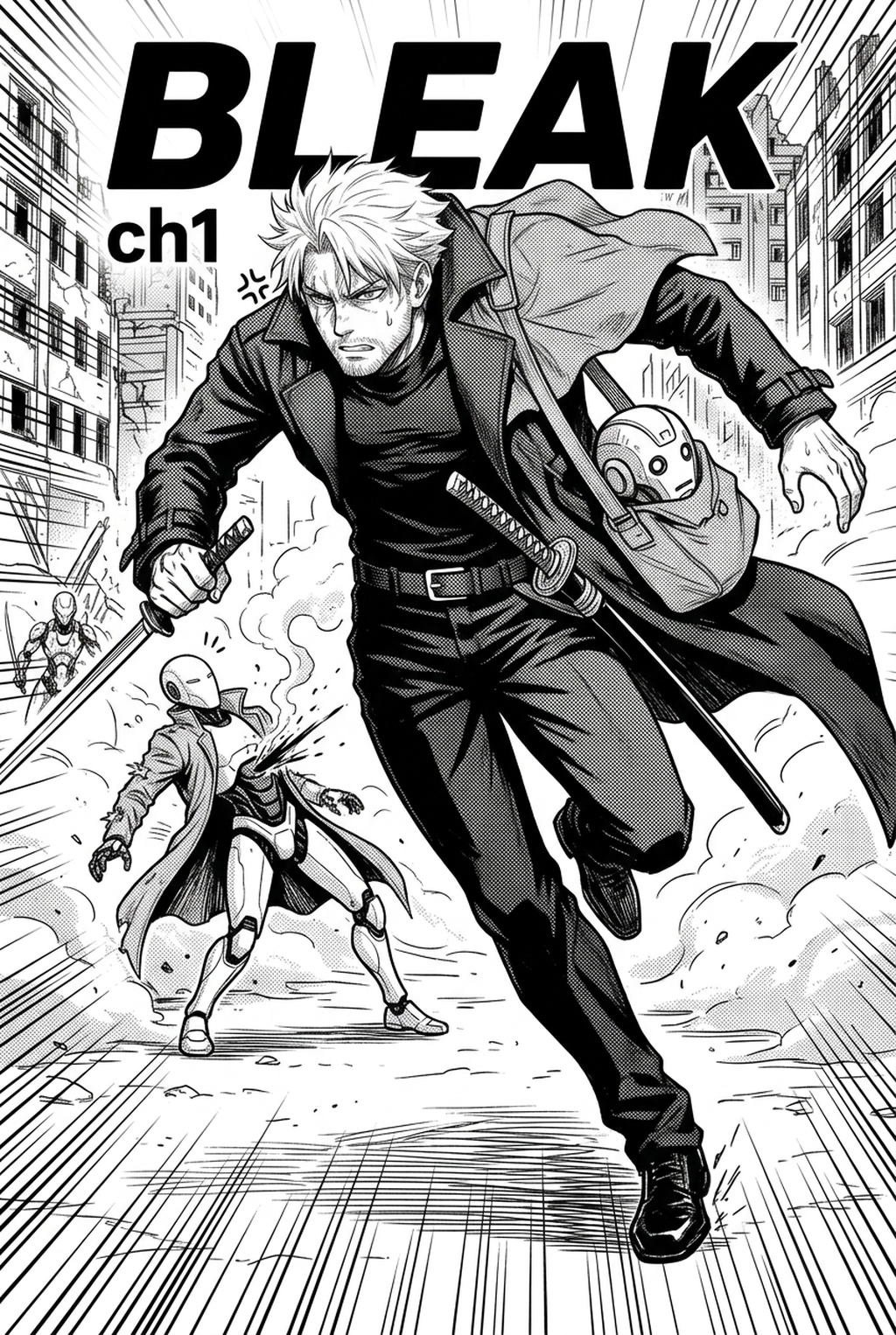
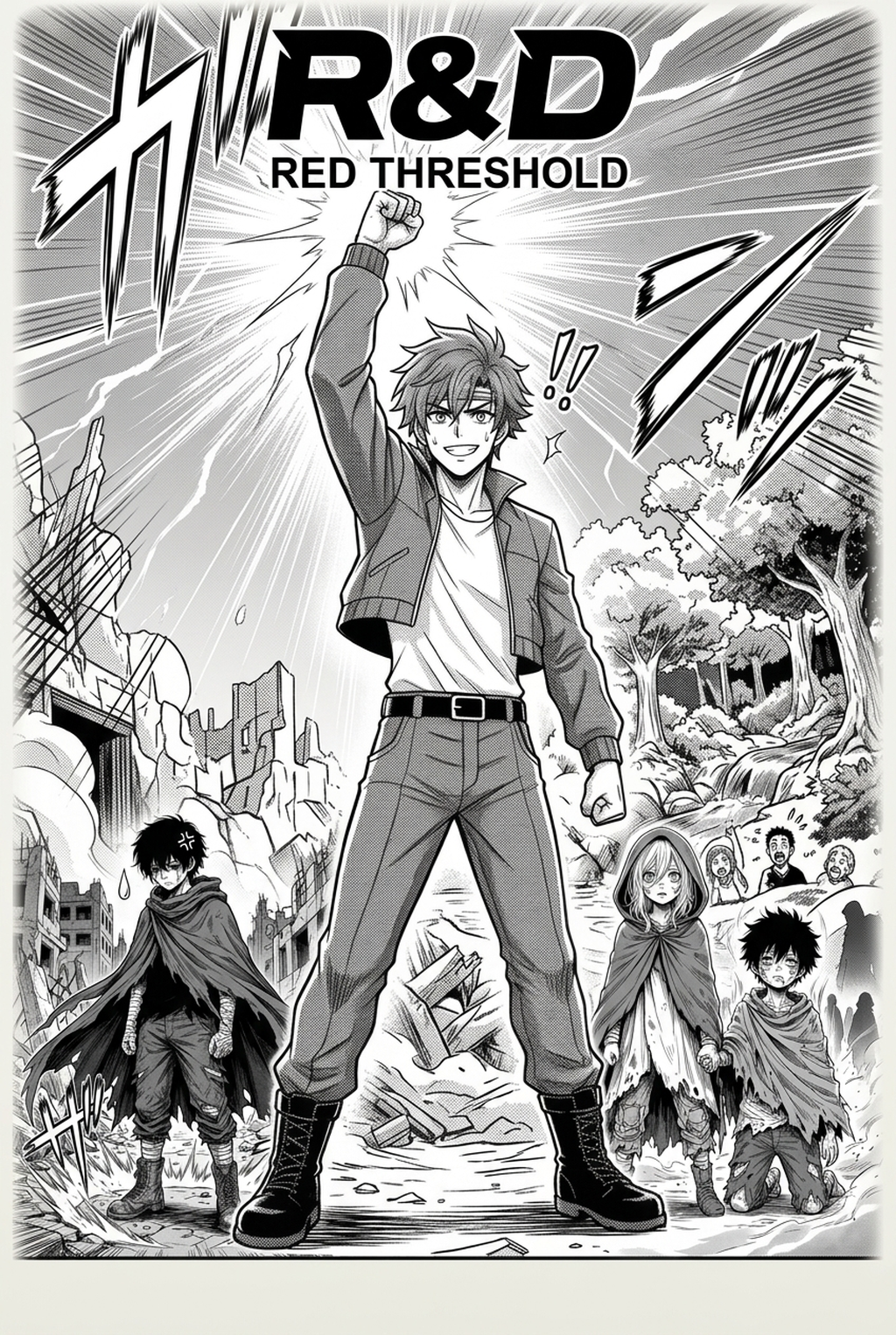
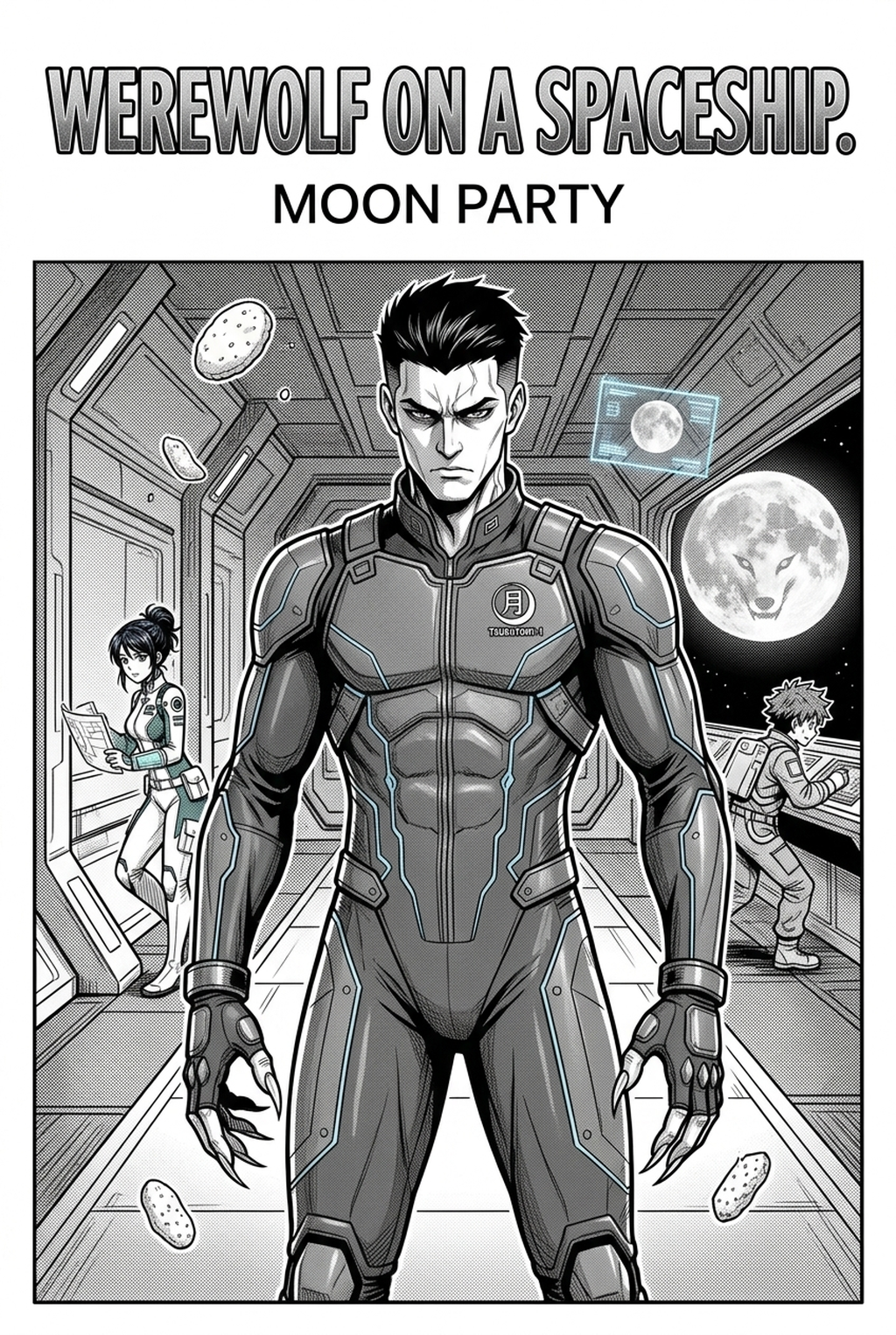
High-output manga production requires consistent line weight to ensure characters remain recognizable across dozens of pages. Inking is the backbone of page readability, separating dense backgrounds from foreground action to maintain the visual hierarchy of your panels.
- Scalable Output: Teams can manage serialization volume using flexible monthly plans or opt for pay-per-panel models for one-shot projects. * Cloud-Native Management: Every subscription includes access to our high-fidelity engine and tools that keep your panel layouts organized. * Independent Artist Support: We provide tiers that favor small studios and solo creators, ensuring the cost stays relative to your output.
Investing in an automated inking workflow prevents the burnout that often accompanies manual tracing. By offloading the mechanical labor of inking, you preserve your creative energy for the more complex aspects of narrative pacing and character expression.
Automated Mechanics and Artistic Control
Unlike generic image filters that blur detail, our technology is specifically trained on professional manga aesthetics to replicate natural pen strokes. We maintain the integrity of your original vision by prioritizing accurate line weight and tapering, which are the primary hallmarks of professional Shonen and Seinen manga styles.
- Standard Pen Emulation: Adjust your output to reflect specific tool dynamics, including G-pen, Maru-pen, and brush-pen characteristics, allowing for a personalized visual style. * Intellectual Property Protection: You maintain full ownership of every sketch and inked file, with all data processed through our secure, encrypted cloud infrastructure. * Significant Efficiency Gains: Artists utilizing this technology report a 70% reduction in post-sketch production time, enabling them to hit strict industry deadlines consistently.
Consider a creator working on a 20-page chapter. This keeps the review focused on story intent, line weight, panel readability, and the export quality behind the final AI Manga Inker output.
Use Cases for Professional Creators
You can apply these tools across any part of your production cycle, from complex, background-heavy spreads to intimate, character-focused close-ups. All outputs are delivered in industry-standard formats, such as PSD files, which are compatible with major software like Clip Studio Paint or Photoshop.
- Layer-by-Layer Editing: The export files include distinct layers for different ink depths, allowing for manual touch-ups post-generation. * Secure Source Handling: All sketches remain private, ensuring your unpublished story concepts never leak to external databases. * Resolution Flexibility: High-DPI output is the default, ensuring your art remains sharp whether published for digital web-reading or high-quality physical tankobon print.
We allow for comprehensive editing after the generation process, which means you remain in total control of the final page design. Whether you need to adjust a line weight in a background alleyway or refine the silhouette of a protagonist during a fight sequence, the final result is always yours to tweak.
How to Get Started with Our Platform
Transitioning to an AI-assisted workflow is a direct method to improve your release consistency and reduce the long-term strain of manual tracing. You can begin by visiting manga inking with Mangaka to generate your first professional-grade page.
Creative Brief and Source Input
Creative Brief and Source Input. The tool provides the necessary polish to compete in a saturated market where visual quality is the standard expectation. You no longer need to spend weeks tracing if you want to meet a deadline; simply let our engine handle the technical heavy lifting while you focus on the story development.
- Before Export. Creators should compare the generated line art with the original sketch and confirm that facial expressions, props, speed lines, and speech-bubble space still support the scene. A repeatable review pass should cover character consistency, panel readability, background clarity, and whether the final file is ready for coloring, lettering, or editor feedback. - For Longer Projects. Creators should save approved examples of line weight, face detail, clothing folds, and background density. Those references keep later chapters closer to the intended style. For collaboration, creators should mark which panels are final and which panels still need redraws. Clear status labels prevent an assistant, editor, or colorist from polishing the wrong version. - For Publishing. Creators should review the page at the actual reading size before export. Small screens expose crowded dialogue, weak silhouettes, and line details that looked fine while zoomed in. Creators can use each revision decision to clarify panel readability, character consistency, and export quality before publishing or sharing. - For Style Control. Creators should keep a short reference board beside the draft and compare hair shapes, eye details, costume folds, and texture choices before approving the final page. For revision planning, creators should separate art fixes from story fixes. Line cleanup, panel order, dialogue clarity, and character acting each need a different review question.
Generation Review and Export
Creators should compare the generated line art with the original sketch and confirm that facial expressions, props, speed lines, and speech-bubble space still support the scene. Creators can use each revision decision to clarify panel readability, character consistency, and export quality before publishing or sharing.
A repeatable review pass should cover character consistency, panel readability, background clarity, and whether the final file is ready for coloring, lettering, or editor feedback. For longer projects, creators should save approved examples of line weight, face detail, clothing folds, and background density. Those references keep later chapters closer to the intended style.
The Bottom Line
Modern manga creators require tools that handle the mechanical intensity of the industry so they can focus on artistic expression and narrative depth. By automating the inking process, you gain the ability to maintain a consistent output schedule without sacrificing the line quality that makes your work unique. Start your journey today at manga inking and experience a faster way to finish your pages.
Related articles
What Is 4-Koma Manga? A Guide to the Iconic Comic Format
What Is 4-Koma Manga? A Guide for 2026 Comic Creators
Streamline Your Manga Colorist Workflow with Mangaka 2026