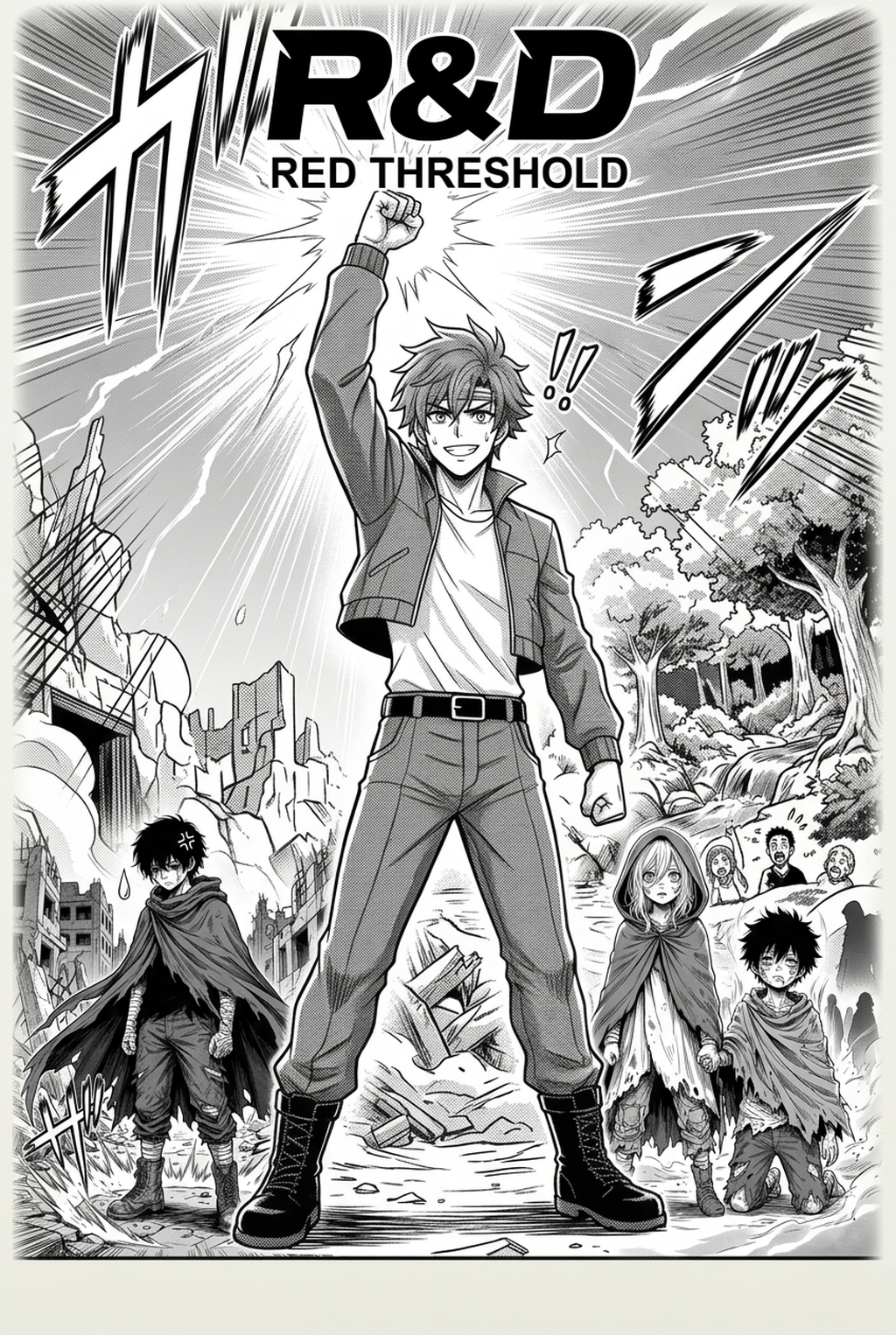
Shonen manga panel inking helps creators compare Mangaka and Clip Studio AI on panel speed, line quality, manual control, and export readiness. Shonen manga inking is a production tradeoff: Mangaka favors faster first-pass pages, while Clip Studio AI keeps the creator closer to brush, layer, and export decisions. For Shonen work, that choice affects shadow density, line-weight consistency, and the time left for final human review.
Compare Core Workflow for Shonen Manga Inking
The Anime News Network feature on how manga is made frames manga as staged production from rough draft to finished page. For this comparison, that means judging where each tool shifts sketch cleanup, inking, and final review work. Reader expectations should shape how creators review pacing, expression, and genre clarity after generation. Keeps that audience context visible, so Shonen pages should be judged by whether readers can follow the action, character role, and visual rhythm. Describes manga production as staged work from rough draft to finished page, which makes workflow placement the key comparison point.
Release cadence belongs in the production context for manga tools. During Shonen work, the useful product question is whether pages stay readable when schedule pressure rises. When you are managing the frantic pacing of a Shonen series, your workflow dictates your survival. You need a system that minimizes the time between your initial story moments and the final inked pages, ensuring that your panels remain readable and visually striking during fast-paced battle scenes.
Mangaka: Generates Manga Pages from a Creator Brief
Mangaka simplifies your production by acting as a direct bridge from your story moments to the final page. By providing a brief, you effectively skip the tedious manual cleaning of messy sketches. The tool understands the visual language of Shonen, interpreting your compositional sketches and automatically refining them into professional-grade line art that maintains the intensity required for epic manga storytelling.
Clip Studio AI: Supports Studio-Based Illustration Work
Clip Studio treats AI as a secondary assistant rather than a primary generator. For your workflow, this means you remain in the driver's seat for every single stroke. You are likely to spend significant time navigating sub-menus and tweaking settings for individual brushes, which is excellent if you are a perfectionist, but it requires a much higher time investment to complete a standard 20-page chapter.
Compare Feature Coverage for Shonen Creators
The Wacom comic and manga creation guide ties tool choice to hands-on drawing practice. That keeps feature evaluation focused on brush control, line cleanup, panel continuity, and export readiness.
Mangaka: Converts Scripts into Panels and Line Art
Mangaka helps at identifying the essential Shonen" elements in your work. It handles the conversion of rough panel layouts into clean, inked frames automatically. By focusing on the structural flow, it allows you to retain the kinetic energy of your initial sketches while ensuring the line work is clean enough for professional webtoon platforms. If you have been struggling with consistent character anatomy or line thickness in your action sequences, You can test the Mangaka's Shonen manga inking tool to see how the AI handles complex, dynamic posing.
Clip Studio AI: Controls Drawing
Clip Studio remains the full studio workspace for granular, manual control. It offers deep integration with your custom brush libraries and 3D poseable models, which is useful when you need to maintain absolute control over a character’s weapon design or intricate costume details. While this gives you granular control, the onus of maintaining technical consistency across hundreds of panels stays entirely on your shoulders.
Page Quality Before Export
A reliable page-quality trial compares the same Shonen reference, generated page, and final export format in both products. Line quality, panel readability, and file handoff matter more than generic AI-art claims.
Compare Panel Quality and Style Control
MyAnimeList manga news keeps reader-facing genre expectations visible. Shonen output should therefore be judged by action clarity, character role, visual rhythm, and whether readers can follow the page without extra explanation.
Mangaka: Preserves Line-Art Consistency Across Pages
Mangaka utilizes specialized training to ensure that your line art style does not drift as you progress through your story. This is particularly useful for color webtoons, where you need the lines to provide a solid, clean foundation for your colorists (or your own coloring process) without requiring manual retouching on every panel.
Clip Studio AI: Enables Manual Control for Detailed Edits
Clip Studio allows you to override any AI suggestion, which is a blessing if you are building an unconventional, high-fidelity art style.
Compare Production Cost and Time Tradeoffs
Budgeting for production is just as critical as the art itself. You need to weigh the monthly cost of subscriptions against the value of the hours you reclaim every week.
Mangaka: Reduces Setup Time for Manga Page Production
Mangaka is designed for the creator who needs to put out content consistently. It is built for a high-output production model where the goal is to hit your deadlines without compromising the aesthetic quality of your Shonen battle sequences.
Clip Studio AI: Supports Full Studio Art Processes
Clip Studio AI pricing should be weighed against the hours an artist spends on brush setup, layered files, manual redraws, and export cleanup. It can justify the subscription when the creator needs a full illustration workspace before page assembly. The cost comparison is subscription fee plus production time, not only the monthly plan.
Which Tool Should You Choose?
Mangaka and Clip Studio AI should be chosen by matching the tool to the page outcome, not by brand preference. Compare first-pass speed, manual control, line quality, export format, and the amount of cleanup still required before a creator can publish or hand the page to another artist.
| Technical Criterion | Mangaka Inker | Clip Studio AI |
|---|---|---|
| AI Image Generation | Generates manga-page output from a creator brief or sketch with line-art consistency as the main target | Supports broader illustration assistance inside a studio drawing workflow |
| File Format and Export | Best for review-ready manga line art, PNG/web exports, and simple page handoff | Stronger for layered CLIP/PSD-style editing, brush work, and manual asset control |
| Script or Sketch Conversion | Converts story input or rough sketches into panel-ready inking direction | Requires more hands-on setup when the creator wants page structure from a brief |
| Manual Drawing Control | Reduces setup and cleanup for creators who want a fast first pass | Gives artists deeper control over brush behavior, layer structure, line weight, and detailed redraws |
| Style Consistency | Helps keep Shonen line weight and panel readability consistent across pages | Depends more on the artist maintaining consistency through manual edits |
| Best-Fit Creator | Shonen creators who prioritize speed and readable line art | Artists who need hands-on control before page assembly |
Creative Decisions and Export Quality
Choose Mangaka when the goal is fast Shonen line art, panel readability, and export-ready manga output from a clear brief. The practical fit is a creator who wants to turn sketches or story input into a usable first pass without spending the whole session on manual tracing. A final human review still matters, but the first draft should already preserve the story moment and core character design.
Workflow Fit and Review Needs
Choose Clip Studio AI when the artist wants deeper brush control, layered editing, and manual refinement before assembling the final page. That makes it a studio-first choice rather than an automated inking shortcut. Compare the same brief in both tools and decide whether the extra manual control improves the page enough to justify the added production time.
- Drawing practice. Wacom's comic and manga creation guide ties tool choice to brush control, cleanup effort, and export readiness. That keeps review grounded in creator workflow.
The Bottom Line
A useful inking pass keeps the story goal, visual style, and review step clear before export. Mangaka gives creators a faster first pass without removing the final human review. Start creating with AI-assisted line-art workflow with Mangaka when you are ready to turn the reviewed idea into finished manga pages. Test it with one real page goal, one reference boundary, and one export requirement so the decision stays tied to production quality.




