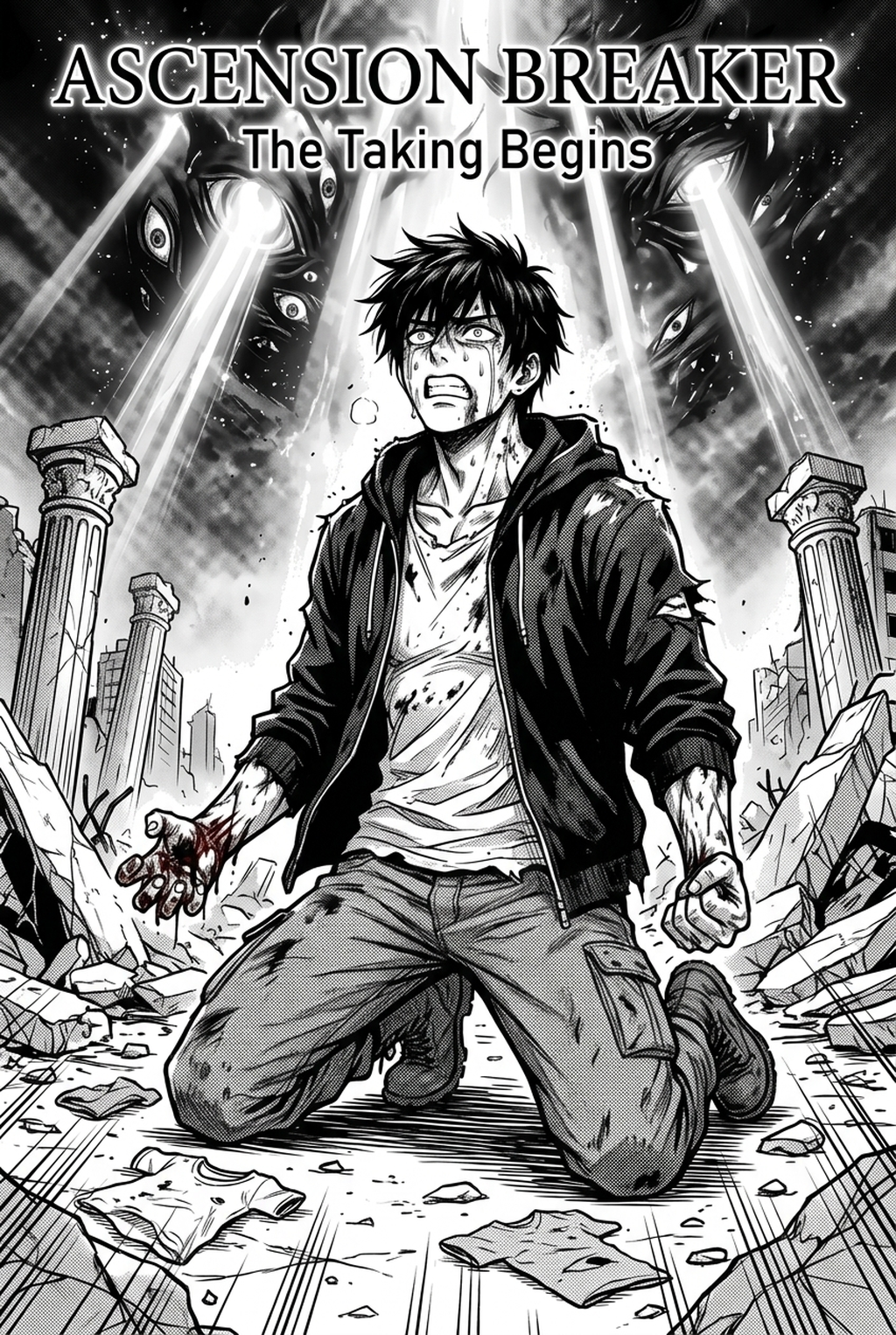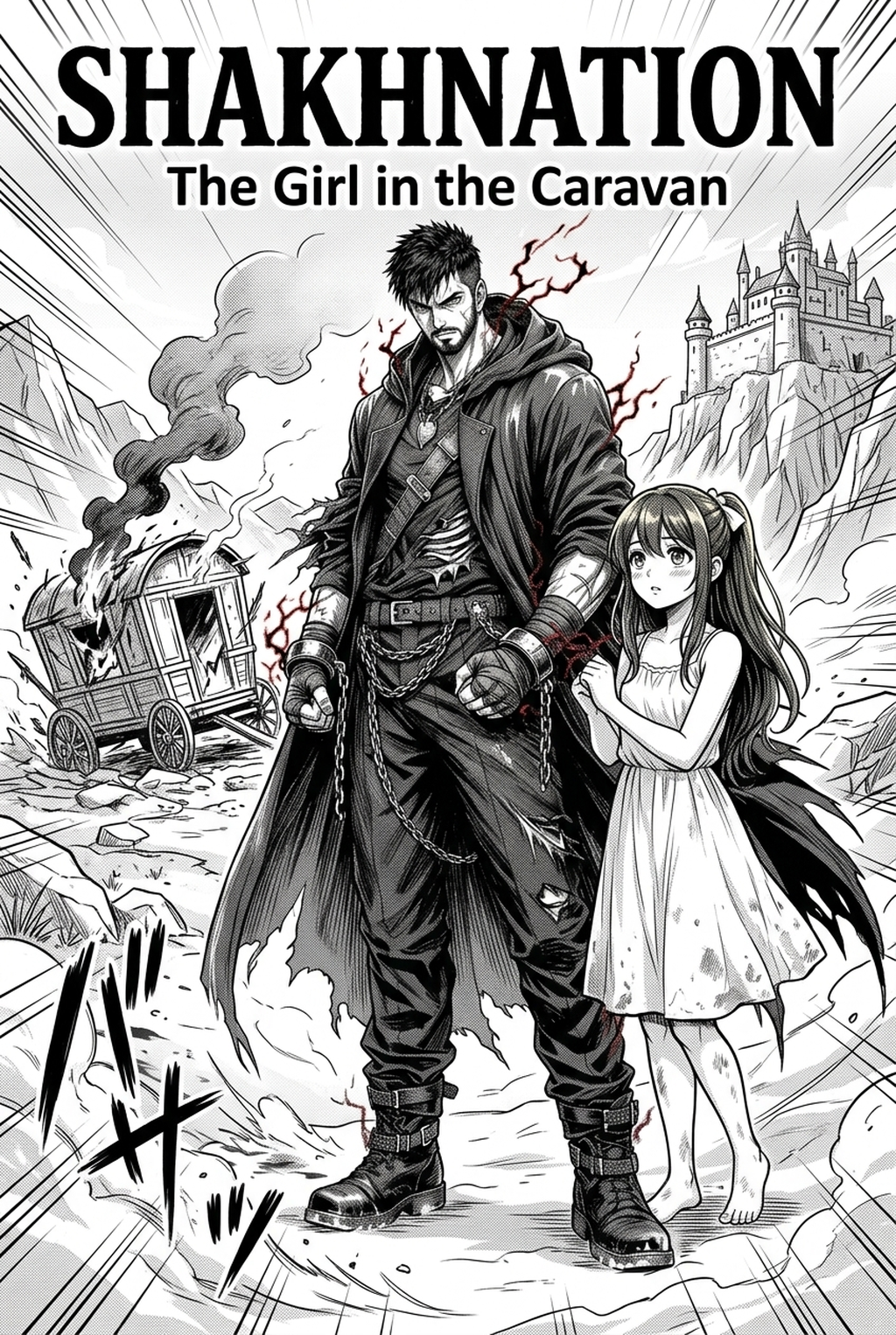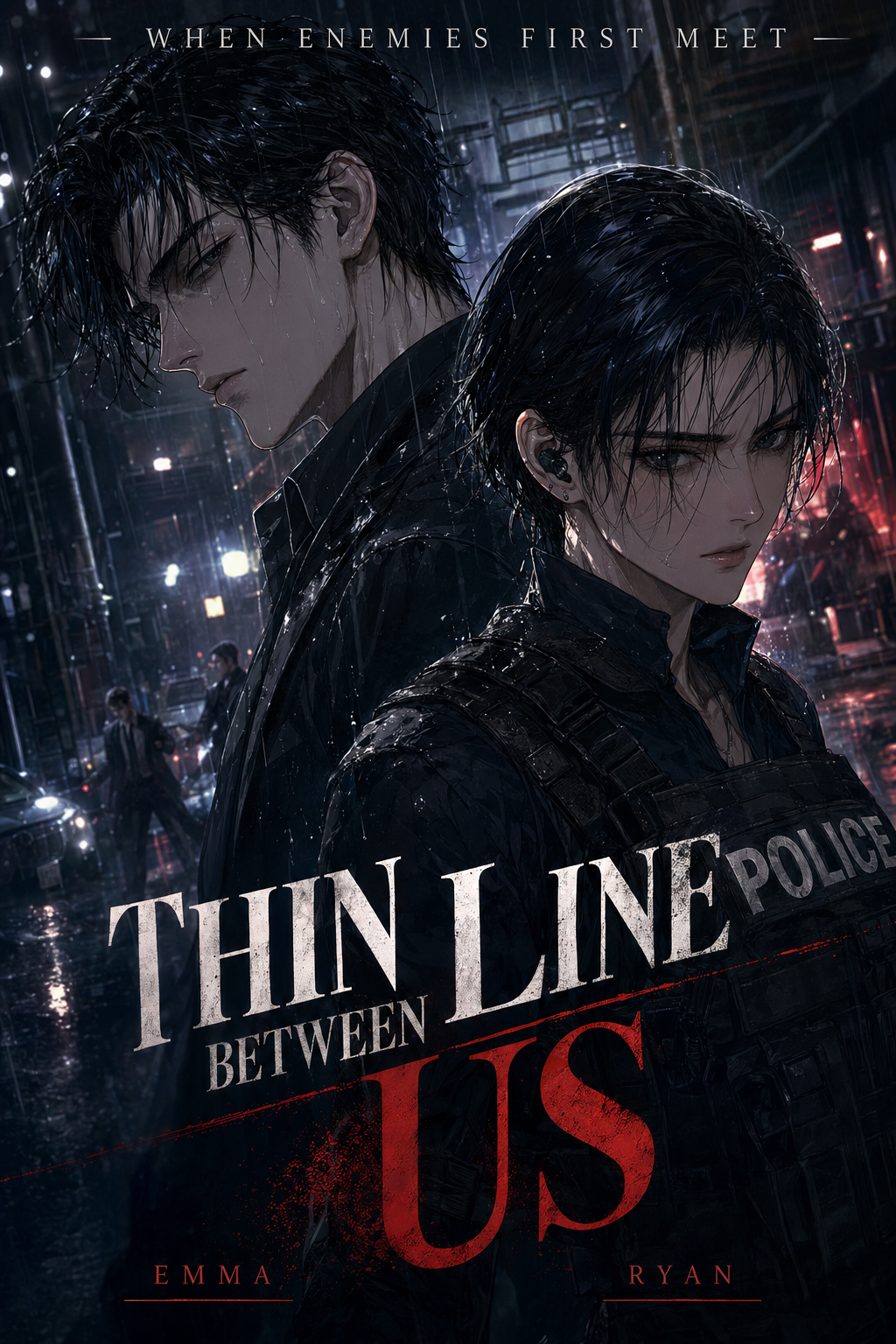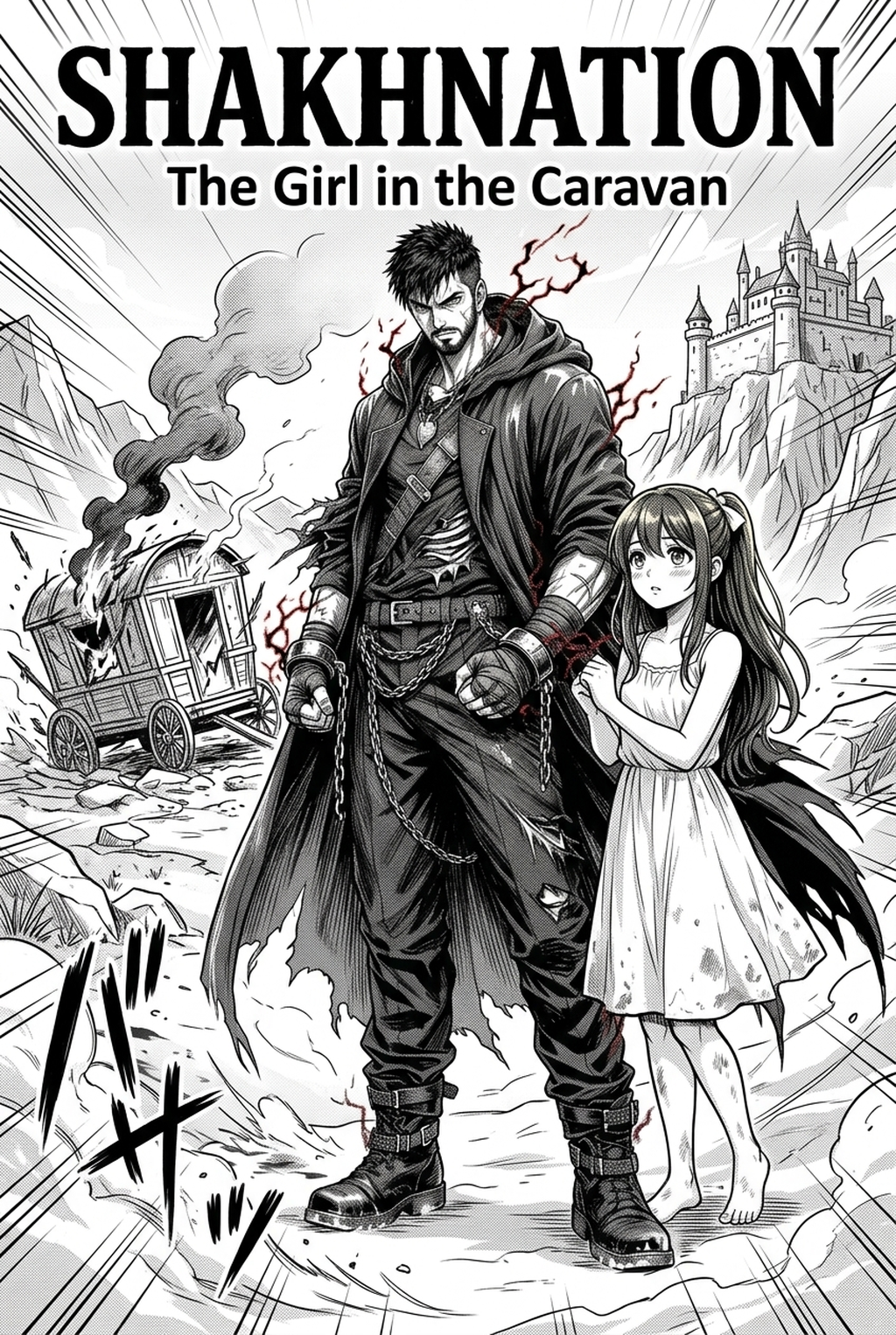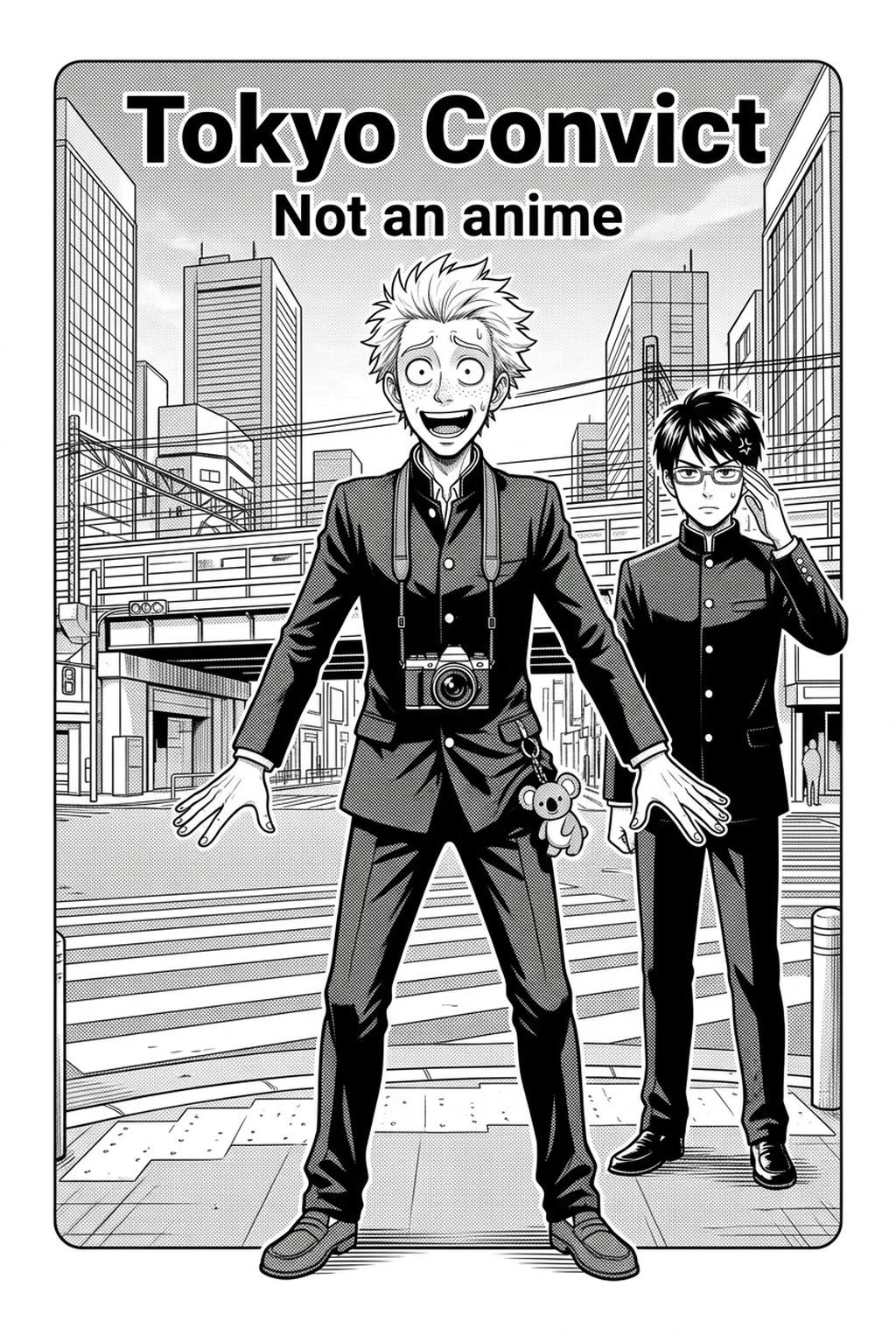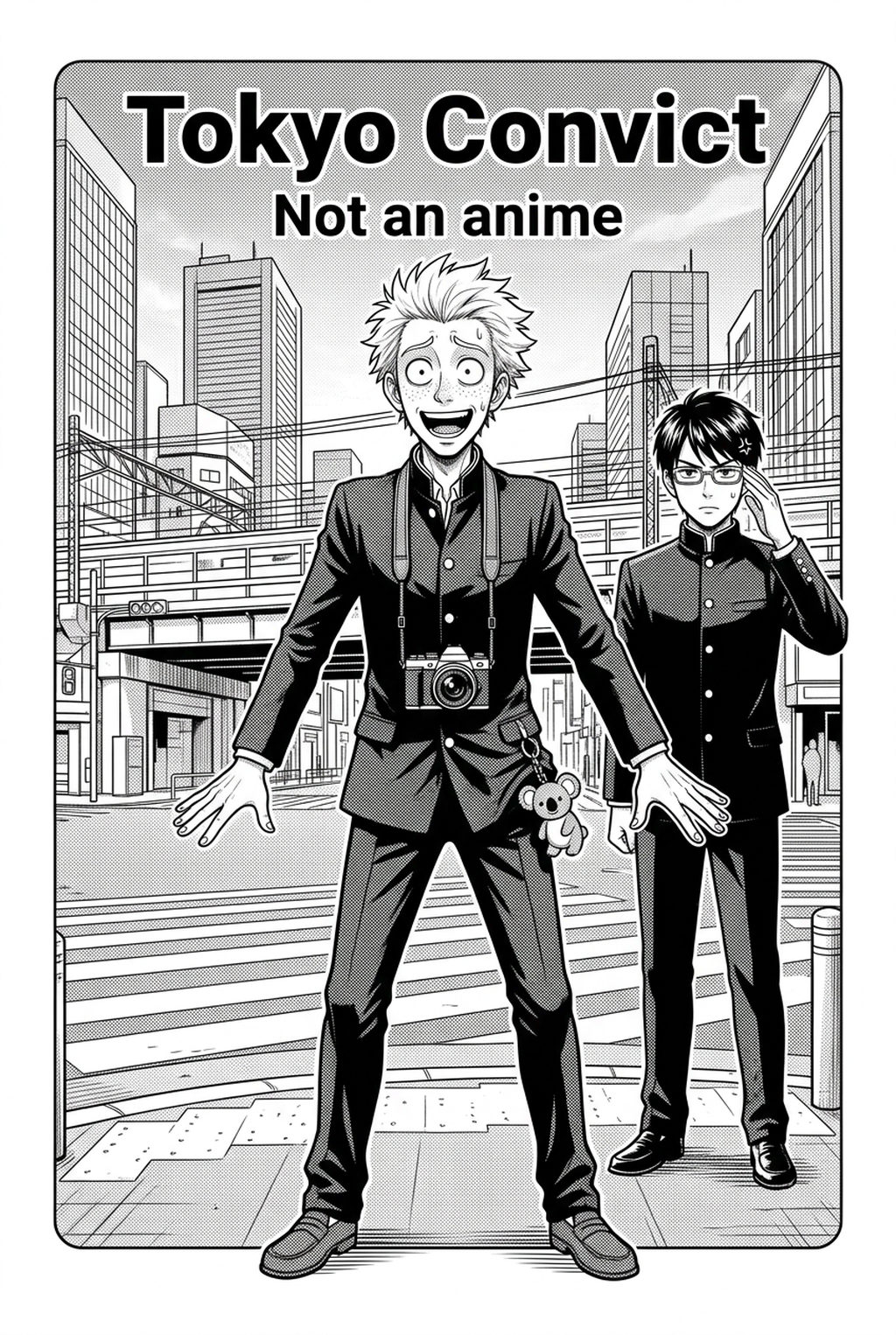
AI Manga Inker for Shonen manga helps creators compare generation speed, manual art control, line quality, and Shonen page-readiness before choosing a production workflow. The main tradeoff is fast first-pass page output versus deeper manual control before export.
AI Manga Inker: Why Hobby Artists Create Shonen Manga in 2026
The Anime News Network feature on how manga is made describes manga as staged work from rough draft to finished page. That production context matters for Shonen creators because AI assistance is useful only when the sketch, inking pass, and final page review stay connected.
You are part of a massive movement of independent creators who are pushing the boundaries of the medium, blending traditional Shonen tropes with fresh, modern color palettes. The expectations for visual quality are higher than ever, and as a hobbyist, you are balancing the desire for professional-grade aesthetics with the reality of a limited time budget.
Reader Expectations and Visual Quality
The Shonen cycle" demands consistent output to keep readers engaged, whether you are serializing on a digital platform or releasing volumes. When you aim for a weekly or bi-weekly page goal, the pressure to "get it done" often results in simplified background art or rushed character designs. Creators are increasingly turning to technology to bridge the gap between their ambitious vision and their actual daily output, ensuring that every page meets the standard of professional publications.
Where Style Consistency Breaks
Maintaining a cohesive look across fifty pages is a challenge for any individual artist. Fatigue often leads to inconsistent line weight—where one panel features thick, confident lines and the next becomes scratchy and thin. When your technique varies due to exhaustion, the reader's immersion shatters.
Hobby Artists Pain Points
When you spend most of your session cleaning up lines, you aren't actually creating manga; you are performing data entry for your own sketches. This physical and mental strain can lead to creative stagnation, as the technical burden of inking prevents you from experimenting with new action poses or complex perspective shots.
Line Art and Panel Readability
In Shonen manga, clear line art is the difference between an epic fight scene and a confusing mess of strokes. If your lines aren't crisp, the action becomes unreadable, especially on small mobile screens. Achieving the perfect balance of "line weight hierarchy"—where characters pop against backgrounds—is a struggle if you are forced to trace every stroke manually while under a time crunch.
Revision Time and Export Risk
Nothing kills a project faster than a late-stage revision request or a realization that a character’s proportions are off. If you have spent ten hours inking a page, you are naturally resistant to changing anything. This creates a "sunk cost" trap where you settle for mediocre art because the thought of re-inking the page is too daunting. Furthermore, exporting files that lack clean, vector-ready line art often leads to pixelated edges or rendering errors when preparing your work for final distribution.
How AI Manga Inker Fits the Hobby Artists Workflow
Integrating automated inking isn't about replacing your hand; it’s about providing a digital assistant that handles the high-volume, low-creativity labor. AI Manga Inker for Shonen manga with Mangaka serves as a bridge, taking your loose sketches and turning them into professional, scalable line art.
Workflow Fit for Creator Output
Your typical workflow starts with rough sketches and layouts. By uploading your sketches directly into a specialized inker, you generate a clean layer that maintains the integrity of your original draft. This allows you to jump straight into flatting, coloring, or adding speed lines, effectively cutting your production time per page by half. It ensures that your unique artistic "hand" remains, but the technical execution is flawless and consistent.
Review Controls Before Export
Automated tools are not magic buttons that operate in a vacuum. You retain complete authority over the final result. Advanced tools allow you to adjust the "strength" of the line generation, meaning you can preserve raw pencil textures in some panels while seeking pin-sharp digital precision in others.
Before you export for your vertical comic platforms layout, you can toggle layers to ensure the lines meet your specific standards for print or digital reading. Authority checks. - Reader expectations. MyAnimeList manga news keeps genre expectations visible for readers who scan action, character acting, and page rhythm quickly. Shonen inking should therefore preserve panel clarity, not just produce cleaner lines.
Real Use Cases for Hobby Artists
Using these tools requires a clear strategy, especially when you are balancing complex character designs against fast-moving action. This keeps the review focused on story intent, line weight, panel readability, and the export quality behind the final AI Manga Inker output.
Scenario Fit and Creator Goals
- Transformations and Power-ups: These scenes often require massive amounts of detail. Automating the base line art for complex transformations allows you to spend your time on the high-level effects like aura and glow. * Complex Architectural Backgrounds: Inking buildings is the most tedious part of the process. An AI inker can identify the structure of your perspective lines and render clean, architectural edges in seconds.
Page Cases and Manga Genre Fit
While automated tools excel at structural line work, they don't replace your artistic intuition in specific areas:
- Emotive Facial Expressions: Subtle changes in eye shape or brow tension are personal to your style; always tweak these manually if the AI misses the nuance. * Stylistic Speed Lines: You are the best judge of where the "energy" of a fight should go. Manual placement of action lines often creates better flow than an automated filter. * Weight-Heavy Foreground Elements: In certain shots, you may want an extra-thick contour line to emphasize impact.
ROI / Time Saved for Hobby Artists
The return on investment is measured in hours reclaimed for either rest or additional page production. Creators can use each revision decision to clarify panel readability, character consistency, and export quality before publishing or sharing.
Creator Constraints and Publishing Risk
If you spend four hours inking a page, and an AI-assisted tool reduces that to thirty minutes of review and cleanup, you are saving over three hours per page.
Reader Expectations and Export Quality
- Brief requirements. Creators should define the scene goal, character references, page count, reading direction, and target Color webtoon. This keeps the inking workflow tied to a real Shonen page instead of producing disconnected line art.
- Visual quality. Review line weight, facial expression, pose clarity, panel order, and speech-bubble space before export. These checks matter for Shonen pages because action beats and emotional pauses must read quickly.
- Export readiness. Confirm the final PNG, PDF, or editable file can move into lettering, coloring, or layout cleanup without rebuilding the page. A clear export routine keeps the next chapter faster.
- Review ownership. Separate story feedback from art feedback so one pass checks pacing, another checks panel readability, and the final pass checks file quality. Clear status labels prevent assistants or editors from polishing the wrong version.
Professional software subscriptions can be expensive, but the cost of not using them is your time. If you value your hourly rate as a creator, the cost of an automated inking tool pays for itself within the first few pages of production. It shifts your overhead from "time spent" to a predictable, manageable expense that scales with your growth.
Release cadence belongs in the production context for manga tools. For creators, the useful product question is whether pages stay readable when schedule pressure rises. Export quality depends on whether the creator can still adjust cleanup, line weight, and handoff settings after AI assistance. Wacom comic and manga creation guidance ties that point to drawing practice instead of broad AI-image claims.
Creators should compare the generated line art with the original sketch and confirm that facial expressions, props, speed lines, and speech-bubble space still support the scene. A repeatable review pass should cover character consistency, panel readability, background clarity, and whether the final file is ready for coloring, lettering, or editor feedback.
- Drawing practice. Wacom's comic and manga creation guide ties tool choice to brush control, cleanup effort, and export readiness. That keeps review grounded in creator workflow.
The Bottom Line
A useful inking pass keeps the story goal, visual style, and review step clear before export. AI Manga Inker gives creators a faster first pass without removing the final human review. That extra context helps the reader connect the creative choice to character consistency, composition, speech-bubble space, and final file format.
Start creating with Shonen manga inking workflow with Mangaka when you are ready to turn the reviewed idea into finished manga pages. Test it with one real page goal, one reference boundary, and one export requirement so the decision stays tied to production quality.