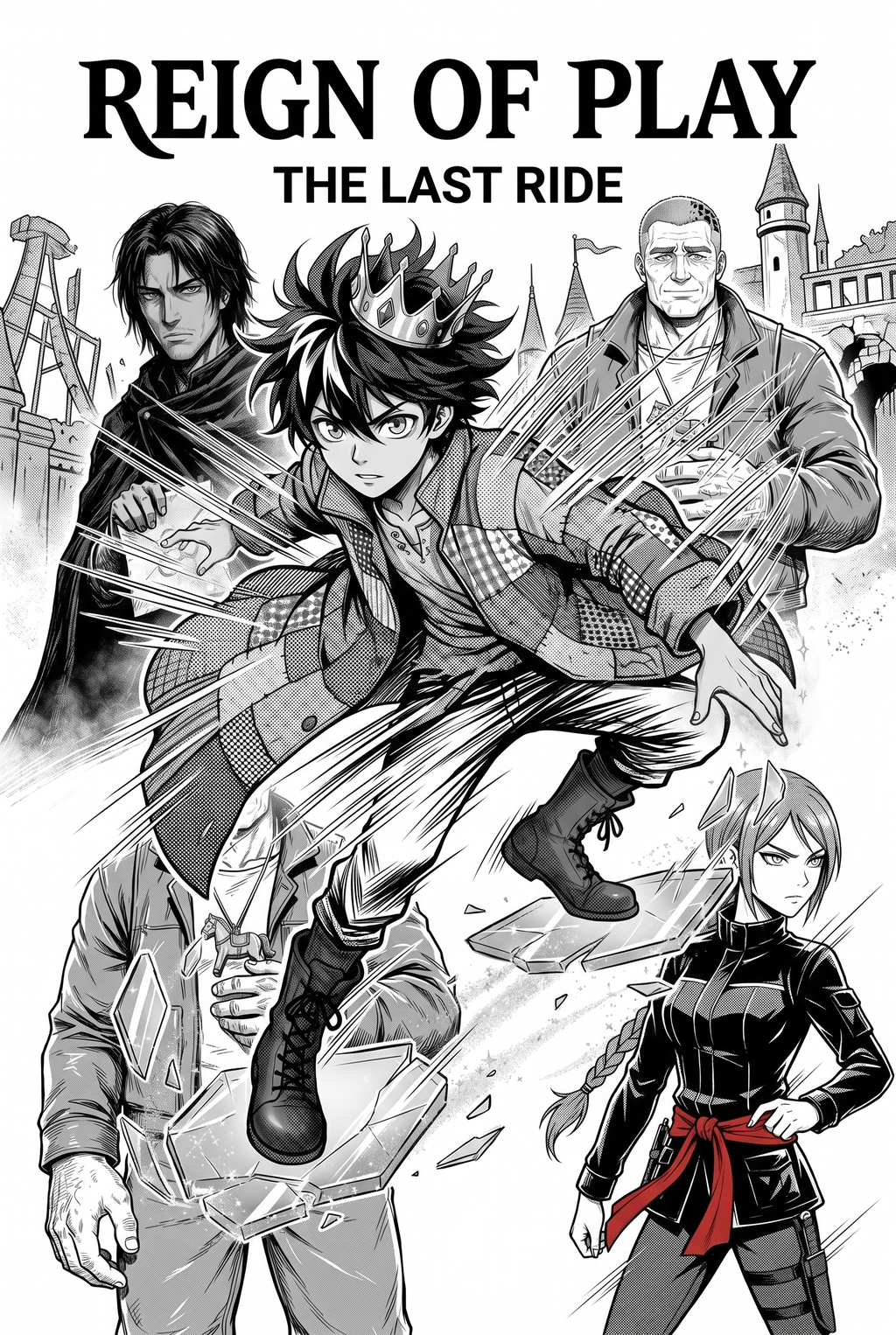
Why AI AI Manga Colorist Matters for Manga Creators
Automated coloring tools fundamentally change how independent creators manage high-volume output. Creators can use each revision decision to clarify panel readability, character consistency, and export quality before publishing or sharing. The primary failure mode of lesser AI tools is "line-weight drift," where the software modifies the density of your ink lines during the coloring process. A superior tool recognizes the boundaries of your line art, ensuring that delicate hair strokes or heavy shadow lines remain crisp. By isolating the line layer from the color layer, artists maintain total control over the finished look while offloading the time-sink of base-color fills.
Professional studios require batch-processing capabilities to maintain consistent palettes across hundreds of panels. When you use AI AI Manga Colorist workflow workflow with Mangaka to set a master palette, you ensure that character costume colors remain identical from chapter one through chapter fifty. This consistency is essential for narrative flow and reader immersion, especially in long-form digital comics.
How Manga Colorist Works with Mangaka
Mangaka excels by acting as an invisible hand for base-layer application, focusing on high-fidelity recognition of your physical or digital ink work. The tool preserves the original resolution of your line art while applying color, preventing the "plastic" or over-rendered texture common in inferior models.
By automating the base-layering phase, you shift your role from a technician to a director. You provide the input, the tool executes the flatting based on your assigned palette, and you perform the final review. This workflow allows you to focus on high-impact areas like character expressions and dialogue bubbles, which carry the most weight in reader engagement.
In professional studio environments, background color application often becomes a source of extreme delay. Using automated software for background density allows the lead artist to keep their focus entirely on foreground character expressions. This division of labor maintains the "signature style" of the artist while allowing for a faster release cadence of serial panels.
Use Cases for AI AI Manga Colorist
Digital colorists often struggle with the "flatting" wall—a point where the effort required to fill colors outweighs the creative satisfaction of the finished panel. By shifting this work to an automated platform, you reclaim your most valuable resource: time.
Inconsistent palettes are a hallmark of manual coloring in serial manga. If your process relies on human memory to select the correct blue for a jacket or the specific shade of gold for a weapon, you will inevitably see drift across pages. Utilizing a tool that allows for the creation of a master template ensures every panel aligns with the established visual identity of your series.
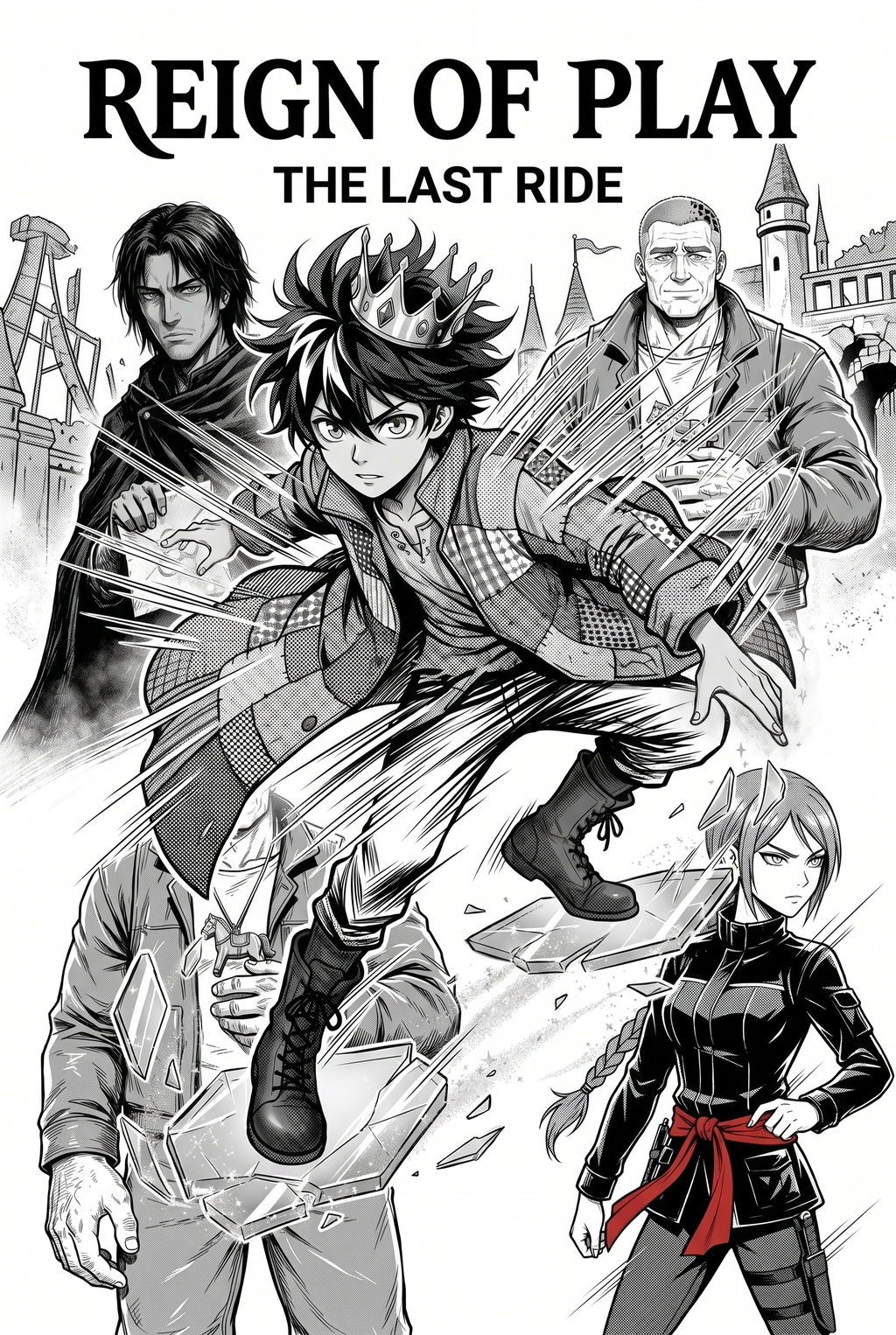
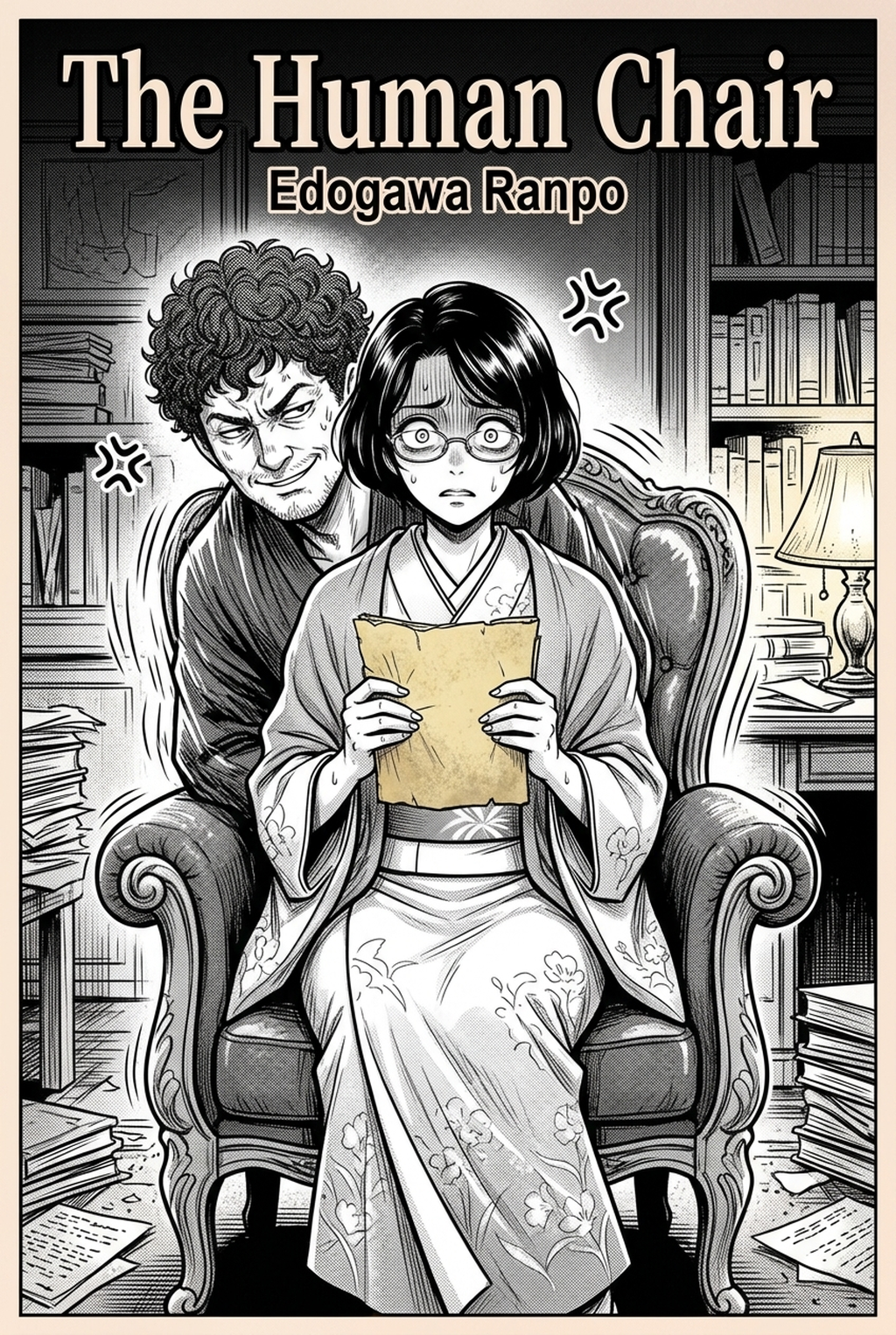
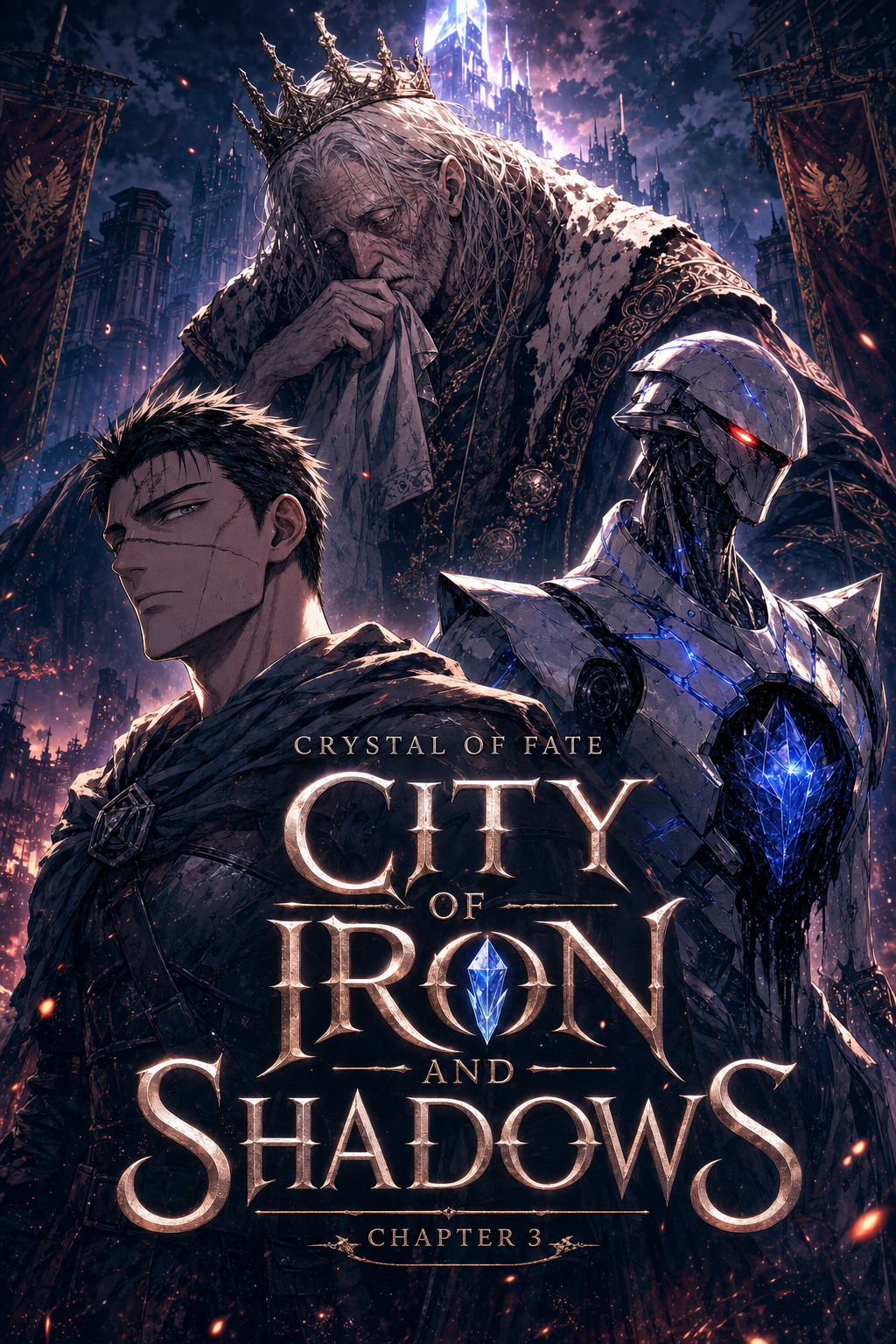
High-turnover serial production requires a system that is robust enough to handle various art styles. Whether you are working on a dark, high-contrast Seinen title or a vibrant, high-energy Shonen series, the tool must adapt to your unique line-weight and panel-spacing requirements without requiring constant recalibration.
How to Get Started with Mangaka
Getting started involves a simple integration between your existing inked panels and the AI rendering engine. The goal is to provide the software with a clean ink scan so it can interpret your line work and generate the appropriate base colors without obscuring the original artist’s touch.
- Maintaining Your Artistic Signature. The software specifically targets the integrity gap that occurs when AI overwrites original sketches. By prioritizing the preservation of your signature style, it acts as a force multiplier for your artistic intent rather than a replacement. To begin colorizing your panels instantly, you can access the interface at AI AI Manga Colorist workflow workflow to start refining your production speed.
- Before Export. Creators should compare the generated line art with the original sketch and confirm that facial expressions, props, speed lines, and speech-bubble space still support the scene. A repeatable review pass should cover character consistency, panel readability, background clarity, and whether the final file is ready for coloring, lettering, or editor feedback.
- For Longer Projects. Creators should save approved examples of line weight, face detail, clothing folds, and background density. Those references keep later chapters closer to the intended style. For collaboration, creators should mark which panels are final and which panels still need redraws. Clear status labels prevent an assistant, editor, or colorist from polishing the wrong version.
- For Publishing. Creators should review the page at the actual reading size before export. Small screens expose crowded dialogue, weak silhouettes, and line details that looked fine while zoomed in. This keeps the review focused on story intent, line weight, panel readability, and the export quality behind the final AI Manga Colorist output.
- For Style Control. Creators should keep a short reference board beside the draft and compare hair shapes, eye details, costume folds, and texture choices before approving the final page. For revision planning, creators should separate art fixes from story fixes. Line cleanup, panel order, dialogue clarity, and character acting each need a different review question.
The Bottom Line
Choosing a tool for your manga production is fundamentally about reclaiming the hours you currently spend on repetitive base-layer tasks. By automating the technical side of coloring, you gain the freedom to focus on narrative, panel pacing, and the emotional resonance of your character expressions. For independent creators and studios needing to maintain high artistic intent while scaling their weekly output, Mangaka offers the most reliable balance of automation and control. Explore the tool today at manga colorist to see how it preserves the integrity of your specific line work.
Related articles
Understanding 4-Koma Manga: The Essential Creator Guide 2026
Best Manga Colorist Tools: AI vs. Manual Coloring 2026
Best Manga Colorist Tools: AI vs. Manual Methods Compared