AI Manga Colorist: Comparing Modern Coloring Workflows
Choosing the right technology depends on whether you prioritize raw speed for weekly serialization or the bespoke quality required for boutique, high-end print volumes. The following comparison highlights how specialized AI tools balance automated efficiency with the strict technical needs of a professional mangaka.
| Tool Name | Preserves Line Work | Batch Processing | Custom Style Control | Pricing Model |
|---|---|---|---|---|
| Mangaka | Yes | Yes | High | Usage-based |
| Standard GenAI | No | No | Low | Subscription |
| Manual Suite | Yes | No | Absolute | Monthly Fee |
The effectiveness of a digital coloring solution hinges on its ability to isolate color from the underlying linework. While generic image recoloring software is designed to fill pixels with high-probability color values, it often interprets sharp, dark ink lines as noise, leading to the destruction of character proportion details.
Specialized manga-specific tools differentiate themselves by treating the input as a layered hierarchy. This ensures that the original aesthetic—such as the specific ink bleed or the texture of hand-drawn screentone—remains untouched. When auditing your production production process, prioritize tools that provide explicit layer separation, as this is the only way to perform surgical corrections without losing your foundational drawing.
You may find that traditional manual methods offer the ultimate creative freedom, allowing you to manipulate every pixel individually. However, when you are tasked with outputting a 20-page chapter within a tight deadline, the financial and time costs of a manual-only approach become unsustainable. Automated workflows that offer high fidelity are essential to maintaining your P&L, especially when your studio size is limited to one or two artists handling multiple tasks.
Why Color Fidelity Matters for Artists
The primary concern for any creator when integrating automation is the preservation of ink integrity. If the tool "muddies" your work, the time saved in coloring is instantly lost during the mandatory audit of the final panel, where you must go back and manually restore obscured pen strokes.
Effective coloring software must respect the visual density of cross-hatching and dot-based screentones. A tool that fails to identify these as static elements will attempt to color over them, creating a visual clash that destroys the depth of the panel. Look for software that utilizes mask-based processing to protect your original black-and-white data while applying color underneath, ensuring your signature style remains visible in the final export.
Outputting for print requires more than just high-resolution images; it demands precise color profiles and layer management. Your chosen solution must support professional standards like CMYK conversion and PSD layer separation. Without these features, you will encounter significant hurdles when submitting your files to printers, potentially leading to color shifts that ruin your intended mood or character design.
How Mangaka Streamlines the Process
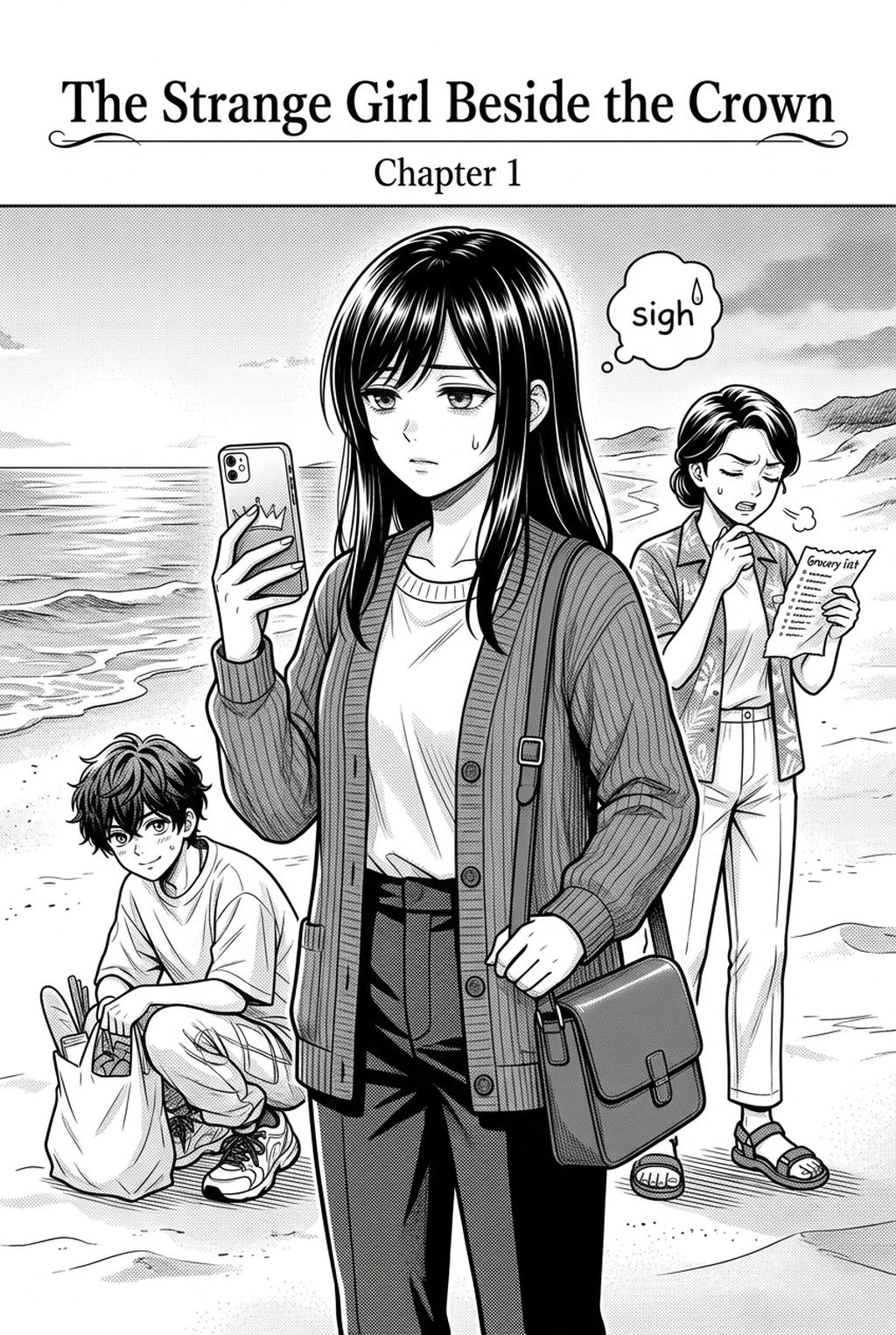
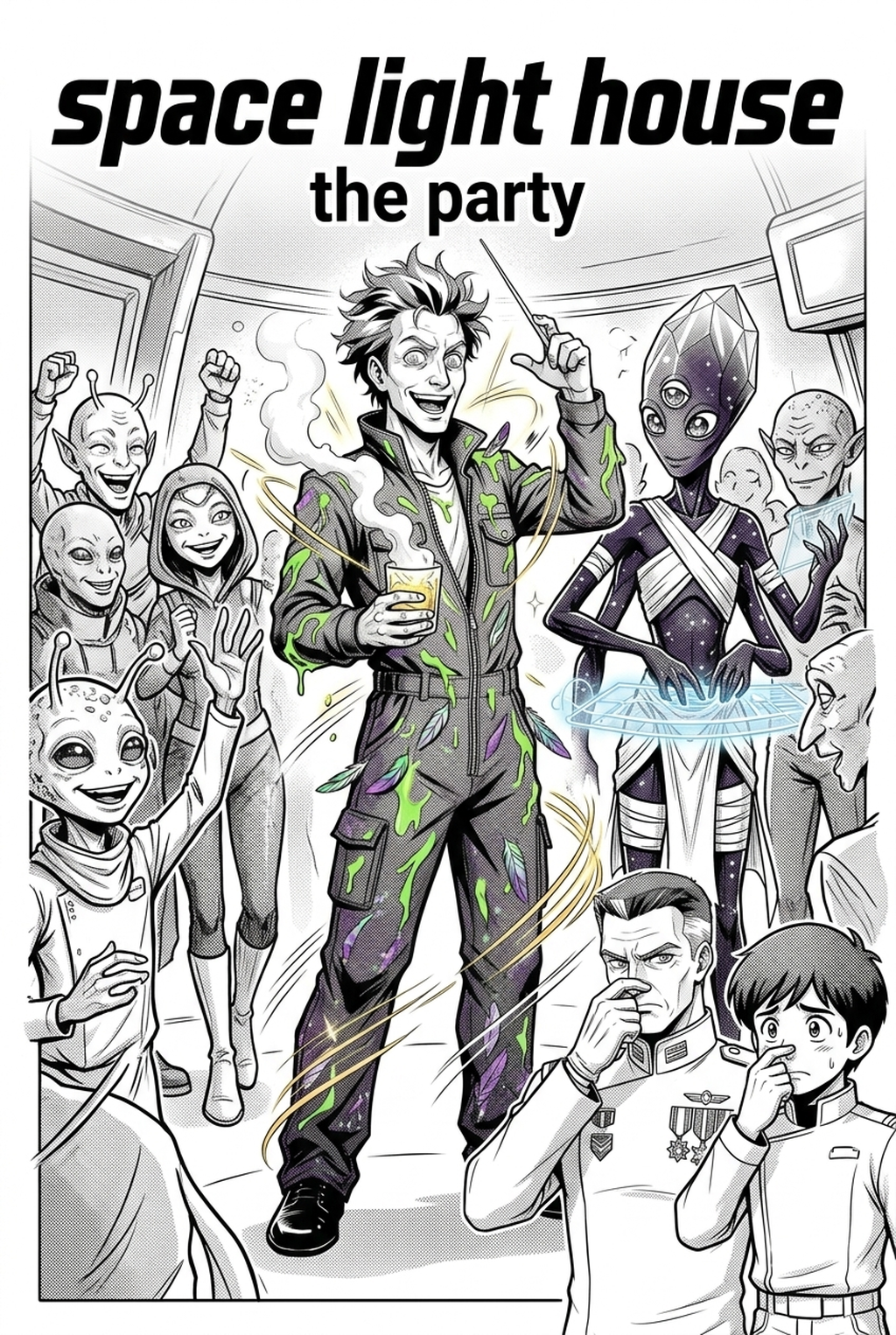
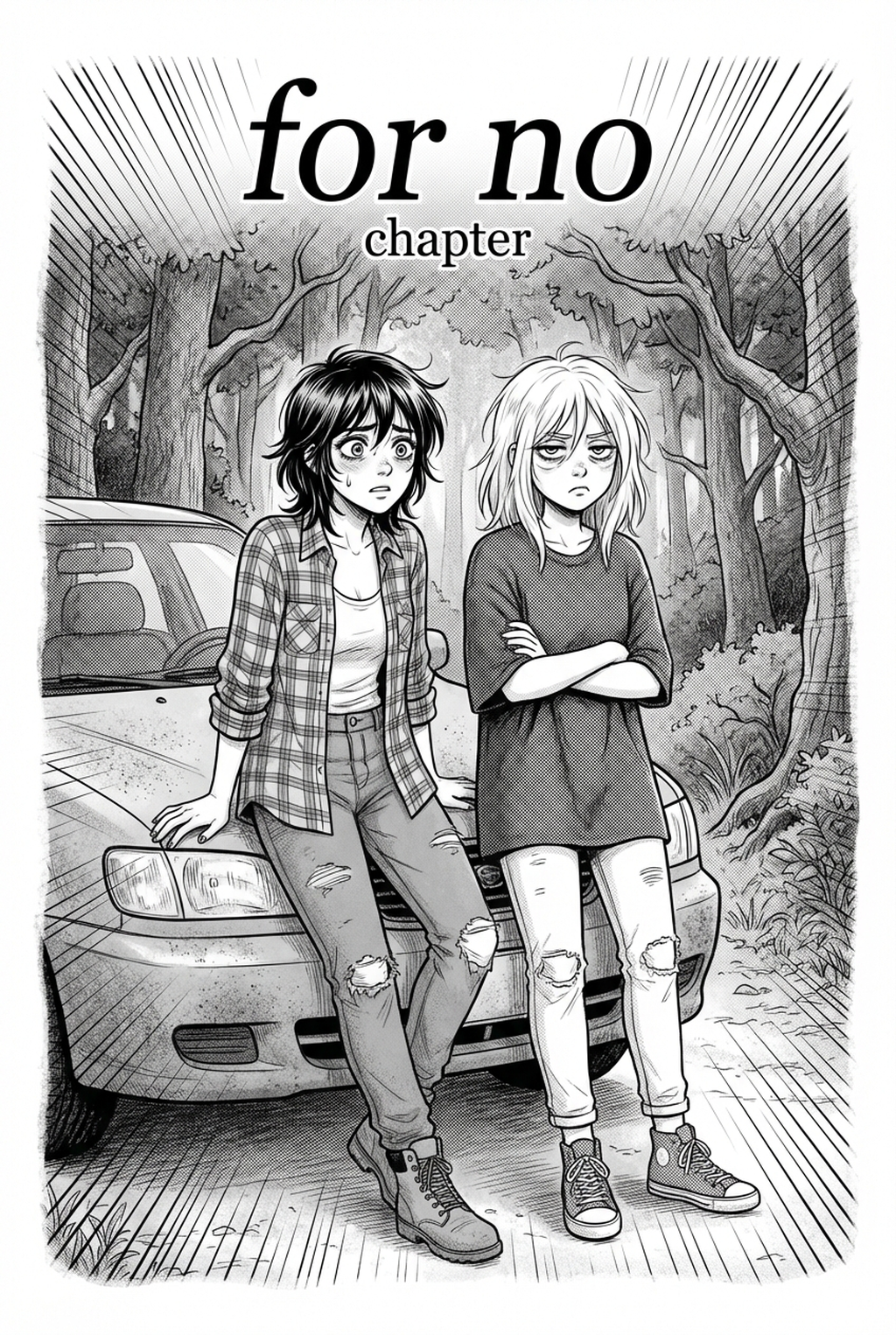
Mangaka provides a specialized workflow that preserves the depth of original linework by isolating coloring layers from the inking layer during the rendering process. This distinction is critical for artists who work in high-contrast styles, as it prevents the software from blurring fine details.
Real-Time Iteration and Review. The platform minimizes the time-consuming review tasks by allowing you to iterate on color schemes in real-time without starting over from scratch. By using manga colorist with Mangaka to generate color flats, you can quickly test different lighting moods or character palettes, selecting the best one before committing to the final render. While this is highly efficient for standard panels, recognize that experimental, non-standard art styles may require additional manual fine-tuning to ensure the AI interprets your specific stylistic choices correctly.
Use Cases for Your Colorist Strategy
Manual coloring remains the gold standard for high-end, award-nominated print series where every pixel requires human artistic intent. It allows for perfect harmony between the tone of the narrative and the colors selected for a scene. The reality is that manual coloring is a significant financial and time drain, often requiring a dedicated team to manage layer organization and flatting. If your studio relies on manual processes alone, the lack of automation results in longer lead times and higher production costs per page. By integrating AI for the base-layer coloring and performing manual oversight for highlights and character details, you achieve a professional balance that protects your chapter release schedules.
- Chapter cadence. Use the AI pass for pages where speed matters most, such as repeated action poses, transformation beats, or dense speed-line panels. Keep manual cleanup for hero panels where the line style defines the emotional peak.
- Character continuity. Compare the generated lines against the same model sheet, costume notes, and facial-expression range used during sketching. This prevents a fast inking pass from drifting away from the character identity readers recognize.
- Export readiness. Check whether the final manga output can move into lettering, coloring, or final layout without rebuilding panel borders or speech-bubble space. A good manga workflow should save time while keeping the next production step predictable.
How to Get Started with Mangaka
To begin, simply upload your clean, high-resolution line art as a PNG or PSD file. The system will analyze your panel composition, allowing you to select base palettes that match your character reference sheets and atmospheric goals. Once the initial pass is complete, you can review the output on a per-layer basis, making any necessary adjustments to shading or color intensity before exporting your final high-resolution print-ready file. Before export, creators should compare the generated line art with the original sketch and confirm that facial expressions, props, speed lines, and speech-bubble space still support the scene.
The Bottom Line
Choosing the right AI AI Manga Colorist workflow workflow tool is a fundamental trade-off between the creative control of manual work and the production efficiency of modern software. For creators looking to balance professional-grade linework with modern delivery schedules, Mangaka offers the best path to automate the coloring process while retaining the mangaka's unique aesthetic. Start your first page with manga colorist today to see the difference in your workflow and reclaim your production time.
Related articles
Best Manga Colorist Tools: AI vs. Manual Methods Compared
Mastering the Ninja Manga Art Style: A 2026 Creator's Guide
Manga Background Art Styles: A 2026 Guide for Creators