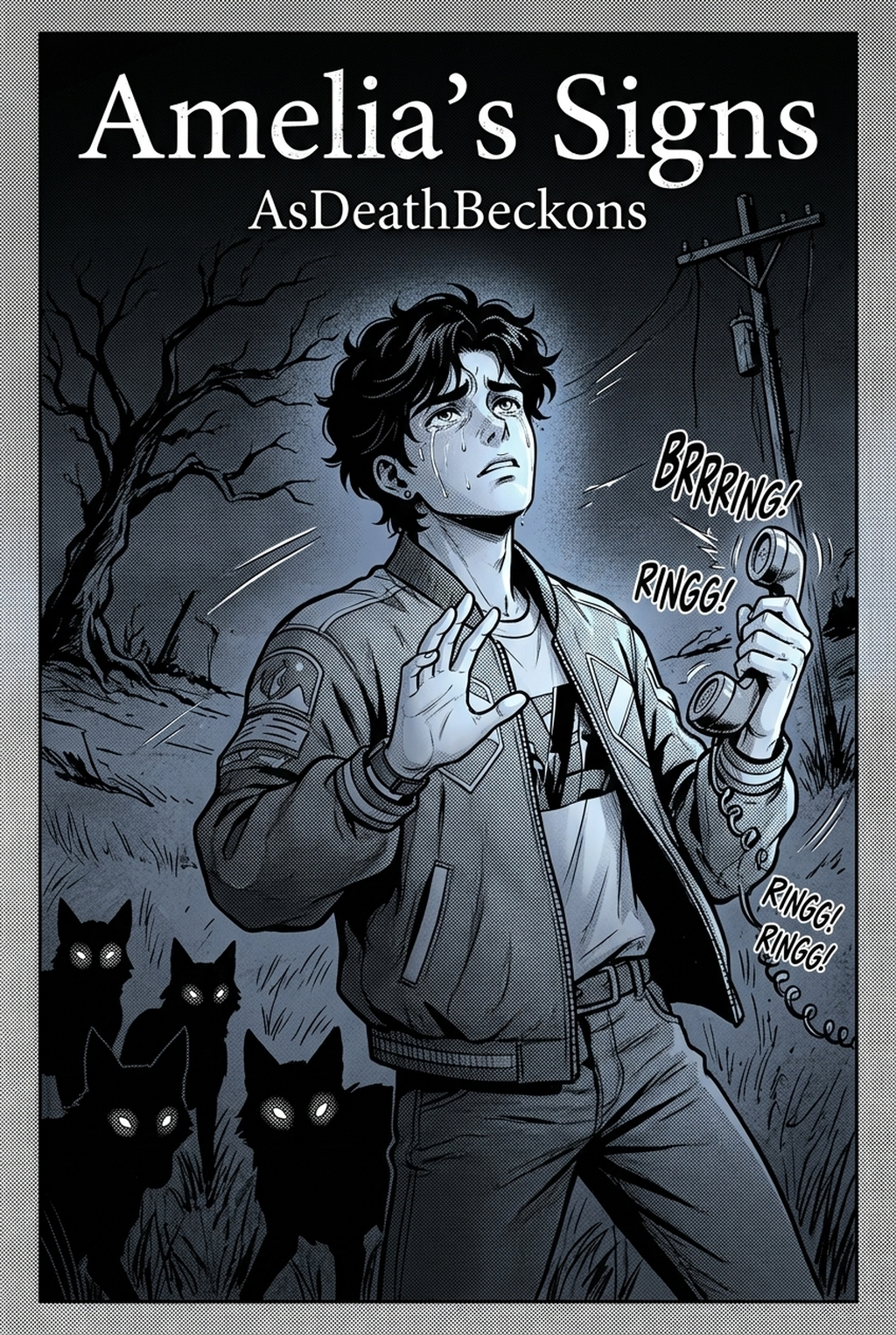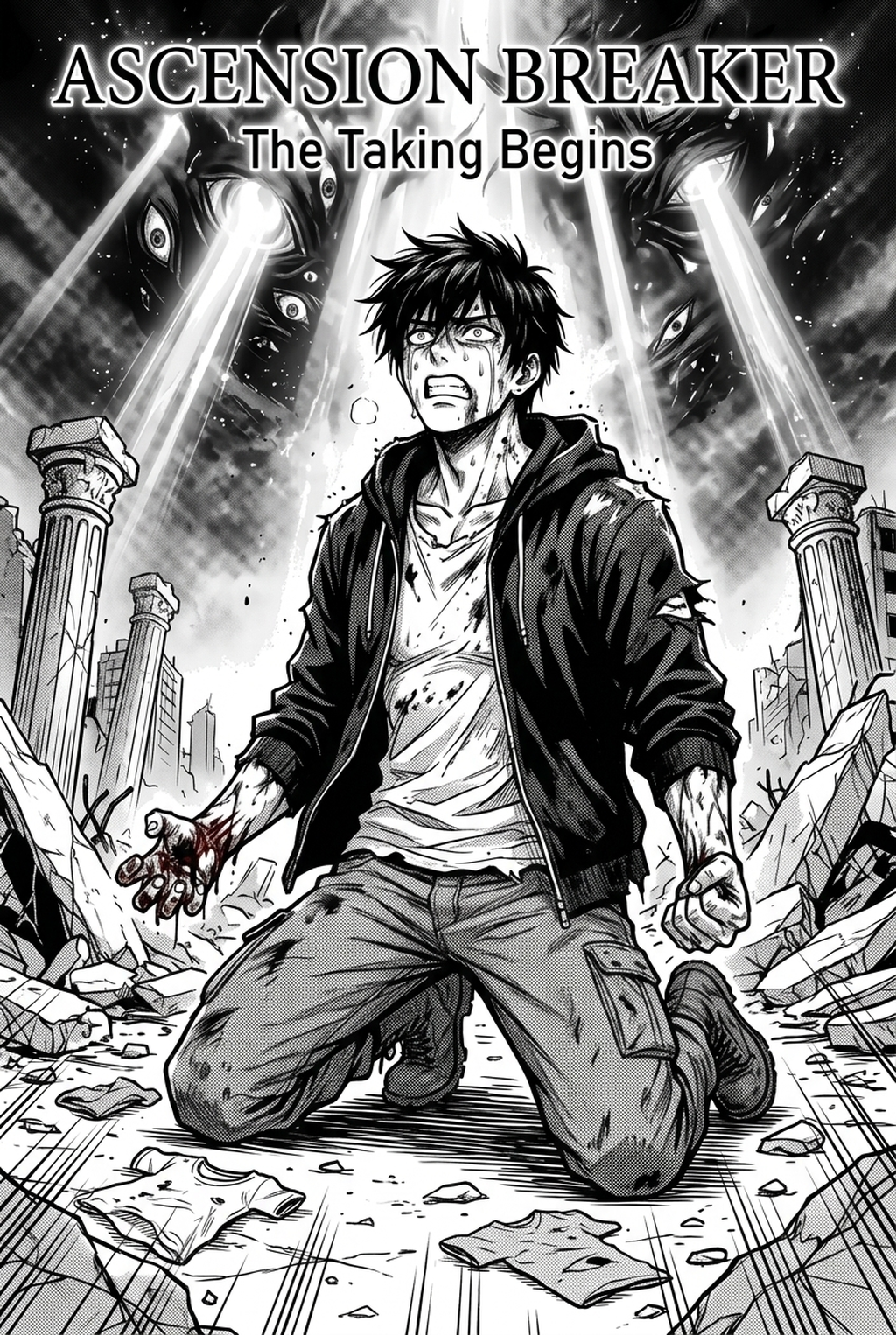
AI Manga Colorist: Strategic Advantages for Manga Production Speed
Adopting this systematic approach allows studios to pivot from manual, frame-by-frame flatting to an oversight role where you verify consistency rather than manually painting pixels. When you manage a weekly serialization, every hour saved on coloring provides more time for refining panel pacing or tweaking dialogue flow, ultimately leading to a more polished final product.
- Independent creator focus: Access to unlimited panel processing designed for one-shots or monthly indie series that require professional finishes without the high cost of a dedicated colorist. * Studio-level scale: High-volume tiers featuring priority rendering queues and bulk file handling, perfect for teams managing ongoing multi-volume arcs. * Unified asset control: All plan levels include the same line-art preservation technology, ensuring that even entry-level users produce work comparable to industry-standard studio output.
Technical Execution with the Mangaka Framework
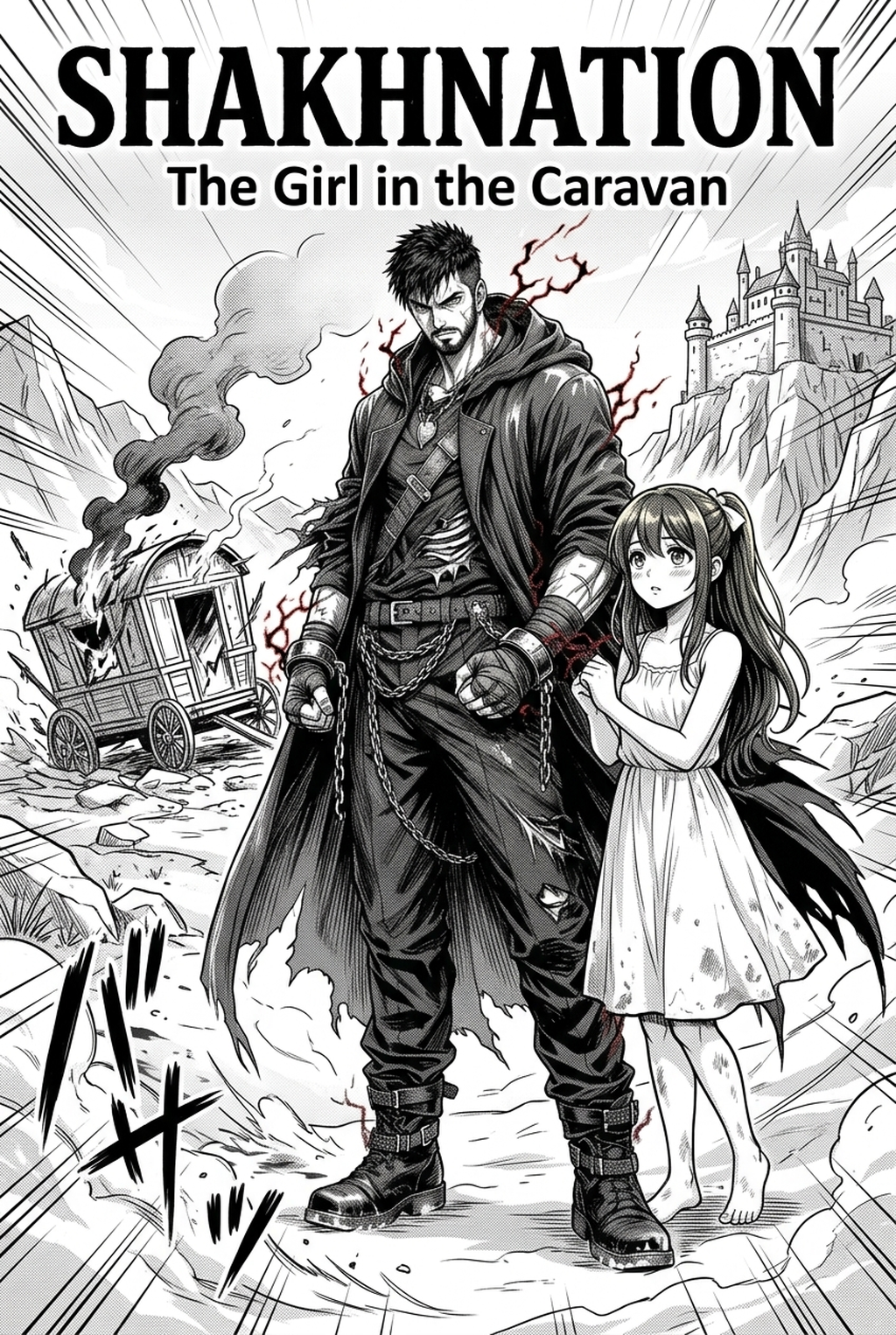
You can integrate manga colorist workflow with Mangaka into your existing creation production process by uploading your cleaned, high-resolution ink pages directly into the creation dashboard. The system evaluates the unique characteristics of your inking style—whether it uses thin, subtle pen lines or aggressive, high-contrast brush strokes—and adjusts its coloring application accordingly.
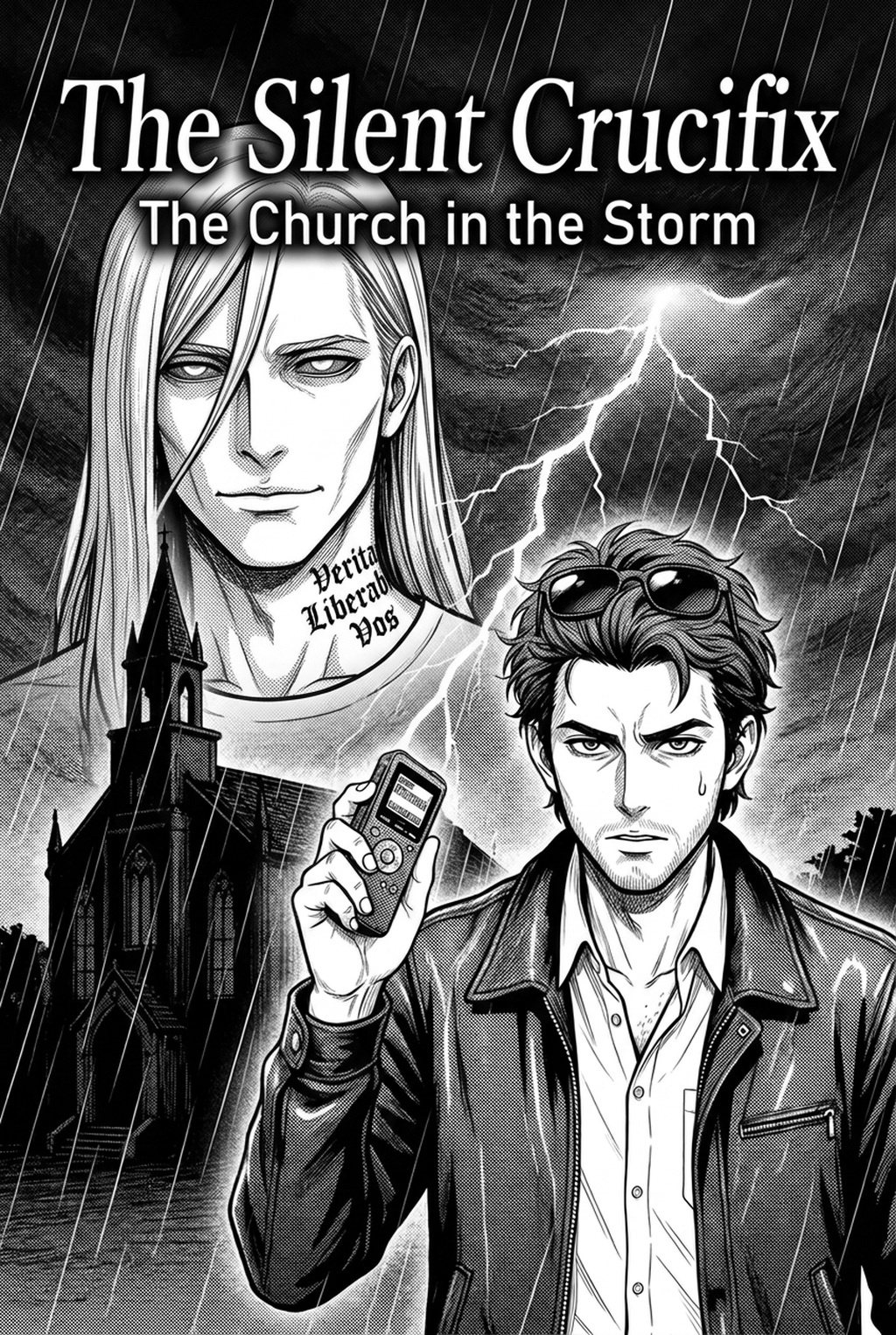
The primary failure mode in generic image generation is the tendency to blur crisp ink lines, which destroys the "hand-crafted" look readers expect. Our technology specifically bypasses this by locking the ink layers before rendering color data, ensuring that your original pen pressure remains visible. By maintaining a clean separation between the ink geometry and the colored fills, you avoid the muddied, digital look common in lower-tier coloring apps. Users consistently report reducing their total post-inking time by over 80% because the software eliminates the tedious selection process required for flatting complicated character designs.
Versatility for Diverse Manga Genres
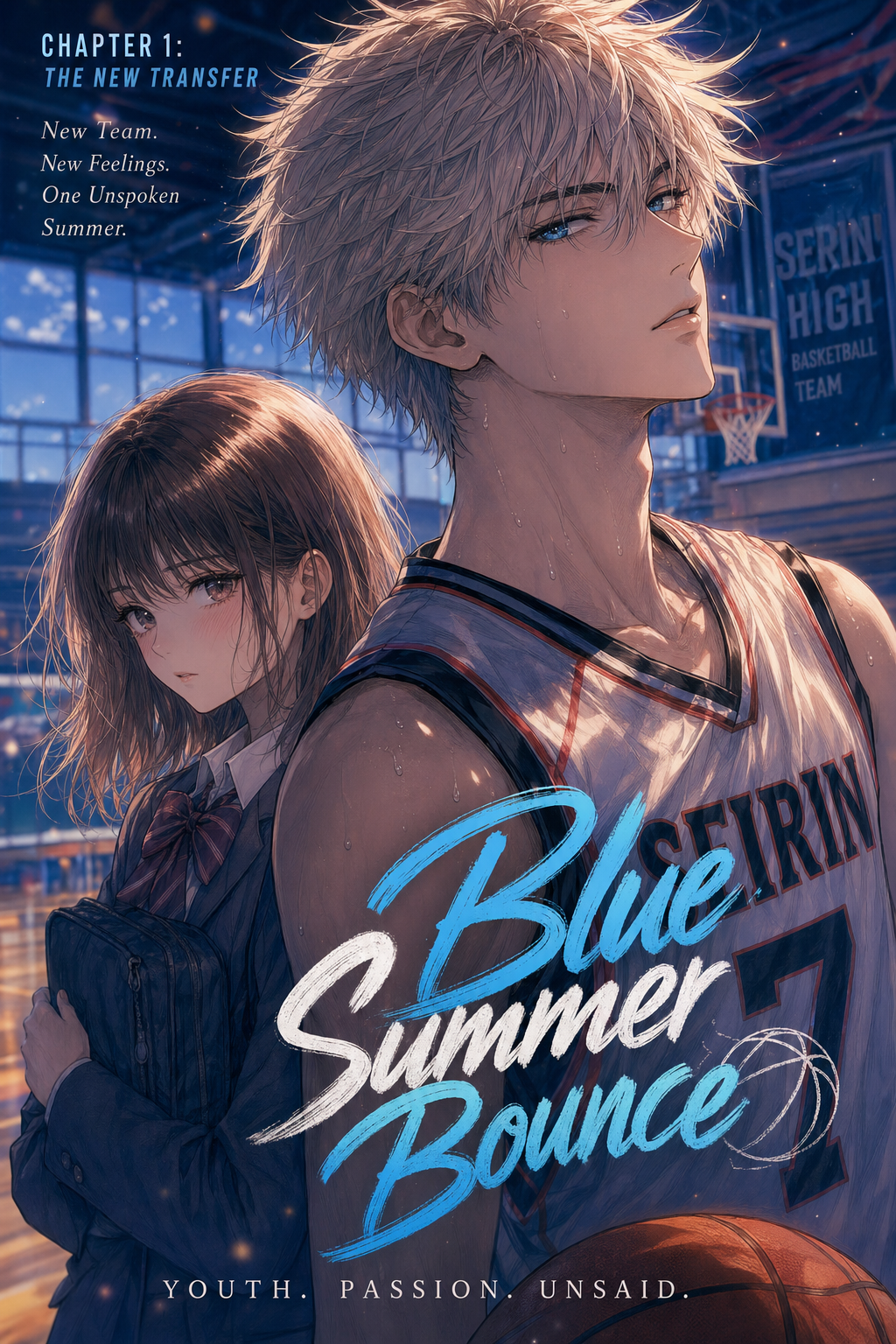
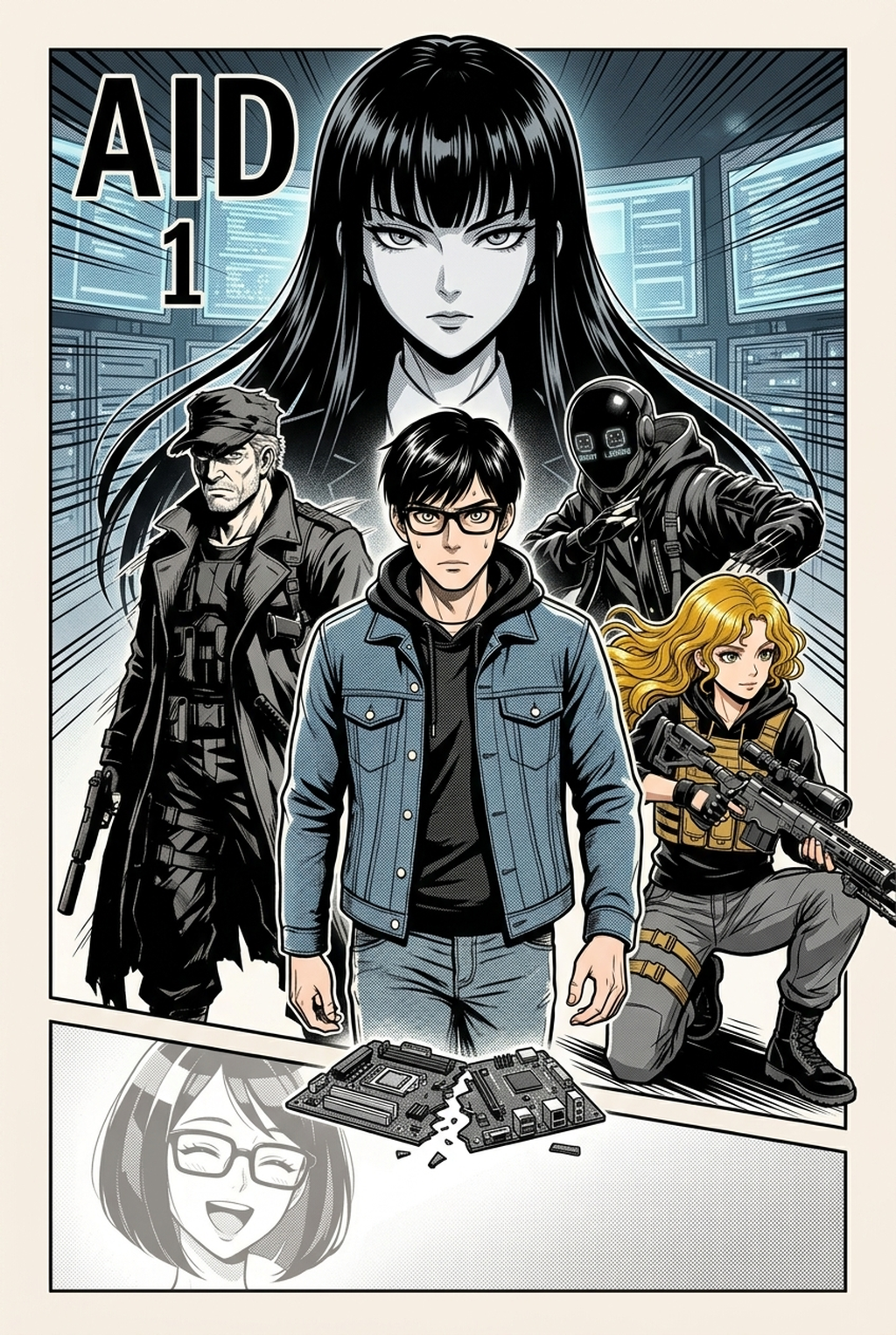
The utility of a specialized coloring workflow extends across various genres, from the high-contrast aesthetic of Seinen action sequences to the softer, multi-tonal palettes favored in Shojo or Josei dramas. You can apply custom palettes to specific chapters, meaning that if a character undergoes a transformation or changes their outfit, the software reflects these shifts instantly while maintaining the core character model's proportions.
- Hand-drawn scan support: The AI is specifically calibrated to interpret traditional pen-on-paper ink lines, cleaning up scan artifacts while preserving the natural character of your hand-drawn stroke. * Custom palette management: You retain full control over defining your color values, which the AI then applies with rigorous adherence to your provided style guide. * High-resolution limitations: Because the engine supports output consistent with standard print-publication specs, you do not face the degradation issues often found in cloud-based web tools.
Activating Your Colorist Production Process
You can transform your production efficiency by centralizing your coloring tasks within a dedicated, high-fidelity environment. By moving away from manual brush-work for base colors and shading, you reclaim the creative energy required to focus on story development and panel composition. Start by visiting the creation dashboard to see how your specific ink-work handles the transition to full, vibrant color. Workflow Fit for Creator Output.
Workflow Fit for Creator Output
- Before Export. Creators should compare the generated line art with the original sketch and confirm that facial expressions, props, speed lines, and speech-bubble space still support the scene. A repeatable review pass should cover character consistency, panel readability, background clarity, and whether the final file is ready for coloring, lettering, or editor feedback. - For Longer Projects. Creators should save approved examples of line weight, face detail, clothing folds, and background density. Those references keep later chapters closer to the intended style. For collaboration, creators should mark which panels are final and which panels still need redraws. Clear status labels prevent an assistant, editor, or colorist from polishing the wrong version. - For Publishing. Creators should review the page at the actual reading size before export. Small screens expose crowded dialogue, weak silhouettes, and line details that looked fine while zoomed in. For style control, creators should keep a short reference board beside the draft and compare hair shapes, eye details, costume folds, and texture choices before approving the final page.
Creators should compare the generated line art with the original sketch and confirm that facial expressions, props, speed lines, and speech-bubble space still support the scene. A repeatable review pass should cover character consistency, panel readability, background clarity, and whether the final file is ready for coloring, lettering, or editor feedback. For longer projects, creators should save approved examples of line weight, face detail, clothing folds, and background density. Those references keep later chapters closer to the intended style.
Review Controls Before Export
Creators should mark which panels are final and which panels still need redraws. Clear status labels prevent an assistant, editor, or colorist from polishing the wrong version. For publishing, creators should review the page at the actual reading size before export.
Small screens expose crowded dialogue, weak silhouettes, and line details that looked fine while zoomed in. For style control, creators should keep a short reference board beside the draft and compare hair shapes, eye details, costume folds, and texture choices before approving the final page.
The Bottom Line
A professional AI AI AI Manga Colorist workflow serves as a necessary extension of your artistic process, allowing you to bridge the gap between initial sketches and a fully colored, print-ready final product. By protecting your ink work and automating the repetitive tasks of flatting and shading, you can ensure that your artistic vision is never diluted by technical constraints. manga colorist workflow to optimize your production and maintain a consistent, high-quality aesthetic throughout your entire series.
Related articles
Best Manga Colorist Tools: AI vs. Manual Methods 2026
What Does a Manga Colorist Do? A 2026 Guide
Professional Manga Colorization: Get Instant AI Results 2026