What Are Manga Inking Techniques?
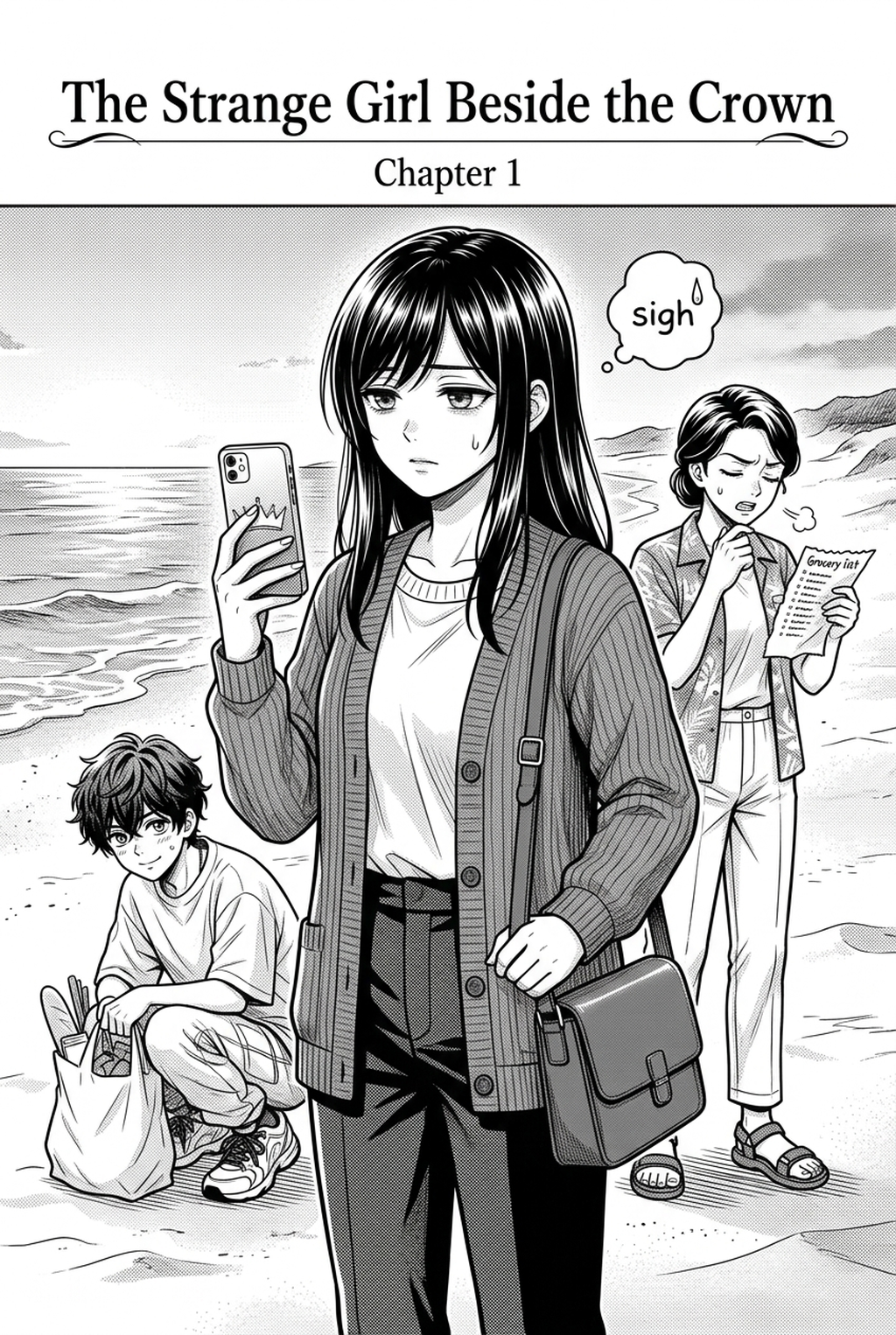
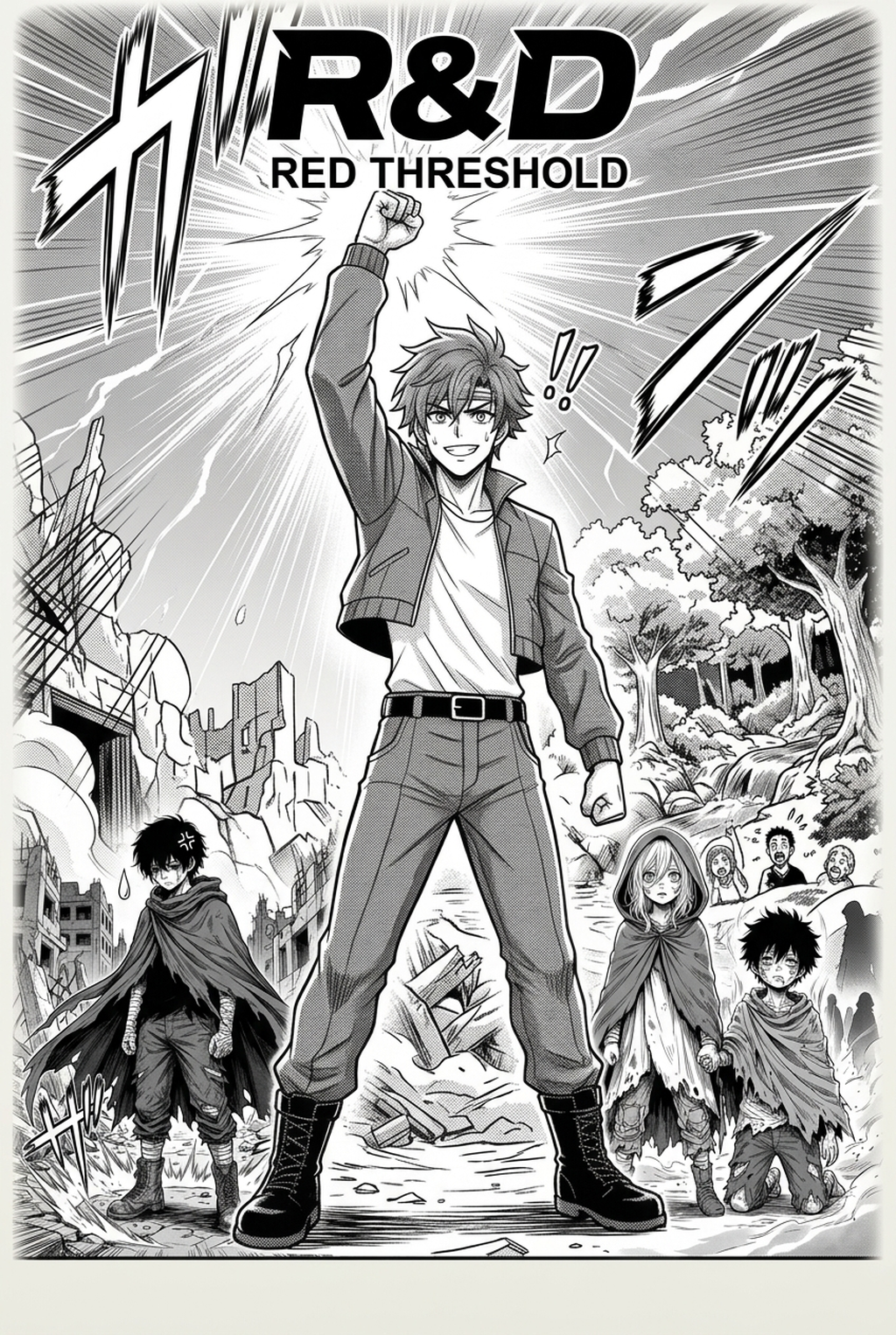
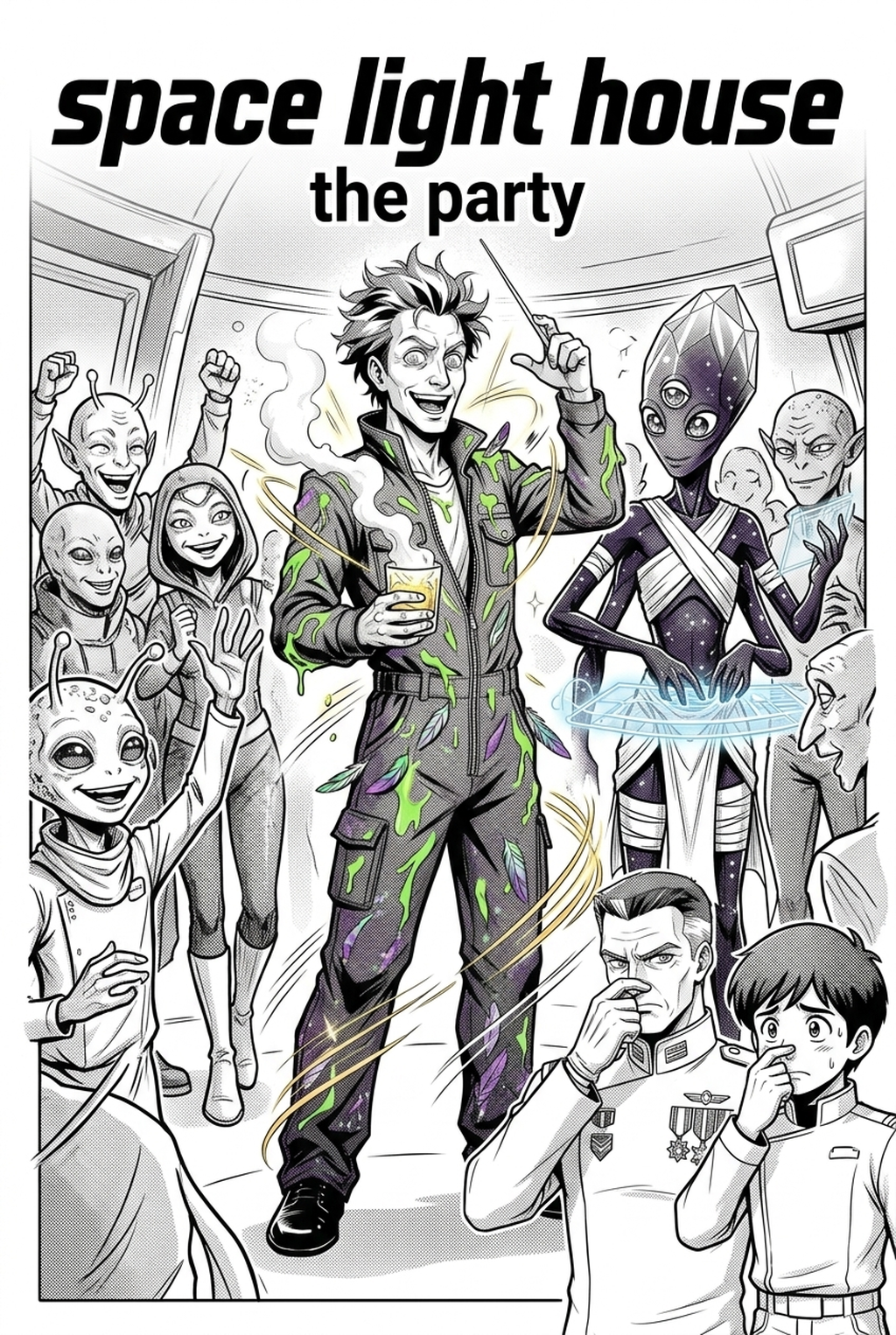
Professional inking relies on the deliberate use of line weight to establish visual hierarchy, where thicker strokes emphasize foreground silhouettes and thinner lines define delicate facial expressions or background details. You use these varying strokes to create depth that prevents a panel from appearing flat, a frequent failure mode for artists just starting their serialization journey.
The gold standard for achieving professional tapered lines traditionally involves mastering G-pen pressure sensitivity, a skill that demands years of repetitive muscle memory. By applying variable pressure during the inking pass, you simulate natural lighting reflections that highlight the contours of a character’s hair or the metallic sheen of a weapon.
You must understand light source direction to determine where to place solid blacks, or "spot blacks," which create the heavy, moody aesthetic synonymous with high-contrast Seinen panels. Placing these shadows incorrectly can obscure key plot details or clutter the panel, so you should always consider the overall composition rather than just inking one object at a time.
Why AI Manga Inker Matters for Manga Creators
Adopting a hybrid production workflow allows you to prioritize creative composition and character expression while delegating the repetitive physical task of inking to automated software. Serialization fatigue is a genuine threat to art quality; relying on consistent, automated processes ensures that your ink lines remain as sharp on the final page as they were on the first.
Prolonged, high-pressure inking sessions are the leading cause of repetitive strain injuries in the industry, often forcing talented creators to take extended hiatuses. By automating the technical execution of line paths, you protect your physical health while ensuring the finished art meets industry standards for print and digital distribution.
How Manga Inking Techniques Work with Mangaka
Mangaka automates the conversion of your rough pencil sketches into high-fidelity digital ink paths, preserving the original intent and nuances of your hand-drawn input. The tool analyzes your sketch's depth and light information, automatically applying variable line weights that simulate manual pen work without requiring physical input.
Refinement and Artistic Control. The system utilizes a non-destructive inking layer, which allows you to refine or adjust individual line segments after the initial AI pass. This ensures you maintain total command over the final aesthetic, allowing for custom adjustments to stroke profiles that align perfectly with your unique art style. You can manga inking techniques to see how it handles your specific sketch files.
Use Cases for AI Manga Inker
A common mistake is maintaining an inconsistent line weight throughout a panel, which flattens the depth of field and makes the character appear disconnected from the background environment. You should focus on how your line weight defines the subject’s proximity to the viewer to avoid this lack of spatial coherence.
Crowding a page with excessive, complex hatching can overwhelm the reader, especially during high-tempo Shonen fight sequences where the viewer's eye needs to track movement across the gutter. Furthermore, failing to maintain clean, sharp anchor points at line intersections often leads to digital artifacts that break the reader's immersion, turning a dynamic action sequence into a confusing, cluttered mess.
- Chapter cadence. Use the AI pass for pages where speed matters most, such as repeated action poses, transformation beats, or dense speed-line panels. Keep manual cleanup for hero panels where the line style defines the emotional peak.
- Character continuity. Compare the generated lines against the same model sheet, costume notes, and facial-expression range used during sketching. This prevents a fast inking pass from drifting away from the character identity readers recognize.
- Export readiness. Check whether the final manga output can move into lettering, coloring, or final layout without rebuilding panel borders or speech-bubble space. A good manga workflow should save time while keeping the next production step predictable.
How to Get Started with Mangaka
Traditional inking requires significant investment in physical equipment and years of repetitive practice, whereas digital extraction methods prioritize efficiency and consistency. The platform enables you to customize the ink style by adjusting specific stroke profiles to match the distinct requirements of your project, whether you are creating a crisp Shonen adventure or a shadowy, atmospheric horror story.
Artificial intelligence does not replace your artistic style, but rather functions as a high-speed assistant for the technical execution phase. You remain the director of your creative vision, using the tool to handle the labor-intensive cleanup so you can focus on complex character design and panel layout.
- Before Export. Creators should compare the generated line art with the original sketch and confirm that facial expressions, props, speed lines, and speech-bubble space still support the scene. A repeatable review pass should cover character consistency, panel readability, background clarity, and whether the final file is ready for coloring, lettering, or editor feedback.
- For Longer Projects. Creators should save approved examples of line weight, face detail, clothing folds, and background density. Those references keep later chapters closer to the intended style. For collaboration, creators should mark which panels are final and which panels still need redraws. Clear status labels prevent an assistant, editor, or colorist from polishing the wrong version.
- For Publishing. Creators should review the page at the actual reading size before export. Small screens expose crowded dialogue, weak silhouettes, and line details that looked fine while zoomed in. For style control, creators should keep a short reference board beside the draft and compare hair shapes, eye details, costume folds, and texture choices before approving the final page.
The Bottom Line
Mastering inking is a cornerstone of professional manga production, but it should not become the bottleneck that limits your creative output or damages your health. By combining your artistic fundamentals with AI-driven workflows, you can produce consistent, high-quality pages that stand up to the demands of serialization. If you are ready to streamline your workflow and focus on what matters most, you can manga inking techniques .
Related articles
Manga Character Design: A Complete 2026 Guide
Manga Inking: A Guide to Professional Line Art Styles 2026
Manga Character Design: A Guide for Modern Indie Creators