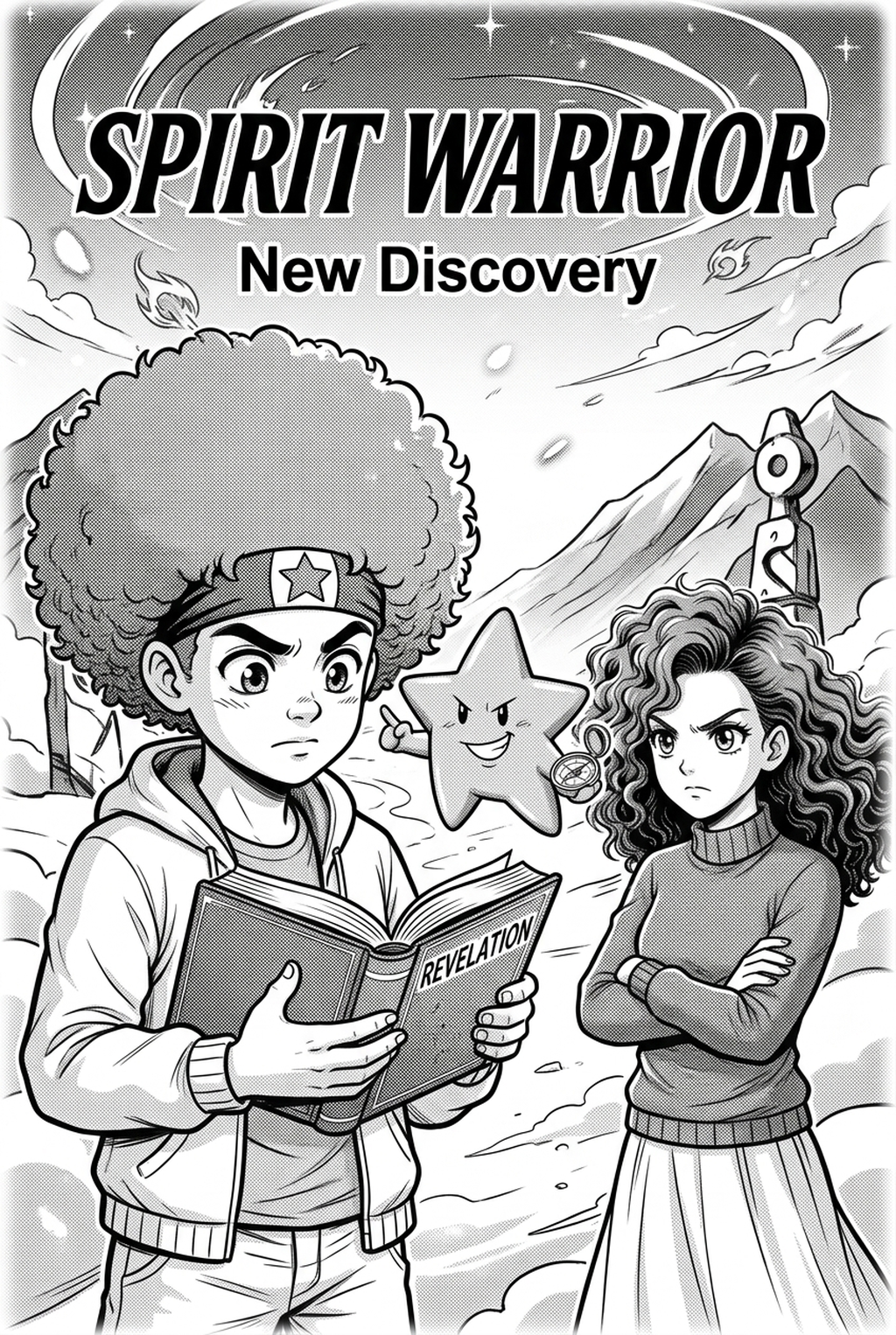
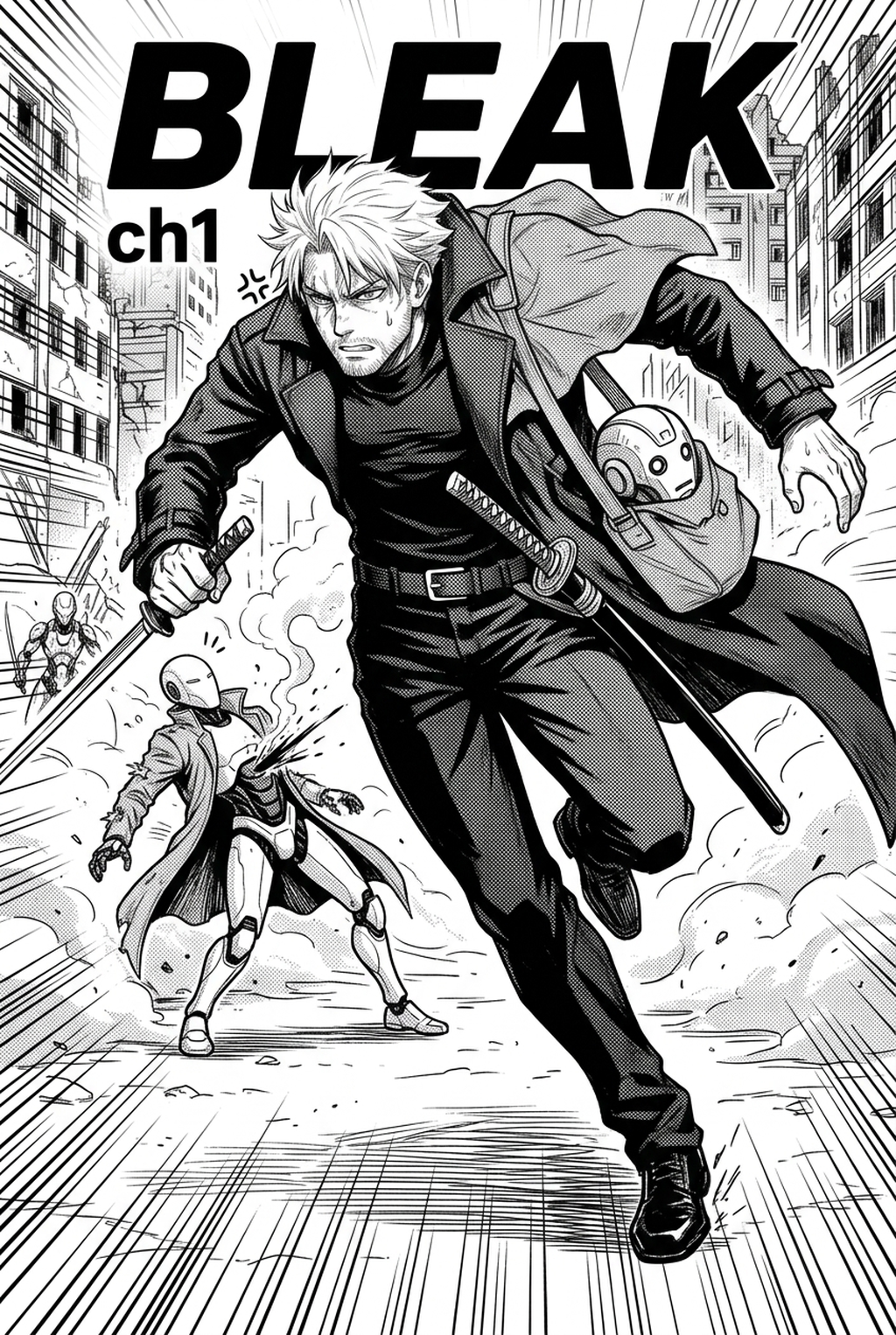
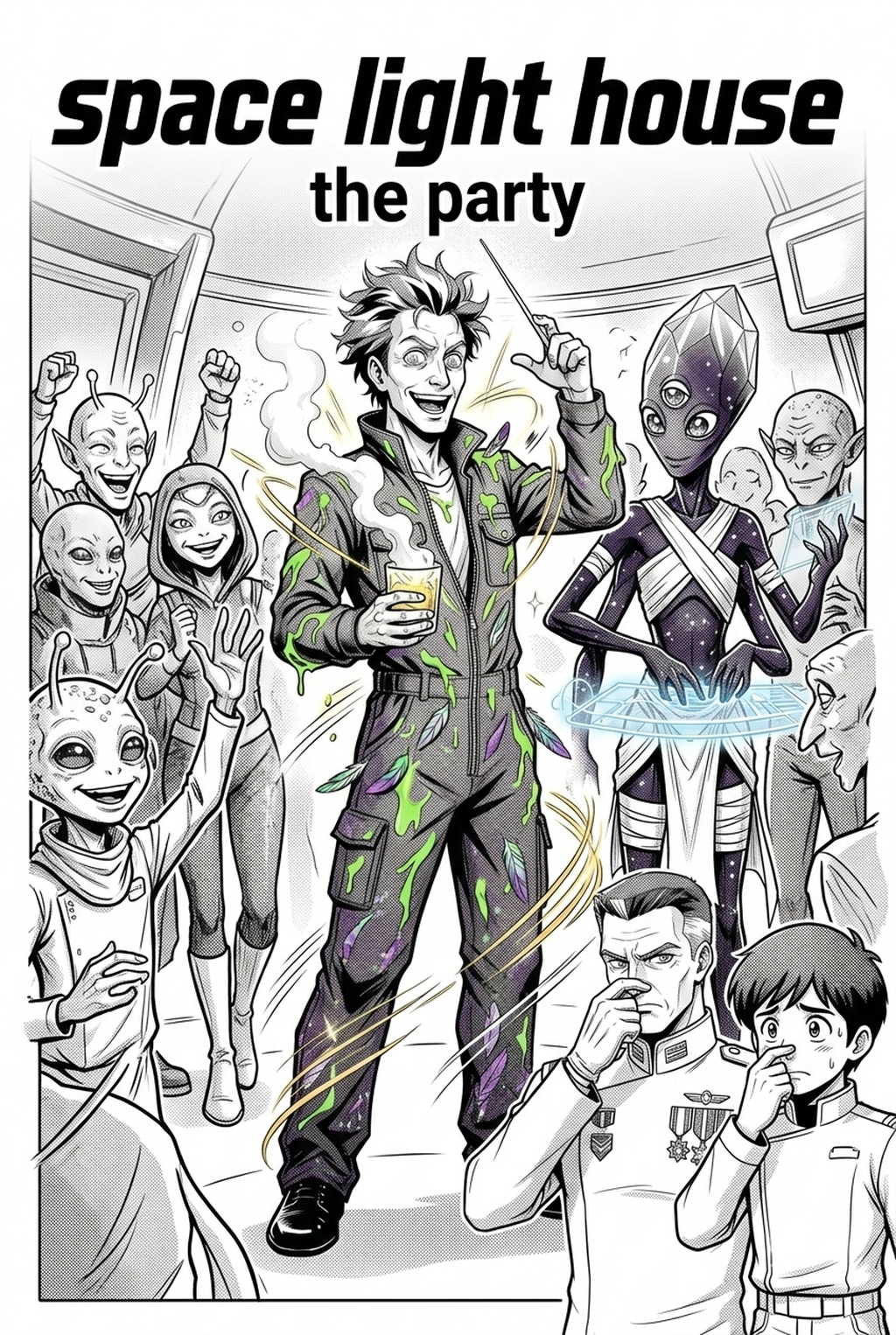
Defining the Modern AI Manga Colorist Role
A manga colorist serves as the primary visual architect who balances monochromatic inking with a narrative-driven color palette. This role requires selecting color harmony across complex panels to distinguish characters from their backgrounds, especially when translating the high-contrast aesthetic of a Shonen series into a vibrant, multi-layered visual experience.
The core challenge involves maintaining artistic intent across a long-form chapter. You must account for how light hits a surface in different environments, ensuring that shadows on a character’s face remain consistent even as the camera angle shifts across a high-speed action sequence. Failure to maintain this consistency forces readers out of the narrative, highlighting technical oversights rather than the intended emotional intensity of the scene.
Why Technical Color Precision Matters for Creators
Preserving your hand-inked linework is the primary friction point for any artist transitioning to color production. Traditional bucket-fill tools often fail at the pixel level, creating jagged edges or halos around inked lines that degrade the overall quality of the panel.
Using automated layer-separation technology is essential for maintaining artistic control. By locking your original high-resolution ink scan as a non-destructive top layer, you ensure that the line art remains sharp regardless of how many color layers you stack underneath.
Consider the impact on your workflow:
- Line-weight integrity: AI-driven tools detect closed paths within your ink lines, preventing the color overflow that typically plagues lower-resolution digital scans. * Action sequence clarity: Complex panels featuring motion blur benefit from precise color blocking that emphasizes the focal point rather than drowning it in unmanaged, flat tones. * Rendering efficiency: You can dedicate your limited energy to complex shading and subsurface scattering rather than manually filling every gap in a character’s costume.
How Colorist Workflows Integrate with Mangaka
Mangaka automates the most labor-intensive aspects of page coloring by interpreting your specific line density and panel layout through a targeted creative input. Rather than relying on generic filters that flatten everything, the tool identifies your unique line-art intensity to ensure colors stay within designated boundaries.
The technology works by parsing the structural data of your page, allowing you to establish specific color identities for individual characters. Once these identities are set, the AI applies them across subsequent pages, maintaining strict adherence to your established palette.
- Boundary detection: The software analyzes your ink density to prevent color bleeding into white space. * Palette synchronization: You can save character-specific color sets to ensure a protagonist’s uniform remains identical across a 20-page chapter. * Layer output: The system generates output in formats like PSD or tiered PNGs, allowing you to edit individual color layers manually if a specific highlight requires a personal touch.
Artists can visit AI AI Manga Colorist workflow workflow with Mangaka to see how this system maps base colors to specific ink regions, effectively turning hours of manual labor into a rapid review process. This keeps the review focused on story intent, line weight, panel readability, and the export quality behind the final AI Manga Colorist output.
Strategic Use Cases for Colorist Production
Transitioning to a color-based production requires a fundamental shift in how you plan your storyboards and panel composition. If you treat color as an afterthought, you risk creating panels that feel cluttered rather than dynamic.
You should consider the following production shifts:
- Focus point planning: In Shonen, use high-impact, saturated colors for attack frames and kinetic energy while keeping the background slightly desaturated to push the action forward. * Atmospheric depth: For Seinen, lean into muted, earthy tones that emphasize environmental storytelling, using shadow to drive the mood rather than bright highlights. * Format optimization: You can re-render the same page for different platforms, applying a higher color saturation for mobile-scrolling vertical comic platforms and a more restrained, print-friendly palette for traditional page spreads.
Getting Started with AI Assistance
Many artists worry that incorporating automated tools might dilute their personal style or creative authority. However, viewing the tool as an extension of your own hand allows you to act more as an editor than a technician, refining the AI’s output to match your exact artistic vision for character lighting and shading.
Regarding existing screentones, the software can differentiate between gray-scale shading and white-space ink, allowing you to either preserve your traditional tone work or replace it entirely with digital color gradients. This flexibility lets you hybridize your process, keeping the tactile feel of physical screentones where it counts, while utilizing digital colors to provide depth in high-stakes scenes.
- Before Export. Creators should compare the generated line art with the original sketch and confirm that facial expressions, props, speed lines, and speech-bubble space still support the scene. A repeatable review pass should cover character consistency, panel readability, background clarity, and whether the final file is ready for coloring, lettering, or editor feedback.
- For Longer Projects. Creators should save approved examples of line weight, face detail, clothing folds, and background density. Those references keep later chapters closer to the intended style. For collaboration, creators should mark which panels are final and which panels still need redraws. Clear status labels prevent an assistant, editor, or colorist from polishing the wrong version.
- For Publishing. Creators should review the page at the actual reading size before export. Small screens expose crowded dialogue, weak silhouettes, and line details that looked fine while zoomed in. Creators can use each revision decision to clarify panel readability, character consistency, and export quality before publishing or sharing.
The Bottom Line
The modern manga creator must balance the high expectations of global digital platforms with the physical limits of production speed. By offloading the mechanical task of color flatting, you preserve your energy for the creative storytelling that truly distinguishes your work. Visit manga colorist to begin scaling your manga production to meet the demands of international readers.
Related articles
Color Your Manga Faster: Professional AI Coloring Workflow
Best Manga Colorist Tools: AI vs. Manual Methods 2026
What Does a Manga Colorist Do? A 2026 Guide