Characteristics of Urban Dystopia Environments
A Cyberpunk manga background relies on the "high-tech, low-life" aesthetic, where the density of the setting must suggest overwhelming scale without swallowing the character's silhouette. These environments function as a narrative pressure cooker, using visual noise to communicate the claustrophobic nature of the world.
- Verticality and Decay: Utilize layers of monolithic skyscrapers that fade into the smog, creating a sense of height that makes street-level characters feel small and vulnerable. * Industrial Clutter: Incorporate a chaotic web of utility lines, hanging cables, and exposed plumbing that forces the reader's eye toward the central action. * Neon Signage: Integrate flickering kanji and holograms as the primary source of rim lighting on characters, which helps define their shape against dark, rain-soaked surfaces. * Visual Legibility: Maintain a clear separation between the foreground, where the action unfolds, and the high-density mid-ground, ensuring your character’s line weight remains the dominant element in the panel.
Why Intricate Backgrounds Challenge Solo Creators
The primary reason many independent creators abandon the Cyberpunk genre is the unsustainable time investment required for "greebling"—the practice of adding tiny, complex technical details to every surface. If you attempt to draw these intricate structures by hand for every panel, your production schedule will inevitably suffer from burnout or plummeting line quality.
- Perspective Fatigue: Manually calculating vanishing points for sprawling city blocks is prone to error, especially when your character moves through a complex 3D space across multiple frames. * Consistency Risks: Keeping environmental markers—such as the specific placement of a neon billboard or the unique graffiti on a wall—consistent across ten pages is a near-impossible task for a single artist. * Efficiency Hurdles: Spending six hours per page just on environmental line art limits the time you have for refining character expressions and perfecting your emotional pacing.
How Mangaka Functions for Scene Environments
Cyberpunk manga background with Mangaka serves as an AI Manga Background Artist, translating your scene descriptions into high-resolution, ink-ready backgrounds without the need for manual perspective grids. By describing the layout—for example, "low angle, narrow alleyway, wet pavement reflecting magenta neon, dense cluster of utility pipes"—you receive a base image that honors your specific contrast requirements.
- Ink-Style Matching: The tool generates assets that align with standard Japanese inking conventions, ensuring the output feels like a hand-drawn layer rather than a flat, imported photograph. * Lighting Control: You can specify distinct light sources within your brief, which allows the AI to handle the complex shading and ambient occlusion of a dark city street automatically. * Production Workflow: Because the output is designed for digital integration, you can easily drop the generated file into your preferred software, mask the background, and focus your energy on inking characters or adding screen-tones.
Applying City Layouts to Your Narrative Panels
Effective environmental design should guide the reader's eye through the page layout, using the "vertical slice" technique to establish the setting's scale instantly. The bottom level of your panel should be the most detailed, containing the street-level textures that ground your characters, while the upper levels become progressively abstract to emphasize the looming height of the architecture.
- Depth and Atmosphere: Use atmospheric perspective to desaturate and soften distant buildings, which inherently highlights the crisp, dark lines of your foreground subject. * Modular Reusability: Develop a kit of architectural motifs—vents, modular housing units, or hanging cable clusters—that you can rearrange to create a sprawling, coherent cityscape without drawing every square inch from scratch. * Panel Narrative Cohesion: Use the background to reflect the character's current state, such as placing the protagonist against a backdrop of decaying industrial waste when they are at their lowest point in the plot.
Getting Started with Background Generation
Adopting new software can be intimidating, but the primary barrier for most artists is simply trusting the AI to maintain their personal style. Many creators find that by treating the generation as a high-quality base sketch, they retain full creative control over the final inked result.
- Style Customization: You can fine-tune the output by referencing your existing screen-tone or inking style, ensuring the generated assets don't clash with the rest of your page. * Perspective Stability: By defining your vanishing points and camera angle within the creative brief, the AI enforces geometric consistency across every panel in your scene. * Weekly Scheduling: Integrating these automated generation tools into your production process often cuts the total time spent on background work by over 50%, providing the necessary room to maintain a regular release cycle.
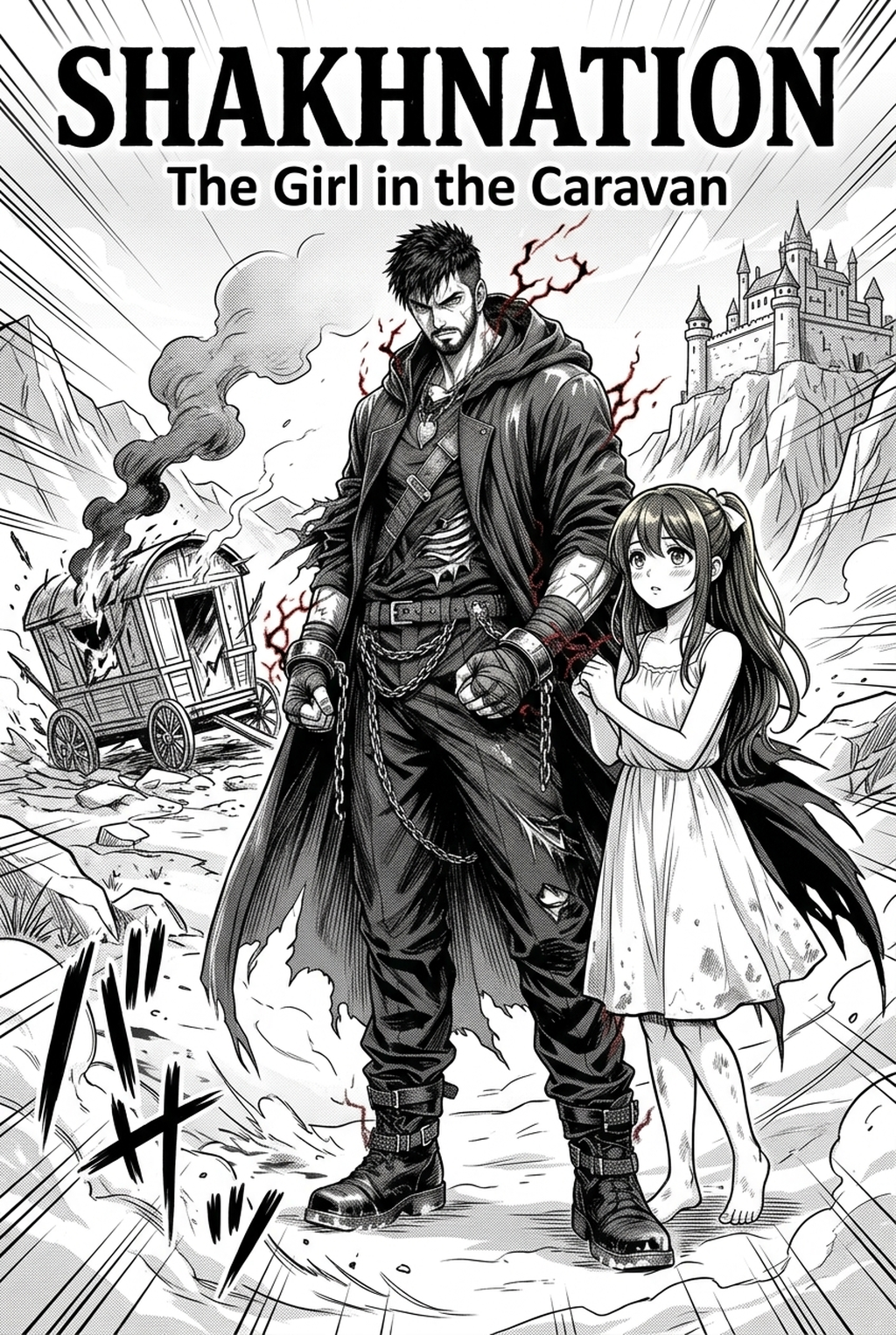
Creators should compare the generated line art with the original sketch and confirm that facial expressions, props, speed lines, and speech-bubble space still support the scene. A repeatable review pass should cover character consistency, panel readability, background clarity, and whether the final file is ready for coloring, lettering, or editor feedback. For longer projects, creators should save approved examples of line weight, face detail, clothing folds, and background density. Those references keep later chapters closer to the intended style.
The Bottom Line
Mastering the urban density of a futuristic world is no longer an insurmountable hurdle for independent creators, provided you utilize the right technical support to handle the heavy lifting of perspective and industrial clutter. By integrating the Mangaka AI Manga Background Artist into your workflow, you can reclaim your creative time and focus on what matters most—character development and emotional storytelling. Cyberpunk manga background and see how much faster your page production becomes.
Related articles
How an AI Manga Colorist Transforms Your B&W Pages in 2026
What Does a Manga Colorist Do? Modern Workflow Guide 2026
Mastering the Dystopian Manga Art Style for Your Series 2026



