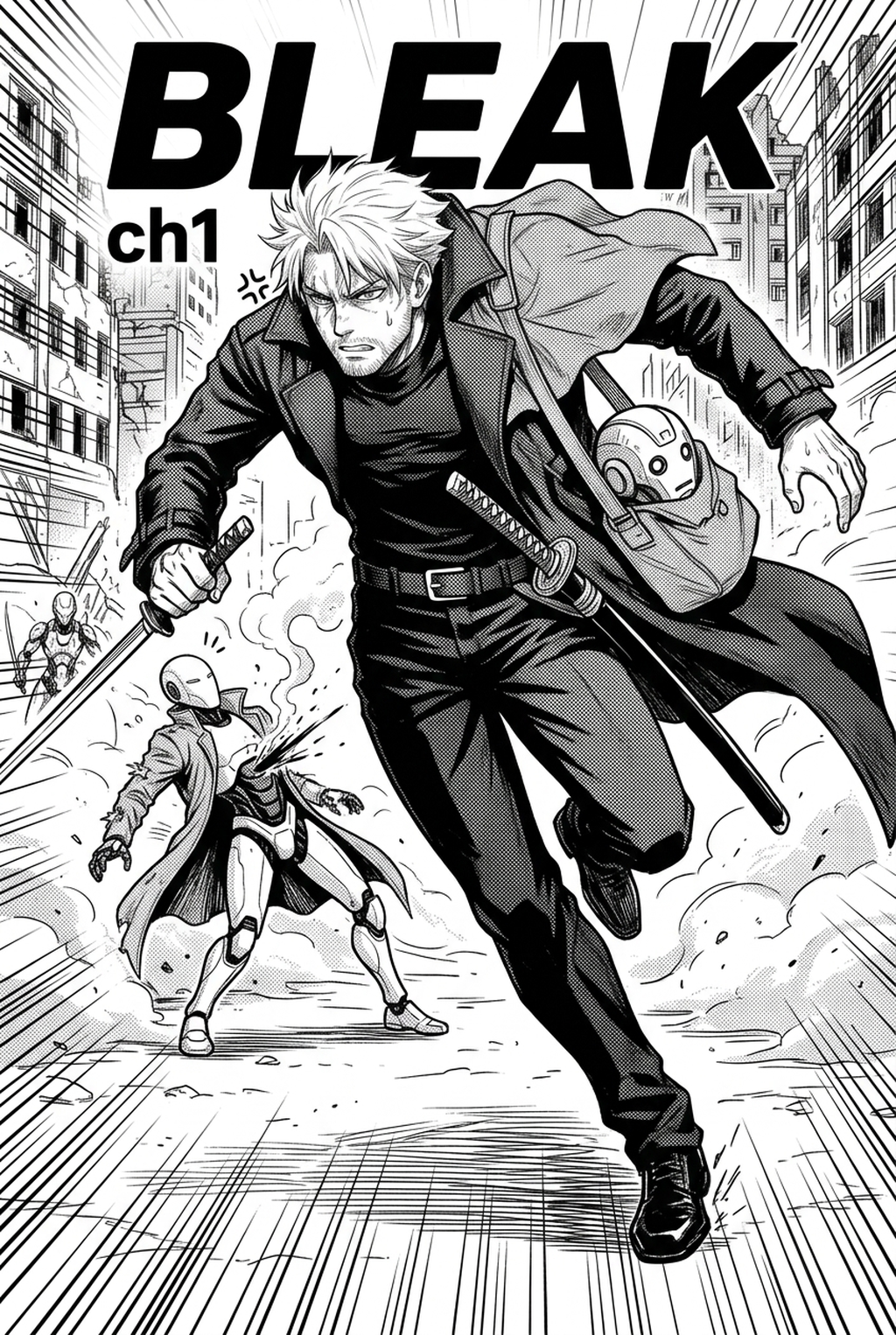
AI Manga Colorist: Why Automated Coloring Helps Creator Workflows
Professional coloring defines the emotional pacing of your story, but the time required to hand-color every frame often conflicts with strict weekly deadlines on platforms like vertical comic platforms. Automating the base flatting stage allows you to reclaim hours that would otherwise be spent on manual selection, letting you focus on final polish, such as adjusting highlight intensity or modifying color temperatures to match specific genre moods.
Maintaining consistency is a major hurdle for long-running series, especially when trying to ensure character hair shades match perfectly from chapter one to chapter fifty. Automated tools utilize metadata from your character design sheets to ensure that Character A" always utilizes the same RGB values, effectively eliminating the risk of accidental color drift. This precision ensures that the reader’s eye moves naturally across the panel layout, guided by consistent lighting effects that underscore the drama of your narrative.
Integrating Intelligent Tools into Mangaka
The integration with AI manga colorist with Mangaka relies on advanced segmentation algorithms designed specifically for the unique demands of black-and-white ink drawings. When you submit your inked pages, the system performs a multi-layer analysis to isolate your line art, effectively creating a dedicated mask that protects your ink from being overwritten by the color engine.
By keeping the color information on a distinct layer, the tool allows you to easily refine base flats or adjust specific shadow regions without re-processing the entire file. This layer separation is vital for creators who prefer to perform final touch-ups in external painting software.
Models within the platform analyze the context of your story to suggest palettes that adhere to established genre conventions. For example, high-saturation, vibrant colors can be auto-applied to emphasize action-heavy Shonen sequences, while more muted, desaturated tones are suggested for complex Seinen dramas. This intelligence reduces the guesswork involved in visual storytelling, allowing you to iterate on color variants before finalizing the page for publication.
Practical Use Cases for Indie Artists
You can start the integration process by ensuring your ink scans are exported at 600 DPI, which provides the model with enough data to distinguish between thin hatching lines and bold character silhouettes. This density is crucial for the segmentation algorithm to accurately identify boundaries without losing the nuance of your original style.
- Rapid prototyping: Generate three different color variants for a main character’s outfit to test which palette best conveys their personality before you commit to coloring the entire chapter. * Background painting: Use the AI to block out the base colors for large-scale environment panels, then manually add custom textures to the surfaces to maintain your unique signature style.
- Iterative refinement: Use the tool as a starting point to test lighting scenarios, such as moving a light source across a panel to see how it affects the mood of the scene.
- Chapter cadence. Use the AI pass for pages where speed matters most, such as repeated action poses, transformation beats, or dense speed-line panels. Keep manual cleanup for hero panels where the line style defines the emotional peak. - Character continuity. Compare the generated lines against the same model sheet, costume notes, and facial-expression range used during sketching. This prevents a fast inking pass from drifting away from the character identity readers recognize. - Export readiness. Check whether the final manga output can move into lettering, coloring, or final layout without rebuilding panel borders or speech-bubble space. A good manga workflow should save time while keeping the next production step predictable.
Getting Started with Professional Tools
Creators often worry that automated systems will diminish the impact of their original inking, but advanced tools act as a supplement rather than a replacement. By customizing sensitivity settings, you retain full control over how aggressively the tool fills small, intricate details compared to larger, open areas.
- Ink preservation: The tool keeps your ink on a top-layer transparent mask, so your lines are never erased or altered during the color generation phase. * Region-specific control: You can manually override any color region, allowing for pinpoint adjustments if you want a specific part of a character's clothing to deviate from the auto-suggested palette. * Style flexibility: By adjusting the sensitivity, the engine can be tuned to work with everything from the clean, high-contrast look of Shonen to the gritty, highly detailed style of Seinen. * Production efficiency: Using this process allows you to maintain a professional output volume without sacrificing the time needed to develop your storytelling or panel composition.
Creators should compare the generated line art with the original sketch and confirm that facial expressions, props, speed lines, and speech-bubble space still support the scene. A repeatable review pass should cover character consistency, panel readability, background clarity, and whether the final file is ready for coloring, lettering, or editor feedback.
Creators can evaluate AI manga colorist with Mangaka mid-workflow when they need the product path tied directly to review, refinement, and export. A real test should use the same sketch, character goal, or panel sequence that would otherwise need manual cleanup after generation.
The Bottom Line
Adopting an automated colorist is about reclaiming the hours once lost to repetitive flatting and using that time to elevate your storytelling and panel composition. By using tools like an AI Manga Colorist workflow workflow to handle the base work while preserving your signature ink style, you can increase your output capacity without ever compromising the quality of your art.
Related articles
What Does a Manga Colorist Do? Modern Workflow Guide 2026
Mastering the Dystopian Manga Art Style for Your Series 2026
Professional Manga Colorist Workflow: Automate in 2026