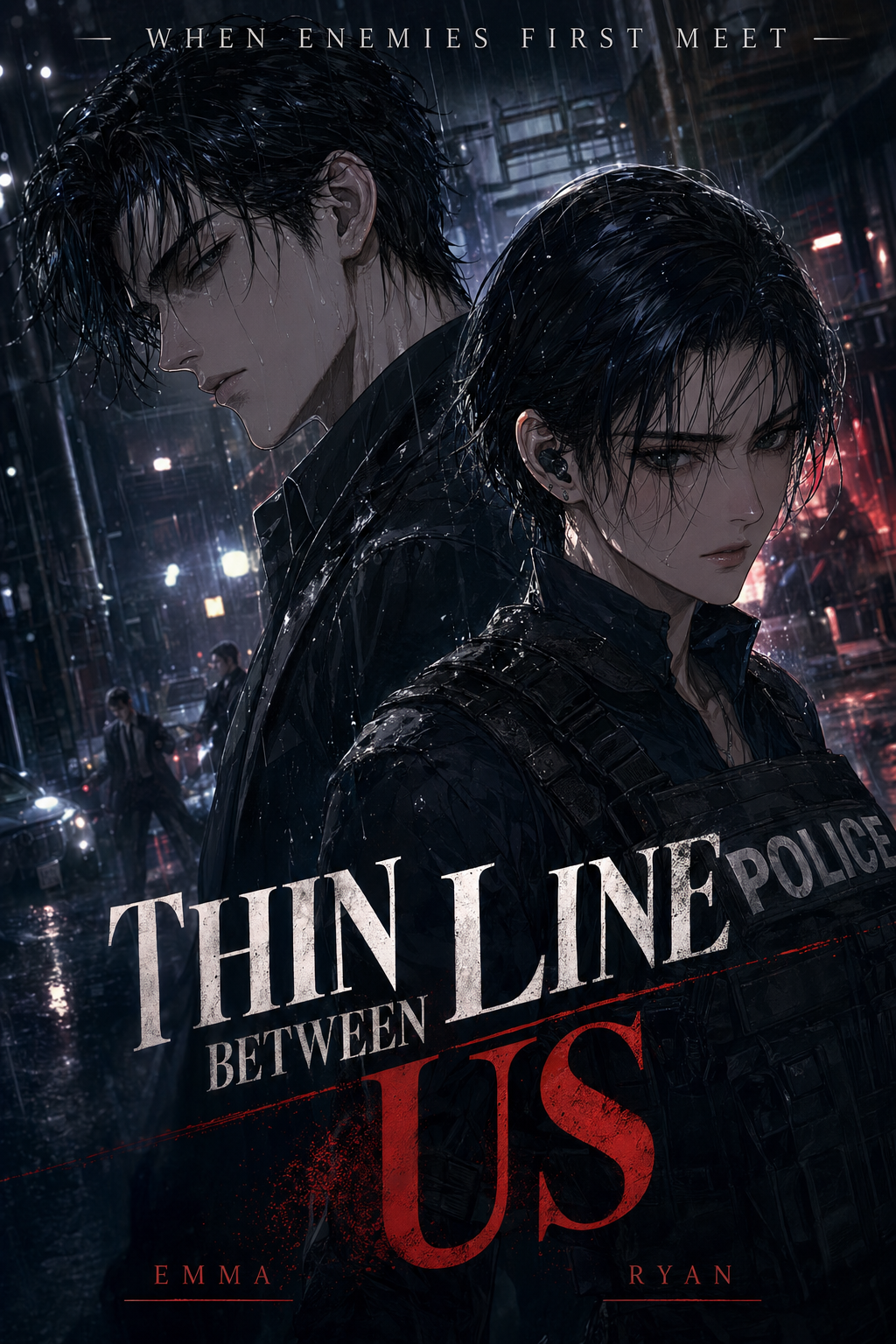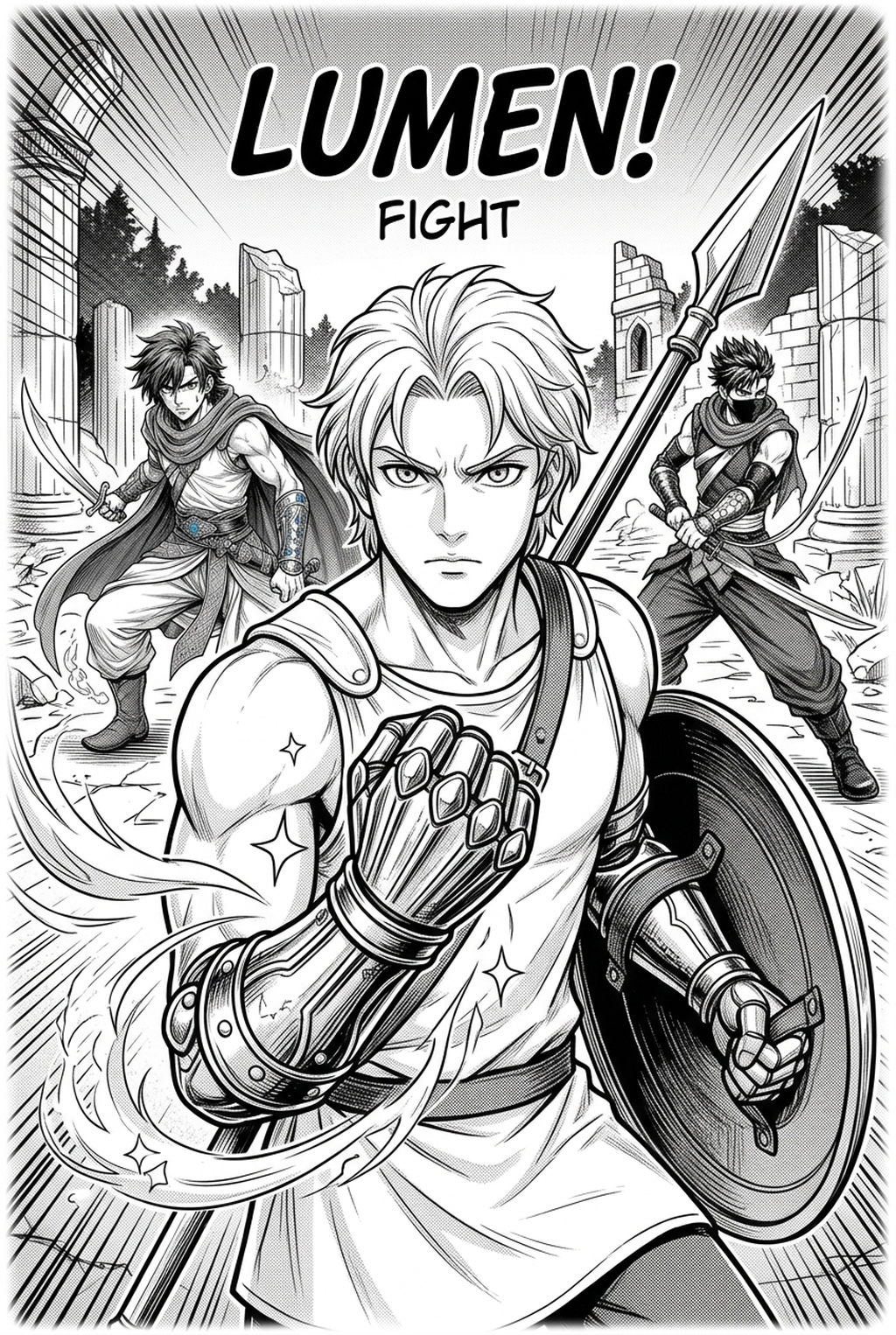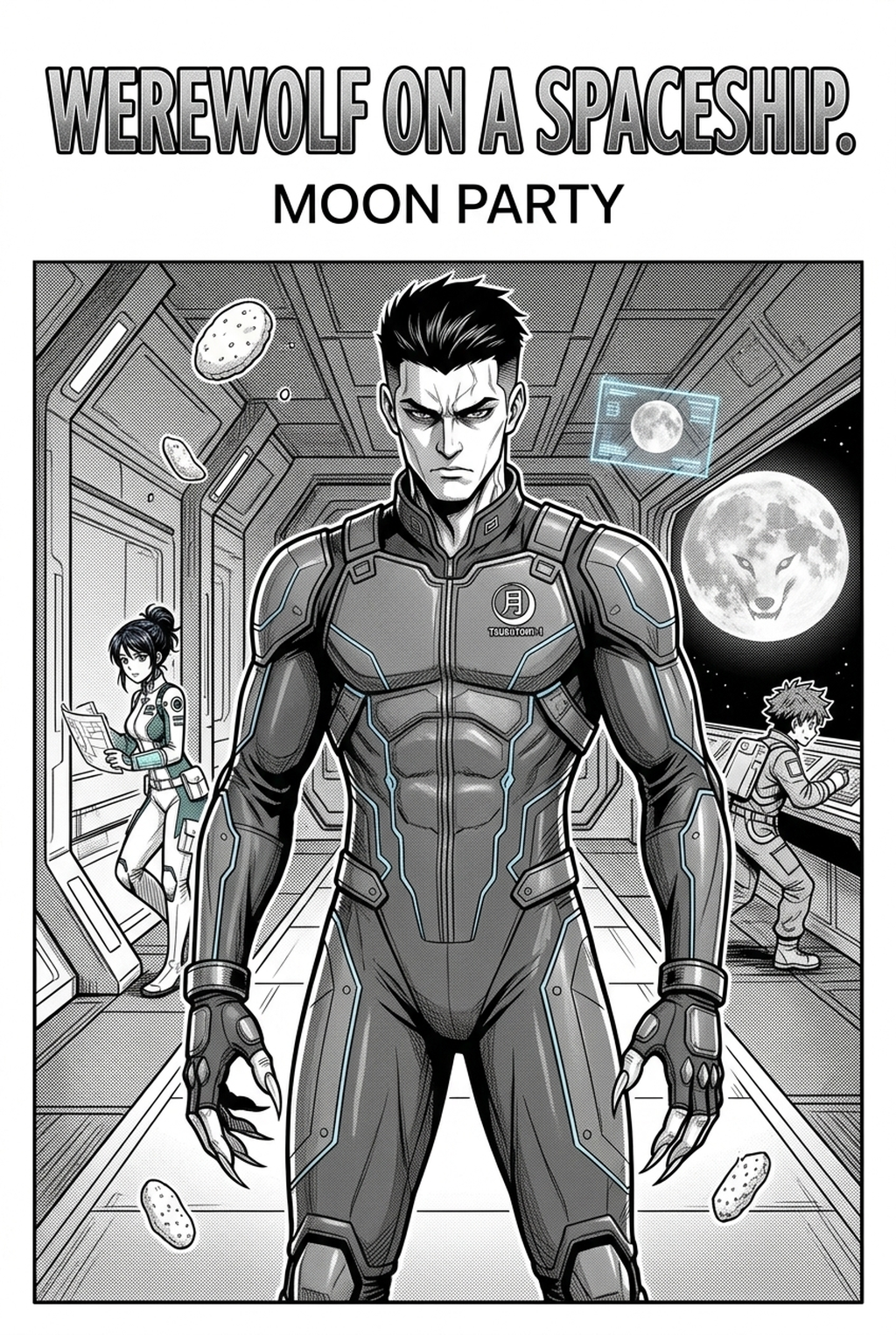
AI Manga Colorist: Prerequisites for AI Manga Colorist in Seinen
The Anime News Network feature on how manga is made describes manga as staged work from rough draft to finished page. That production context matters for Seinen creators because AI assistance is useful only when the sketch, inking pass, and final page review stay connected.
AI Manga Colorist for Seinen manga helps creators choose the right Mangaka workflow for cleaner pages, steadier style, and review-ready output. The comparison starts with production speed, manual control, line quality, and export readiness because those factors shape whether a page can move into final review. You have already invested significant energy into the narrative tone and structural density of your pages.
Creative Decisions and Export Quality
Seinen is defined by its ability to balance hyper-detailed backgrounds with nuanced character expressions. If your work features high-frequency details, such as complex urban decay or subtle facial scars, you need a system that recognizes line boundaries rather than just filling color blocks. You are the ideal creator for this technology if you want to focus on color theory and emotional pacing rather than the tedious task of flatting every frame.
Quality Checks Before Export
Verify the technical integrity of your base pages. AI tools perform best when your lines are clean, continuous, and high-contrast, as these provide the "anchors" the software needs to keep your art sharp.
- Resolution: Ensure your files are exported at 600 DPI to capture the full nuance of your nibs or digital brushes. * Contrast Levels: Aim for deep blacks and pure whites. Grayscale gradients in your original lines can occasionally confuse color depth logic. * Line Continuity: Close your loops in areas where you want distinct color separation, such as around clothing or character features.
Step 1: Sign Up at Mangaka
Start by preparing the creative brief, reference notes, character constraints, and export target before generation. The setup matters because a clearer brief gives the review pass something specific to judge: silhouette, expression, panel readability, and file readiness. You can begin transforming your workflow by creating a workspace where your specific art style is the primary focus. Head to AI Manga Colorist for Seinen manga with Mangaka to register your account. By setting up your profile, you gain access to tools that treat your manga pages as professional assets rather than generic image uploads.
Step 2: Paste or Upload Your Seinen Script
Whether you are working from a detailed storyboard or a finalized draft, your visual foundation is the core of your product. Uploading your clear, high-resolution pages allows the system to analyze your panel layout and determine where specific color palettes should be applied to enhance the narrative mood. If you have specific color notes or a mood board for a particular chapter—such as a shift toward cold, desaturated tones for a tense confrontation—this is where your stylistic intent guides the output.
Step 3: Generate and Download Black-And-White Panels Panels
Once your pages are processed, the generation phase happens rapidly. You will receive a colorized version that respects your initial composition. Because the system is built to prioritize your original line work, you receive an output that retains the raw, visceral impact of a traditional Seinen page while benefiting from modern atmospheric color grading. You can then download these files to use in your preferred editing software for final touch-ups or to prepare for digital publication.
Tips for Best Results in Seinen Manga
Mastering AI-assisted coloring for a mature audience requires a focus on consistency. The following strategies ensure that your characters and environments remain visually coherent across multiple chapters. This keeps the review focused on story intent, line weight, panel readability, and the export quality behind the final AI Manga Colorist output.
Workflow Fit and Review Needs
Seinen storytelling often utilizes a specific, recurring color palette to signal shifts in memory or perspective. When using Mangaka, apply consistent color tags or reference descriptions for recurring characters to ensure they look the same regardless of the panel's environment. This prevents the "flashy" or oversaturated look that plagues many AI color jobs, keeping your work firmly grounded in the grounded, dark aesthetic expected by the industry.
Layered Review and Refinement
Even the most advanced AI benefits from a final human pass. Keeping your process modular—where lines, flat colors, and highlights exist on separate layers—is the industry standard for maintaining professional control over the final product. Release cadence belongs in the production context for manga tools.
For creators. The useful product question is whether pages stay readable when schedule pressure rises. Export quality depends on whether the creator can still adjust cleanup, line weight, and handoff settings after AI assistance. Wacom comic and manga creation guidance ties that point to drawing practice instead of broad AI-image claims.
- Reader expectations. MyAnimeList manga news keeps genre expectations visible for readers who scan action, character acting, and page rhythm quickly. Shonen inking should preserve panel clarity, not just cleaner lines.
- Drawing practice. Wacom's comic and manga creation guide ties tool choice to brush control, cleanup effort, and export readiness. That keeps review grounded in creator workflow.
The Bottom Line
A useful coloring pass keeps the story goal, visual style, and review step clear before export. AI Manga Colorist gives creators a faster first pass without removing the final human review. Creators can use each revision decision to clarify panel readability, character consistency, and export quality before publishing or sharing.
Start creating with AI Manga Colorist for Seinen manga when you are ready to turn the reviewed idea into finished manga pages. Test it with one real page goal, one reference boundary, and one export requirement so the decision stays tied to production quality.