AI Manga Colorist: Prerequisites for AI Manga Colorist in Sports
AI Manga Colorist for Sports manga helps creators choose the right Mangaka workflow for cleaner pages, steadier style, and review-ready output. The comparison starts with production speed, manual control, line quality, and export readiness because those factors shape whether a page can move into final review. Your technical foundation must be solid to ensure the AI interprets your lines correctly. Sports manga relies heavily on speed lines, impact frames, and character anatomy, all of which require specific preparation to yield the best results.
Creative Decisions and Export Quality
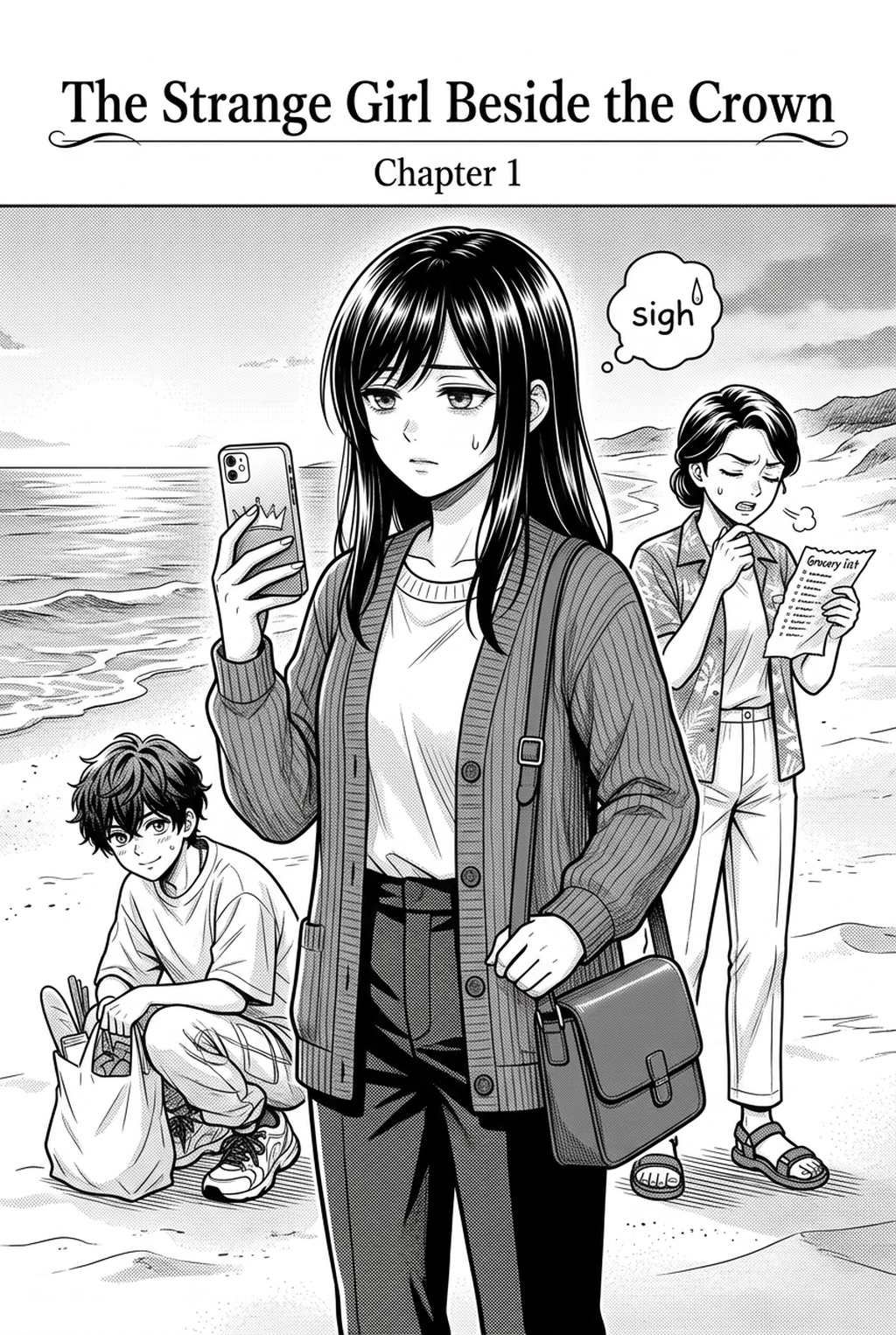
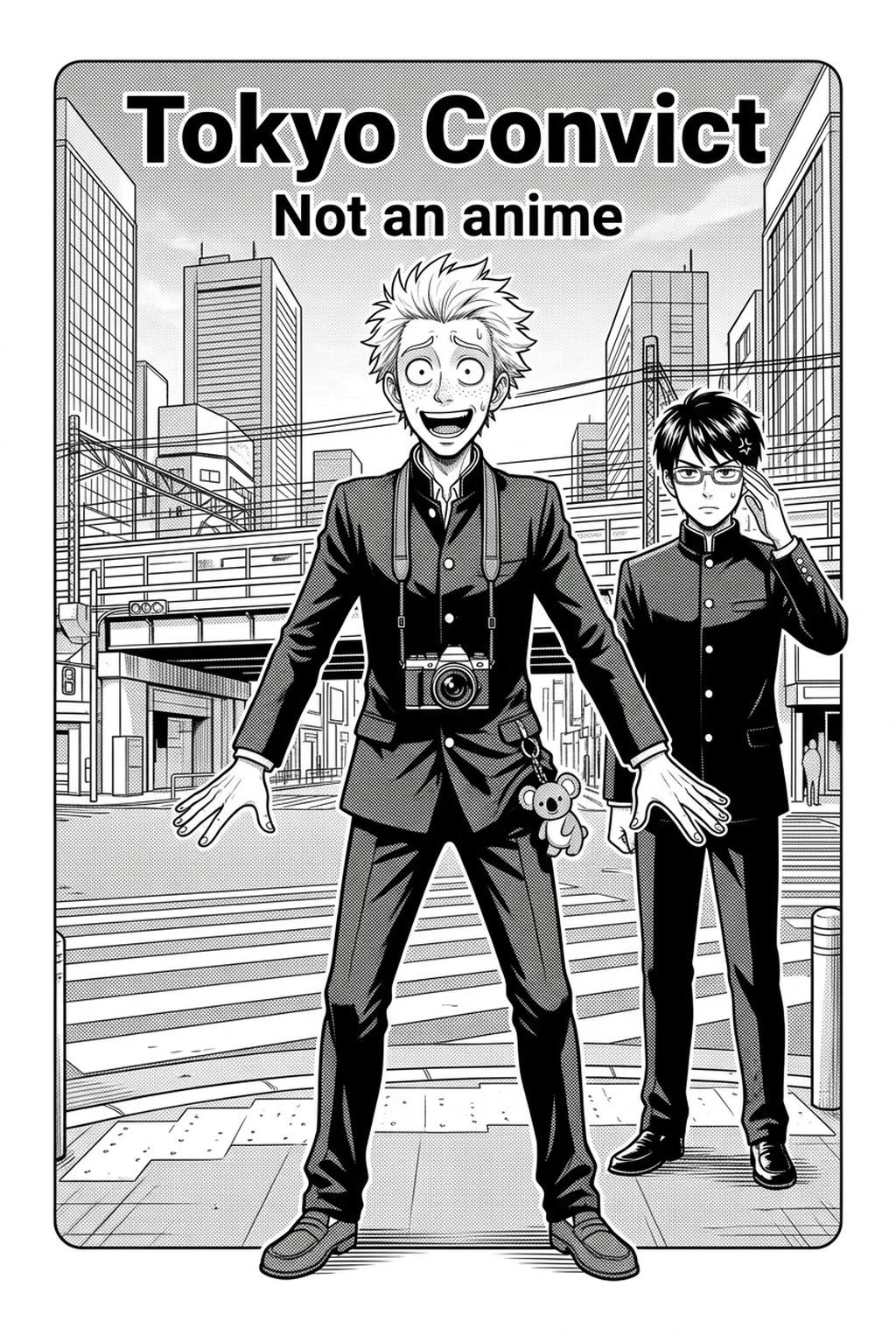
Your readiness depends on having your pages finalized in black and white. Ensure your ink layers are distinct from your background sketches. For the best performance, your files should be:
- High Contrast: Use clean, solid blacks and whites without heavy grayscale gradients, as these can confuse the AI’s understanding of form.
- Layer Separation: Keep your characters on a separate layer from your background scenery to allow for nuanced coloring adjustments.
- Consistent Line Weight: Use Anime News Network’s insights on visual storytelling to ensure your focal points have bold, clear lines that anchor the color.
Quality Checks Before Export
Check your files for "gaps" in your linework. If a character’s silhouette is broken, the color will bleed into the background, ruining the impact of your action shot. Always zoom to 200% to ensure your lines are closed and crisp, which prevents the AI from making erratic color choices in open spaces.
Step 1: Sign Up at Mangaka
Start by preparing the creative brief, reference notes, character constraints, and export target before generation. The setup matters because a clearer brief gives the review pass something specific to judge: silhouette, expression, panel readability, and file readiness. Getting started requires a seamless connection between your art software and your coloring suite. By creating an account at AI Manga Colorist for Sports manga with Mangaka , you gain access to a platform specifically tuned to recognize the nuances of manga anatomy. The sign-up process is minimal, designed to get you from "line art" to "color panel" without the typical administrative bloat of complex software suites.
Step 2: Paste or Upload Your Sports Script
Once your account is active, you can upload your source pages. In the context of a sports manga, consider the emotional temperature of the scene. You are not just adding color; you are adding atmosphere. Mangaka allows you to specify elements that define your scene—like the lighting of a fluorescent stadium or the sunset glow of an outdoor training ground—ensuring the AI understands the environment surrounding your characters.
Step 3: Generate and Download Dynamic Color Panels Panels
After Uploading. The tool generates your colorized versions while strictly preserving your original line art. This is crucial for creators who have spent hours perfecting the specific expression of a character in the heat of a game. Once the generation is complete, you can download the high-resolution files. These files are optimized for digital platforms , ensuring your colors remain vibrant on both tablets and desktop browsers without losing clarity.
Tips for Best Results in Sports Manga
Achieving professional results requires a mix of artistic intent and technical calibration. Treat the AI as your junior colorist; it needs clear instructions to maintain the continuity of your characters' uniforms and skin tones throughout the chapter.
Workflow Fit and Review Needs
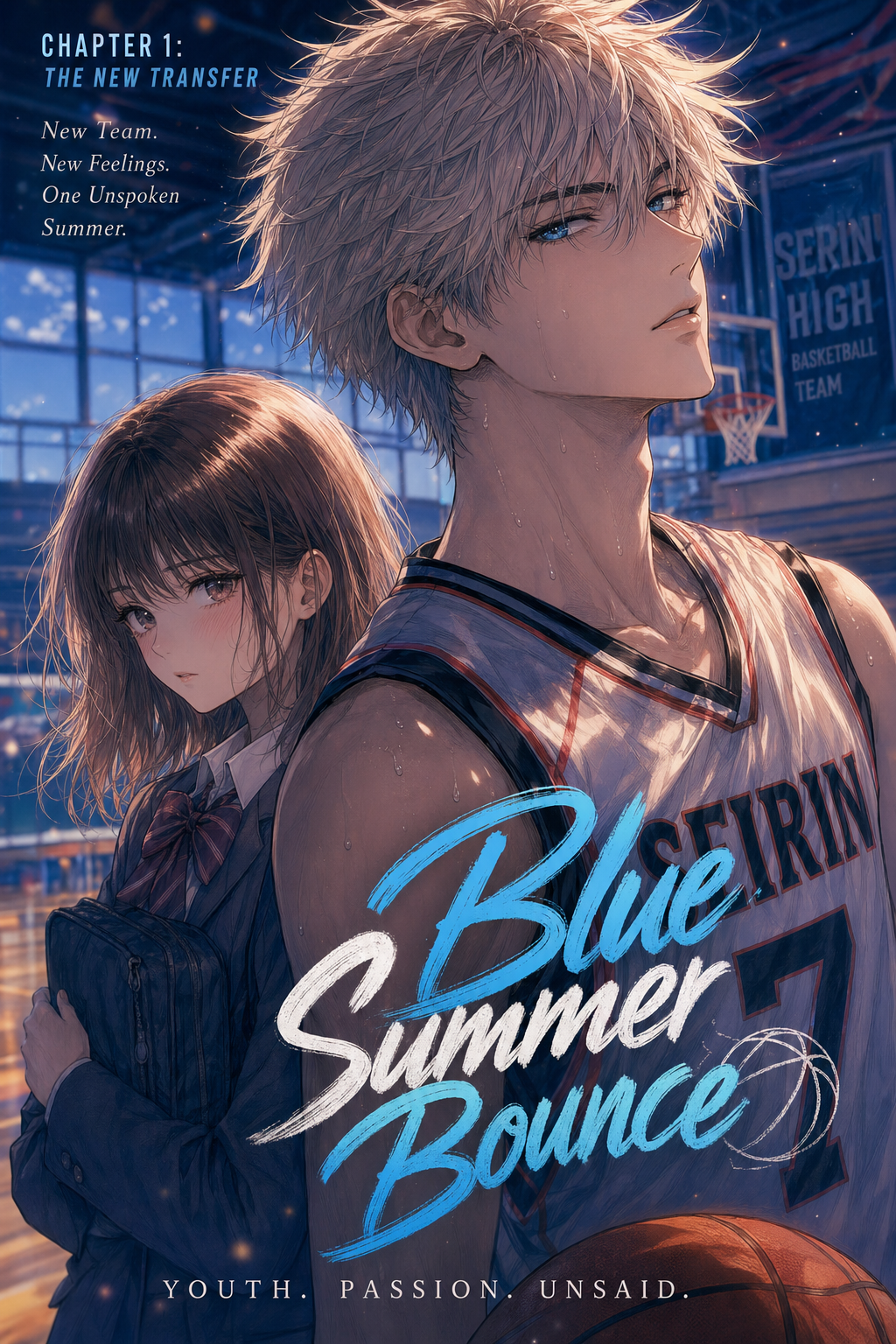
Consistency is the biggest challenge in sports manga. You must ensure that the team jersey colors remain identical across every panel in a match. Before hitting "generate," define your color palette clearly. If your lead character wears a specific shade of blue, keep that reference consistent across your uploads to minimize post-generation editing time.
Reader Impact Before Publishing
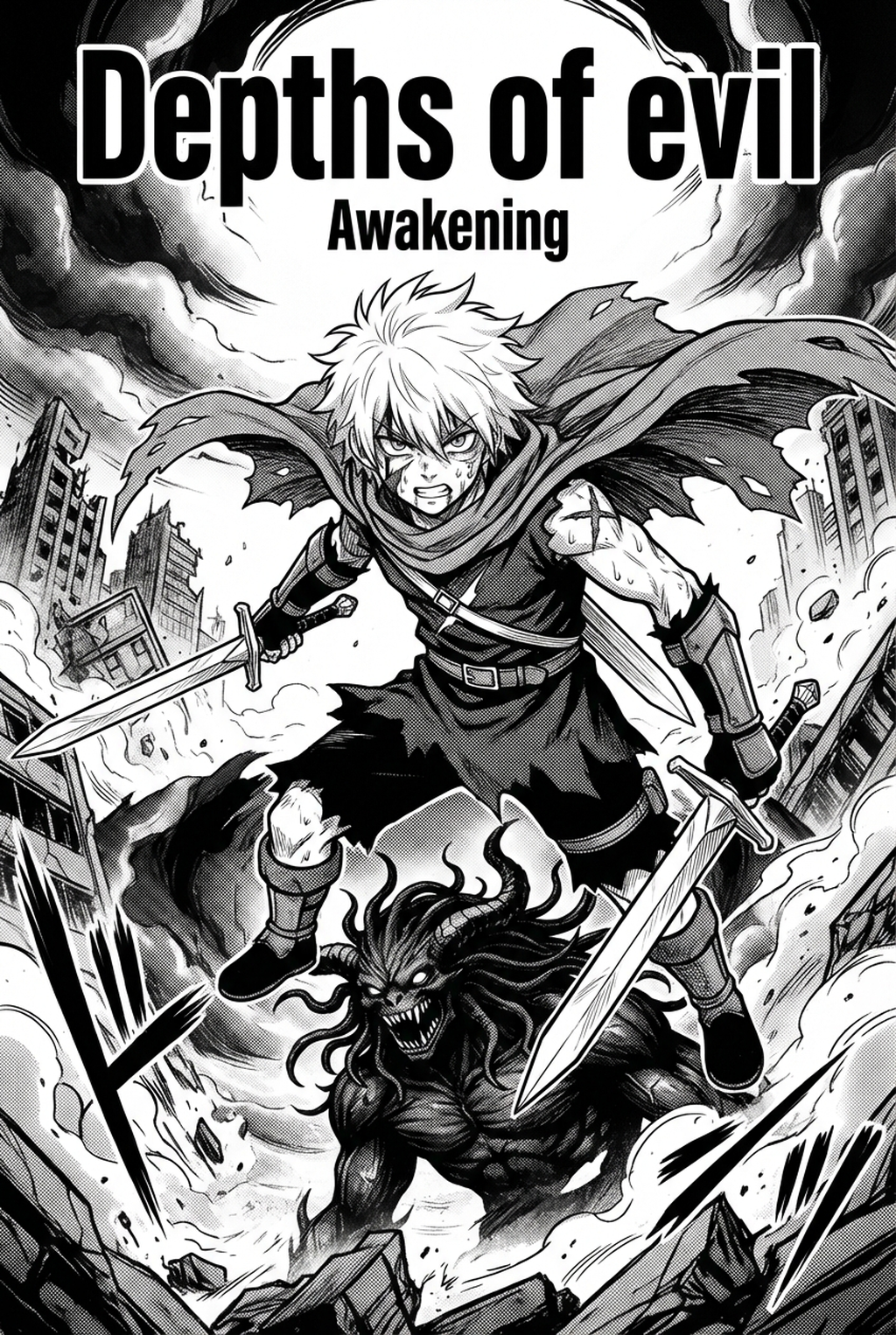
Even the most advanced AI can make mistakes during high-motion panels. Always inspect the "impact" areas—where motion blur and speed lines intersect. If the AI applies too much color to your speed lines, adjust your input contrast. A quick manual pass in your preferred drawing software after the AI completes its work is the industry standard for maintaining that polished, professional finish.
Creators should define the scene goal, character references, page count, reading direction, and target Dynamic color panels. That gives AI Manga Colorist enough context to support the story instead of producing disconnected panels. Creators should check line weight, facial expression, pose clarity, panel order, and space for dialogue before export. Those checks matter more for Sports pages because action beats and emotional pauses need to read quickly.
- Production context. Anime News Network's manga production feature describes manga as staged work from rough draft to finished page. Use it to judge whether AI inking helps cleanup without weakening review.
- Reader expectations. MyAnimeList manga news keeps genre expectations visible for readers who scan action, character acting, and page rhythm quickly. Shonen inking should preserve panel clarity, not just cleaner lines.
- Drawing practice. Wacom's comic and manga creation guide ties tool choice to brush control, cleanup effort, and export readiness. That keeps review grounded in creator workflow.
The Bottom Line
A useful coloring pass keeps the story goal, visual style, and review step clear before export. AI Manga Colorist gives creators a faster first pass without removing the final human review. This keeps the review focused on story intent, line weight, panel readability, and the export quality behind the final AI Manga Colorist output.
Start creating with AI Manga Colorist for Sports manga when you are ready to turn the reviewed idea into finished manga pages. Test it with one real page goal, one reference boundary, and one export requirement so the decision stays tied to production quality.