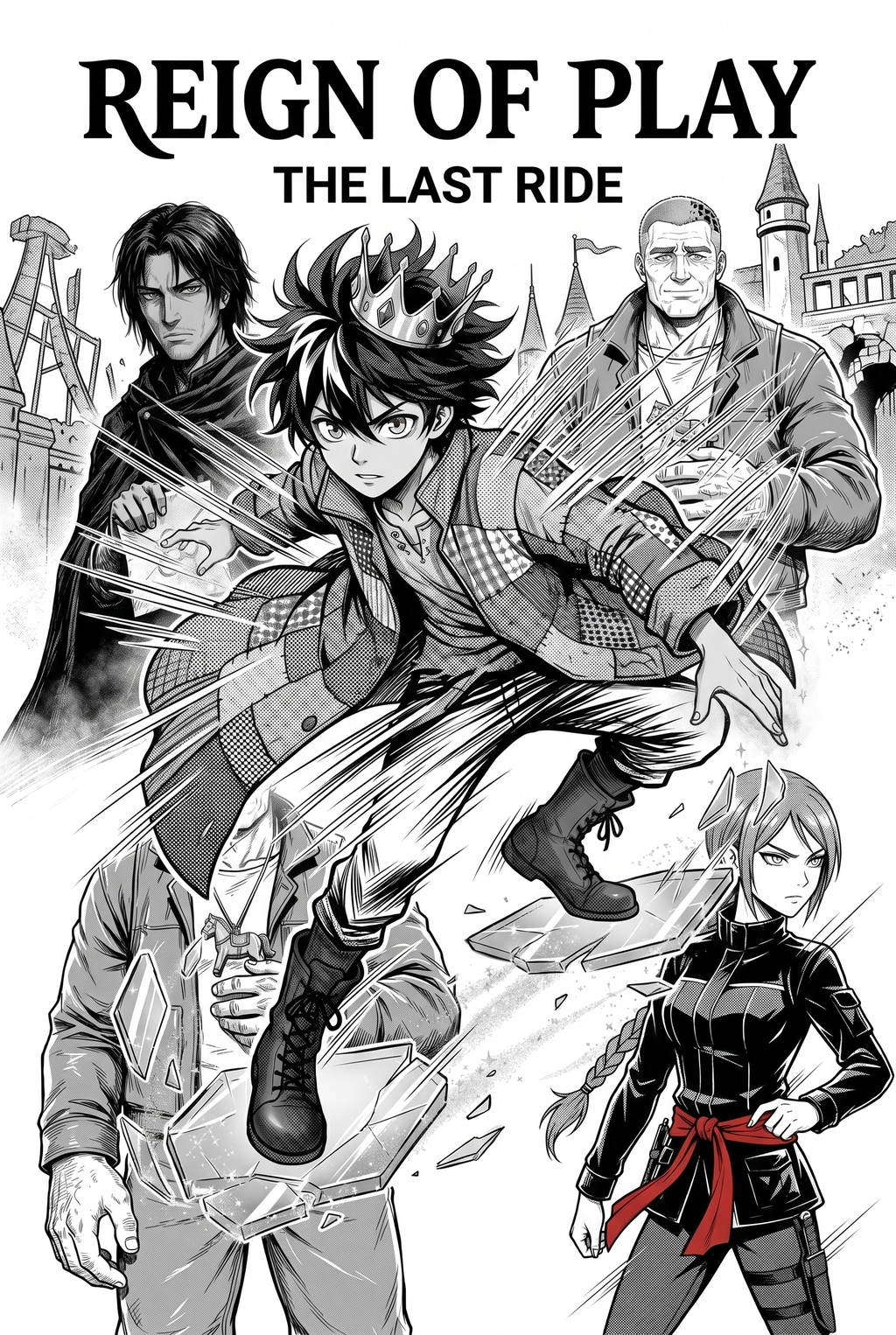
AI Manga Colorist: Why the Role Matters for Manga Creators
AI-driven tools act as a force multiplier for solo creators or small studio teams, shifting the focus from manual color fills to deliberate stylistic choices. By automating the repetitive segment-filling process, artists can dedicate their limited time to visual storytelling and high-level color theory.
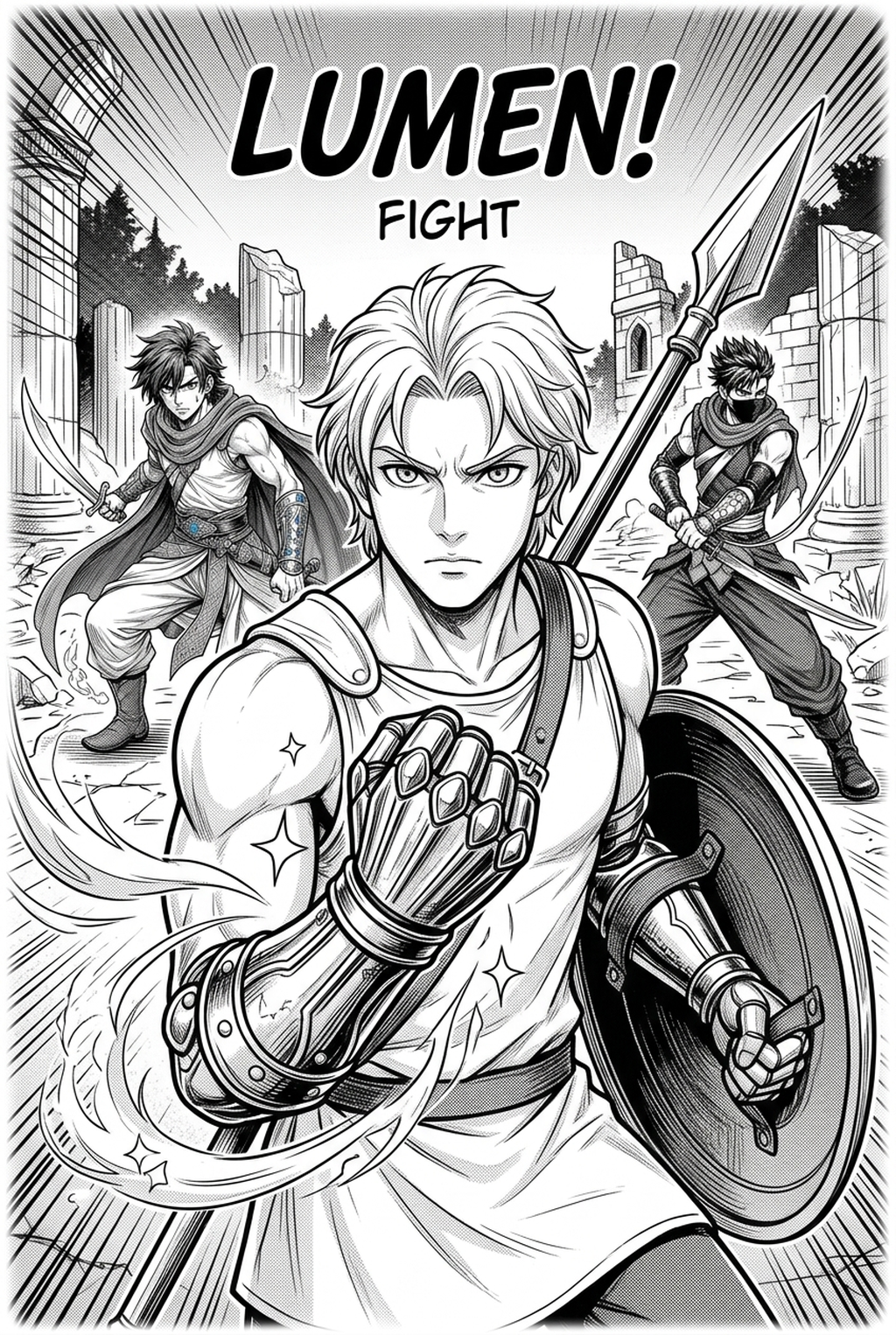
Integrating advanced software allows you to maintain visual continuity across entire volumes, which is notoriously difficult to achieve with manual coloring methods. Because tools like AI AI Manga Colorist workflow workflow with Mangaka protect your original line art as a static, non-degradable layer, the final output retains the crispness of your hand-inked designs while benefiting from professional-grade color application.
How the Colorist Workflow Functions with Mangaka
Efficiency in serial manga production relies on an asset-first mindset where panel-specific profiles are treated as reusable building blocks. This approach significantly reduces the time spent on recurring character designs, especially in fast-paced series where consistent visual feedback is mandatory.
- Rapid Iteration Cycles: Digital colorists must quickly manage feedback from editors, allowing for lighting or shading adjustments on individual layers without needing to re-ink or flatten the entire page from scratch. * Preserving Artistic Signature: The primary benefit of using AI for color is the ability to maintain the "hand-drawn" aesthetic. Tools should treat ink boundaries as impenetrable limits, preventing the color-bleed that often ruins panels with dense cross-hatching. * Output Consistency: Generating final files with standard naming conventions and DPI settings ensures that your submission is compliant with publisher guidelines, avoiding the need for last-minute, low-quality re-exports.
- Chapter cadence. Use the AI pass for pages where speed matters most, such as repeated action poses, transformation beats, or dense speed-line panels. Keep manual cleanup for hero panels where the line style defines the emotional peak. - Character continuity. Compare the generated lines against the same model sheet, costume notes, and facial-expression range used during sketching. This prevents a fast inking pass from drifting away from the character identity readers recognize. - Export readiness. Check whether the final manga output can move into lettering, coloring, or final layout without rebuilding panel borders or speech-bubble space. A good manga workflow should save time while keeping the next production step predictable.
- Chapter cadence. Use the AI pass for pages where speed matters most, such as repeated action poses, transformation beats, or dense speed-line panels. Keep manual cleanup for hero panels where the line style defines the emotional peak.
- Character continuity. Compare the generated lines against the same model sheet, costume notes, and facial-expression range used during sketching. This prevents a fast inking pass from drifting away from the character identity readers recognize.
- Export readiness. Check whether the final manga output can move into lettering, coloring, or final layout without rebuilding panel borders or speech-bubble space. A good manga workflow should save time while keeping the next production step predictable.
Use Cases for Advanced Coloring Tools
AI-assisted coloring is particularly effective for indie creators who must scale their output to compete with larger studio teams. By utilizing automated workflows, you can achieve a full-color aesthetic for long-form chapters that would otherwise face production bottlenecks due to manual labor constraints.
- Prototyping Narrative Mood: Creators use these tools to test how different lighting schemes influence the tone of a scene, enabling rapid experimentation before finalizing a color palette. * Multi-Panel Efficiency: When working on complex action sequences, AI can handle the repetitive coloring of environmental details, allowing you to focus on the unique color palettes of primary characters. * Professional Cost Mitigation: Small teams save on labor costs by using software to handle the baseline filling, reserving expensive human hours for final, manual polish and specialized color effects.
How to Get Started with Your Digital Workflow
To achieve a professional finish, you must prioritize tools that treat your source files with respect, specifically regarding line-art preservation. The initial step involves importing your high-resolution B&W ink work into the software environment to facilitate automated segmentation. Export your clean B&W pages as high-resolution PNG or TIFF files, ensuring the background is transparent or white for optimal segmentation detection.
Use the tool to map color zones across your panels, confirming that the software correctly interprets your ink lines as borders. Apply manual adjustments to highlights, shadows, and specific color accents, ensuring the final image matches your artistic signature. Verify that your final file matches the DPI and color space requirements of your target platform, then export the finished page.
Creators should compare the generated line art with the original sketch and confirm that facial expressions, props, speed lines, and speech-bubble space still support the scene. A repeatable review pass should cover character consistency, panel readability, background clarity, and whether the final file is ready for coloring, lettering, or editor feedback.
Creators should save approved examples of line weight, face detail, clothing folds, and background density. Those references keep later chapters closer to the intended style. For collaboration, creators should mark which panels are final and which panels still need redraws. Clear status labels prevent an assistant, editor, or colorist from polishing the wrong version. For longer projects, creators should save approved examples of line weight, face detail, clothing folds, and background density.
The Bottom Line
The modern creator workflow is transitioning from a manual technician to a creative editor who uses automation to scale their output while preserving the hand-drawn essence of their work. By integrating advanced technology into your production process, you ensure that your chapters remain competitive in a landscape that increasingly values both speed and visual quality. Start generating high-fidelity color for your projects at AI AI Manga Colorist workflow workflow to keep your original, hand-inked aesthetic intact while scaling your artistic output.
Related articles
How a Manga Colorist Workflow Is Evolving with AI in 2026
AI Manga Inking: A Modern Guide for Faster Serialization
What Does a Manga Colorist Do? A Guide for Modern Artists