AI Manga Style Transfer: Prerequisites for AI Manga Style Transfer in Shojo
Reader expectations should shape how creators review pacing, expression, and genre clarity after generation. MyAnimeList manga news keeps that audience context visible, so Shojo pages should be judged by whether readers can follow the action, character role, and visual rhythm.
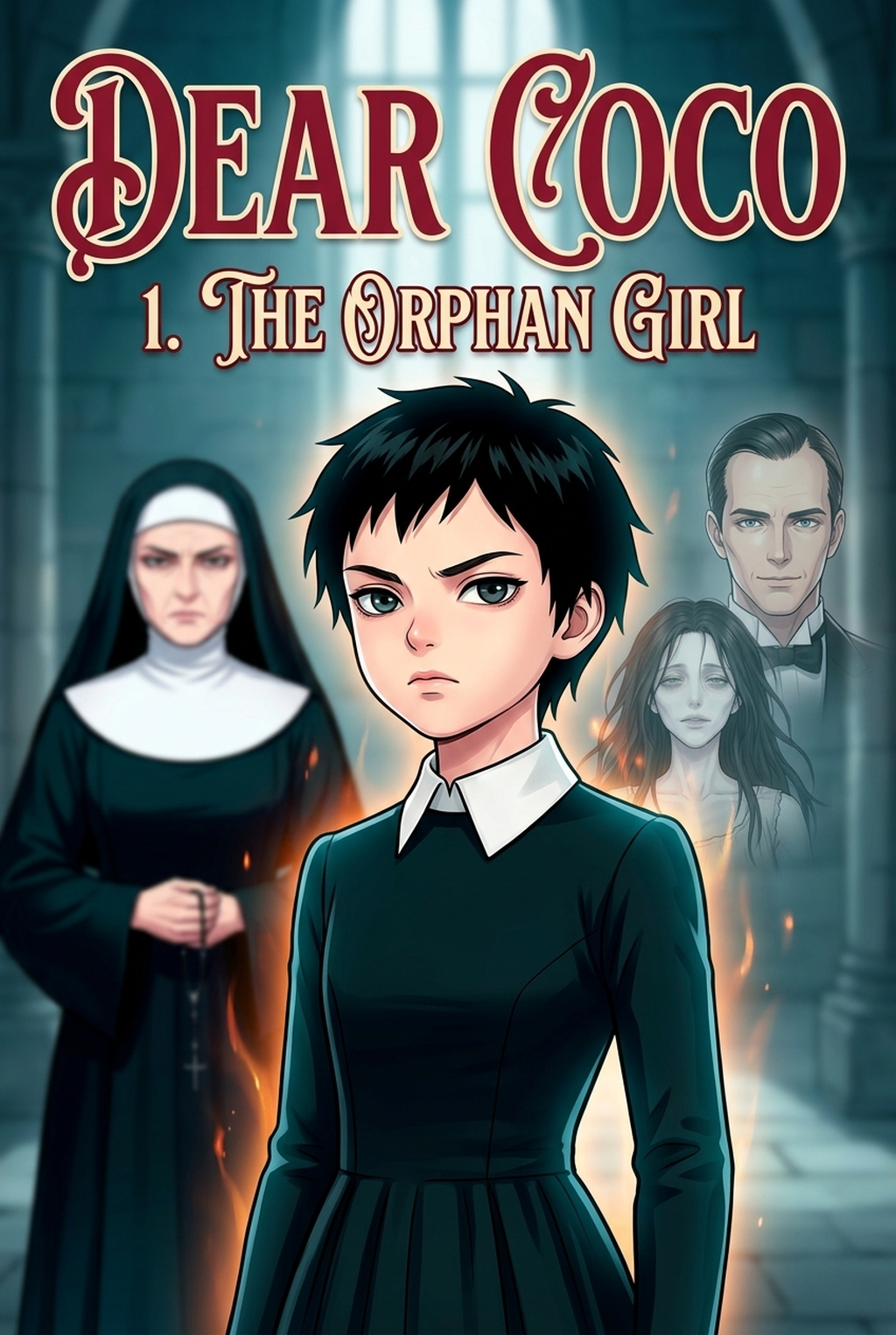
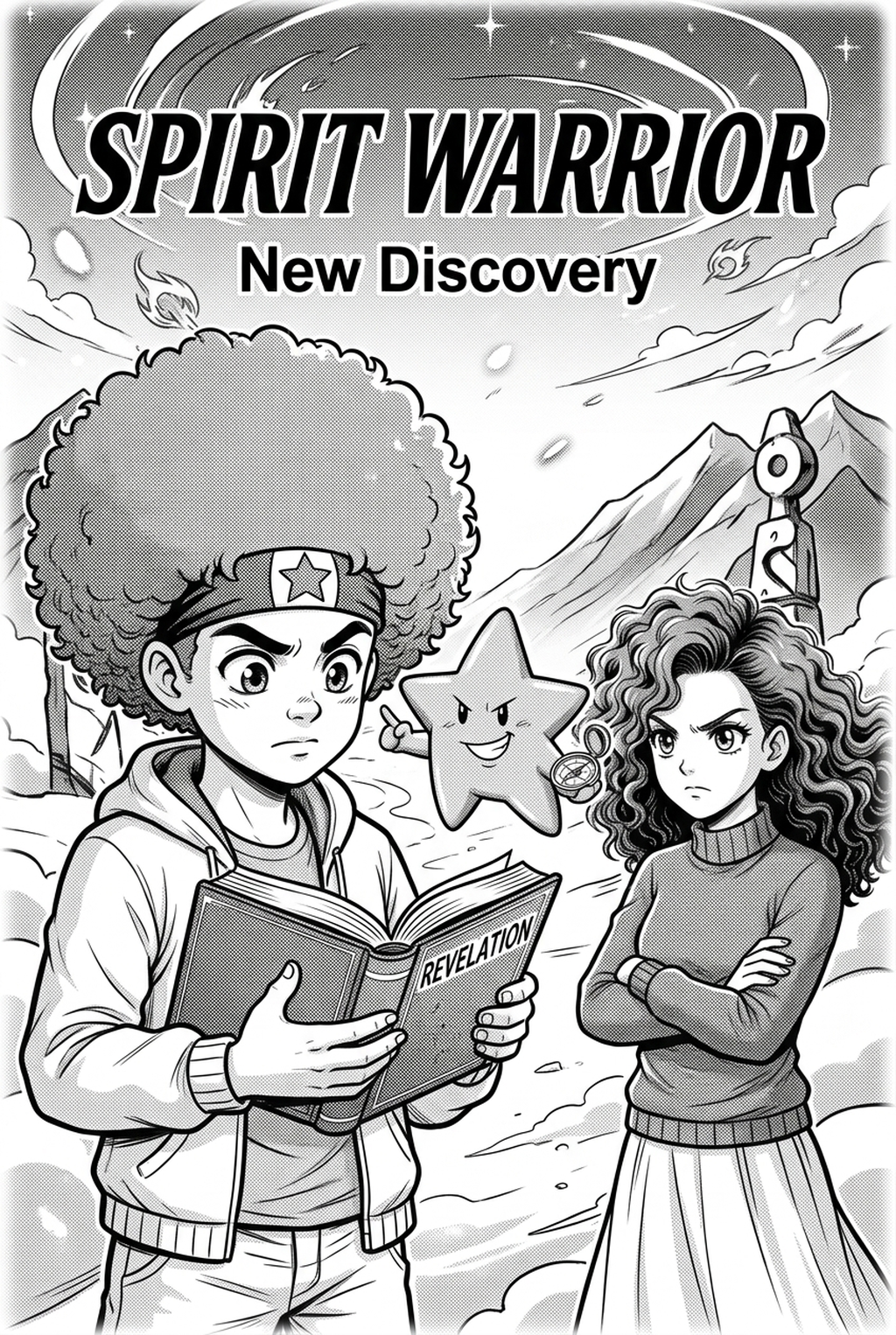
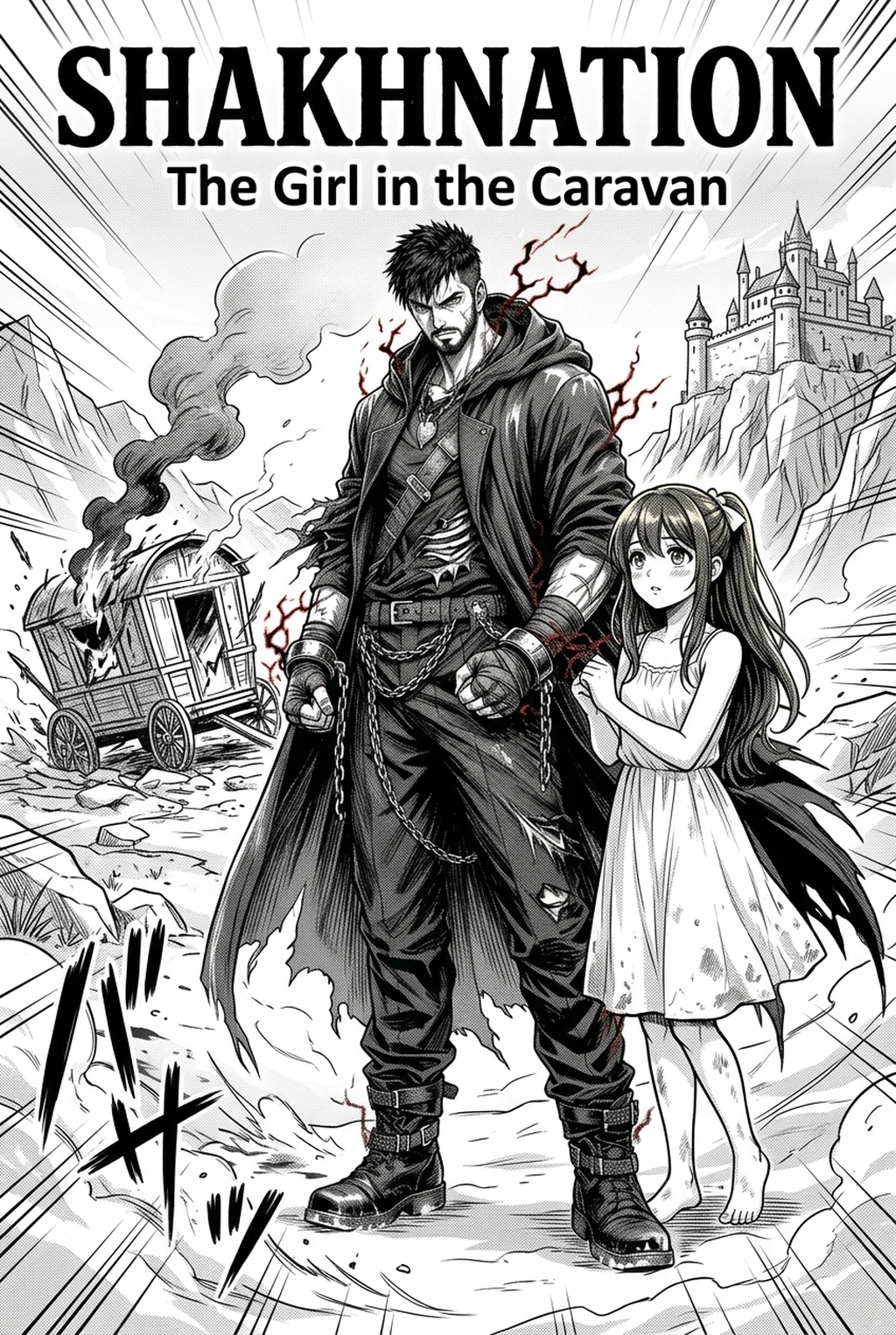
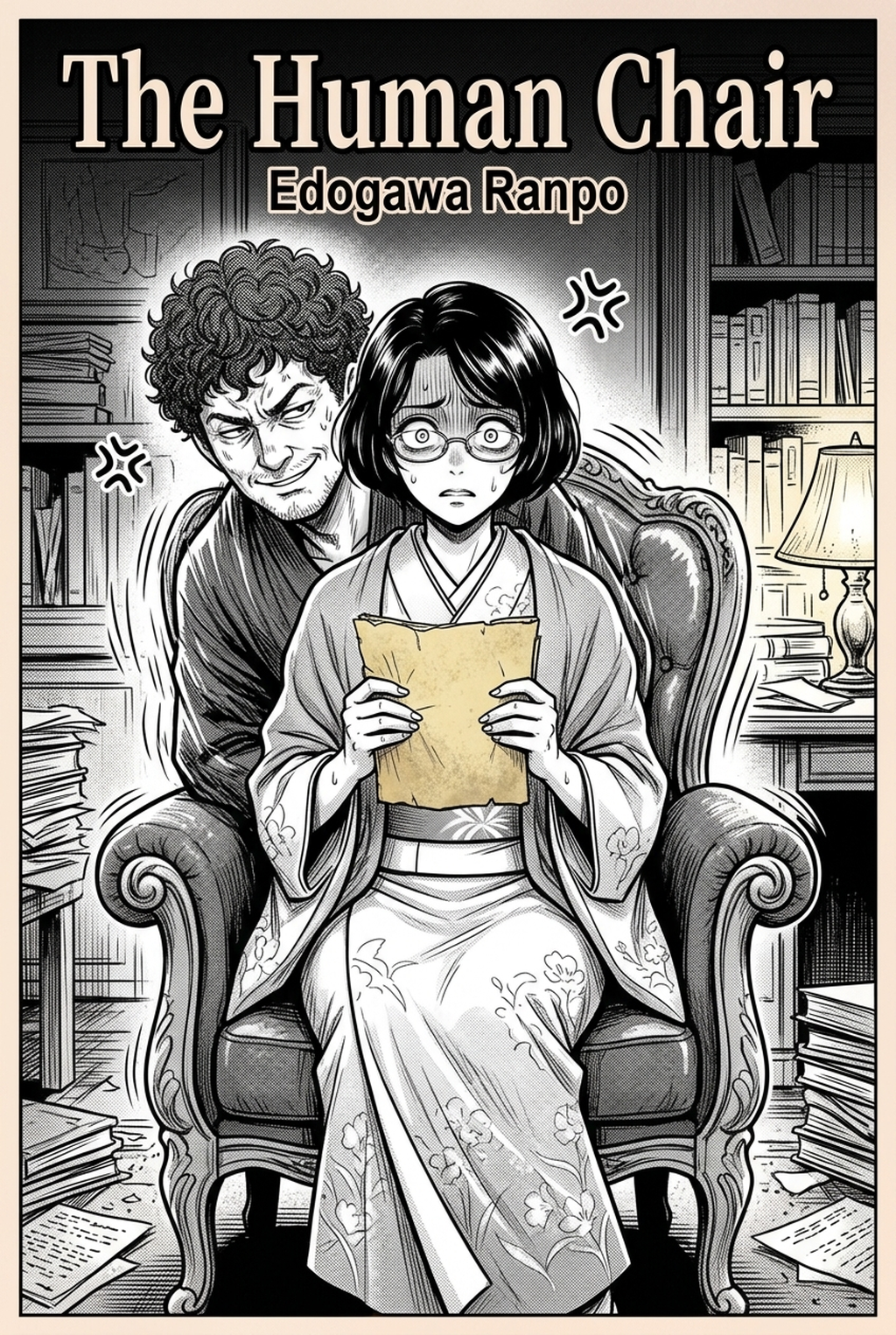
AI Manga Style Transfer for Shojo manga helps creators choose the right Mangaka workflow for cleaner pages, steadier style, and review-ready output. The comparison starts with production speed, manual control, line quality, and export readiness because those factors shape whether a page can move into final review. You are likely juggling a dozen different tasks while trying to maintain the specific "dreamy" look that defines the Shojo genre. Before you begin the transformation process, ensuring your base materials are optimized for the AI model is the secret to getting that perfect, soft-focus result without losing your unique hand-drawn charm.
Creative Decisions and Export Quality
Your sketches should prioritize clear silhouettes and expressive facial features, as these are the cornerstones of Shojo storytelling. If your sketches are overly cluttered, the AI might struggle to interpret the intended line work; aim for clean, distinct strokes. Consider if your current page layout needs allow for the "shimmer" effect that pastel styles thrive on, as high-contrast sketches may require slight lightening before you start your transfer.
Quality Checks Before Export
Before you commit your panels to the style transfer process, perform these essential quality checks:
- Contrast Balance: Ensure your sketch lines are dark enough to be recognized, but keep the paper background neutral to avoid unwanted texture noise.
- Anatomical Clarity: Confirm that key emotional markers—like the sparkle in the eyes—are well-defined, as these details often guide the aesthetic focus of the re-render.
- Resolution Check: Always work with at least 300 DPI to ensure that the final pastel output retains its crisp quality, which is crucial for digital reading platforms .
- Chapter cadence. Use the AI pass for pages where speed matters most, such as repeated action poses, transformation beats, or dense speed-line panels. Keep manual cleanup for hero panels where the line style defines the emotional peak.
- Character continuity. Compare the generated lines against the same model sheet, costume notes, and facial-expression range used during sketching. This prevents a fast inking pass from drifting away from the character identity readers recognize.
- Export readiness. Check whether the Pastel webtoon can move into lettering, coloring, or final layout without rebuilding panel borders or speech-bubble space. A good Shojo workflow should save time while keeping the next production step predictable.
Step 1: Sign Up at Mangaka
Hands-on drawing control still matters after an AI first pass because creators may need to adjust line weight, cleanup, and export settings. The Wacom comic and manga creation guide anchors that review in practical art production rather than broad AI-image claims.
Start by preparing the creative brief, reference notes, character constraints, and export target before generation. The setup matters because a clearer brief gives the review pass something specific to judge: silhouette, expression, panel readability, and file readiness. You can get started immediately by visiting the AI Manga Style Transfer for Shojo manga with Mangaka to set up your account. Registration is designed to be frictionless, allowing you to move from inspiration to iteration without unnecessary hurdles. Once your account is active, you gain access to the specialized models tuned specifically for the soft, glowing aesthetic common in popular vertical comic platforms.
Step 2: Paste or Upload Your Shojo Script
Step 3: Generate and Download Pastel Vertical Comic Platforms Panels
Tips for Best Results in Shojo Manga
You know that the Shojo look" is about more than just colors—it is about the fluidity of the lines and the romantic atmosphere. Refining your approach to the input process ensures that your final panels feel consistent and professional across every chapter.
Workflow Fit and Review Needs
Your workflow should account for the specific lighting effects you want to achieve. If you are drawing a scene set during sunset or in a rainy garden, adjust the "mood" of your sketch inputs accordingly to help the style transfer model prioritize the correct color temperature for those dreamy, pastel vibes.
Reader Impact Before Publishing
Once you have your generated panels, perform one final scan to ensure the integrity of the scene: * Layering Consistency: Check that character lines haven't bled into the background.
- Tone Matching: Ensure that if you are processing multiple panels for the same sequence, the overall saturation remains balanced.
- Text Integration: If you are adding speech bubbles later, ensure the AI hasn't obscured potential dialogue space by over-rendering background elements.
Export quality depends on whether the creator can still adjust cleanup, line weight, and handoff settings after AI assistance. Ties that point to drawing practice instead of broad AI-image claims.
- Production context. Anime News Network's manga production feature describes manga as staged work from rough draft to finished page. Use it to judge whether AI inking helps cleanup without weakening review.
The Bottom Line
A useful creator workflow keeps the story goal, visual style, and review step clear before export. AI Manga Style Transfer gives creators a faster first pass without removing the final human review. Start creating with AI Manga Style Transfer for Shojo manga when you are ready to turn the reviewed idea into finished manga pages. Test it with one real page goal, one reference boundary, and one export requirement so the decision stays tied to production quality.